
Album artwork not populating

hello,
When listening Internet radio with Rose radio connect (e.a: Radio Paradise) , the album artwork and information about title do not always populating on screen.
We must press the shazam button on rose application (mobile phone) or press the refresh button directly on Rose display.
No problem when playing a CD or even a file stored on SSD.
Any idea? may it come from a low/poor WiFI connection?

I saw some similar notes in the chat …strange than Rose software team cannot create a script or do it automatically
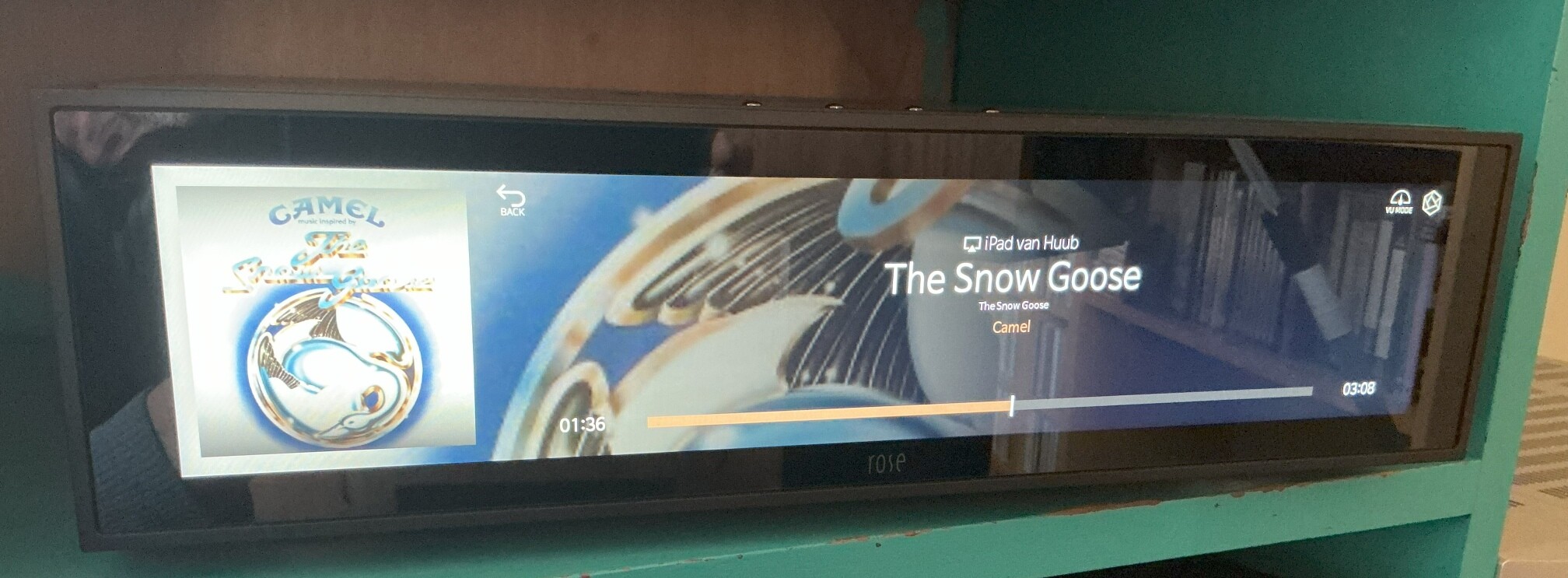
very annoying indeed

himynameisturkish,

This has been requested many times. In fact I have even asked that when landing on the radio station playing page that there be a setting where the Shazam activation for that song be automatically activated. It has not been made available.

StandardModel

1 Like

hope that ROSE Software team will take this subject seriously so as not to be left behind by another supplier.

To listen to Radio Paradise, the best way is to use the (external!) app “Radio Paradise”. In this app you choose the music genre you want to hear and then send it with airplay to the Hifi Rose device.