
@Razmote
We have sent a response to your email. Please check your inbox at your convenience.
Thank you.
I must thank @Rose_love for answering all my questions about issues, improvements, and requests.
Several points have already been included in the next update, which is really great.
There are still a few outstanding issues, which may be resolved one of these days.
Why is this Rose Hifi forum being trolled by people who get a stiffy from Eversolo and don’t let a chance pass to shout it over the several topics?
Everyrime it’s the “Buy a Eversole and Judge yourself”, like no one ever compared them before buying.
Tried 3 streamers in this range, RS-151 - The Aurender A1000 - The Eversolo DMP-A10.
Made a post earlier why the DMP-A10 at first looked like the best one but with longer listning it felt like how his looks are, To Much and over the top. I can understand why it apeals to people having loads of gimmics and a good sound, but to much gimmics like a rotating knob with info rotating? Like said over the top.
Any info you gave was regarding the RS150, RS151 is a big upgrade. Ever tried it?
But it all is just about preferences, not one or the other is miles better.
+1 with Oskamkees 
Why is the Rose Hifi forum being trolled by people who get erections from Eversolo and don’t miss a single opportunity to shout about it in multiple threads? 

You’d have to be a shameless idiot to call the competition’s technology and build quality “trolling.” 
Unfortunately, I was also once delighted with Rose. Unfortunately, they’ve fallen behind the market, now dictated by others. The only thing that’s great about the RS150B and RS151 is the display. 
And the RoseHiFi app is very, very weak.
Sounds exactly the same though (and indistinguishable from a 250; or from an EverSolo for that matter) and if you are convinced otherwise it is only because you are trying to justify spending more money to yourself.
Rose’s screen is nicer though. Too bad software sucks and the company is stuck in 1960s as to what is important for sound quality.
2 Likes
Bonjour (razmote),
Je viens aussi d’acquérir un RS151 qui est toujours en rodage.
L’interface et le visuel sont magnifiques.
Juste une question , j’ecoute beaucoup une radio internet (Radio paradise ) en streaming car de bonne qualité.
Étonnamment les indications “artiste/morceau/pochette de l’album” ne se rafraîchissent pas automatiquement sur l’ecran…je ne comprends pas …il faut que j’appui sur le bouton shazam de mon iPhone ou eventuellement sur le refresh de l’ecran.
Pas de probleme quand j’ecoute des fichiers provenant de Qobuz ou de mon disque dur.
Any idea?
Salut lenglfr,
Malheureusement non car je n’écoute pas la radio avec, mes sources sont exclusivement sur le disque dur interne du RS151.
Je suis l’administrateur de forum-hifi.fr, si tu veux tu peux t’inscrire et on pourra échanger sur le RS151, j’en parle sur le sujet de mon installation 
1 Like
To listen to Radio Paradise on your RS151, the best way is to use the (external!) app “Radio Paradise”. In this app you choose the music genre you want to hear and then send it with airplay to the RS151.
In the past, and even now, you could create your own radio streams. It always worked great on the 520.
Station logos are available online in high resolution.
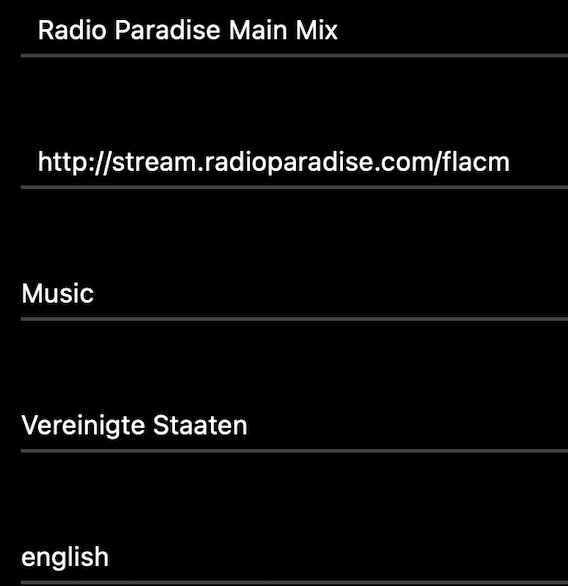
http://stream.radioparadise.com/flacm
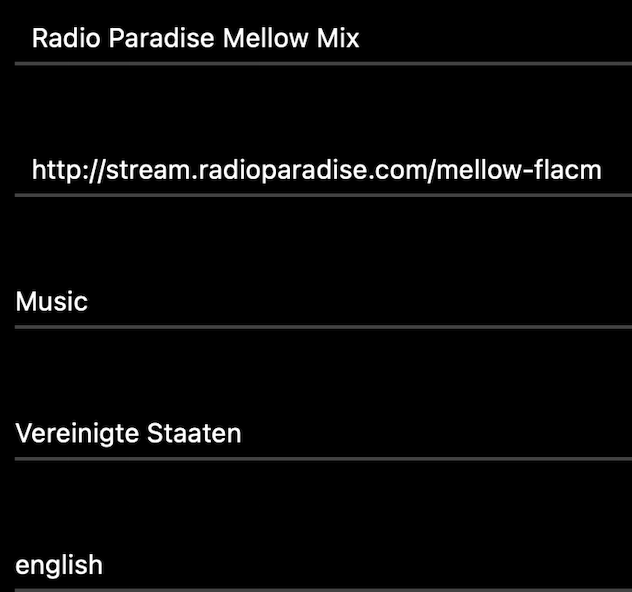
http://stream.radioparadise.com/mellow-flacm
1 Like
The topic-starter asks for a way Radio Paradise is presented in the Rose screen showing the coverart, the name of the artist and the title of the song that is playing.
To achieve this I think the way I indicate is the (only?) road to follow.
I don’t want to argue with you!
I had set it up on my 520 and I dare say that the track information was sent when it was displayed on the rose display.
It’s been a while since I set up this stream.
Have you ever tried creating your own stream?
All I know is that some FLAC radio streams didn’t send the metadata. Unfortunately, I’ve been streaming radio stations via Roon for too long (when I listen to the radio) and therefore can’t say for sure.
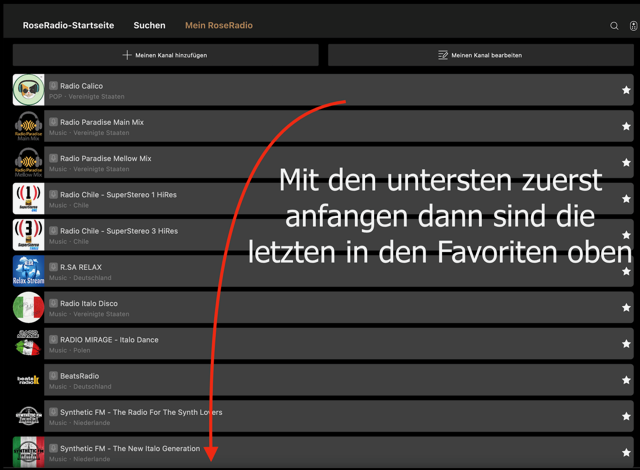

All homemade streams. It is easy to see that the microphone icon is not green. This means that the stations were not in Rose’s database (server) at the time.
Same as you I don’t want to argue.
Appreciate mostly your participations at this forum.
In the internal Rose app “Rose Radio” I looked for and installed Radio Paradise.
It resulted visualized exactly in the way that is shown in your figure above: the headphone logo and the name of the radio station.
When I open this link the music plays and the Rose screen shows only the same headphone logo and the station name.
The screen stays the same as long as the music plays, no cover art, no artist name, no song title. This I experienced with a RS250A, RS 150B and now with a RS151.
1 Like
Okay, as I said, it’s been a while since I created this stream.
But you can try it out for yourself! Use my data to create the Radio Paridis stream yourself and compare it with the one you searched for/found via Rode Server. But you’re probably right: why would Rose use a different stream URL?
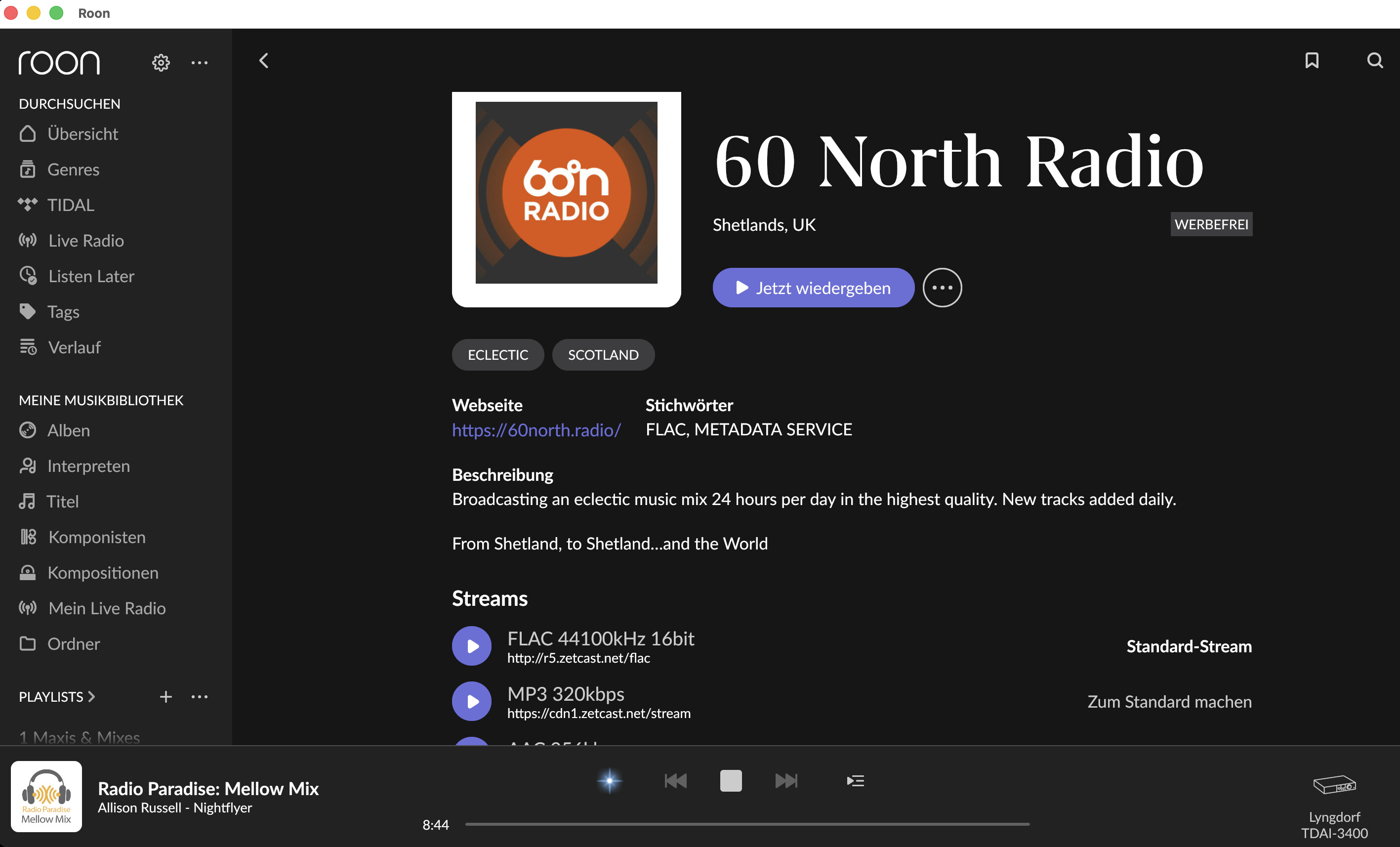
All I can say is that with Roon, metadata is sent along with the stream and the station log is always stationary.
If it’s important to you, then go ahead with your option.
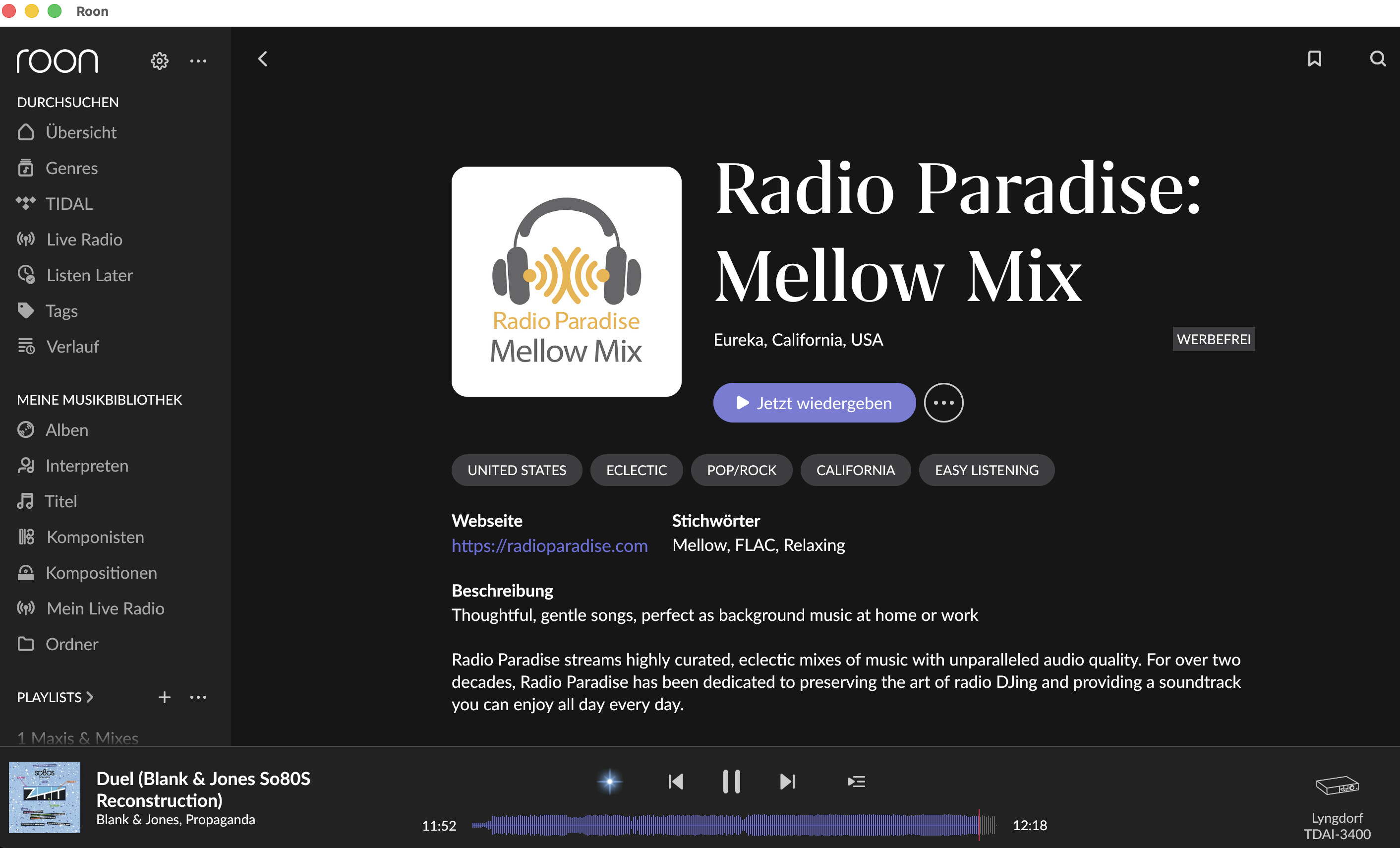
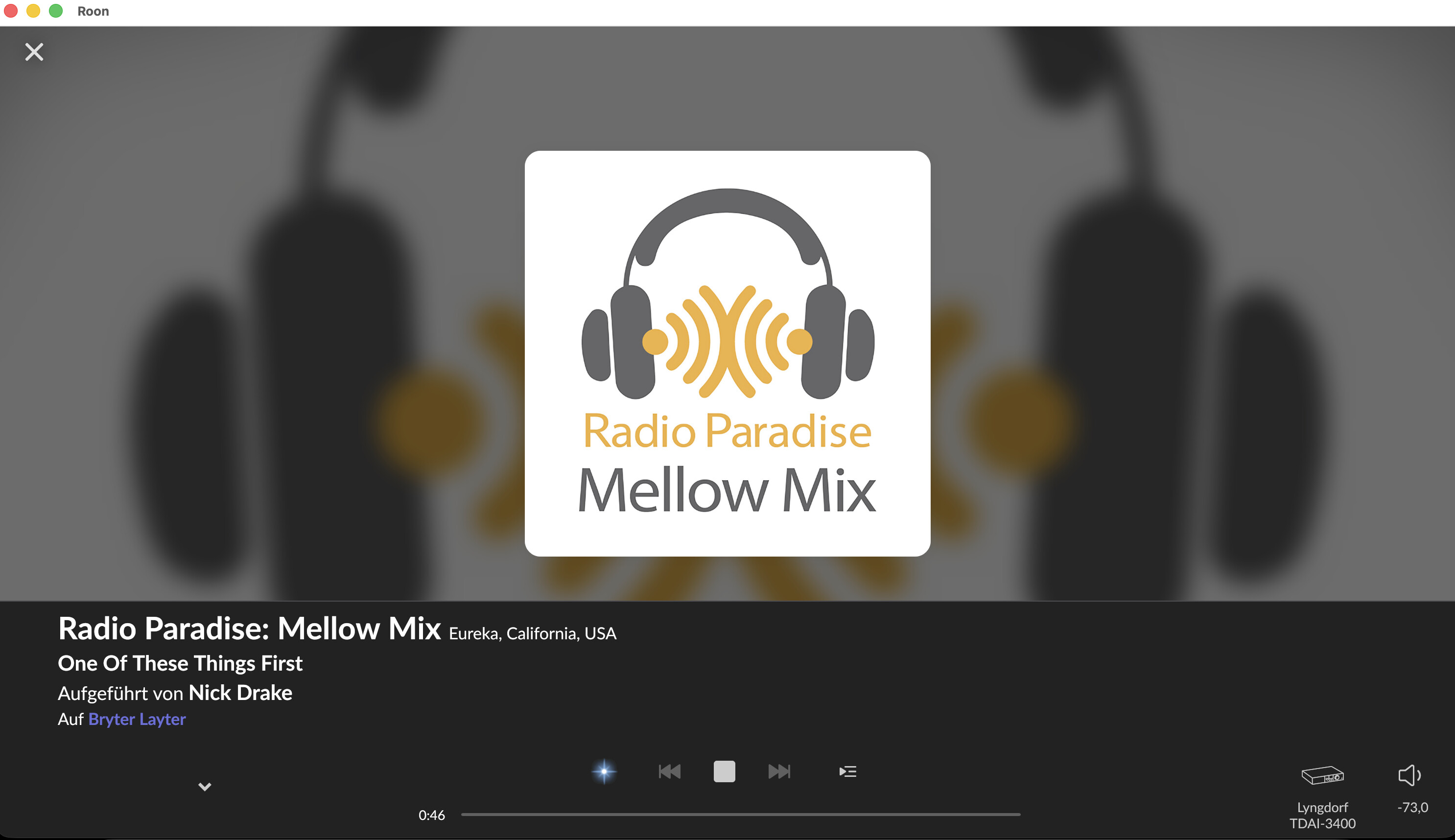
In Roon, it looks like this  and the nice thing is that if I like a song, I immediately have a link to the song or album or artist.
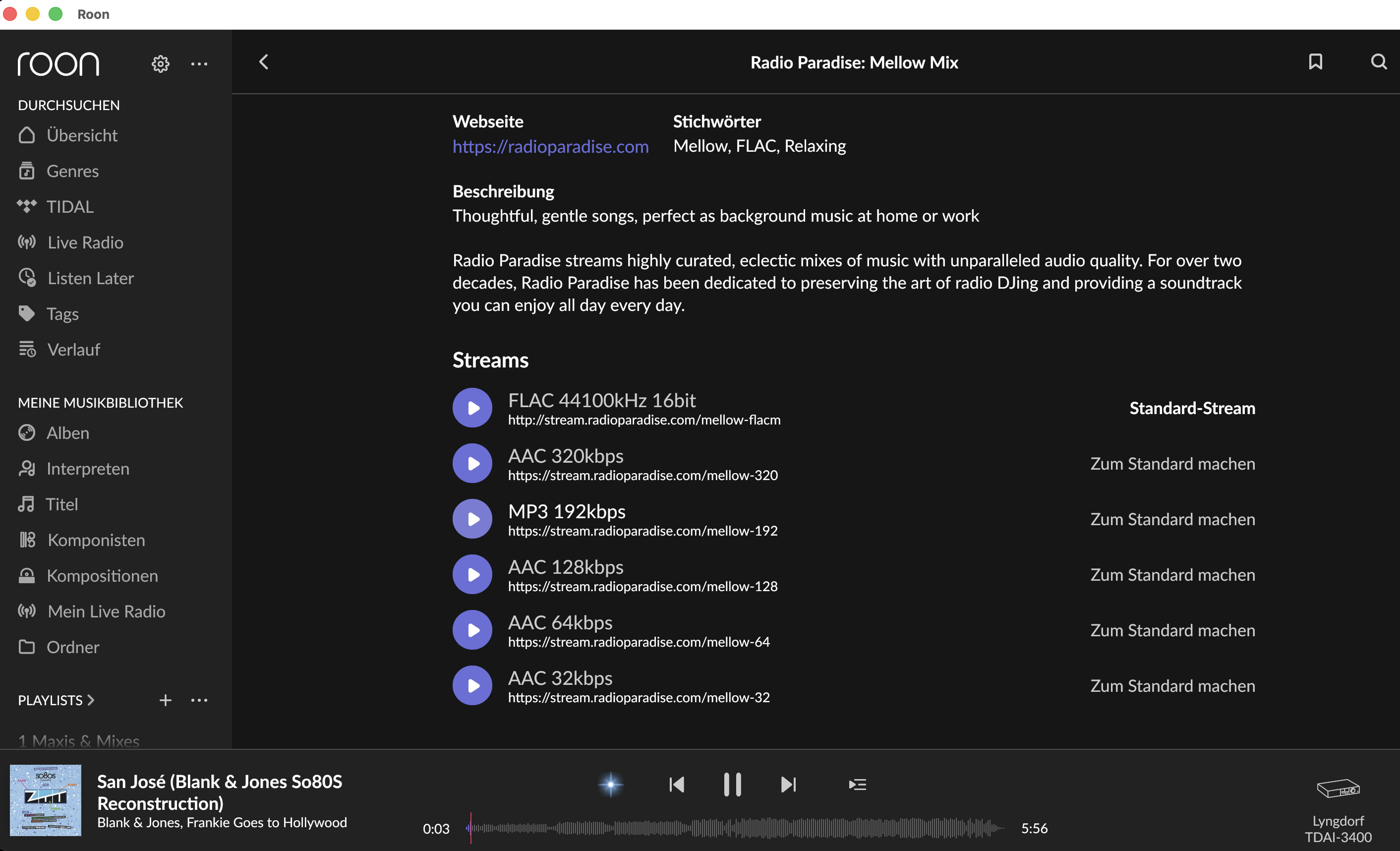
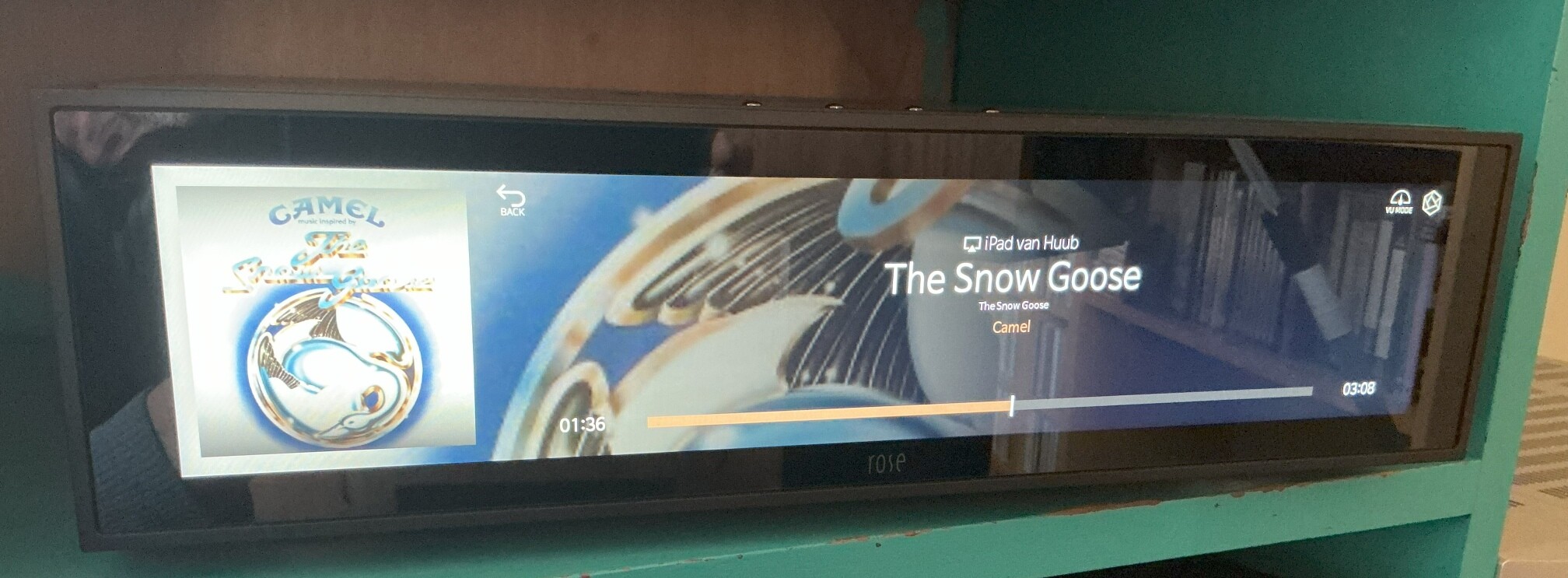
But this stream isn’t bad either:
Of course, it also depends on your personal preferences as to what kind of music you want to listen to.
1 Like
……
At the moment, if you want to see the album artwork of the radio channel playing through the RoseRadio app, you need to press the “Search Music” button.
Pressing “search music” only works for the song being played at that moment.
At least that’s the case with my RS151.
When I use the external “Radio Paradise” app (with airplay to the Rose) the Rose screen changes automatically with every new song.
1 Like