BUG REPORT: only cached YouTube play and "Restart" issue

Hello,

It’s been a little bit since I’ve last seen (and reported here) on this issue but it is back. Yesterday and today I was unable to play a single searched RoseTube video on my 150b, neither from the Rose One app (I am a beta tester) nor from the hardware app.

I get the dreaded “temporary error unable to play at this time” error.

Here is a video of the experience: RoseTube unable to play uncached search results

Also, a second issue. RoseTube will regularly cause the 150b to force a ReStart. Sometimes the video will keep playing in the background and sometimes (maybe related to issue one above) it won’t. In any event, the only way around this error is to actually click forcing a restart. Going back to the same RoseTube video will usually always bring up the “restart” prompt.

Here is that error reproduced: RoseTube “Restart” error

The only videos that play are the ones I had played a few days earlier and are cached on the internal SSD.

I really hope this can be fixed. It’s quite embarrassing to tout the beauty of The HiFi Rose hardware to friends and family, only to have it come to a complete standstill when attempting to play online content.

For what it’s worth, the silver remote isn’t very reliably staying connected to the 150b. It’s a bit of a ‘hand dance’ or pointing just so or muting first then having it actually control Pause or jump to next track etc. Once it’s connected it works great but set it down for a while and come back to it and it’s as if it disconnected again.
@taystnotes
Please provide your ROSE ID, which can be found under Settings > System Info. Once I have it,
I will check and get back to you with a comment.

@Rose_love

Since updating to the latest version of Rose Connect One on Thursday of last week, RoseTube playback was fine for the first two days, failed on days three and four, worked yesterday and has stopped working again today, 3rd February.
Each time it failed I also got the dreaded message “Could not play due to a temporary error. Please try again later”.
I reported this to @ROSEHAN yesterday.
Normal RoseTube playback was restored on all occasions when I reverted to the Rose Connect Premium app, although today it was at the second attempt.

Despite earlier reassurances that the RoseTube playback issue has been fixed, this is clearly not the case. Additionally, the very promising Rose One app remains unusable for many until we have reliable and stable playback on RoseTube.

Rose RS520
Rose OS 5.9.09
Rose ID 0D20EA
iPhone 16
iPad 9th Gen
iOS 26.2.1

Rose Tube works for me on my RS 151. Something’s strange: it works on one device and not another, but the day before it didn’t work on the Rose One app either, and the day after that it did.

@Rose_love

ID = 0C854F

@taystnotes
Please unplug your device, plug it back in, and check again

@Rose_love

RoseTube is working fine on my RS520 but only when using Rose Connect Premium App.

When using Rose Connect One some videos play fine, others do not play at all and the dreaded message “ Could not play due to a temporary error. Please try again later” appears on the 520 screen.

Clearly, after nearly a week of trying to persevere with Rose Connect One, the RoseTube error is not temporary.

Why does Rose Connect Premium play without problem but Rose Connect One does not ?
I have rebooted, unplugged, reinstalled the app etc. but the problem persists and needs to be fixed.

Please comment. Thank you.

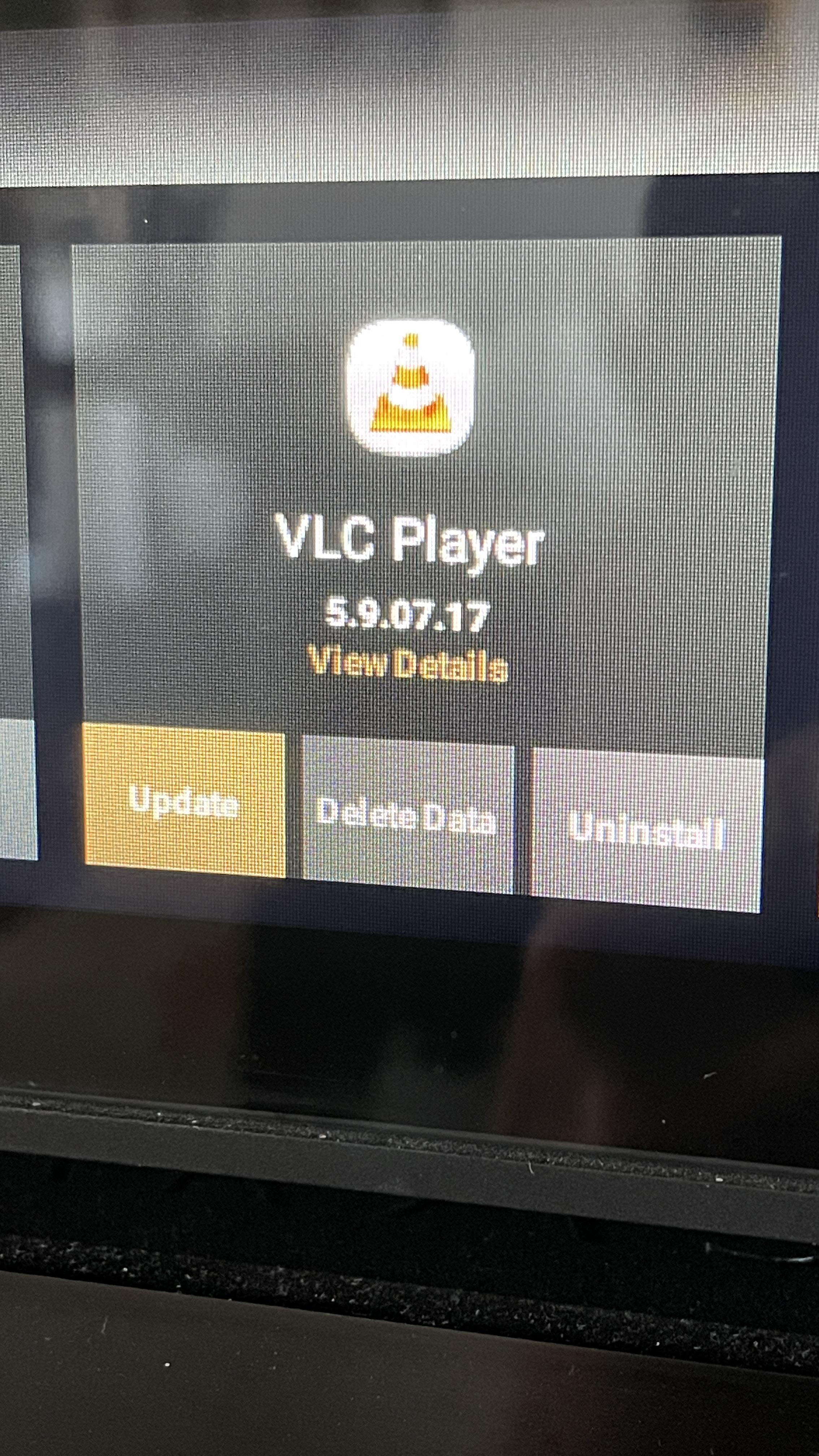
@Rose_love Hello, I can confirm the issue appears resolved. Note: there was also a VLC update, so I installed that prior to testing.

Now, this has been resolved in months past as well, so as I am a heavy RoseTube user, I will respond back on this thread if I see either error pop up again.

Thanks for the update.

@taystnotres @Rose_love

I am pleased that your issues with RoseTube now appear to be resolved.
As you rightly say, time will tell !
My VLC player is 5.9.07.19 which I believe to be the latest.
I still have problems with the new Rose Connect One App but not with the Rose Connect Premium app.
May I ask which of the two apps you are using ?

@Martini
We apologize for the confusion. We have identified an issue when playing content from ‘Recent Tracks’ on RoseTube within the RoseConnect ONE app, and we are currently working on a fix. We will update you via a comment as soon as the patch is released."

@Rose_love

Thank you for your reply.

I am pleased you have identified the problem and look forward to receiving the fix shortly.

@Martini It was actually independant of the App. In other words I could reproduce it with either app as well as the hardware itself.

See my reply today on the error returning

@Rose_love I did see the return of the error today and shot the steps on video here. The behaviors are described in the titles of each videoi: RoseTube errors (caching, Temporarily Unavailable)

And a new bug I have not seen before. Rose tube Caching, play and pause button going back and forth; video still not playing however

It appears you have found a fix, so will check back in another time to this community.

@taystnotes
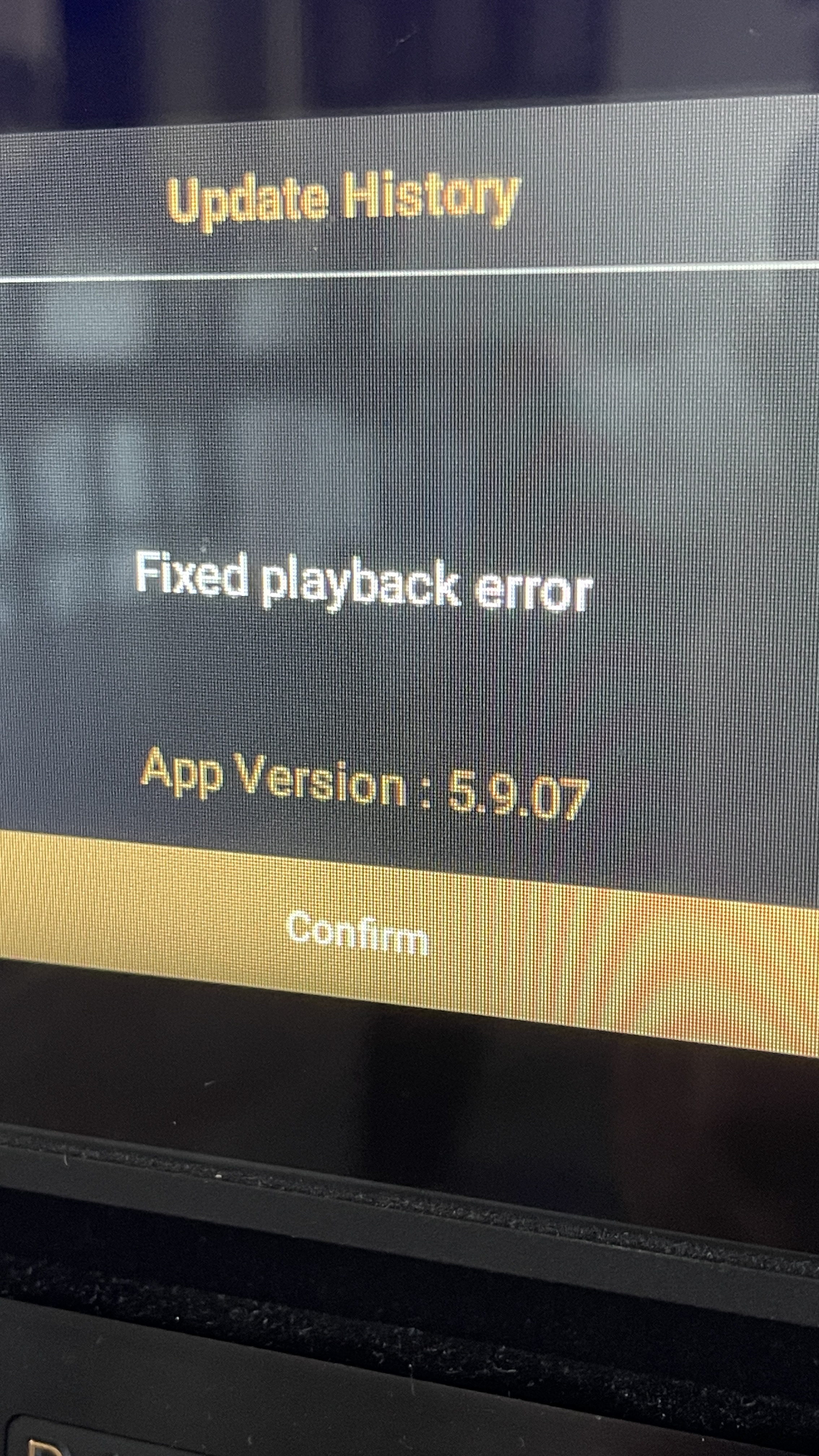
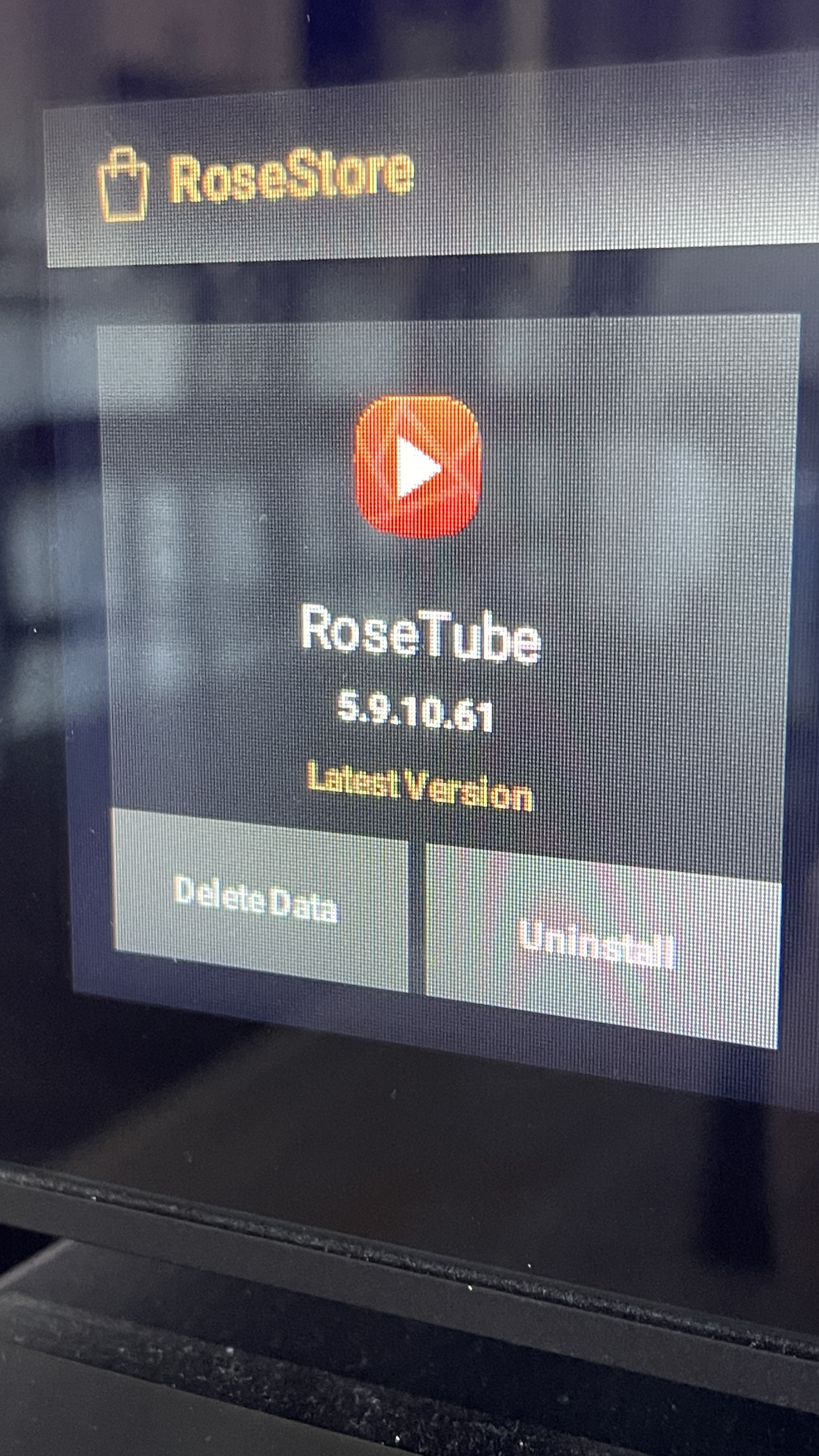
I apologize for the inconvenience. I believe I have found the cause of the issue. Please delete the RoseTube app from the Rose Store and reinstall it. Ensuring the version is V 5.9.07.62 should resolve the problem.

@Rose_love yes that did seem to fix the issue thank you

Here is my earlier version

My version seems later than the one you have suggested

Did HiFi Rose roll back to a previous version?

@Rose_love The rollback RoseTube only fixed the problem for a few videos before the original error returned with the exact same behaviour.
Steps to reproduce:

  • Play either a lot of shorter RoseTube videos OR play a long (2+ hour) video
  • Do a new search and attempt to play any of the returned searches
  • Error: “Cannot play video due to a Temporary error”

My videos reproducing error

  1. Error back reproduced 1
  2. Error back reproduced 2

notatki tayst

Which application are you using, Rose Connect Premium or Rose One, and you have a problem with YT?

the problem/bug described is reproducible on the 150b, Rose Premium Connect and Rose One. All related to how RoseTube utillizes YouTube.

Cached RT/YT videos have no issue.

Mine was acting up again this weekend. EA version, every app latest version and almost every video refused to play until i switched of the cache. After that it was fine.

What model of network player do you have? Did you test it with both apps? And what do you mean by “until I disabled the cache”? What videos do you watch on YouTube that won’t play, e.g., movie trailers or nature documentaries?