I’ve just dumped Tidal for Qobuz. Is there a way of bulk deleting all my Tidal favourites? Tracks and albums.
Thanks in advance
There is no way to delete all the albums in your Favorite playlist at once.
However, you can remove them one by one.
1 Like
This would be a nice enhancement where you could list the albums, and allow for multiple check boxes and then say delete selected.
We do support selecting and deleting individual tracks.
However, when it comes to playlists, allowing bulk deletion could lead to accidental removal of songs or playlists that the user did not intend to delete.
For this reason, playlists can only be deleted one at a time.
I understand… but there are two things to consider…
- A user who accidentally deletes something can always re-add it …
or - You could do a restore function that would allow them to pull back the last delete (aka an undo function) that retains the list in a cache that will exist until the unit is powered down or rebooted.
Hi Mikey,
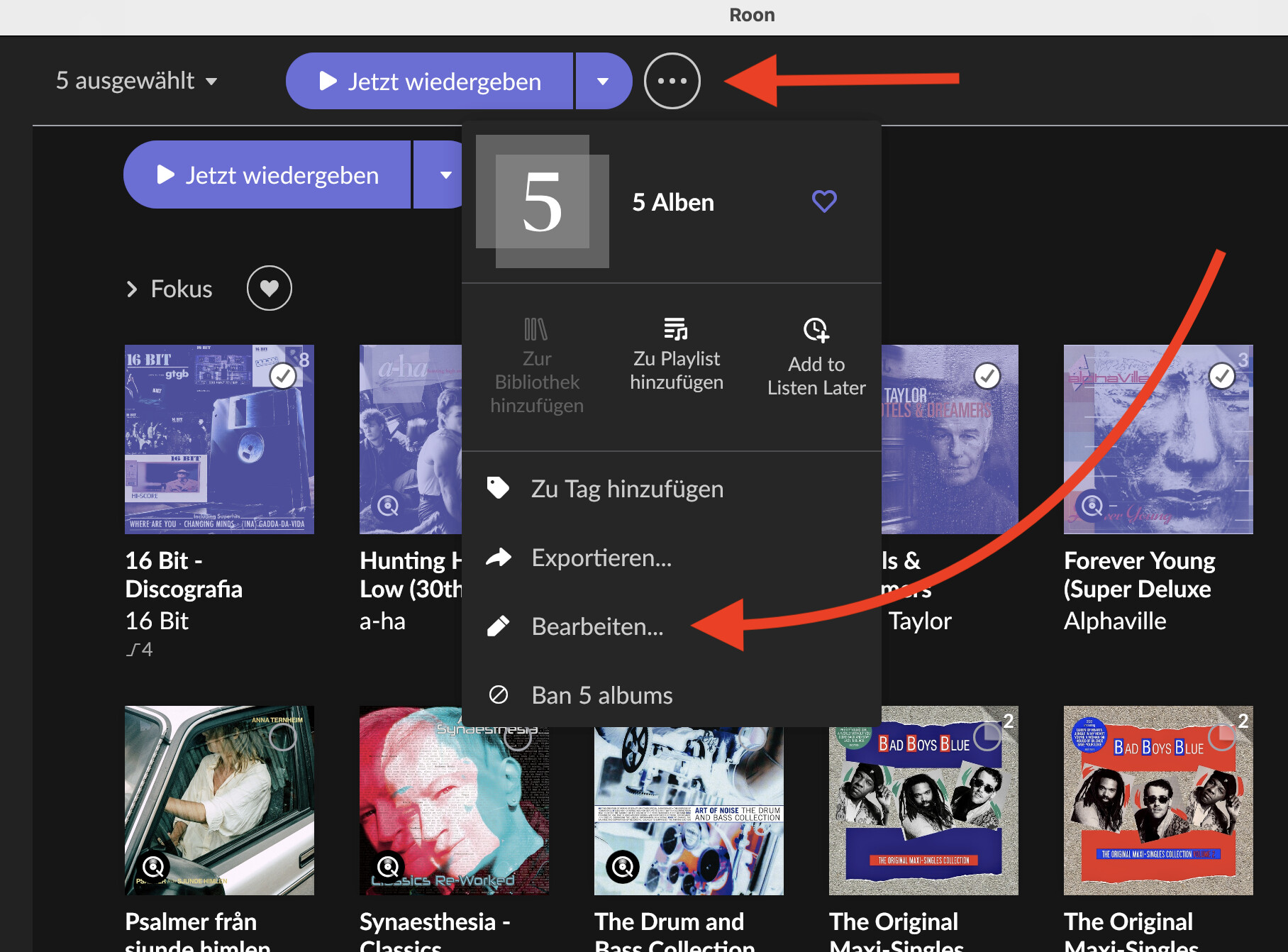
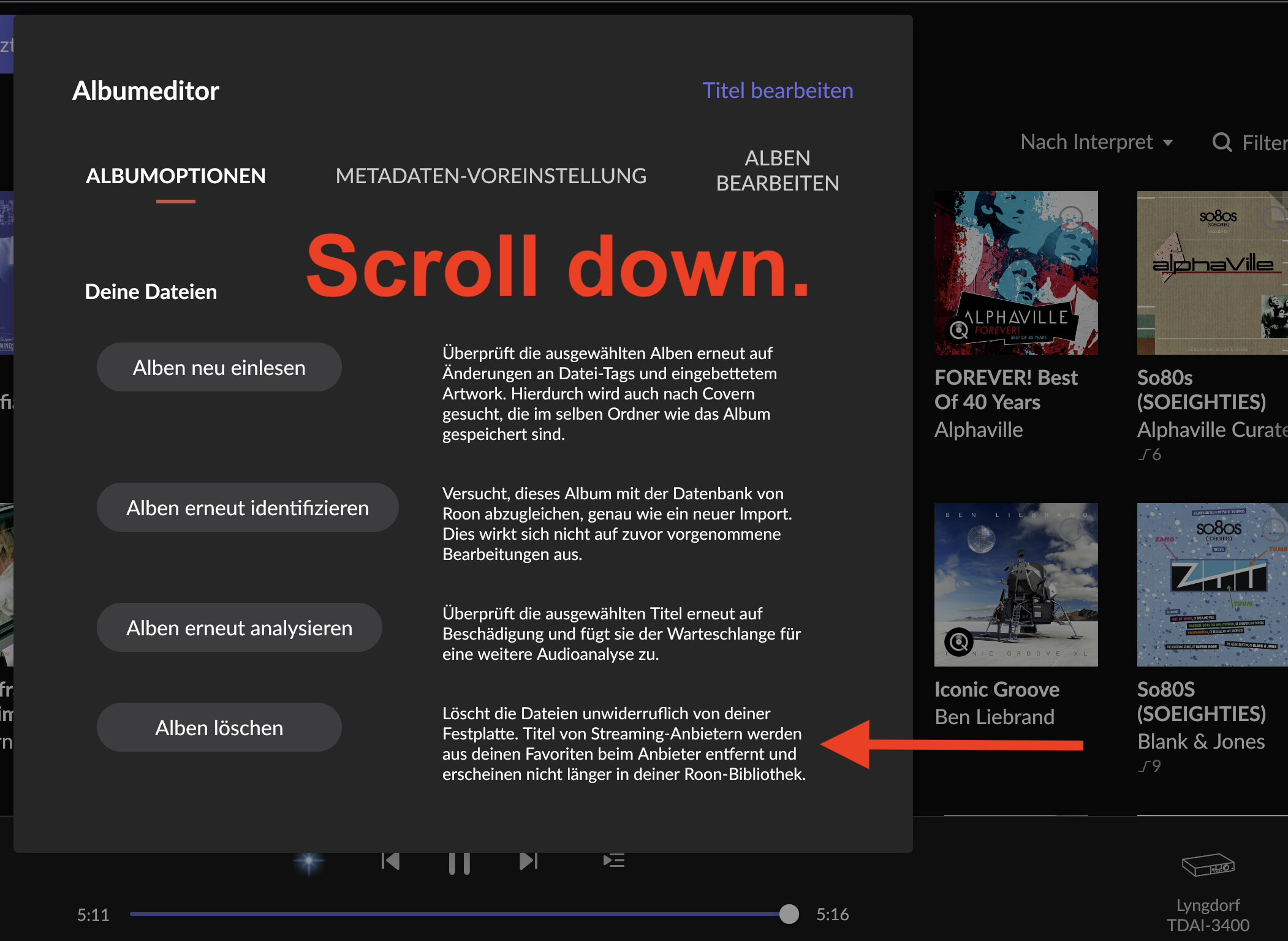
If you have around $900 to spare (or save up for it), then buy Roon and you can easily do things like this.
If you then press Shift + Option: Mac OS
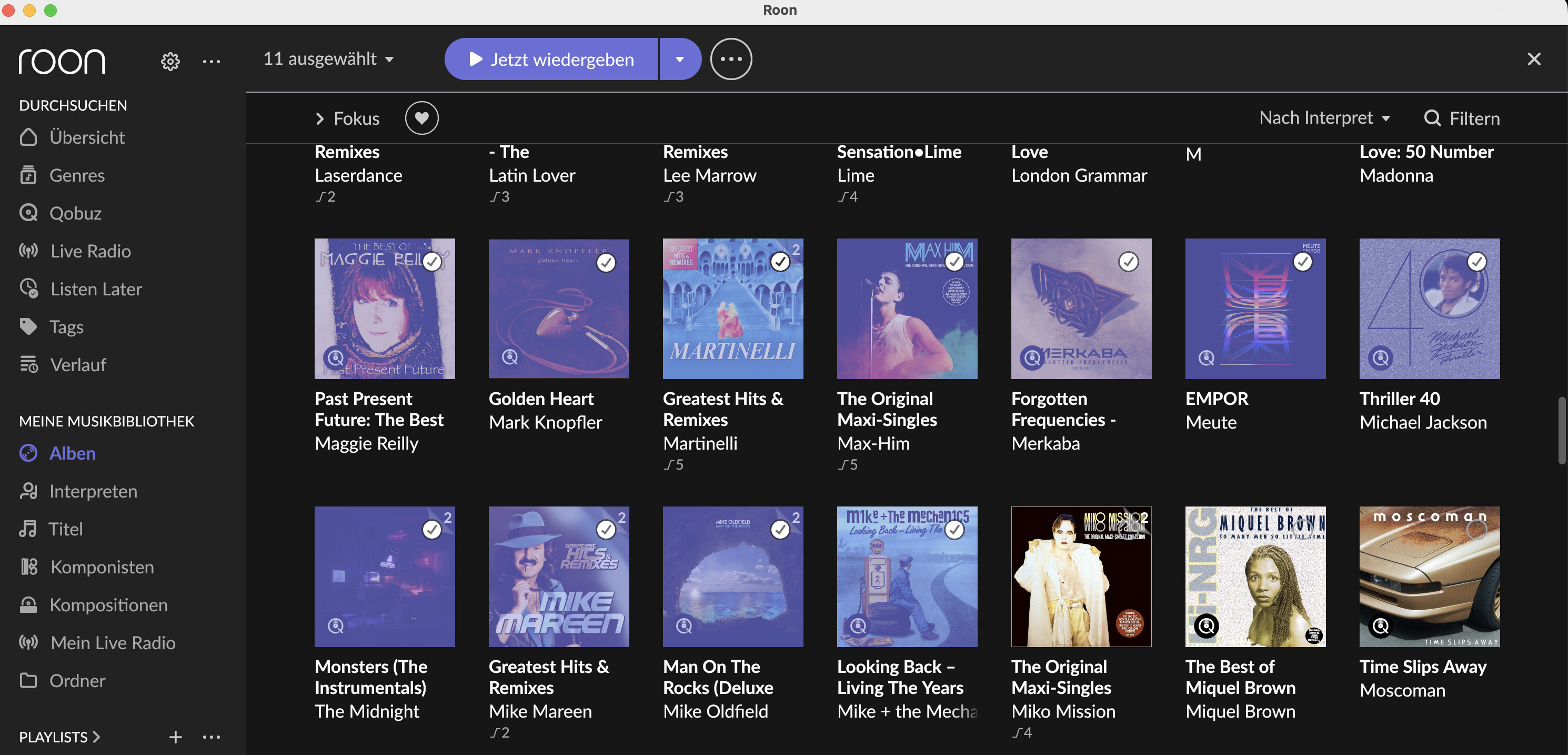
Select the first album you want to delete, then hold down Shift + Option, scroll to the last album (for example), and click it with the mouse cursor. All albums from 1 to the last one will be selected, and then you can delete them.
It’s really easy and doesn’t take long.
Come over to my place, and you clean my front yard, and I’ll pay for your Roon…


@Bonte The purpose of this ask was to get Rose to improve their product.
What you just did was show an example of a working UI that does what we would want.
Do I want to spend $900 for a lifetime roon license? No thanks.
Well, then no. You’d just cleaned up a bit, and Roon would have been within reach. I would have even put out some cold beer.
You can only achieve something through hard work, but that might not apply to you…
Again why Roon?
For me… I have a limited number of CDs that I’ve ripped and they could be stored directly on the RS520. Note: I really haven’t listened to those albums in years.
All of my listening is on Spotify, although I do have some stuff that I listen to on RoseTube.
So no, Roon doesn’t make sense for me.
1 Like
I will forward your suggestion to our software team for review.
However, please understand that a similar request has been declined in the past, so I kindly ask that you do not set high expectations regarding its implementation at this time.
I don’t have any expectations.
My interest is that the request from the OP seems reasonable and its not too difficult to implement.
Have to add … please tell the software team that they should pay attention to feedback from your customers… Perhaps they should read the community posts and take the feedback seriously.
We understand your point, and we agree that the suggestion raised in the original post is reasonable and valuable. We will forward this feedback to our software team for further review.
Additionally, we appreciate your reminder regarding user feedback. We recognize the importance of listening to our community and will make continued efforts to ensure that customer input is acknowledged and considered throughout our development process.
It seems like I need to tap the heart icon x3 times for every track to remove it. Because I’ve got over 300 tracks not including the albums it’s going to be a long process. Actually thinking a factory reset would be a better option. Bit of a sledgehammer approach though.
2 Likes
What I mentioned above refers to the playlist.
If you also wish to delete tracks from your Favorites, you must change the heart icon back to grey instead of white, otherwise they will remain in your Favorite Tracks list.
Since tracks marked as Favorites are stored in your Rose account, they will not be deleted even if you perform a factory reset.
Yeah this is been the push I needed to go to roon. Getting a server built at the moment so I can run HQ player. It was a nice toy but my system has outgrown it unfortunately. Ran Winamp back in the day and would have to say the search engine was far superior