Cannot see/access internal SSD - RS150B

@ROSEHAN @ROSELOA

Hi, I have been trying in the last week or so to update my music library and have encountered all sort of problems.

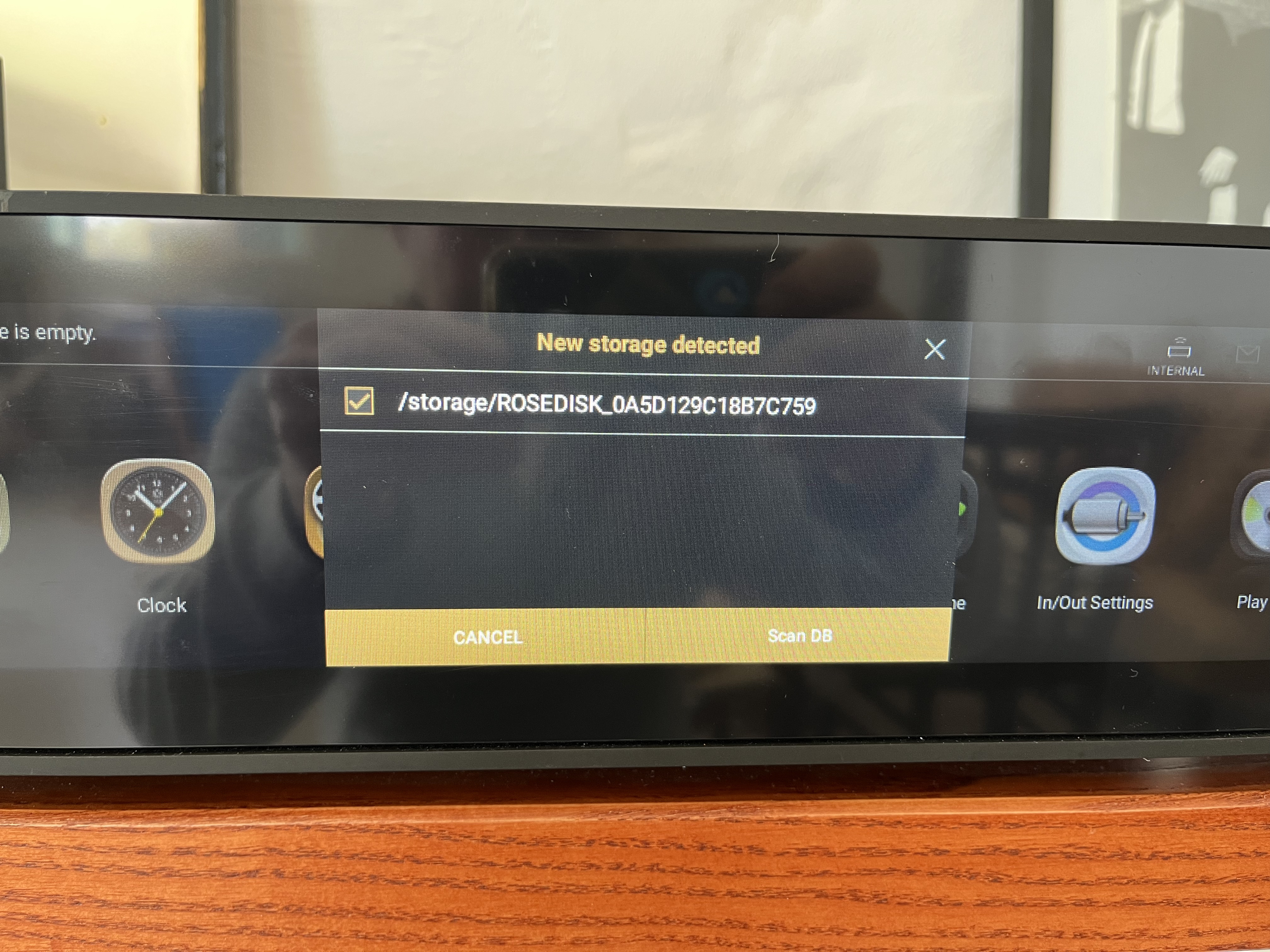
Mainly, the ROSEDISK internal SSD directory inside my RS150B does not show up when switching on the unit - I cannot even see it on my Mac - nor it’s visible in File Manager or Storage Information (the message here is “There is no storage list”).

It’s just very fickle - there are times during the day when it magically shows up and I can see/access my music files - but then it literally ‘disappears’ and nothing is visible/accessible.

I have been trying to switch on/off the unit, unplug/re-plug, even perform the occasional factory reset - nothing of these basic troubleshooting actions seems to unblock this situation.

All I want is to switch on my Rose and enjoy the music stored on it.

I am going absolutely berserk with having to deal with these kind of issues all the time…

Is there any help whatsoever you can offer?

Rose 150B
5.9 official
Rose ID: 0D6F51
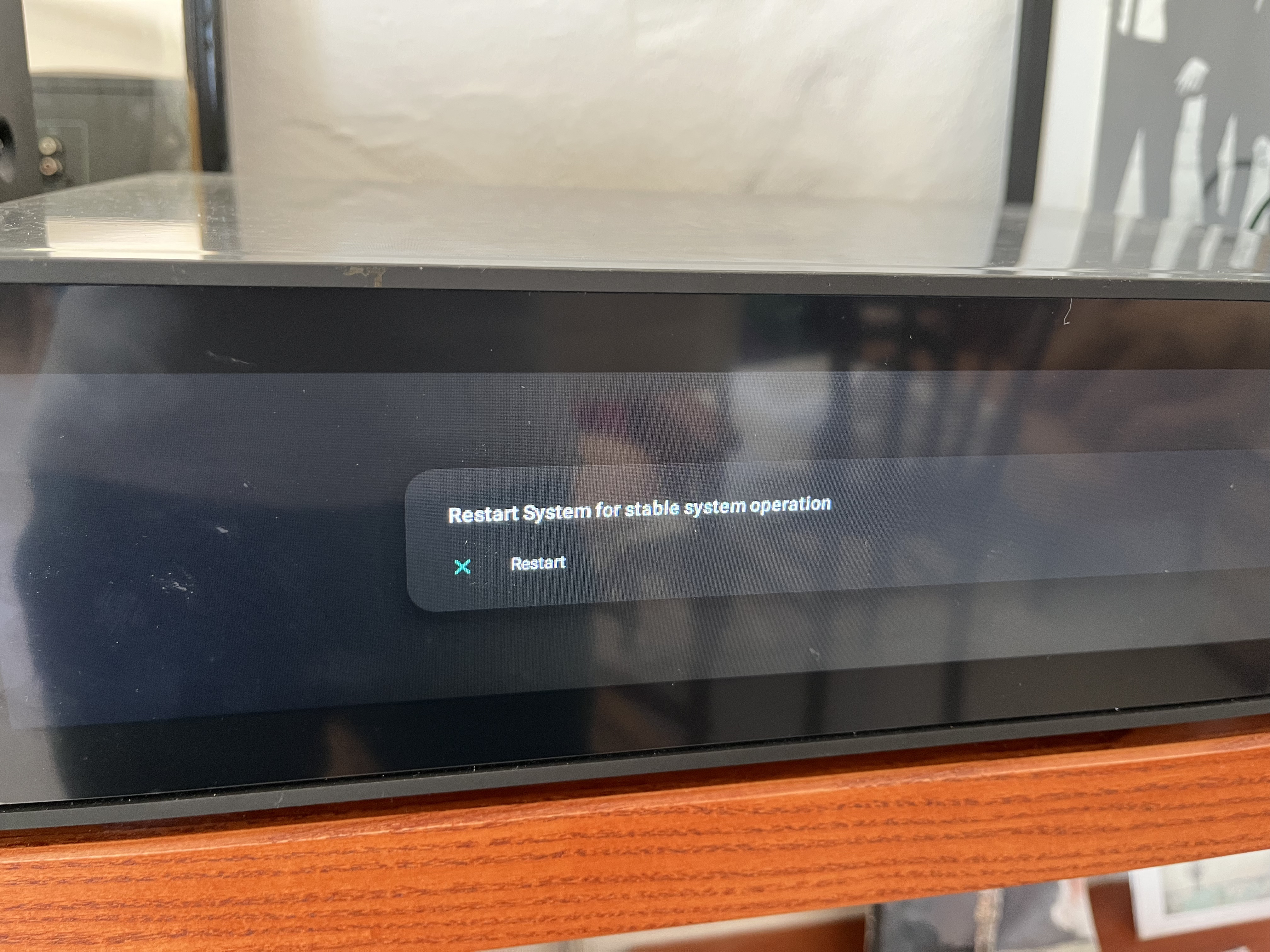
Also, upon switching the unit back on, I occasionally get this ‘restart’ message.

When pressing ‘restart’ - the unit screen goes black to then display this message again.

Please help.

The ROSEDISK directory has now - magically - materialised after 30 minutes of so since switching back on the RS150B and having followed the ‘restart’ procedure.

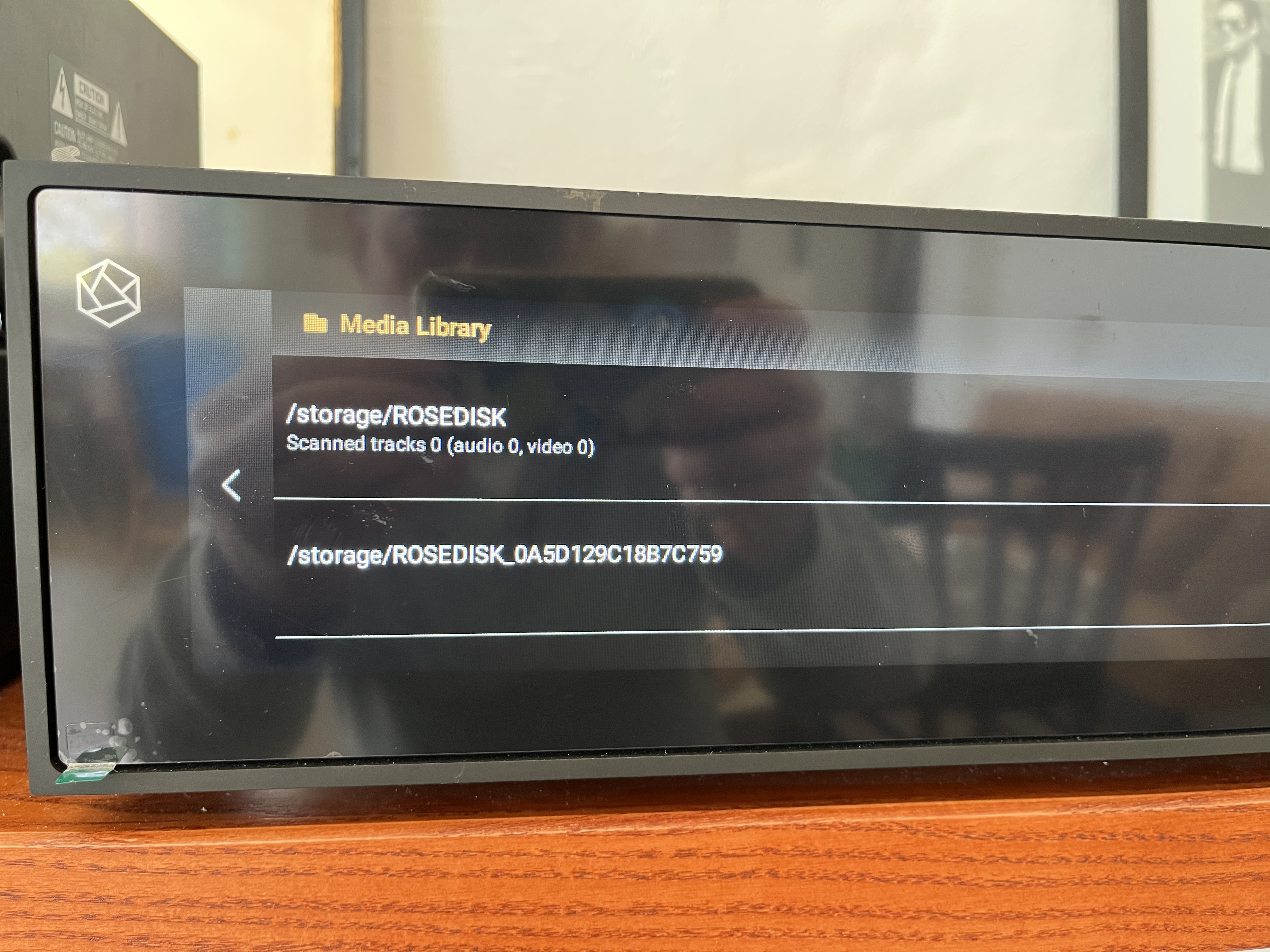
Now, I am getting a new ROSEDISK directory name - ROSEDISK_0A5D129C18B7C759 - I am literally lost for words…

Although I can see the ROSEDISK directory on the unit, I cannot perform a rescan as the machine behaves as if the internal SSD (with all my music files inside…) isn’t just there.

Please help.

For me it looks like your SSD (or the data on it) is damaged or the controller not correct connected.

What I would do: Put out the SSD (then also the Rose system should be become more stable), connect it to a PC (normally Rose will format it with NTFS → a MAC isn’t the first choice) and check it there with a tool like CrystalDiskInfo.

Thank you very much @burki - I will try to follow your suggestion.

I am grateful for your help (and have noted Rose’s team silence on this).

It’s strange as I didn’t do anything apart from attempting to replace music files which - thanks to Rose’s awful Metadata software - had thumbnails missing and other tags wrong, so it all goes back to the many CDs I ripped trusting Hi-Fi Rose’s software.

Since experiencing this, I am now ripping any new CDs elsewhere and then loading them up the Rose.

But then again, as a Rose user there are always problems and unwanted surprises operating this thing.

@alessandro
We apologize for the delayed response.

Please help us confirm a few things:

  1. Based on the symptoms you described, it appears that there may be a compatibility issue between your SSD and the RS150B. First, please remove the SSD and connect it to a PC to check whether the files can be accessed normally without any issues.
  2. If you have another SSD available, please check whether it is recognized normally when connected to your RS150B.