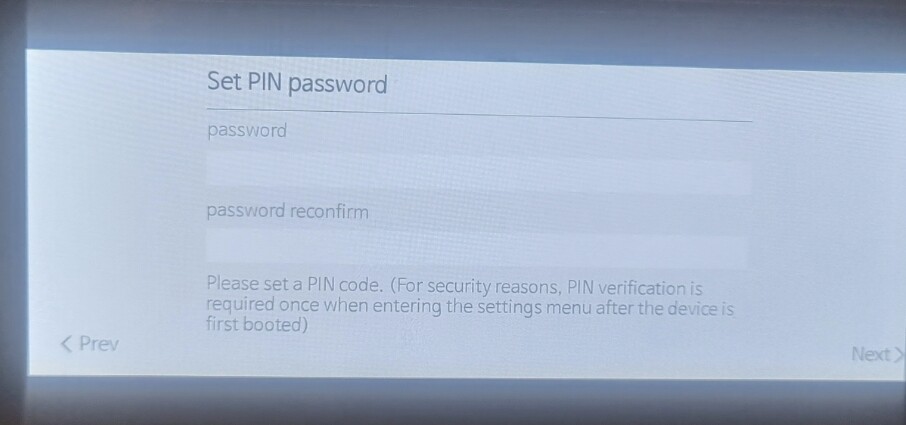
My RS201 has an issue connecting to Wi-Fi, although the LAN port connection works without any problem. When I try to connect via Wi-Fi instead of the LAN port, the device requests a password (PIN code) using a postal code and specifies that it must be eight digits. However, Hong Kong does not have postal codes, and even the phone code (00852) is only five digits. In addition, the lower part of the screen displays a message stating that, for safety reasons, when accessing the system setup page for the first time, authorization must be activated with a PIN code. So what can I do?
You need to set a pin… 8 digits is a date yyyymmdd for example or mmddyyyy.
If you haven’t set a pin… then you need to go back to a factory reset which removes all of your settings.
@ROSEHAN anything to add?
@SAMC
After the update, you likely initially set a random 8-digit PIN, as shown below.
The 8-digit PIN is not related to your phone number, postal code, or other information.
If you don’t remember it, select “Factory Reset” at the bottom of the PIN entry screen, reset your device, and then reset the 8-digit PIN.