
-
If a flac file was defined as “Artist - Song Title.flac” without any metadata, does the RS130 automatically fill-in all the metadata into both the user database library & into the flac file ← including album name, album cover art, lyrics, artist cover art, etc?
-
If a WAV was defined as “Artist - Song Title.wav” (note: wav files can’t contain metadata) , does the RS130 automatically fill-in all the metadata into the user database library ← including album name, album cover art, lyrics, artist cover art, etc?
-
If this file had only one genre defined and the song actually has more genres, does RS130 expand the genre tag ← if so what delimiter (eg., “;”) is used between genre fields?
-
Does RS130 correct spelling in the file’s tags (e.g., a misspelled Song Artist)?
Here are the answers to your questions:
- If a FLAC file is defined as “Artist - Song Title.flac” without any metadata, the RS130 does not automatically fill in metadata such as album name, album cover art, lyrics, or artist images, either in the user database library or in the FLAC file itself.
- If a WAV file is defined as “Artist - Song Title.wav” (note: WAV files cannot contain metadata), the RS130 does not automatically fill in metadata such as album name, album cover art, lyrics, or artist images in the user database library.
- If a file has only one genre defined but actually belongs to multiple genres, the RS130 does not automatically expand the genre tag.
- The RS130 does not automatically correct spelling errors in the file’s tags.
I can’t upload the metadata fix, it keeps giving me the error “Cannot find targetClientKey or targetld”
What should I do to fix it?
Your explanation is not detailed enough.
Please explain exactly where the error message appears when you try to edit the metadata, and provide the full step-by-step path in detail.
If you have any screenshots, please attach them as well.
These are wav files. If the album photo is missing, I add a photo 1. from the internet 2. from a file.
Or I edit the order of the songs in the album, etc.
Finally, I want to confirm the changes with the “complete” button and then the error message " cannot find targetClientKey or targetld" appears
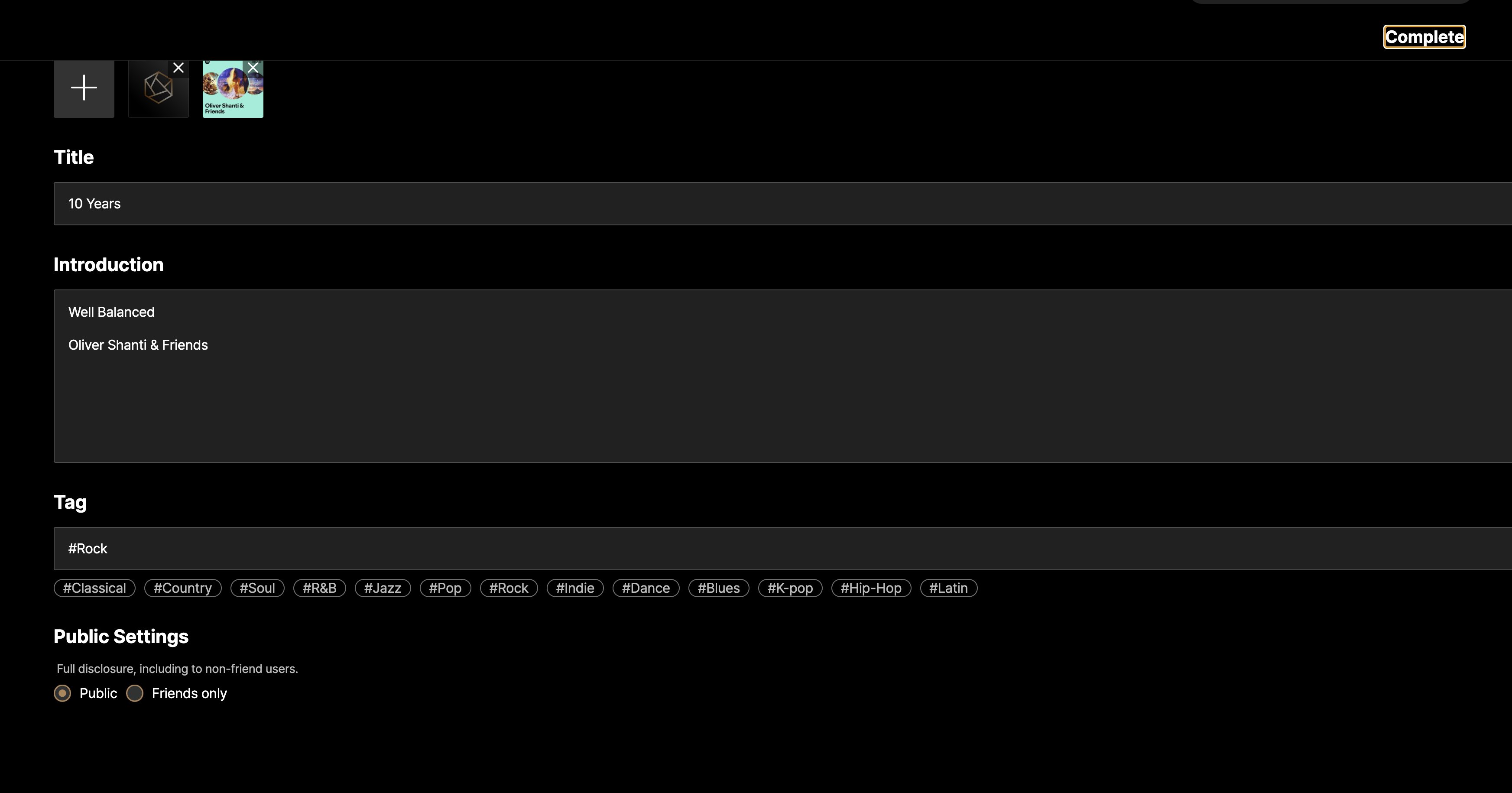
I would like to ask you to confirm a few additional things:
- Is the screenshot you sent captured from the screen that appears when you enter edit mode in a playlist?
Could you please explain the exact path or steps to access that screen? - If you do not add album artwork and only modify the title, introduction, or tags, does it save normally when you press the “Complete” button?