[Early Access] Ver 5.12.05 (Rose OS 5.12.05) SW Update Notice

We are pleased to announce the software update details for Rose OS Ver. 5.12.05 (Early Access).

Notice

This update is available only for users participating in the Early Access program.

This update does not apply to users running the Official version. The Official release is scheduled for June 29, 2026 (Monday).

  • Update Date: 2026/June/18 (Wed) 15:00 PM (GMT +9)
  • Applicable Models: RS150(B), RS520, RS130, RS151,RS451
  • Software Version: SW Ver. V5.12.05 (Early Access)
  • Update Method:
    For Early Access users
    Settings → System Information → Update → System Update
    To switch from Official to Early Access
    Settings → System Information → Use Early Access Version → Try It
  • How to Check System Version After Updating:
    Settings → System Information → System Version Information → Details

Major Feature Additions and Improvements

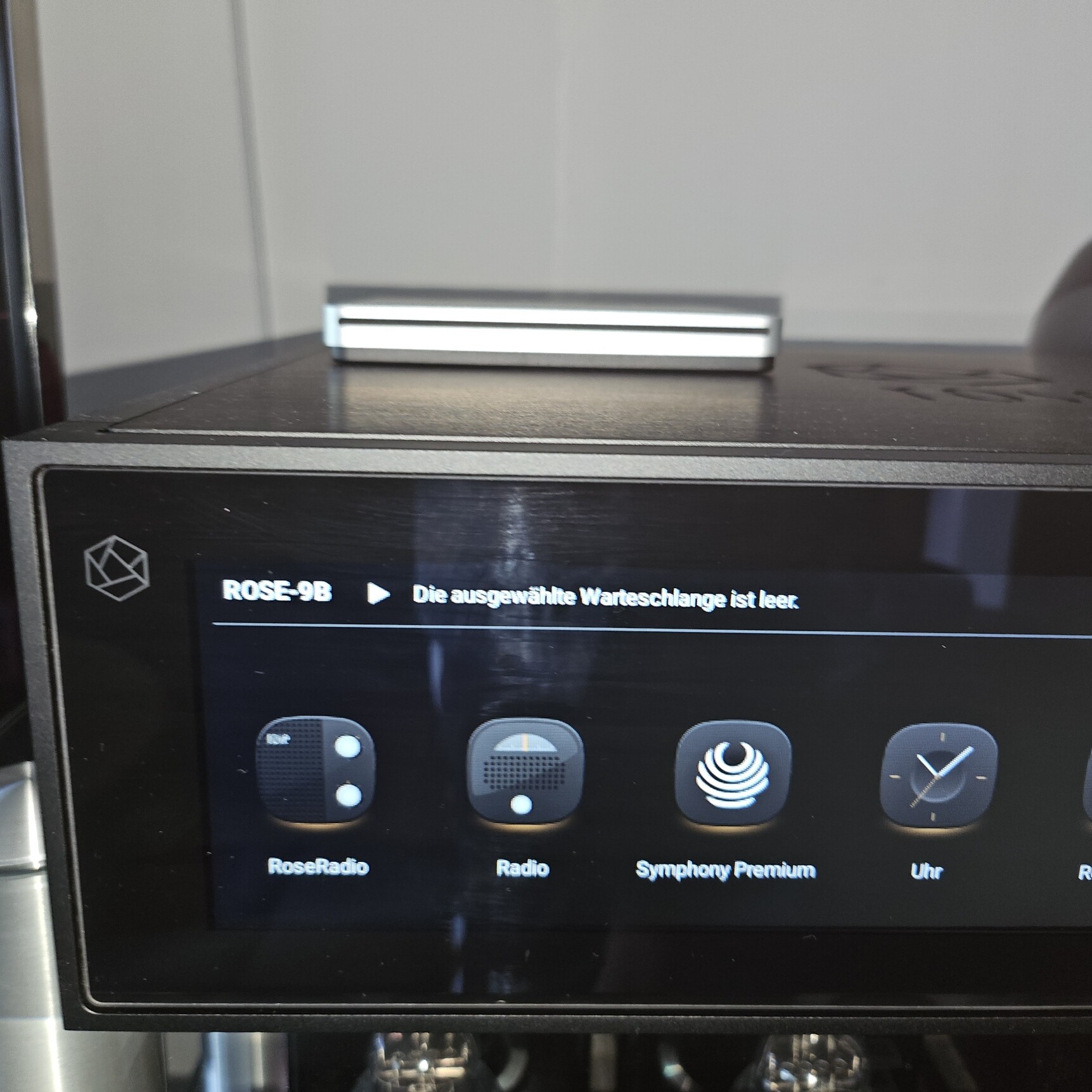
  1. Added Symphony Premium App
  2. Fixed an issue in E/A 5.12.04 where the ROSE ID was not displayed after restarting the device while connected via Wi-Fi
  3. Fixed an issue where music could not be played from a shared laptop (SMB):
    Device → Music → Network Folder → Playback failure
something very small:
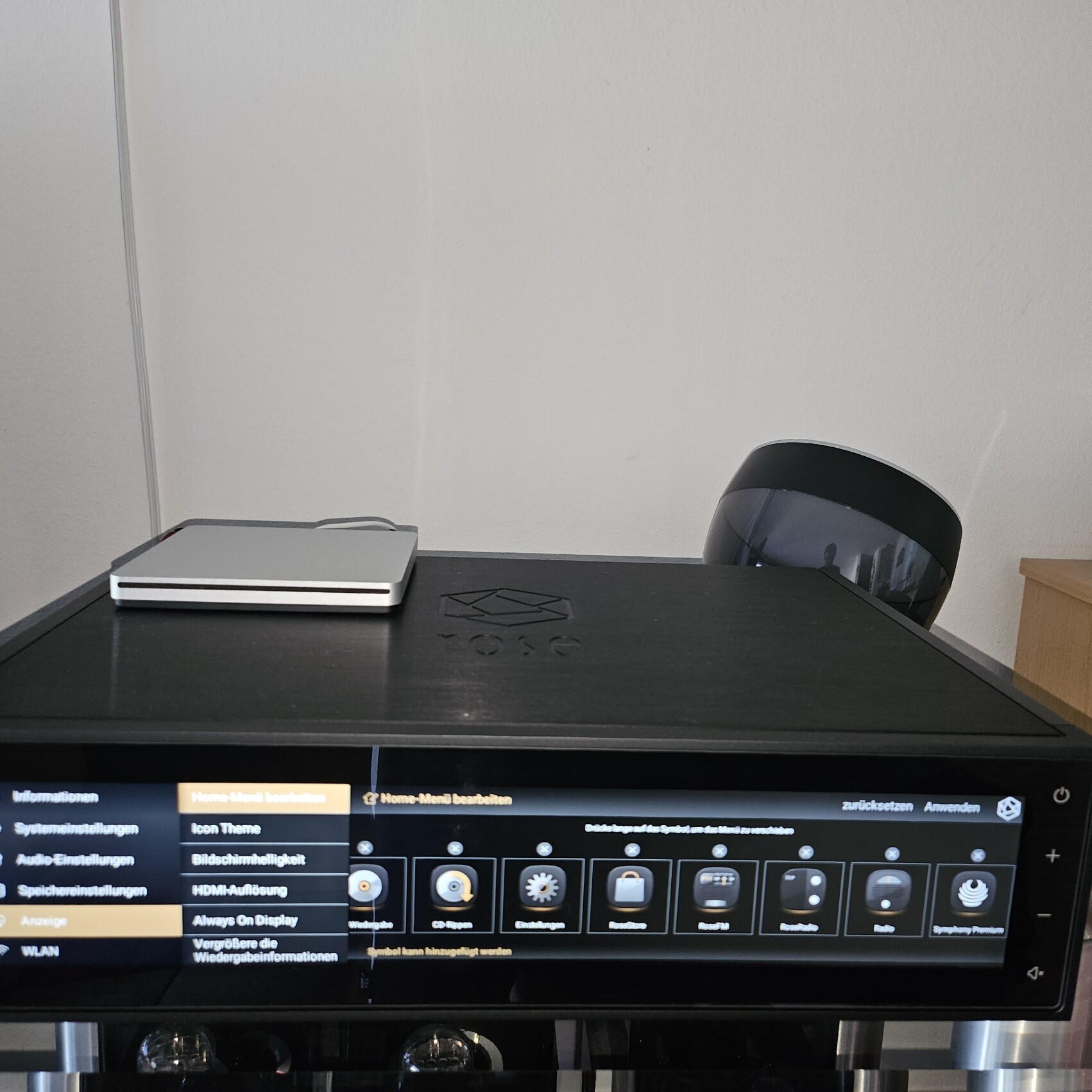
Under Settings / Display, I want to hide a shortcut. This works for shortcuts like “Video” but “Symphonic Premium” cannot be hidden. After tapping “Apply” the change is confirmed, but the Symphonic icon is still displayed, even after restarting the RS150.

Not an early access problem, it never really worked properly… The missing covers still aren’t fixed; it affects the local library, but I’ve described that multiple times in detail, I don’t want to go into it anymore:


Otherwise, I think the interaction with the RoseOne app is very good, a real step forward in my opinion.

@MuP
If I disable ‘Symphony’ under Settings > Display > Edit/Manage Menu as shown in the video below, shouldn’t it disappear from the main screen?

This doesn’t work on the RS150 itself.
As i say, after tapping “Apply” the change is confirmed, but the Symphonic icon is still displayed, even after restarting the RS150:

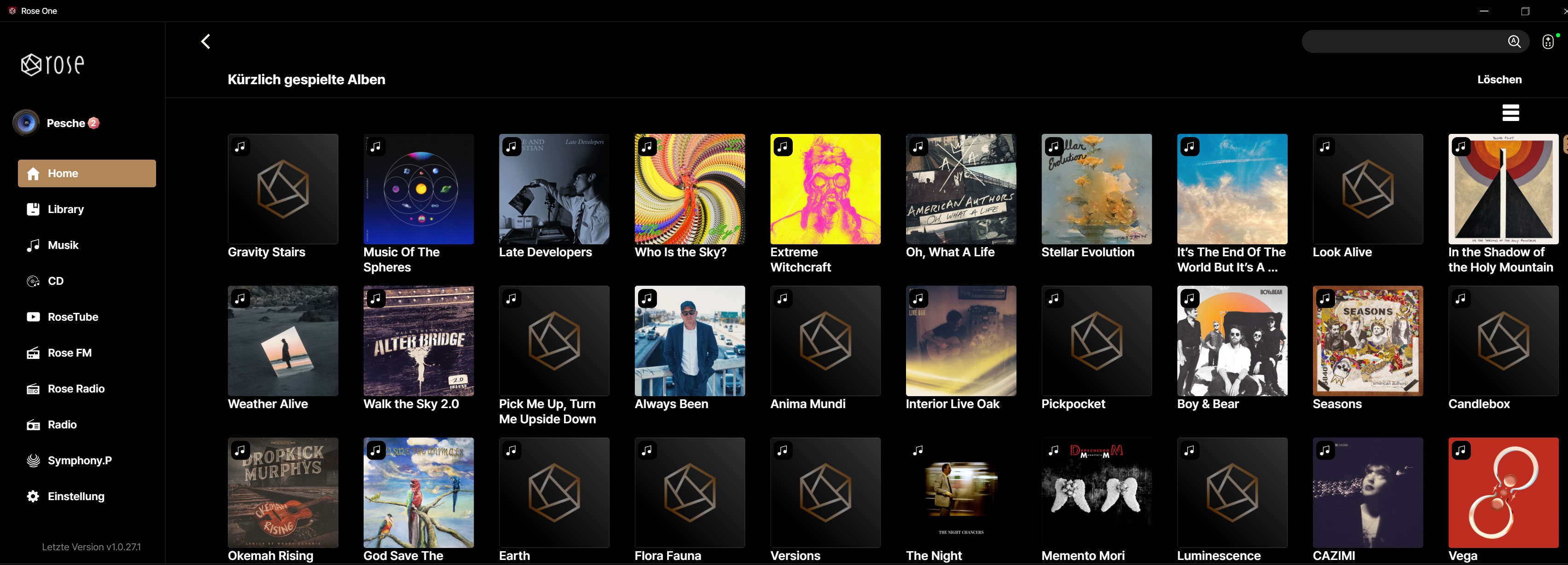
In the RoseOne app (Windows version 1.0.27.1) and the Android app (same version), this also doesn’t work; the Symphonic icon is removed after “Apply,” but reappears after restarting the app.

@MuP
Thank you for helping us identify the issue.

We will make sure to fix this in the next release. In the meantime, if you want to hide the Symphony menu, you can try the following workaround:

Please install the Symphony app from the Rose Store first, and then go to Settings > Display > Home Menu to remove it.

This works; after installing the Symphonic app, it can be hidden, also in RS150, the RoseOne app for Windows and Android.

1 Like

@MuP
Thank you for checking. There shouldn’t be any issues using it, so you can go ahead and keep using it as it is for now

1 Like

Admin - Rose_love - RoseHan.

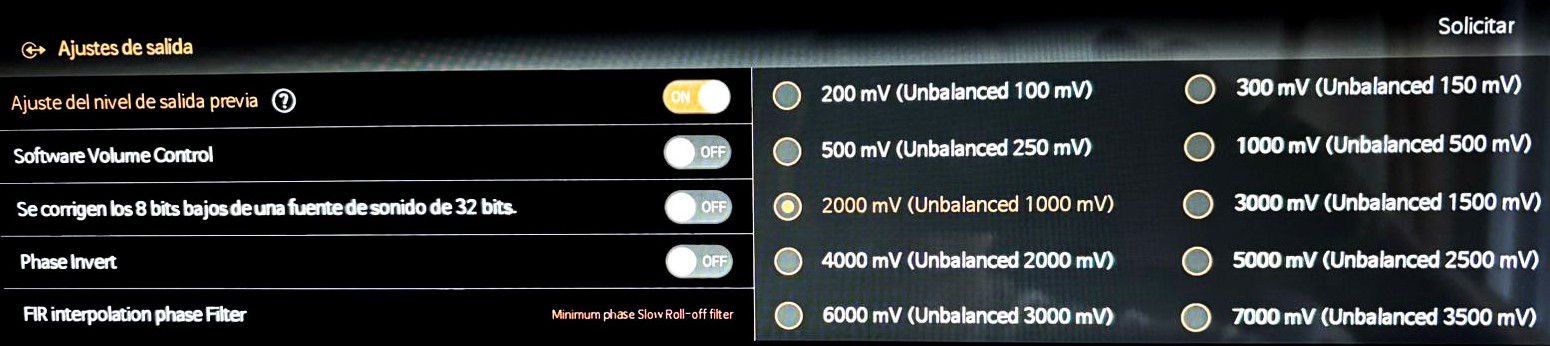
I would like to know how the new software update affects or impacts the PRE-OUT LEVEL SETTINGS and the VOLUME CONTROL. I currently have it configured as shown in the image.

Additionally, I’d like to know whether I’ll still be able to keep this configuration exactly as shown in the image.till be able to keep this configuration exactly as shown in the image.

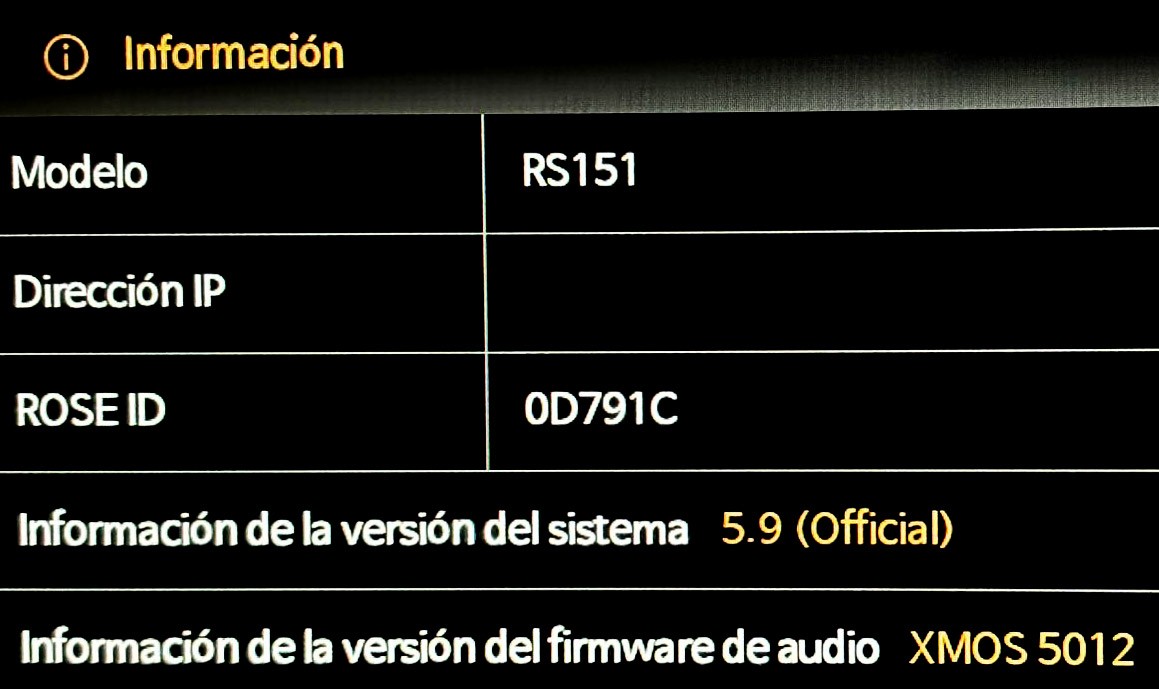
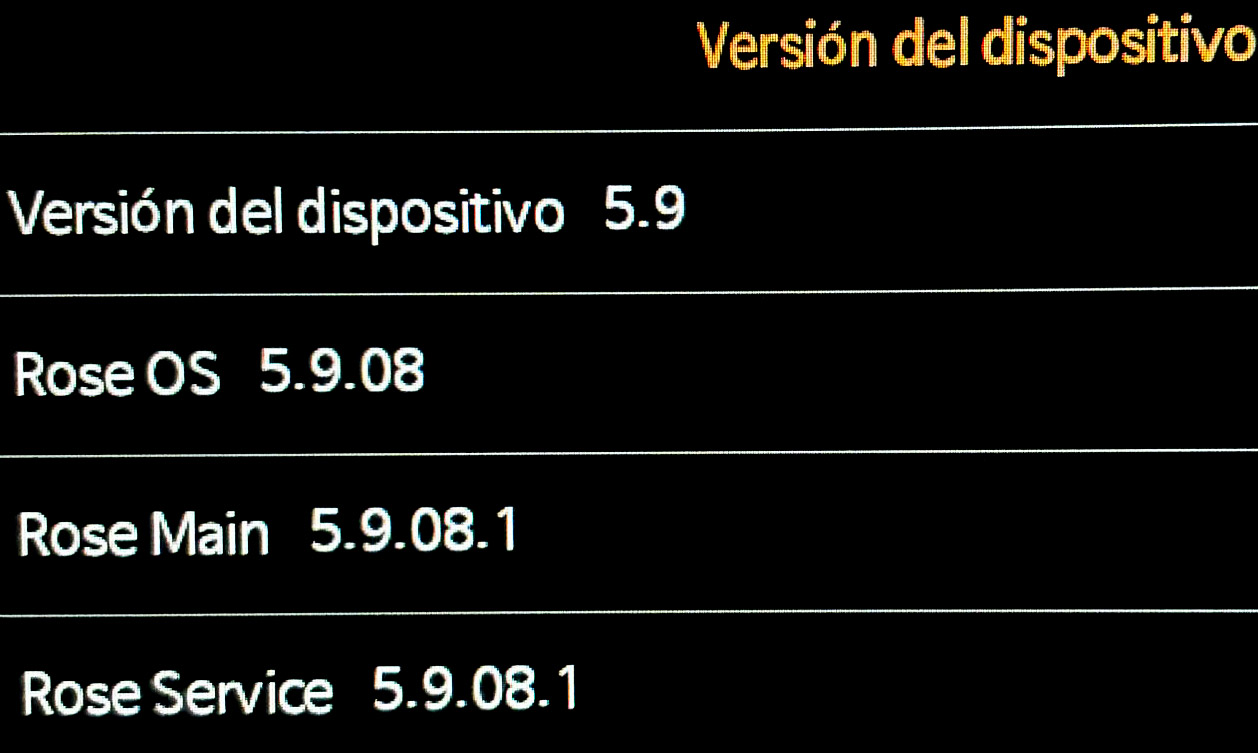
I’m also sharing screenshots of my current software version and my current audio output configuration for reference.

02 - INFO SYSTEM 03 - INFO SYSTEM 2

Where can I download a working version of Rose Connect for PC? As usual, after the firmware update, Rose Connect for PC has stopped working.

@orsa99
Please download it from the link below and try it out. If you encounter any issues, please leave a comment

https://hifirose.com/support/download/906

Okay, this version works and isn’t giving me any problems for the moment. Thanks.

@JMBARG

Regarding the latest software update, the release notes originally included the item “Added Maximum Volume setting and Startup Volume setting” for the PRE-OUT LEVEL settings and volume control.

However, during the implementation of these features, several issues were identified. As a result, these features were not included in the final software update.

The release notes should have been updated to remove this item before publication, but unfortunately it remained listed by mistake. I have now removed the incorrect information from the Software Update Notice.

Additionally, based on the screenshot you shared, it appears that your ROSE device is currently running the Official version, not the Early Access (EA) version.

The update you are referring to is available only in the Early Access (EA) version.

To switch from the Official version to the Early Access version, please follow the steps below:
Settings → System Information → Use Early Access Version → Try It