
I have a macbook pro, 2017 (intel silicon), and a RS250A. Every things functioning well until i downloaded and installed this latest software update today, pushed though the app. When i reopened the app, the app showed nothing but a blank screen. anyone else experience this? I’d say this is a bug. thanks
We apologize for the inconvenience.
Could you please check the following for us?
- After deleting and reinstalling the RoseConnect app on your MacBook Pro, does the same issue still occur?
- When the blank screen appears in the RoseConnect app, could you please send us a photo or screenshot of the issue?
- When installing and using the RoseConnect app on your phone or tablet, does it work normally?
-
After reinstalling the app on my MacBook Pro (2017)appears completely blank.
-
See picture enclosed
-
On my phone (Apple i17) it appears normal
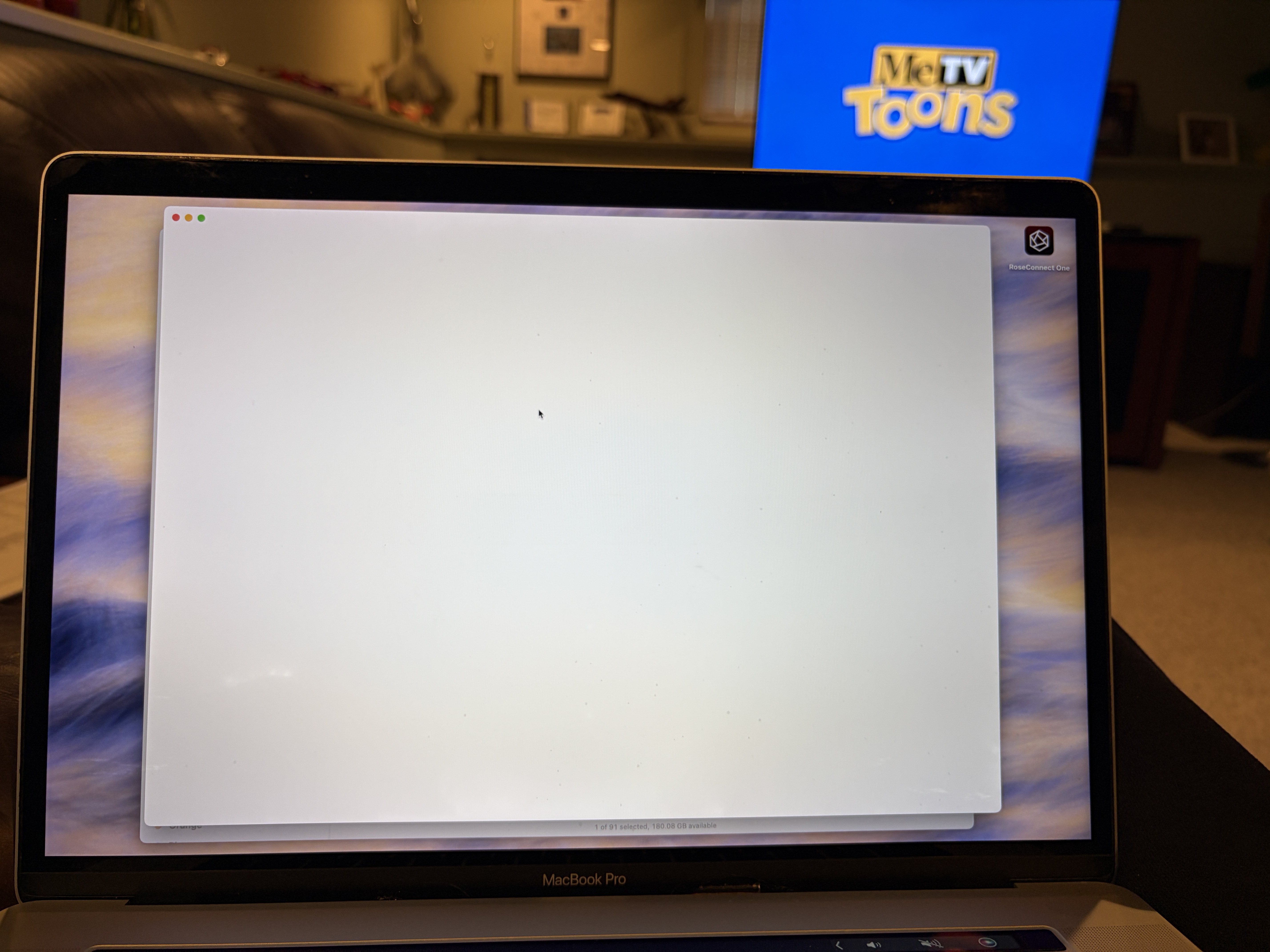
If you look at the link below, there are two separate installation files for ROSEONE MAC.
Did you make sure to install the correct version for your Mac — Mac Silicon or Mac Intel?
ROSEONE MAC Download Page
Please delete the currently installed version on your Mac and reinstall the correct version again.
If the same issue still occurs afterward, please let me know.
Despite several attempts at deleting and reinstalling, the screen still appears blank. the version that is stable, is Version 1.0.16-prod-intel. when i install Version 1.0.22-prod-intel or do an update within the app, it goes blank.
oh my computer is intel based…
We have forwarded your issue to our software team.
We will do our best to fix the problem and release an update as soon as possible.
Thank you for your patience and understanding.