
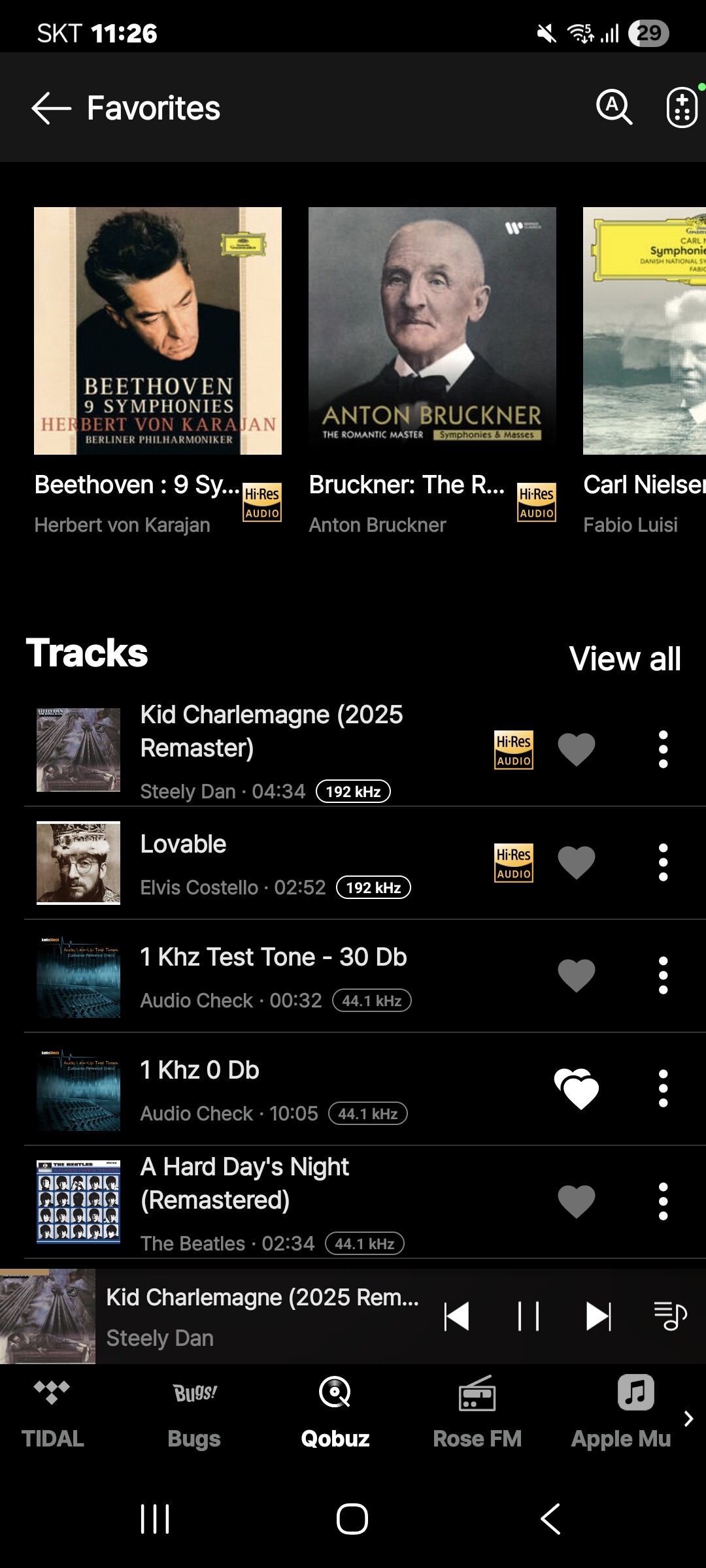
Hello, when I use my Qobuz favorites list to play a title I have to click on the three dots (play) on the right of the title instead of selecting it directly to make it play. Is this normal?
@legarem
In the Rose Connect Premium app, when you select a track from the Qobuz > My Qobuz > Favorites menu, it should start playing immediately as shown in the image below.
Please check the settings on your Rose device: Go to Settings > Audio Settings > Music Playback Options and ensure that it is set to "Add a song to listen to right away."
1 Like