I have another issue.
I reset the software to original when I could not get any sound from my RS150b, which is why I needed to log in again to Rose Radio. I have now figured that out.
Next problem:
I use Tidal and have been using the caching feature. It is now turned off.
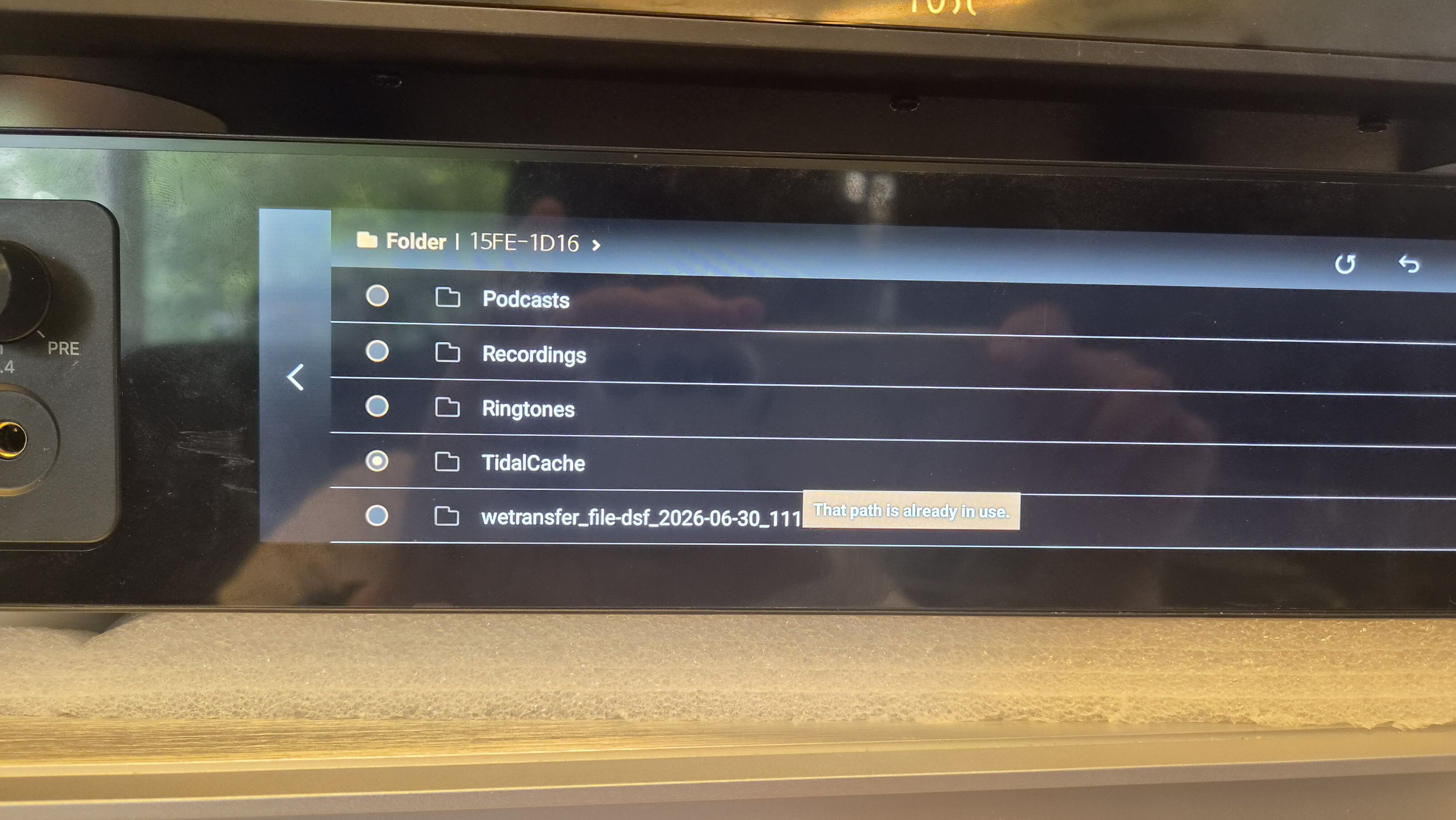
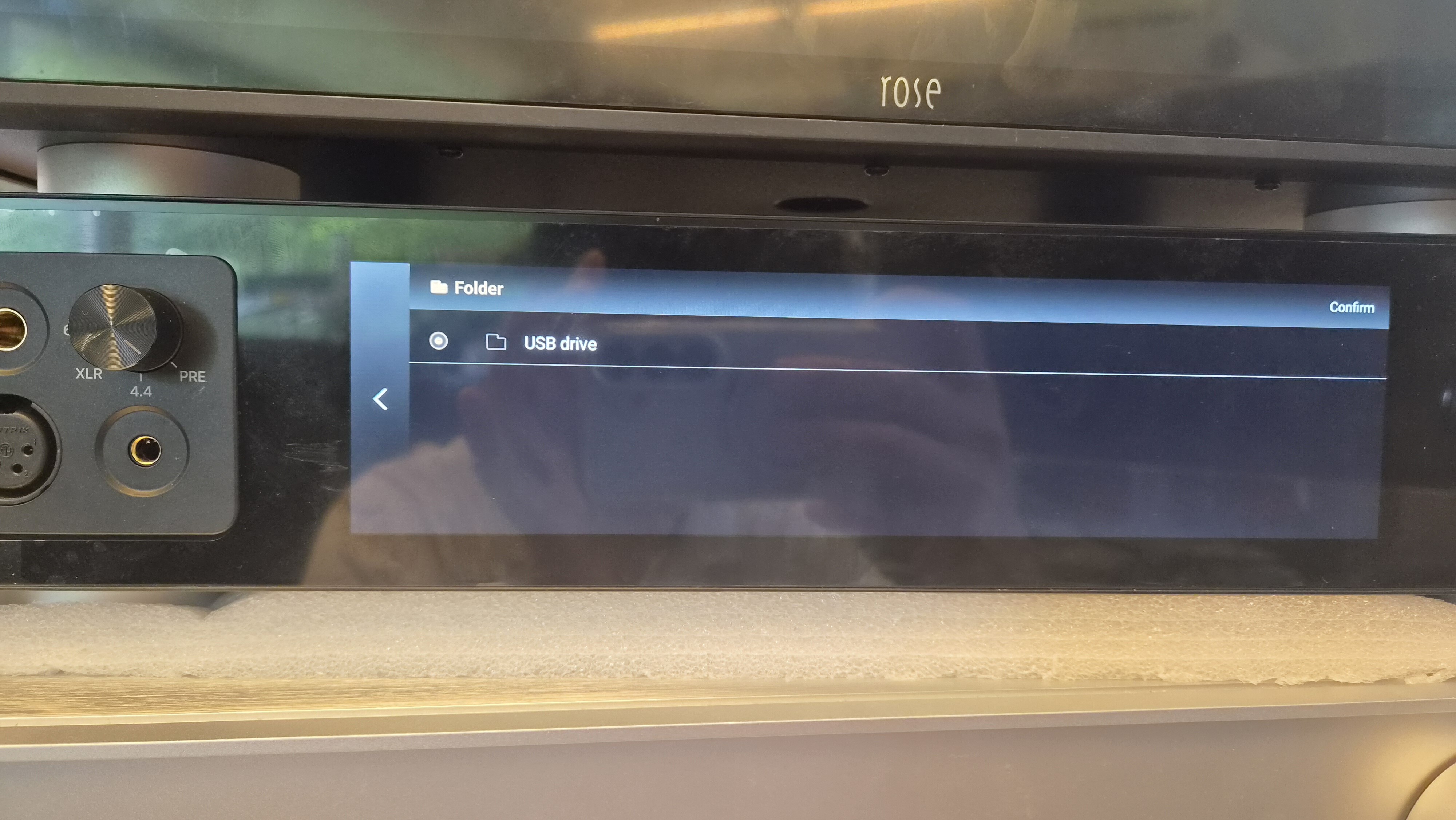
When I attempt to turn it on again, it asks me to select the path for caching. I have a folder on the RS150b internal hard drive named TidalCache that I have been using for this purpose.
When I select this folder, the message “that path is already in use.”
At this point, I don’t know what to do to use this folder again as my Tidal cache.
Can you help me?