
Hallo, i’ ve problems with 192khz songs: it seems a caching problem: as they start the progress bar of the cached part of the song starts slow and the played part reach the cached one and it stops playing. The same song played with a pc at same resolution and on the same network gives no problems and the cached progress bar fills up in few seconds. Could you please check?
Please check the following:
- When playing 192kHz/24-bit Qobuz tracks on your Rose device, you mentioned that the progress bar fills slowly—does this issue occur with all 192kHz/24-bit Qobuz tracks?
- You mentioned that playback works fine on a PC under the same resolution and network conditions. Are you playing the tracks using the native Qobuz app on your PC, or are you playing them via ROSE CONNECT with the PC connected to the Rose device?
- Is your Rose device connected via Wi-Fi or Ethernet?
- If you uninstall and reinstall the Qobuz app from the Rose Store on your device, does the issue still occur?
- Does the same issue persist even after restarting your router?
Hallo, i’ ve installed the latest EA fw and the problem with the queue seems solved.
So, to confirm, has the issue of audio dropouts when playing Qobuz on your Rose device been resolved now?
The queue problem seems now solved. But from few days there are problems with qobuz that skips songs saying that cannot reproduce it and skip to the next song. This happens via qobuz app on the streamer and via qobuz connect but not if I play locally on the smartphone.
Please help us by checking the following points:
-
Do other streaming apps work properly besides Qobuz, such as ROSE Tube, TIDAL, or Apple Music?
-
Is your Rose device connected via Wi-Fi or Ethernet?
-
Does the issue still occur even if you turn the cache function OFF in Qobuz?
-
After performing a factory reset on your Rose device and logging back into your Qobuz account, does the same issue occur?
-
Does the same issue occur even after performing a factory reset on your Rose device?
Rose device → Settings → System Settings → Factory Reset
Dear Eun-Seong Han il try to help you in debugging.
The problem occurs NOW with this song for example: artist: Lucio Battisti song: Prendila così
The problem occurs with 192 version:
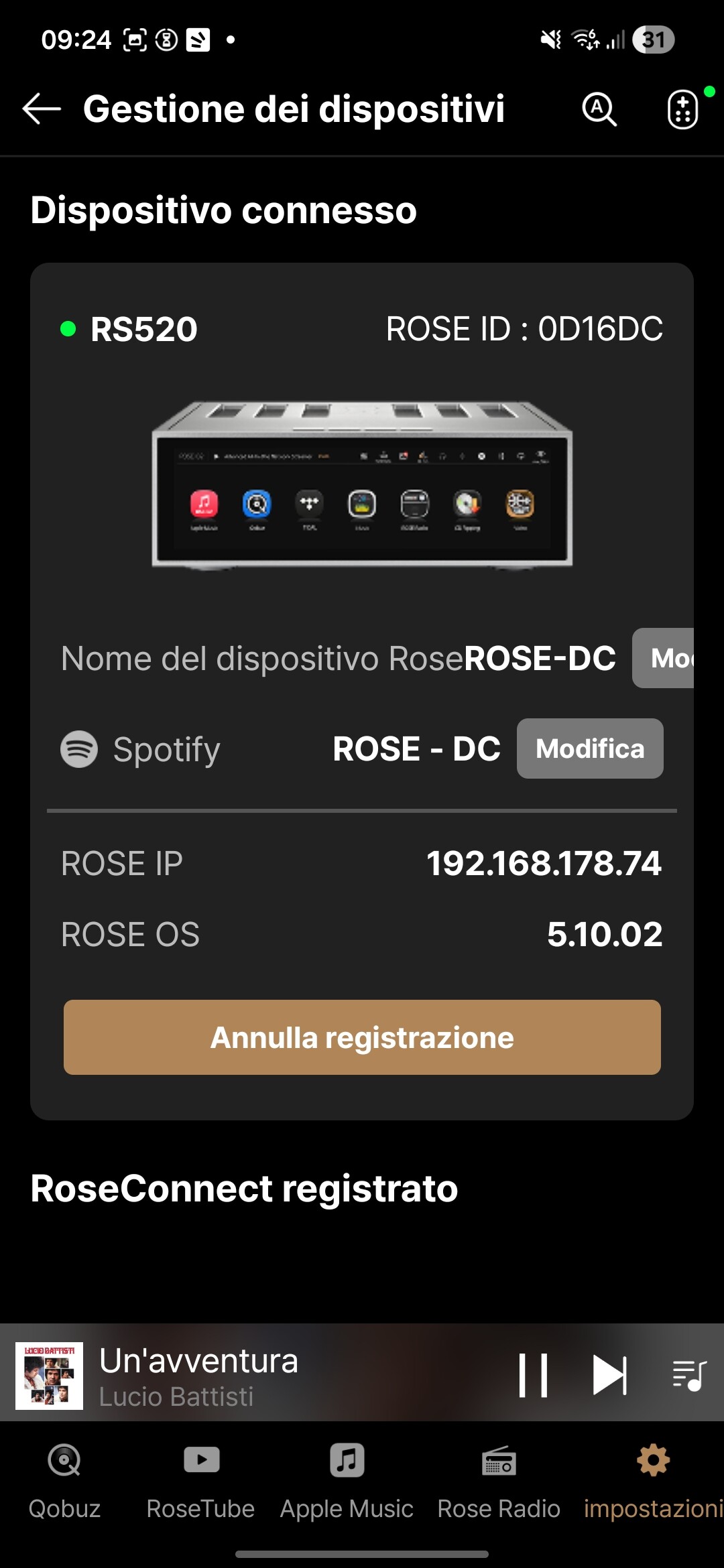
With Rs520 doesn’t work at all (streamer app and connect)
With another streamer that I’ve works only in connect mode but via qobuz app give an error: file doesn’t exist.
On the phone this song at 192 kHz plays without any issue
I hope that this can help you to isolate the problem (i guess some DB pointing problem with external Qobuz app) .
Geronimo
We tested the track “Prendila così” by Lucio Battisti in the Qobuz app within the RoseConnect app, and it plays without any issues.
Could you please log out of your Qobuz account in the RoseConnect app and log back in, and check if the same issue still occurs?
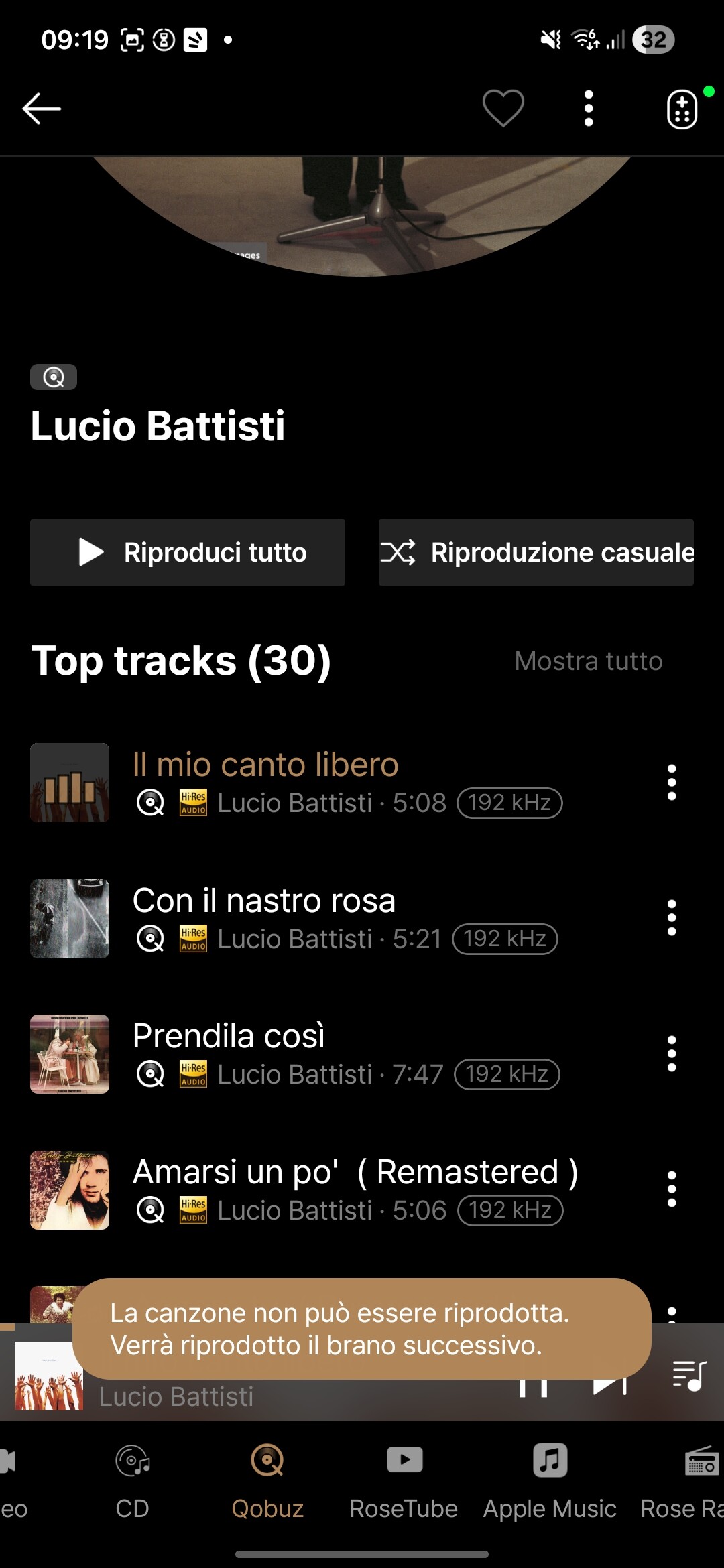
I have also checked all of Lucio Battisti’s tracks again and confirmed that only “Con il nastro rosa” does not play.
I have already contacted our development team to investigate the reason why it cannot be played. Once they review it and inform me of the issue, I will update you.
Perfect, but please remember that is only an example for helping developers to make a good debug, but it happens with many other songs.
Thank you
Geronimo
Yes, that has also been shared with our team.
We are experiencing the same issue on our side as well, so it appears that this problem can be fixed.
We are currently investigating the cause, so please bear with us.