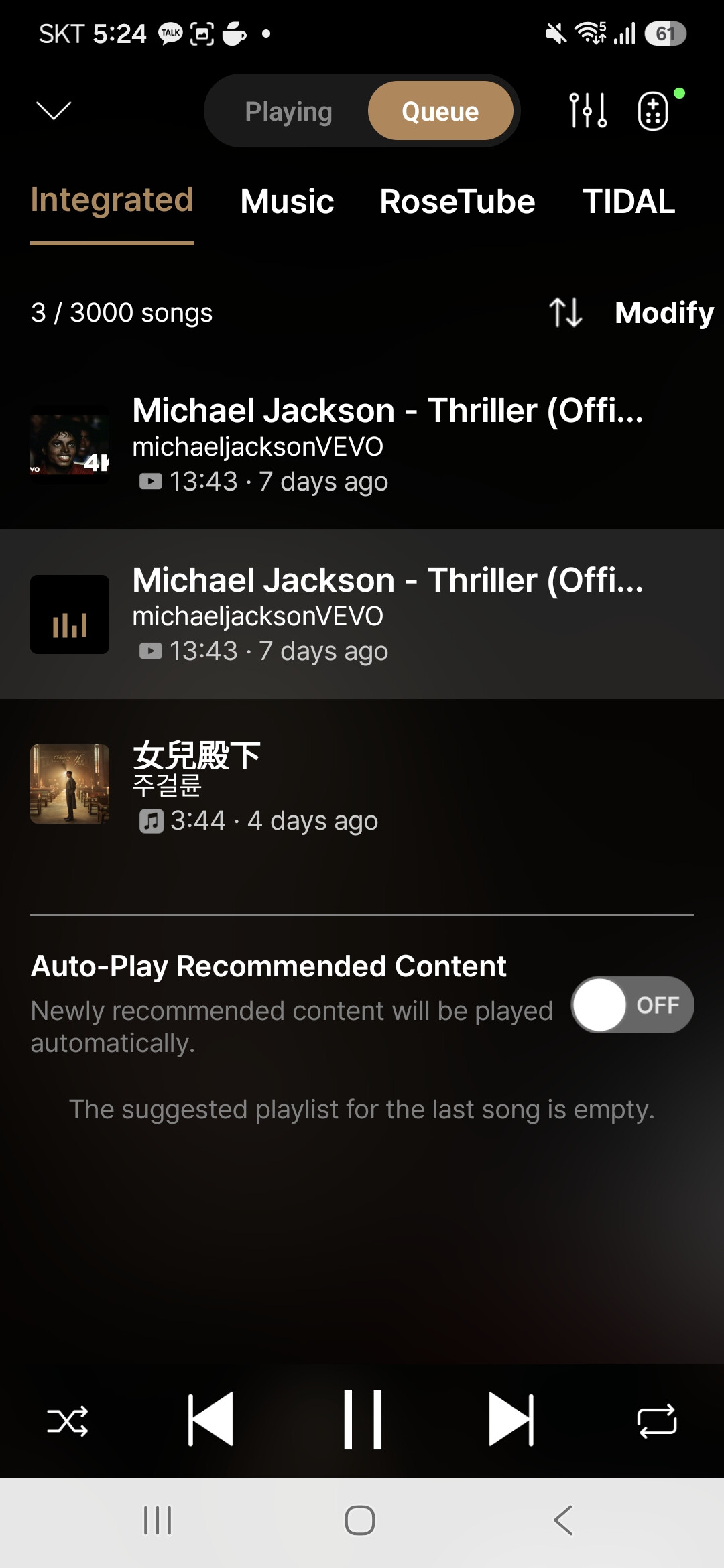
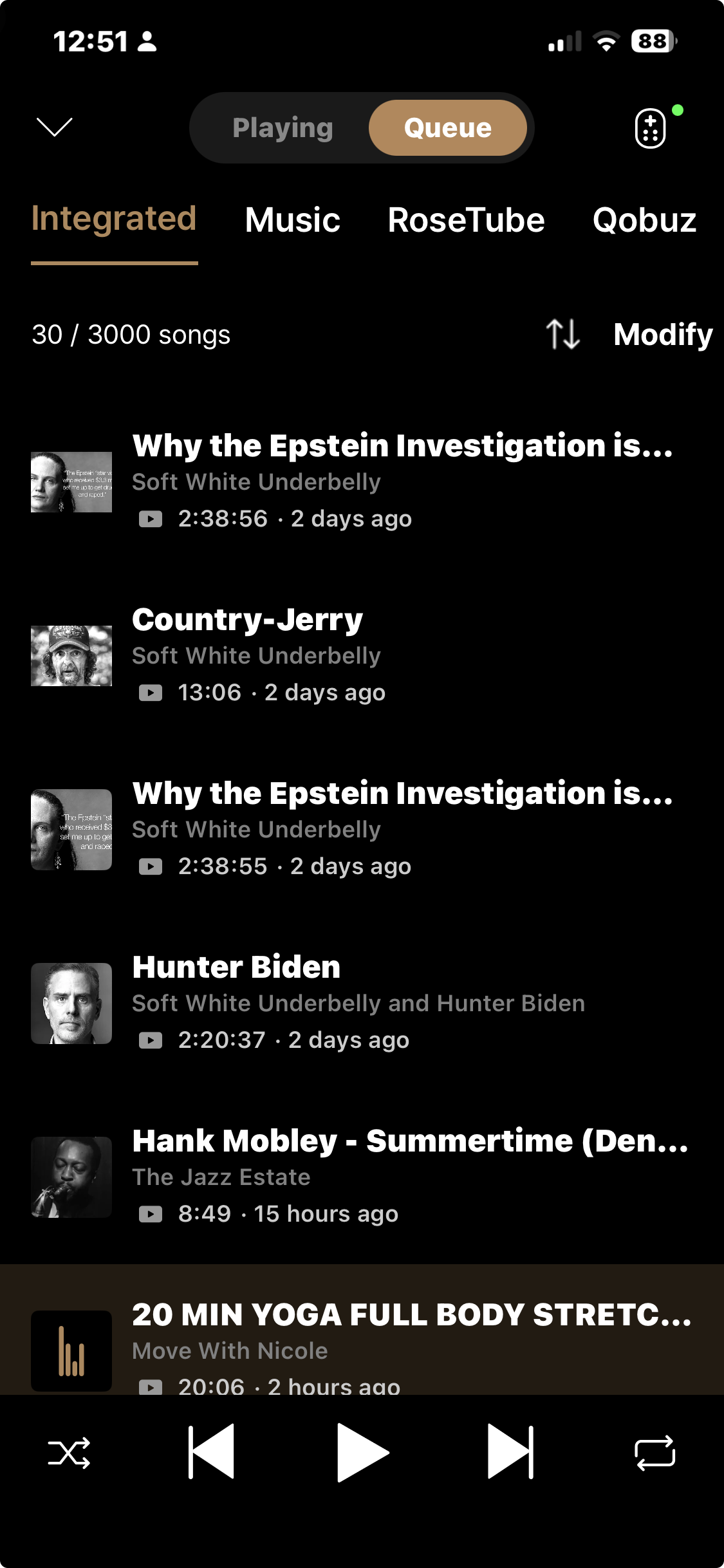
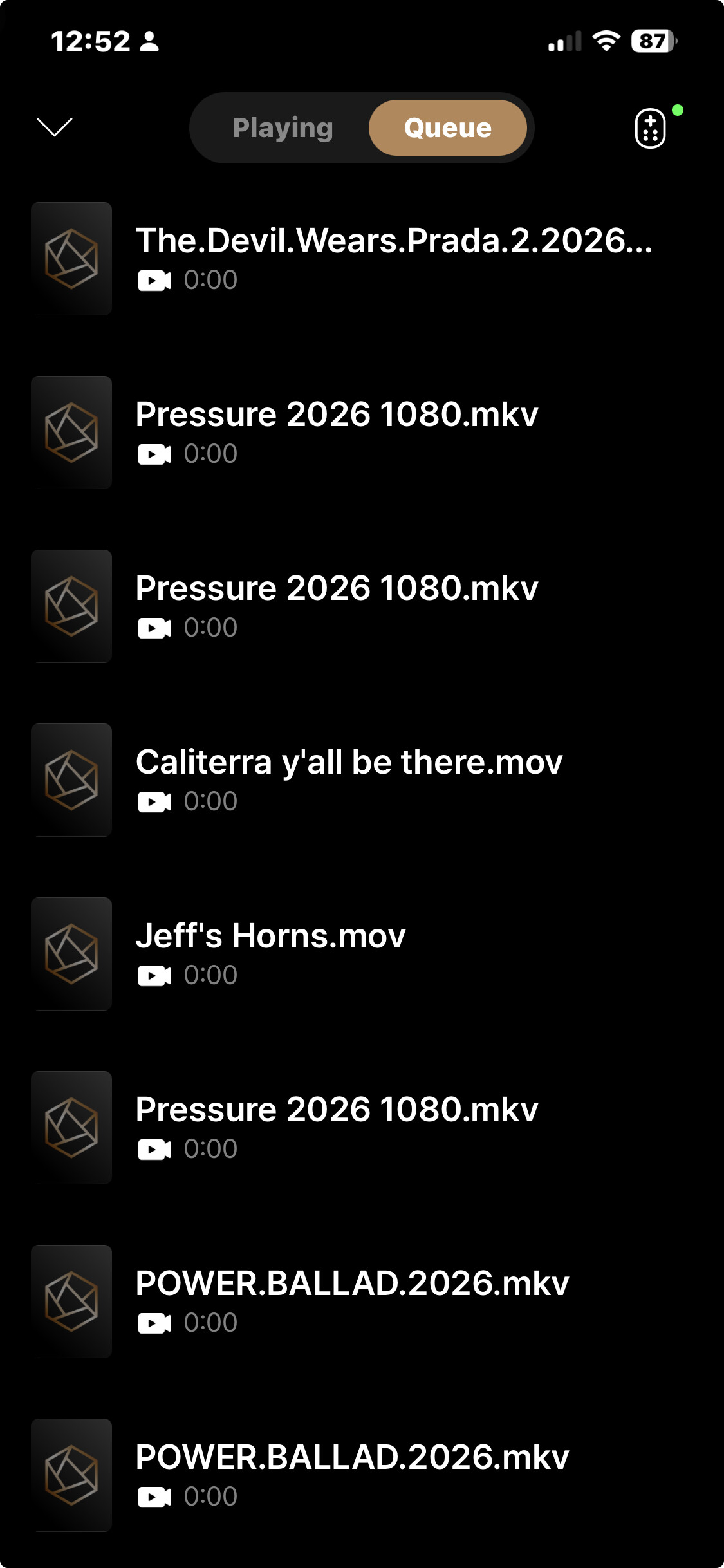
I’ve noticed that when I use the Rose One app and consult the queues that there are two different ones.
The main queue holds all internal SSD audio files, rose tube videos, Qobuz songs, etc.
The second queue holds only internal SSD videos and nothing else.
Is there a way to integrate all media regardless of location into one queue?
Noticed that this also impacts the navigation tools on both the app and the device. In other words, you can’t use previous or next item in the navigation buttons with actual content that was played from two different queues.
Thank you