
Rose one version 1.0.35 on my iPhone 15 is no longer working correctly. When I go to rose home nothing loads, in fact nothing seems to load or work except Qobuz and possibly tidal. Everything was working fine except symphony then I was down a week because my amp died when I came back nothing in rose one seems to work. Did not change any settings. I’m old and not very technical and need help.
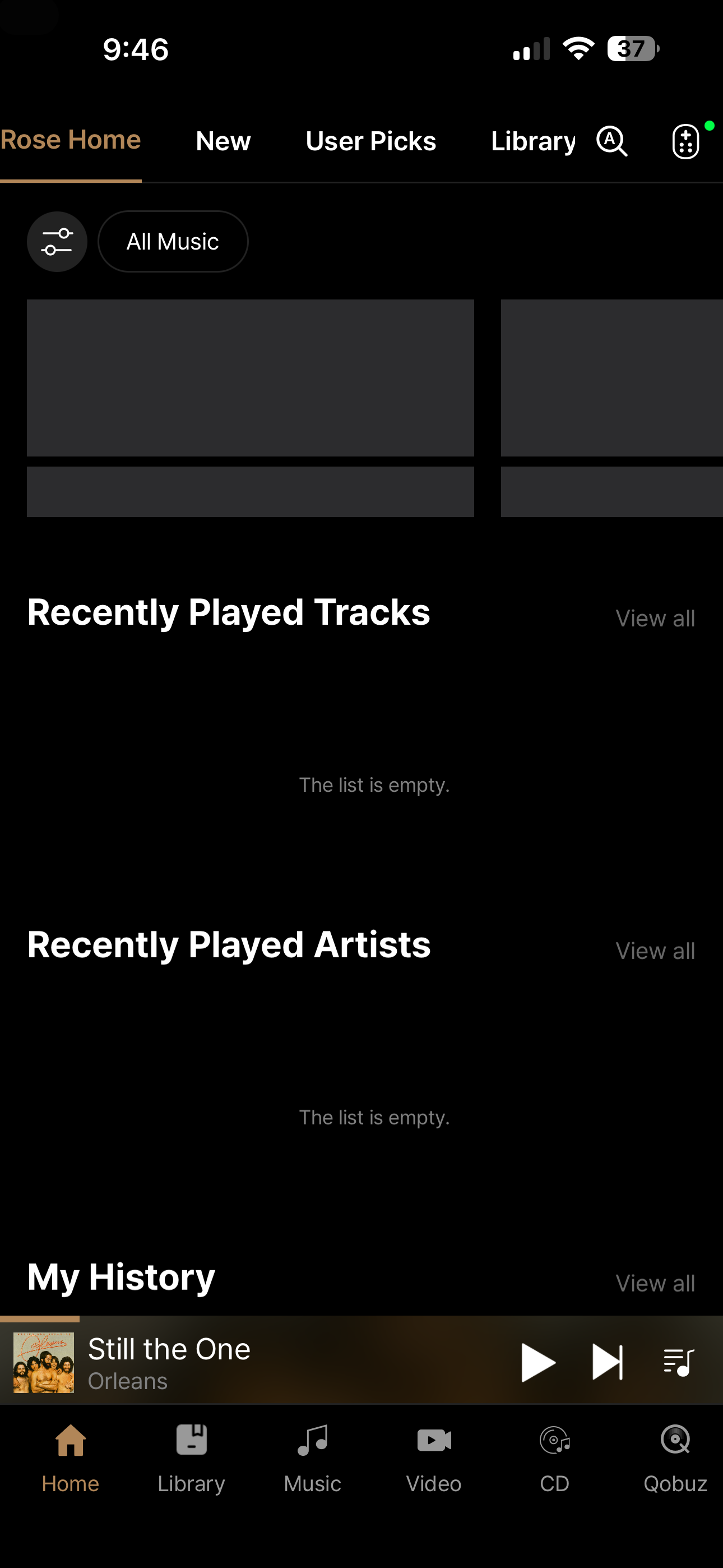
Forgot to mention when I set my phone down for even a short time when I come back rose one has quit and I have to launch it again. This was not the case before.
Did you reboot your phone?
I’m about to update the phone to that release.
I’m also on an iPhone 15…
[edit] I am on an iPhone 15Max, just upgraded to the latest OS.
No problem w latest Rose One release.
So now I figured “factory reset!” Big mistake! Reset went ok but it didn’t fix the problem and now I can’t get to Qobuz which is all I use. It appears that after a factory reset on the 150b you have to download Qobuz from the rose store and I can’t get to the rose store either. Funny thing is everything was working correctly for a few hours last night but back to screwed up again this morning. Should have got an eversolo.
@epetrillo
Hello, Judging by the fact that the app list in Rose Store is currently not visible on your device, it appears that your Rose device is not connected to the network.
- Go to Device Settings > System Information and check the IP address.
- If the IP address is not displayed, go to Device Settings > Wi-Fi or Ethernet, turn on the network, and check if it connects.
Maybe this has been asked before.
I own a RS151 with a built in SSD.
With some tracks the first seconds of the track are skipped.
This happens only with tracks that have often been played and only with tracks stored on the SSD.
Is there a way to “repair” this?
@HuubW t is difficult to verify the exact issue with only the details provided, so we are reaching out for further information.
- Please record a short video of the issue occurring and send it to the email address below. We will review it and get back to you.
- Please also provide your System Version and Rose ID, which can be found under Settings > System Info.
shim1691@citech.kr
@Rose_love : Thanks for answering. It’s not a visual issue, not possible to show in a video.
It’s only an audio issue: first 1-2 seconds of a song are skipped.
System: 5.11 official
ID: 0D7CC8
I e-mailed you.
I placed this issue in “Rose one not working right”, but surely the culprit is not the app but the device.
@HuubW
Thank you for your help in resolving the issue.
We have confirmed the issue and are currently working on a fix. We will release an updated version as soon as possible.
Thank you once again for assisting with the root cause analysis.
The problem of skipping the first 1-2 seconds when playing OFTEN PLAYED tracks from the built-in SSD in my RS151 has been solved.
I found the solution in the following procedure:
settings → system settings → media library → DB initialization (right top of screen) → DB rescan.
After the rescan of the entire SSD all tracks play accurate again from the first second.
This procedure can only be executed at the touch screen of the device.
We are very glad to hear that the issue has been resolved.
It is great to know that after initializing and rescanning the Media Library database, all tracks stored on the internal SSD are now playing correctly from the very beginning.
Thank you for sharing the solution and your results in detail. This information may also be helpful to other users experiencing a similar issue.
If you experience any other issues while using your RS151, please feel free to let us know.
Thank you for using HiFi ROSE.
1 Like