
Using RS250 with Qobuz whenever I press “Play” or “Shuffle” neither works - I have to click the first track of the album or playlist and then select “Empty the queue and play from here” so no way to shuffle at all directly from Rose One app - am I alone in experiencing this issue? Very annoying.
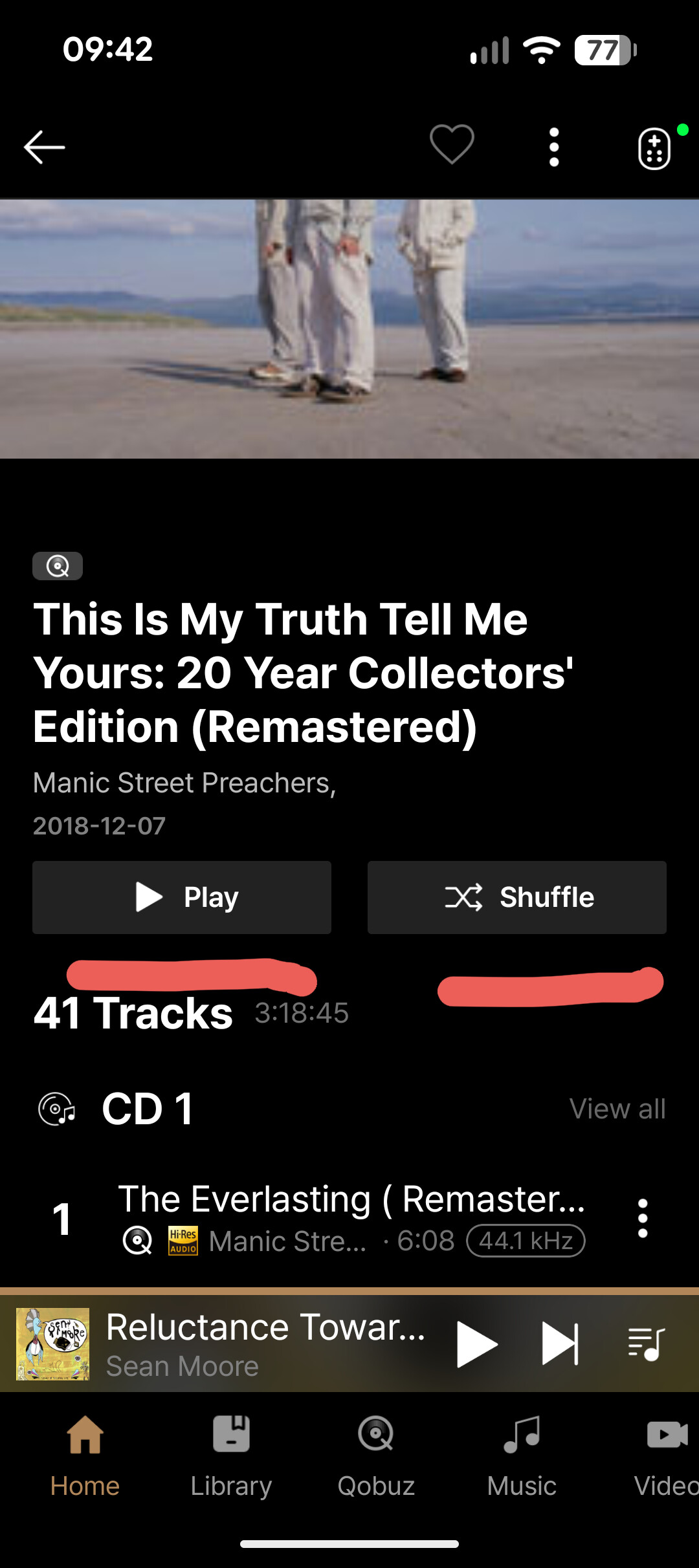
We also reviewed your post and tried to reproduce the issue, but we were unable to experience the same problem on our side.
Could you please answer a few questions for us?
- On your RS250, if you go to Audio Settings → Track Play Option, what is the current setting?
- Does the same issue still occur after logging out of your Qobuz account in the RoseOne app and then logging back in?
- Does the same problem occur with other streaming apps as well, or only with Qobuz playlists/albums when pressing “Play” or “Shuffle”?
- Does this issue happen with all Qobuz albums/playlists?
- If possible, could you record a video showing the issue and send it to the email address below?
eunseong96@citech.kr
Thank you.
Thank you for your reply - changed track settings in audio settings and now working perfectly - thank you 