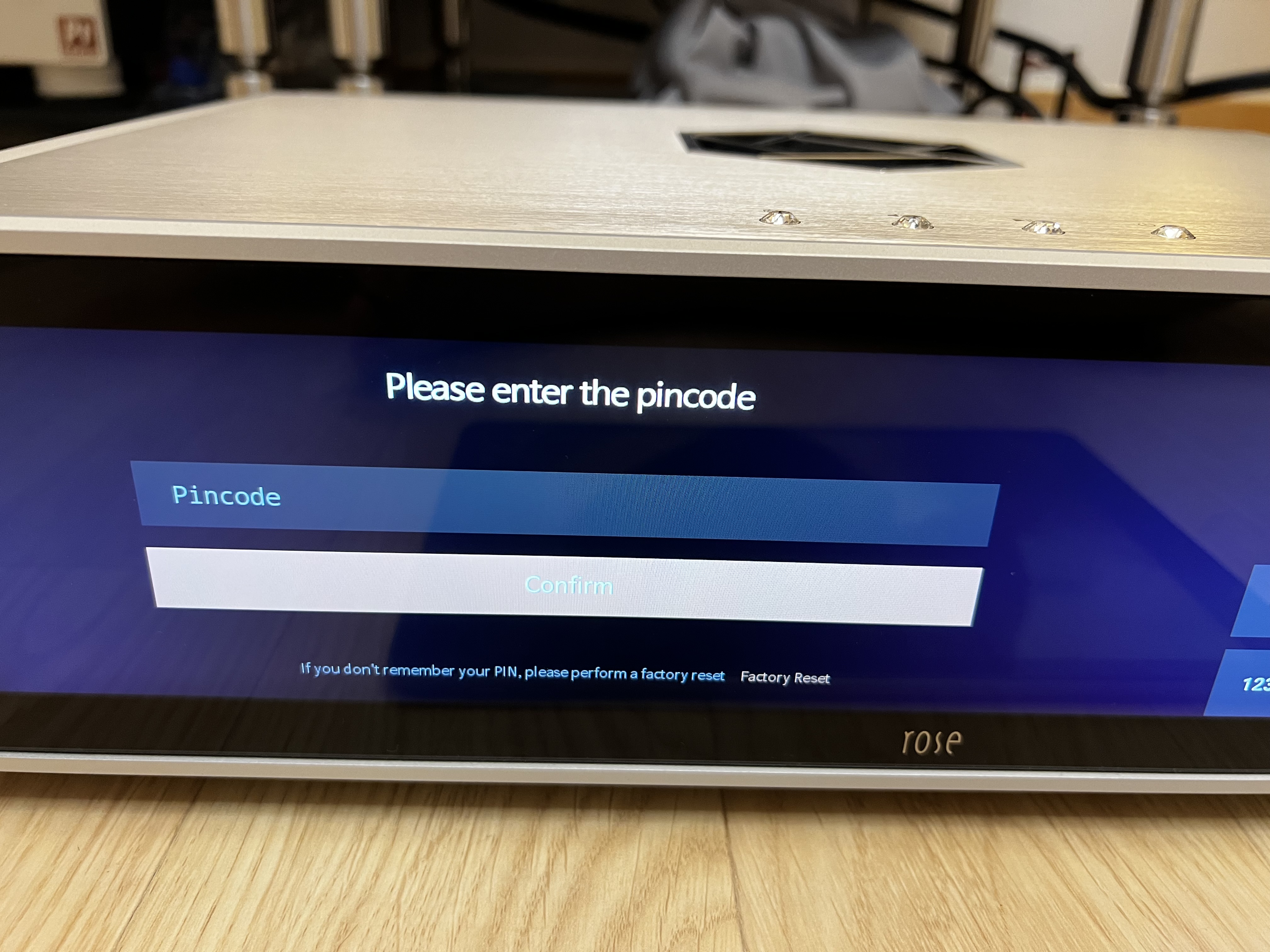
Hello Rose support,
What is the pincode when I want to access the system setting?
I think the pincode is required after firmware upgrade.

Hello Rose support,
What is the pincode when I want to access the system setting?
I think the pincode is required after firmware upgrade.
It is whatever you set it previously. If you never did or forgot, follow that line under and do a factory reset which should get you back to setting a PIN code. I doubt there is any other way around it.
Hello,
Thankyou.
I don’t remember I have ever set the pincode.
It’s too bad that reset to factory defaults will also clear all my settings and also need to scan the internal drive again.
I can’t think of any reason why Rose put a pincode there, it is annoying.
Thankyou anyway
They had to in order to comply with EU regulations is my understanding.
There is no way to hide the PIN code.
■ Notice on Mandatory EU RED Certification
According to the latest regulations that will take effect in the second half of 2025, it will be mandatory to obtain RED certification (Radio Equipment Directive) in order to distribute and sell wireless electronic products in the European Union (EU) market.
This is not optional, but a legally required condition. Without RED certification, it will be impossible to enter the EU market in any form.
■ Notice on Obtaining EU RED Certification
The EU RED certification is an essential requirement for the distribution of wireless products within the European Union.
It includes not only wireless performance, electromagnetic compatibility (EMC), human safety (SAR), and electrical/electronic stability, but also complies with Europe’s highest level of cybersecurity requirements.
■ Notice on Enhanced Security Requirements
-Prevention of Unauthorized Access & Network Protection
Blocks unauthorized external access and protects devices from network-based threats.
-Protection of User Privacy & Data
User data is securely protected using encryption technology to minimize the risk of leakage or misuse.
-Software Integrity & Secure Update Structure
Prevents tampering of software and ensures updates are only possible from trusted and verified sources through enhanced security architecture.
Thank you
Hello,
Good to know.
What is the pincode after factory reset then?
Regards,
KK
After performing a factory reset, you will need to set a new PIN code.
You can choose any 8-digit number that is easy for you to remember.
Hello,
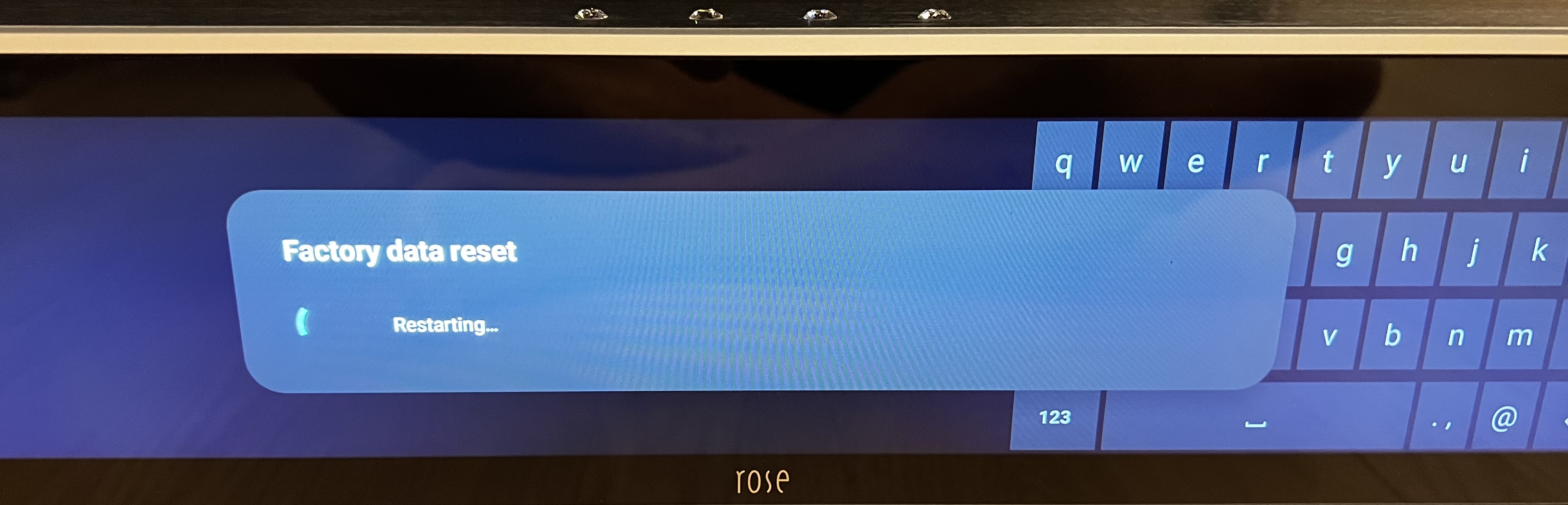
How long does it take for the factory reset?
It has been stopped on this page for over 10 minutes
If the device remains in that state for more than 10 minutes, please disconnect the power cable from the rear of your Rose device and then reconnect it. It appears that a temporary error may have occurred during the factory reset.
After reconnecting the power and turning the device back on, if you see the language selection screen, it means the factory reset was completed successfully.
If the device boots to the app screen instead, please perform the factory reset again.