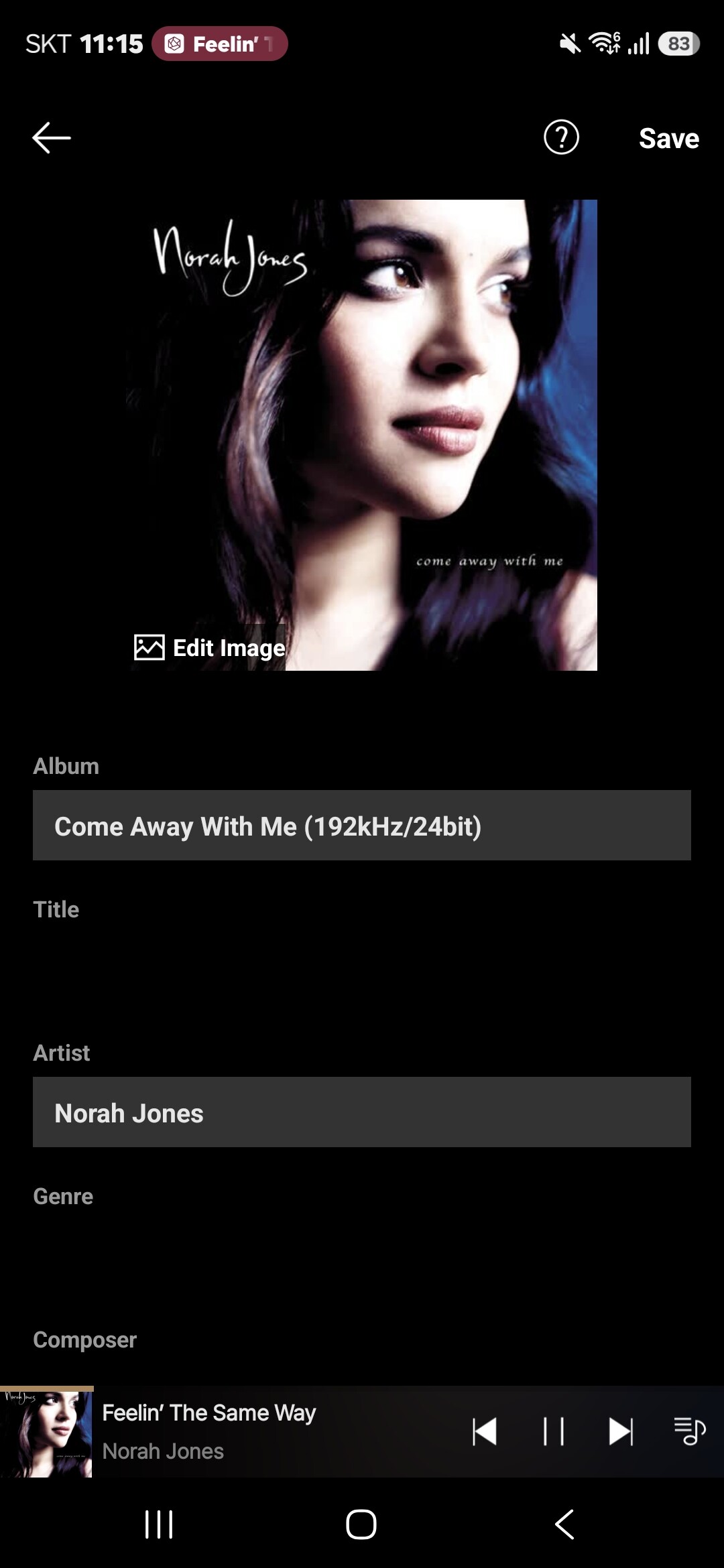
Music meta album fields cannot be modified only the album field can be modified….
Fields that appear to accept data but do not….
Title
Artist
Composer
Please can these fields be changed so that they can accept manual data in the app

Music meta album fields cannot be modified only the album field can be modified….
Fields that appear to accept data but do not….
Title
Artist
Composer
Please can these fields be changed so that they can accept manual data in the app
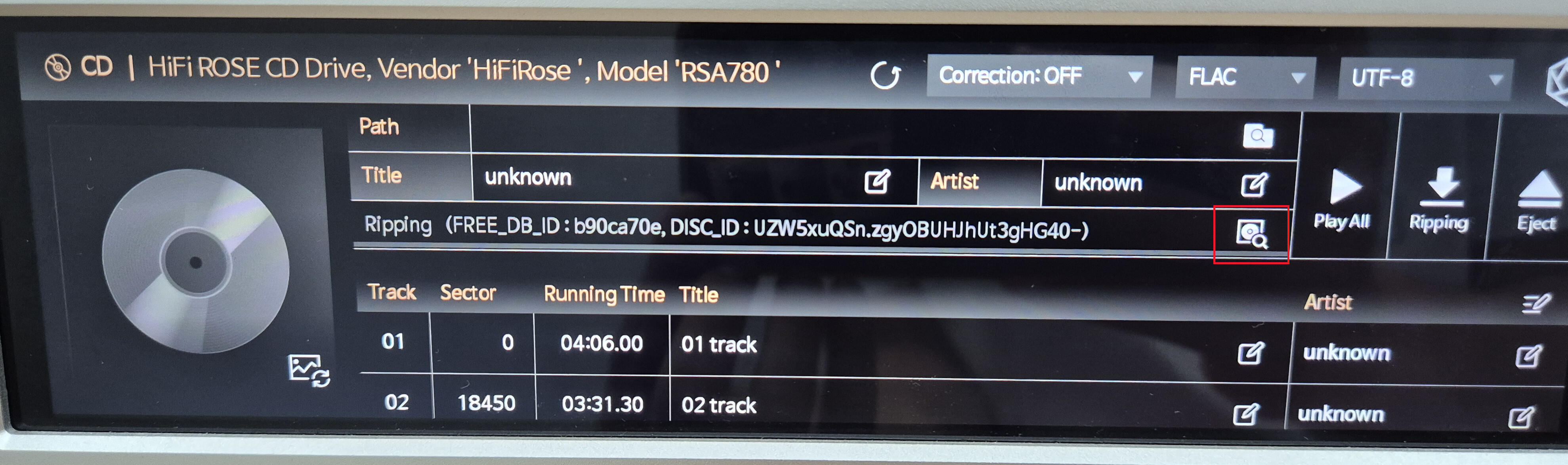
With this update, an Extended Search feature has been added for CD ripping on ROSE devices.
The Extended Search uses a more advanced search method. It first searches using the MusicBrainz Disc ID and the FreeDB API, and if no match is found, it performs an additional fuzzy search.
Before starting the CD ripping process, please refer to the image below (marked in red) and select the album that matches your CD.
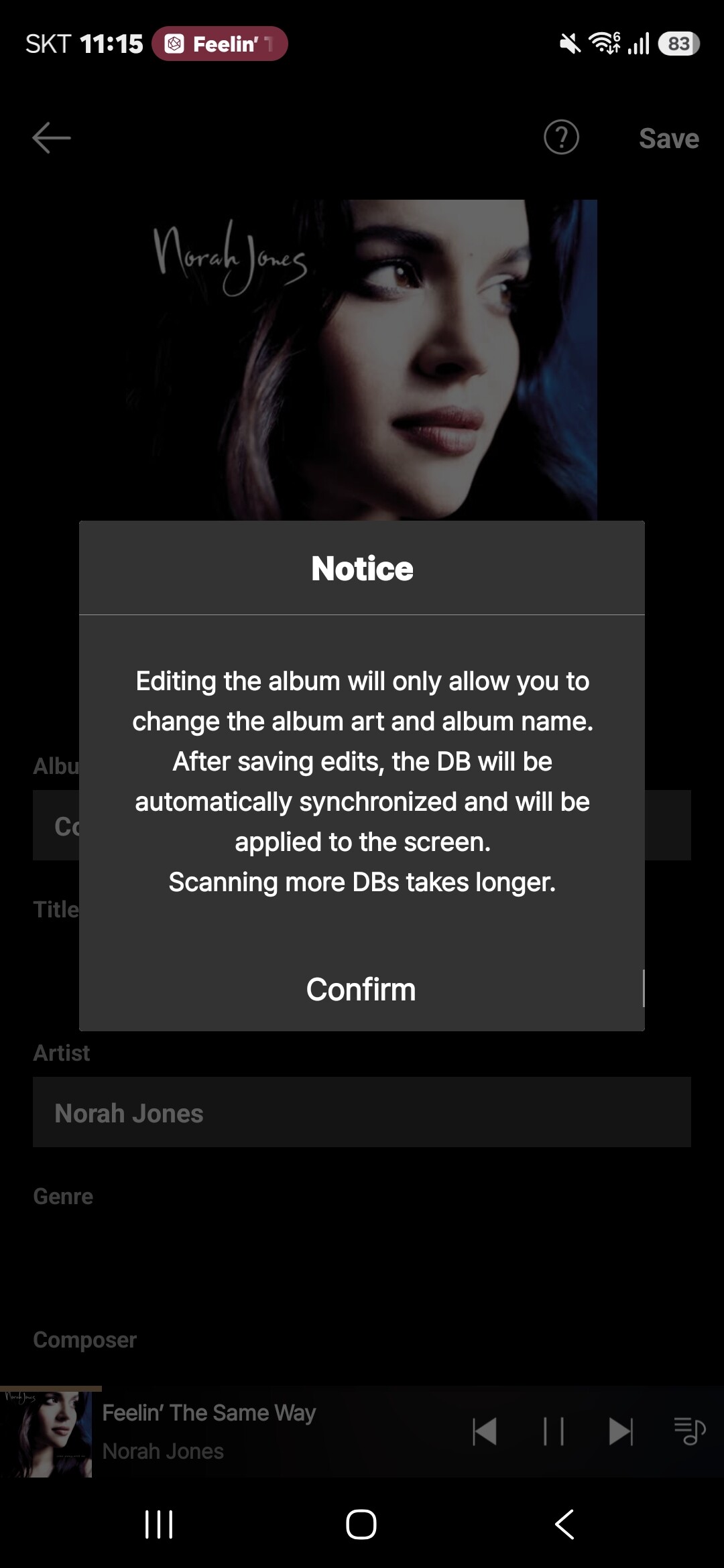
Upon reviewing the issue you mentioned, we have confirmed that the Album Edit feature only allows modifications to the album art and album title.
While this guide was originally included in the RoseConnect app, it appears to have been omitted from RoseConnect One. We will ensure this guiding text is added in a future update.
Please note that the Song Title, Artist, and Composer fields can be edited individually within each specific track’s menu.