[ Roseconnect ONE ] Windows/MAC (Ver 1.0.51.4)

▣ Release Version: Ver 1.0.51.4

▣ PC APP

  • Supported Models: RS201(A), RS250(A), RS150(B), RS520, RS130, RS151, RS451
  • Device Compatibility: Compatible regardless of Rose OS version (both Official and E/A releases)
  • Installation: Download and install the attached file (RoseOne-1.0.51.4-windows-x64-setup.exe).

Note) For existing app users, we recommend uninstalling the previous version before installing the new update.

Download for Windows: Here

▣ MAC APP

Installation: Search for “roseone” on the App Store and install it. Future updates will be managed directly through the App Store.

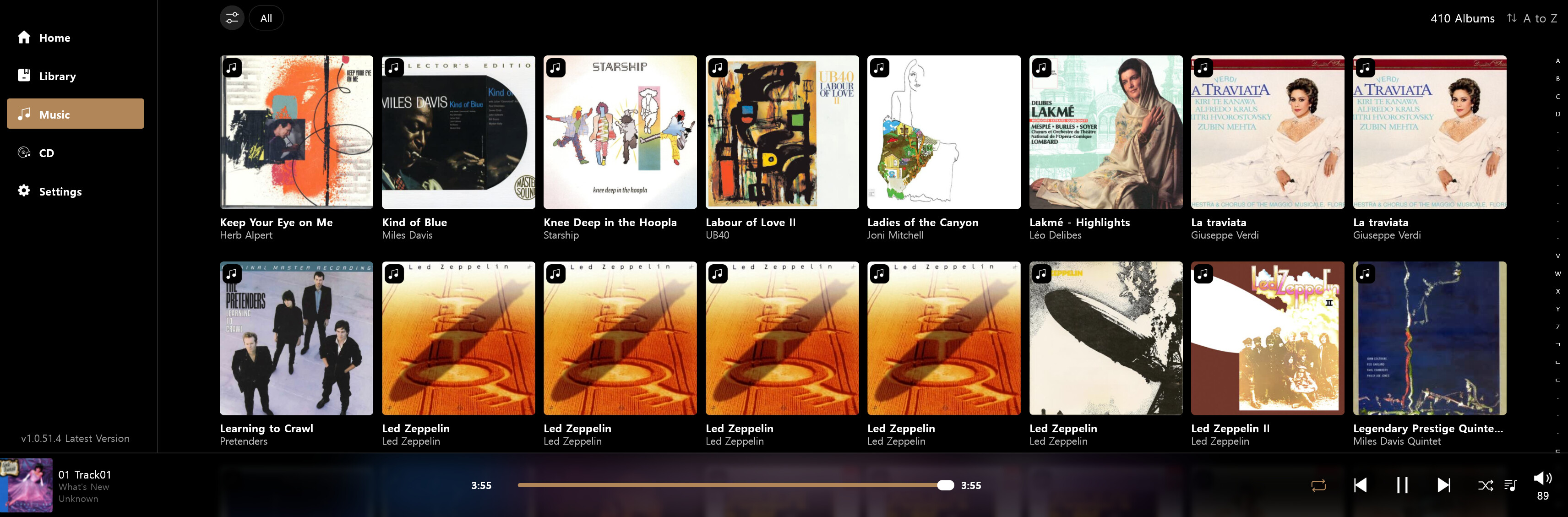
So Far; So Good…RS151 5.12.05, Rose One Android phone 1.050.3 and now Rose One Windows 1.0.51.4

The first thing I noticed was more album art is showing up…not every single album…but much more than the 1.0.39.7 version.

The good news is it seems to be an improvement over 1.0.39.7 as it should be. Since I use the Rose One Windows as my main control…if I locate any problems I’ll get back to you. I did follow your instructions and uninstall the previous version first.

Thank you for your efforts. :wink:

It is nice to get updates so we can try out new features and corrections. I still miss important features like proper tagging recognition in the firmware and client.

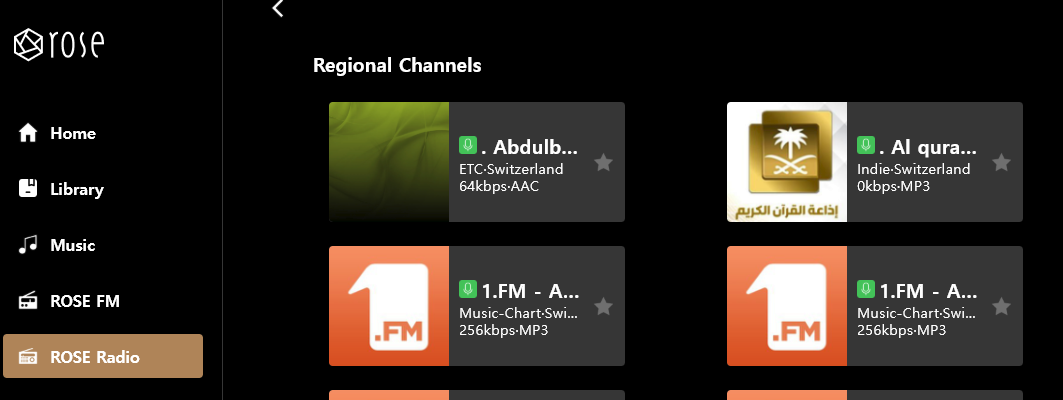
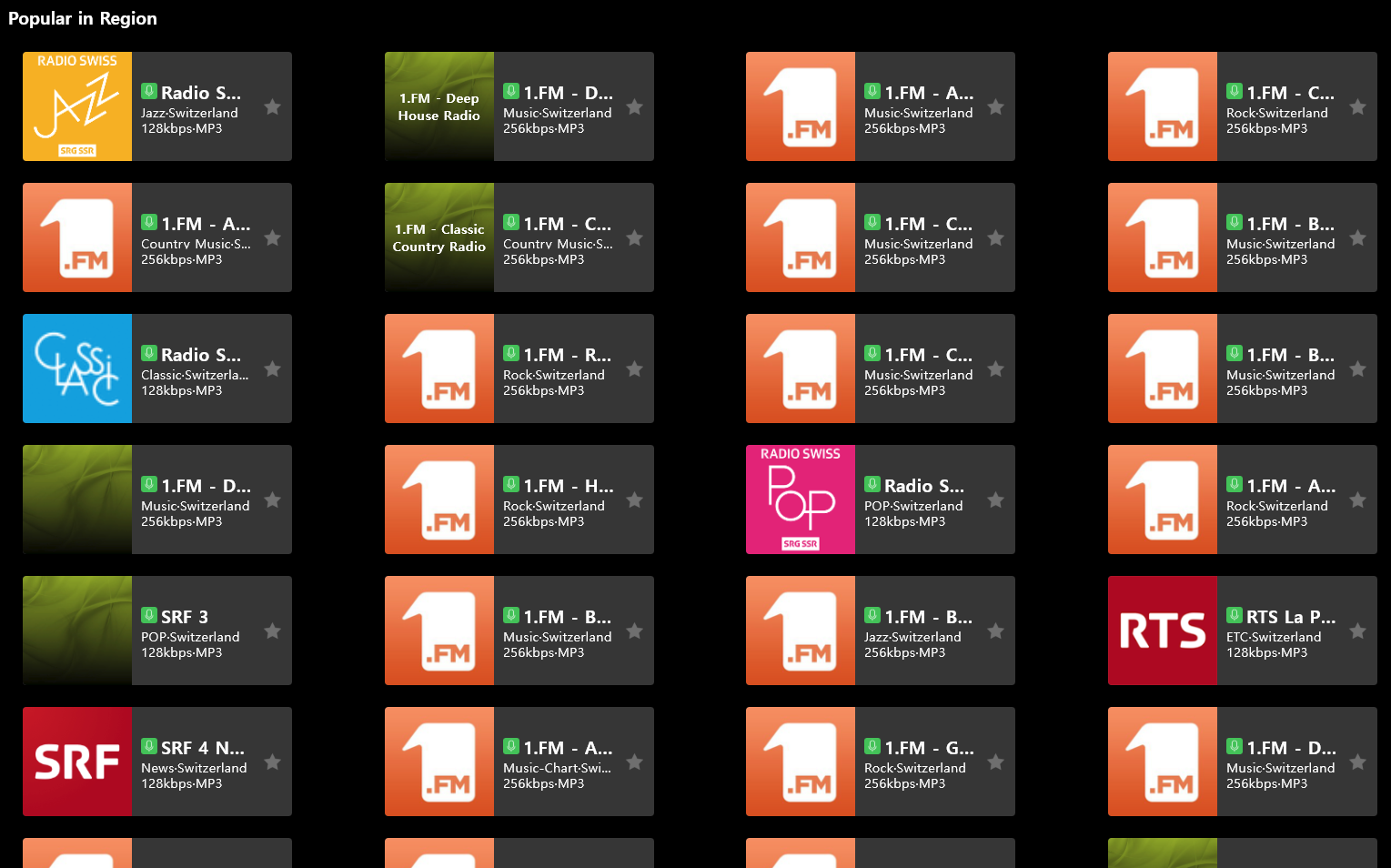
But now i would like to know why i living in central Europe get arabic radio stations listed as first entries in the ‘ROSE Radio’ ?
Is it possible to remove them? This is central Europe, No arabic speaking countries exist here.

image

Thank you for providing updates !
I have a request for the ‘Radio’.

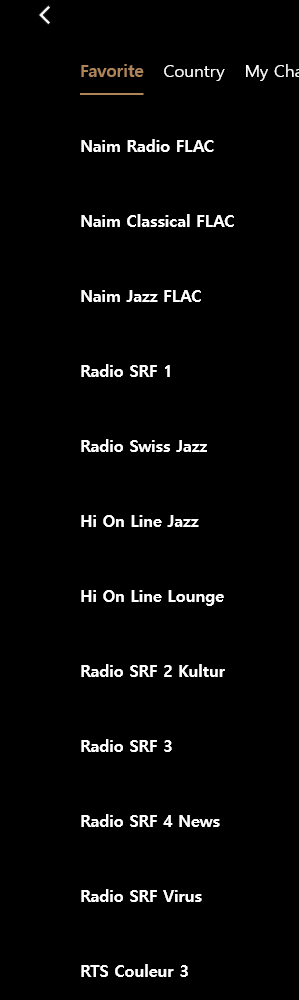
The favorites are shown as a list. Is it possible to provide the favorite view with a matrix view just as in the country section?

Thank you for your consideration.

image

The PC version was the only one that didn’t have this bug (it’s been an issue on iOS and Android for a while—it was even reported back then…). Now you’ve managed to patch the bug into that version too.

RosePC

Hello ROSETEAM !

Thank you for the latest update for ROSEConnect ONE.

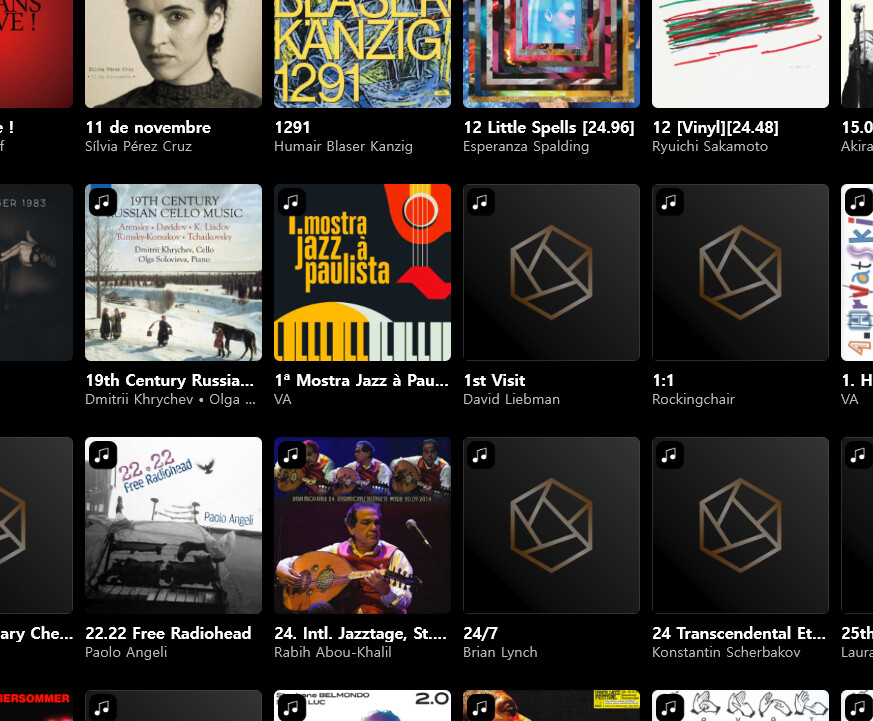
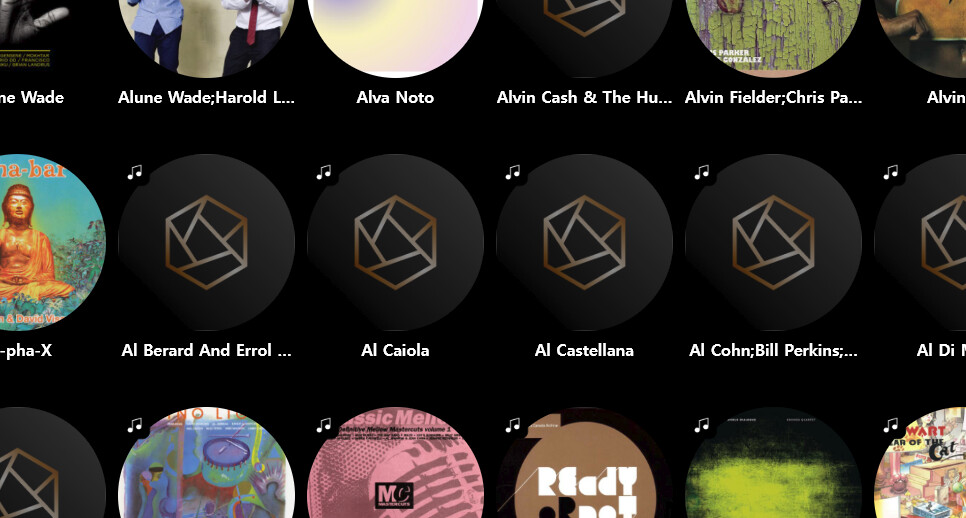
There is an issue in Music > Recommend and in Music > Album in that the listing of albums is slower than in previus version and it suddenly stops requesting data from the ROSE520 resulting in empty album as shown in the screenshot.

image

The same is with artists. It stops showing pictures

image

Dear HiFi Rose users

Thank you for reporting this issue.

We have forwarded the issue to our software development team, and they are currently working on a fix.

We apologize for the inconvenience and appreciate your patience and understanding.

@ARey11
Thank you for sharing the issue.
We have confirmed the issue, and it will be included in the next release version.

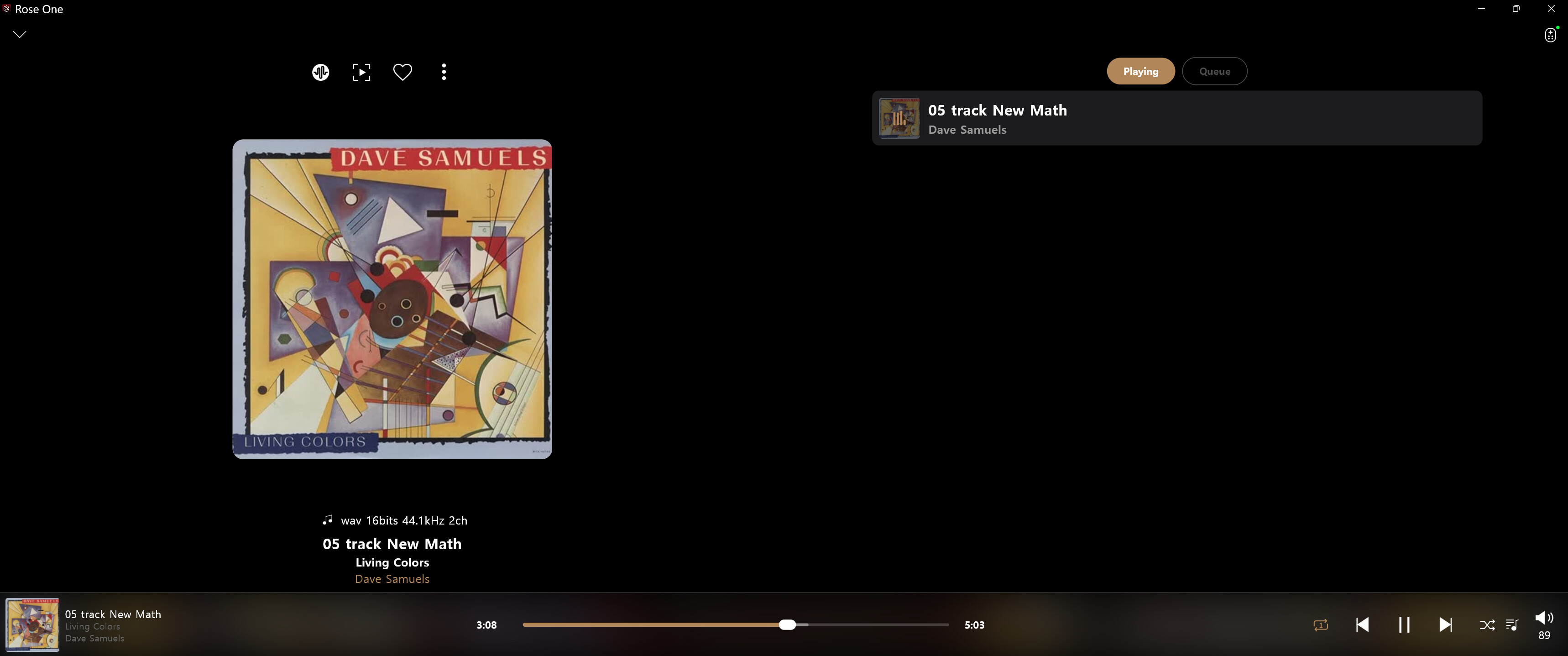
I had an cd that I ripped by Dave Samuels titled Living Colors which did not have album art available via the web for updating the meta data. So I put a jpg of the album art in the proper music folder and labeled it front.jpg following advice on this forum. Unfortunately, it would not save and update the album art.
After the update to Rose ONE Windows Ver 1.0.51.4 I decided to try again and what do you know; it worked, proper album art is now displayed…Thank you so much and keep up the good work. :partying_face:

We have confirmed that the station you mentioned is a Swiss radio station. Currently, the stations are displayed in alphabetical order by default.

We will consider your suggestion and add a filter in the next version that will allow you to sort the stations by popularity.

Unfortunately, the radio stations do not have individual images. In the Country section, colors are assigned randomly, so even if we use the same UI for the Favorites section, the colors may be matched differently.

For this reason, I think it would be best to keep the current design.

I’m sorry that we cannot accommodate your suggestion this time, and thank you for your understanding.

Thank you for reporting this issue.

Could you please share some information about your PC environment, such as the operating system and its version? It would also be helpful to know approximately how many albums you have in your library.

We haven’t been able to reproduce the issue on our side so far, and this information would help us investigate and reproduce the problem.

Thank you for your cooperation and support.

Thank you for considering. I just now checked the listing with ‘Regional’ filtering and a radio station appears many times.

For me this is simply SPAM by radio station. What is needed is a SPAM Filter for stations which flood all others with extra detailed nonsense. It is simply unpolite.

Please see the sreenshot.

Hello

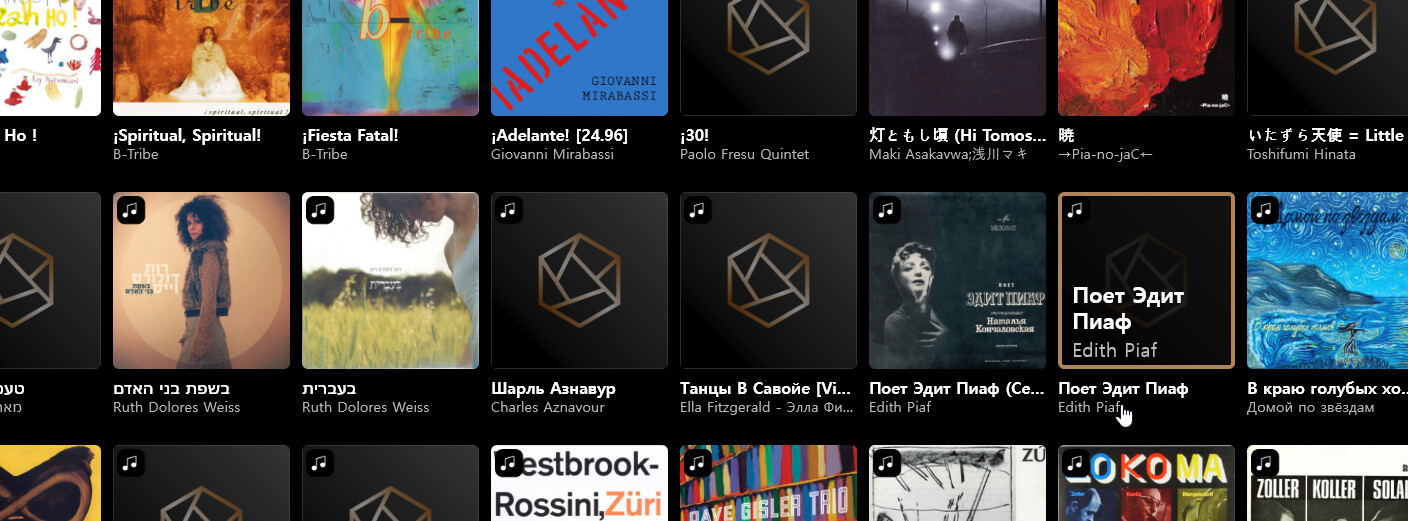
i just checked again and the listing stops suddenly resulting in the default picture.

I have a Windows 10 on a professional HP workstation connected via WLAN to the RS520. I did no had this issue with previous versions of the ROSE client. I have about 1900 album, FLAC files. Every album is in it’s own directory, fully tagged also with pictures.

I do not have any other issues in the network.

10min. later i checked again while showing album covers. I see that the listing is slow on some of them. Sometimes all album covers appear, sometimes not. I think there is a 10 seconds timeout, it looks like this - see the screenshot.

If i am the only one with this issue i can live with it.