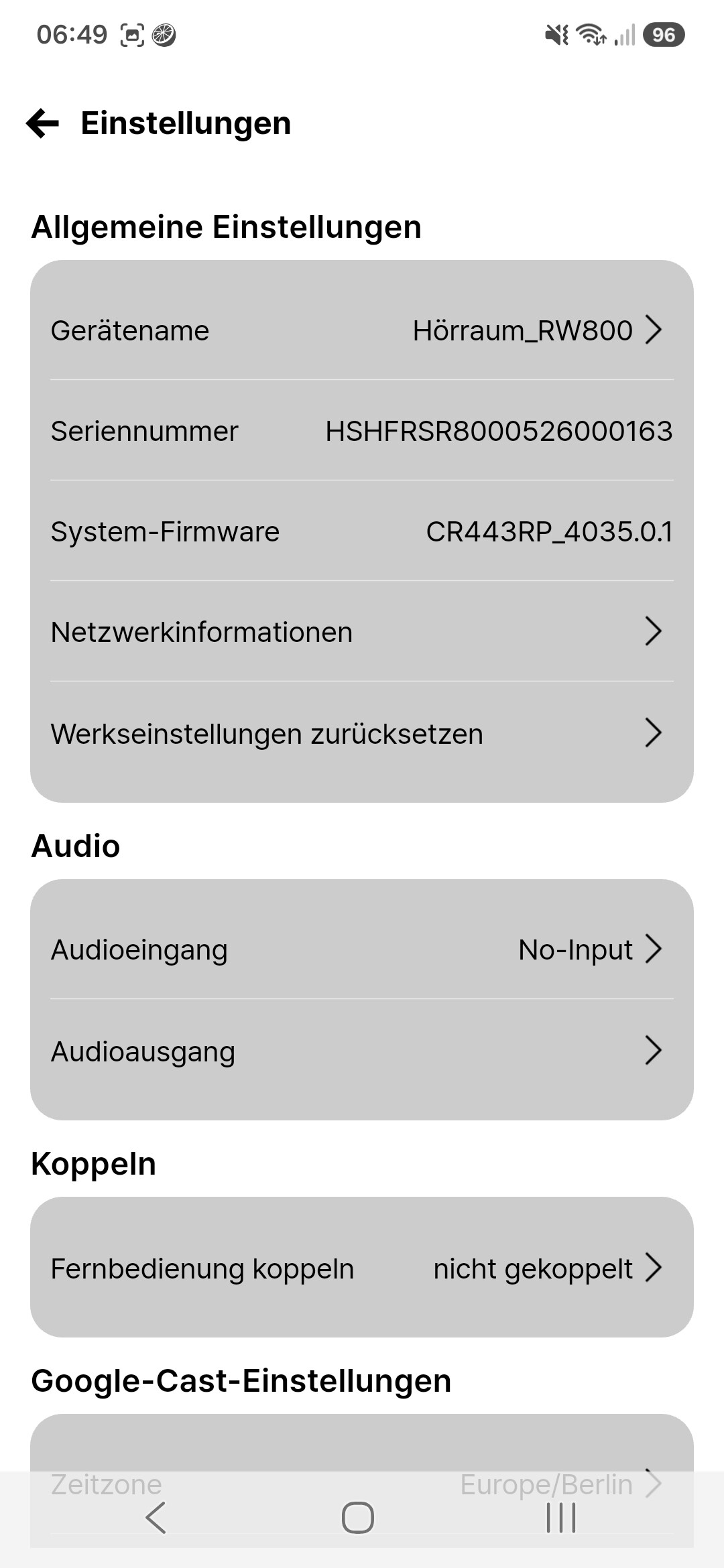
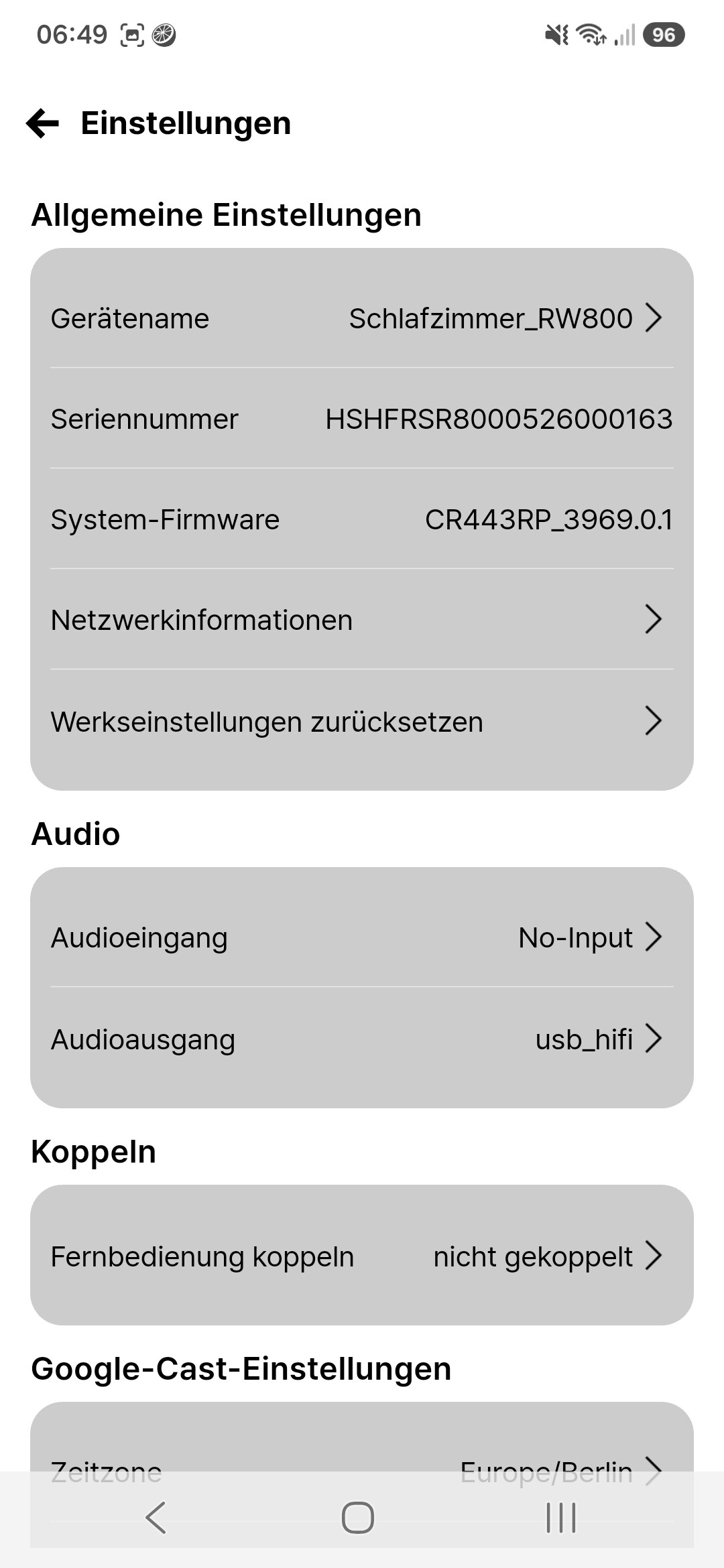
RW-800 shows wrong name for Qobuz connect

Got a few days ago two RW800 and setup this evening one of them as addon for a RS150.
My intention is using them only for Chromecast, but testet it also as Roon endpoint and with Qobuz connect.
Setting the name seems only be possible with the Rose Air app and here it’s set to Hörraum_RW800.
This is,also showing for Google cast:
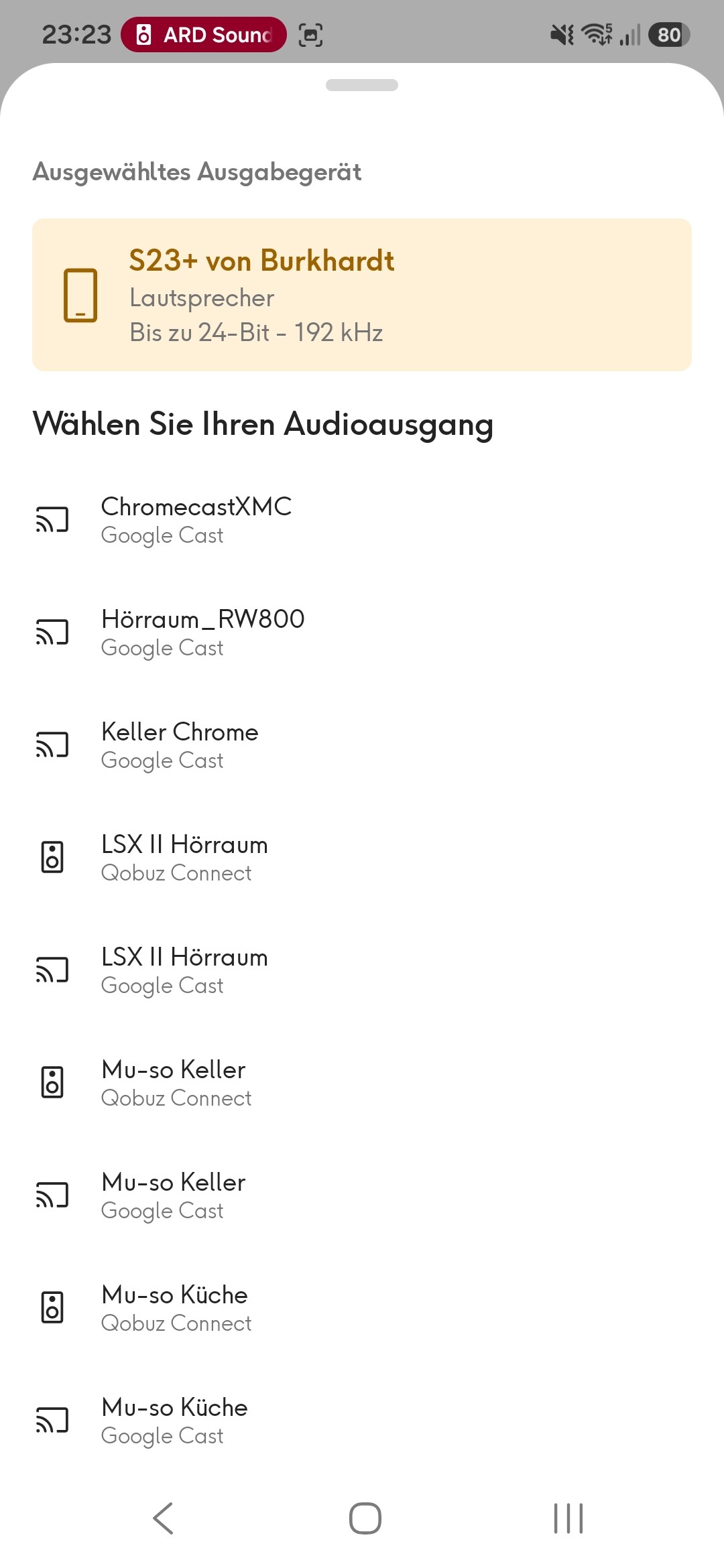
But for Qobuz connect the orginal name ist shown:
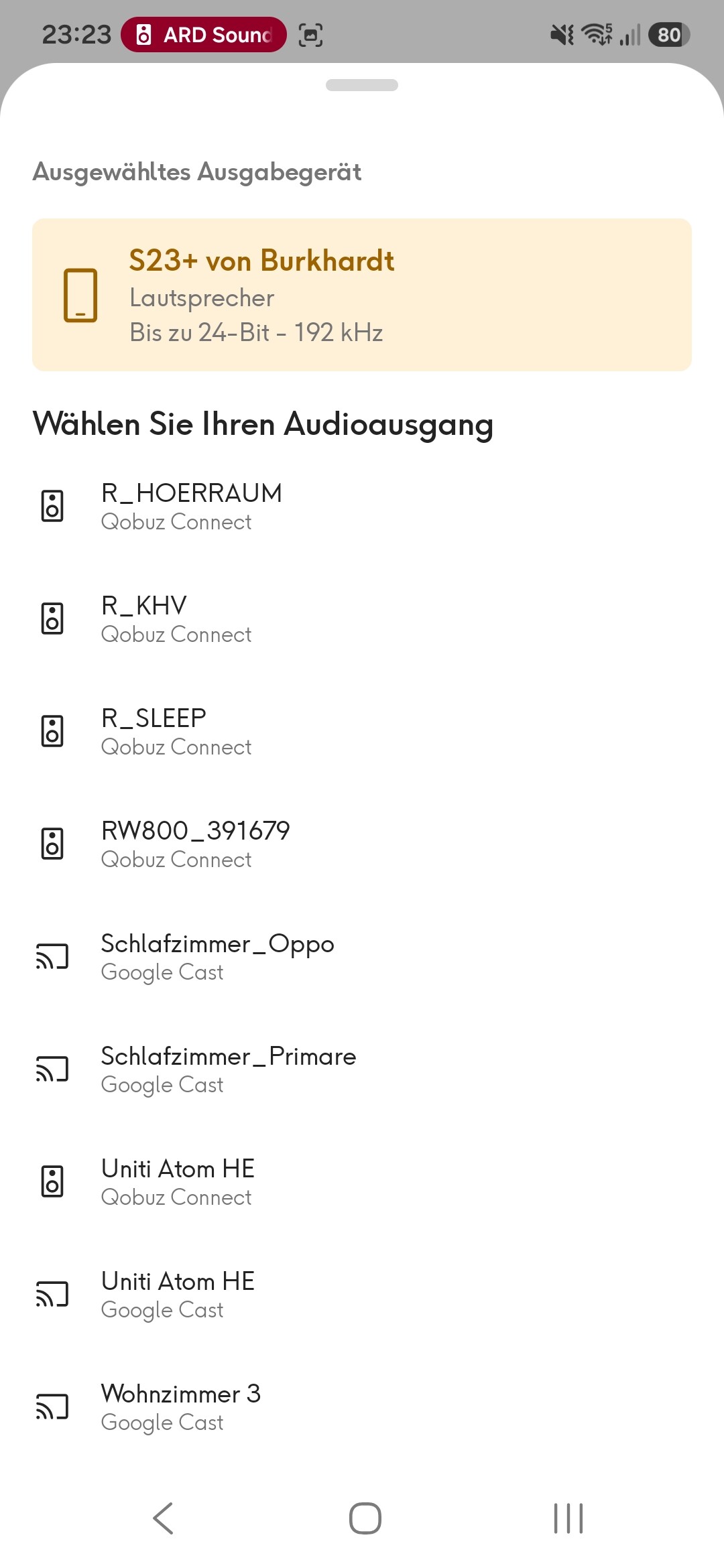
For me this is a bug.
@burki
It seems that after renaming the RW800, the Qobuz app still recognizes it by the previous device name, and it takes some time to recognize the new name.

Could you please close the Qobuz Connect app, restart it, and check if it still fails to recognize the updated name?

Solved the problem: I’ve to reboot the RW800 after setting the name.

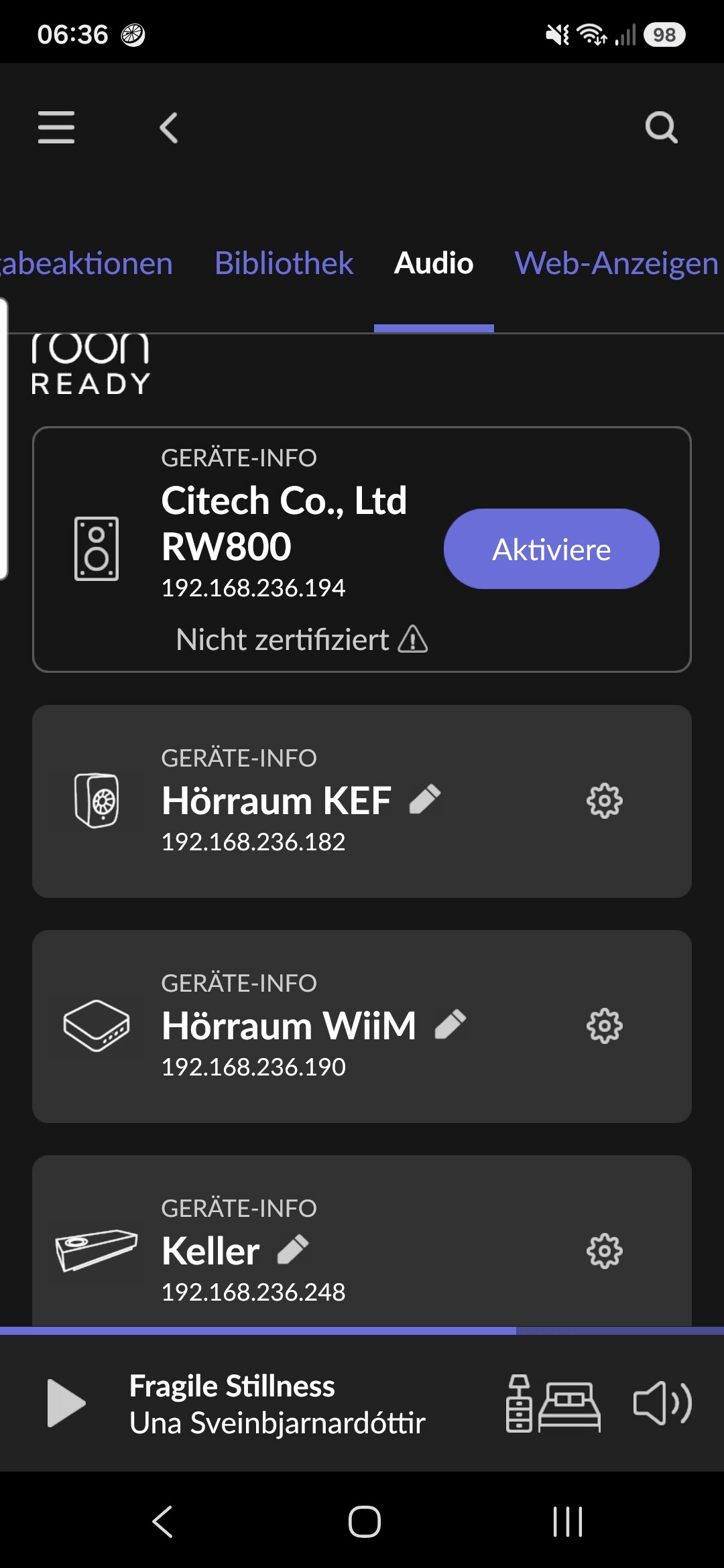
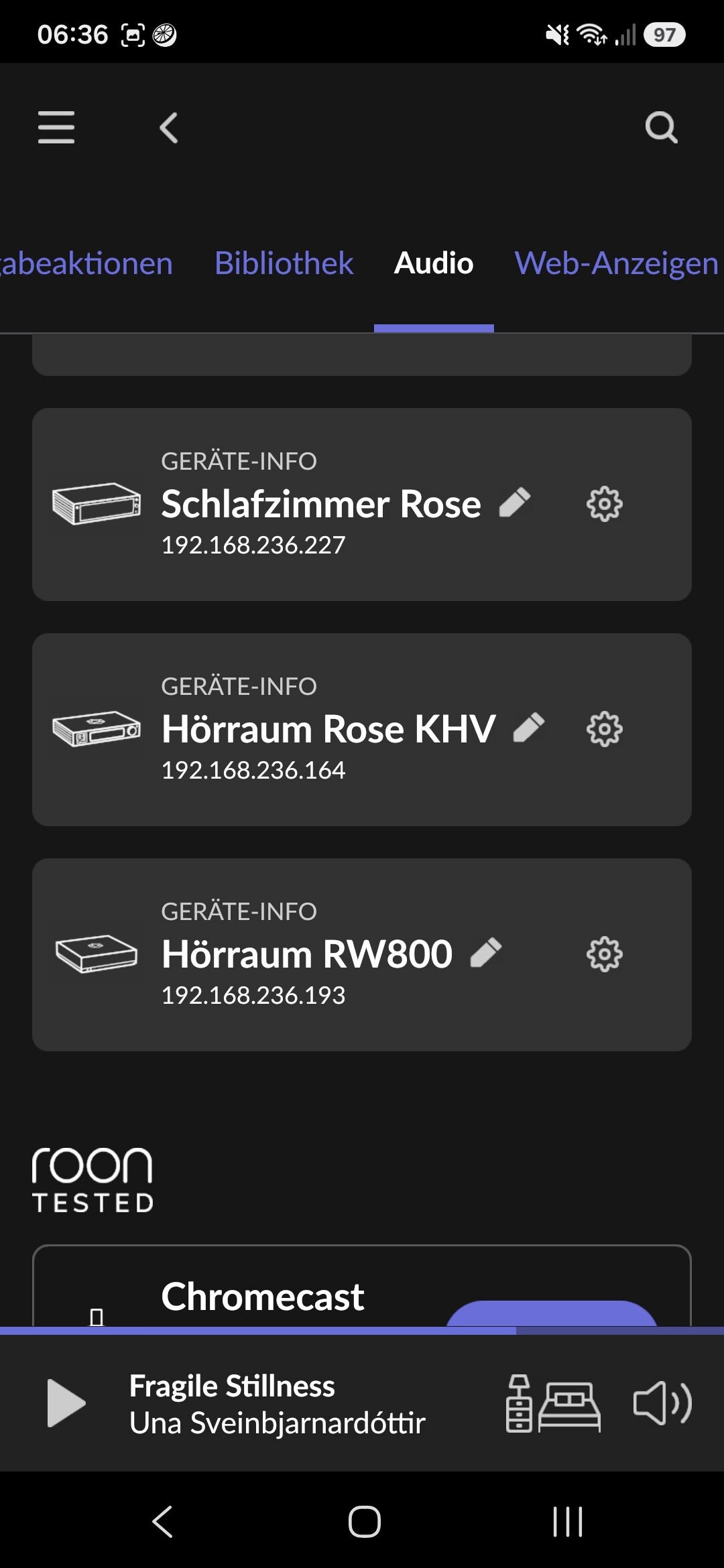
But another problem with Roon:

and

You see: One RW800 is working, the not (says not certified).
What I’ve tried:

  • reset the RW800 (both)
  • restarted both RW800
  • restarted Roon

I know a similar problem with multiple Ropiees, when they get in rar cases the same UUID in Roon.

Ah, I see: The not certified RW800 has another, older Firmware:

So, how can I force the firmware update?

@burki
It should automatically trigger an OTA update upon network connection. Please check the following items first and leave a reply:

  1. Change the RW800 network connection from LAN to Wi-Fi, restart the device, and check again.
  2. Connect the RW800 standalone (plug the USB Type-C cable into a separate power source) rather than connecting it to a Rose device.

OK, put the RW-800 external (own power supply) to the switch and now I’ve the current firmware and it works as Roon endpoint.

One point: It should handle DSD128, but it seems, that all DSD will converted to PCM. In Roon there arn’t any settings for DSD for the RW-800.

For me: The RW-800 seems currently not finished and at least the documentation should be updated for handling/solving problems with it.

1 Like