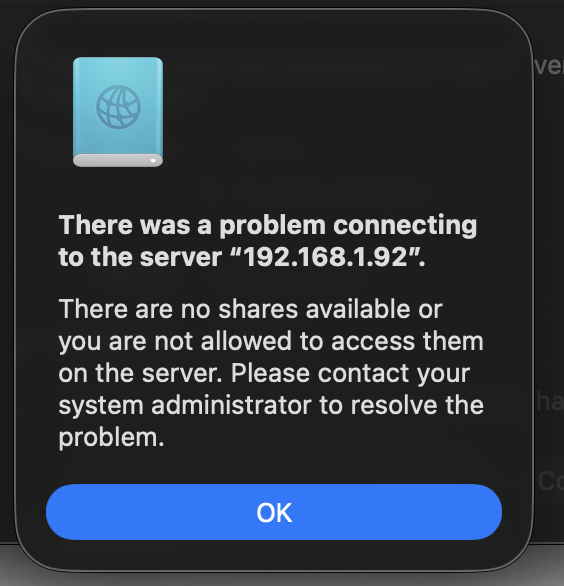
SMB Connection error

Dear sir/madam,

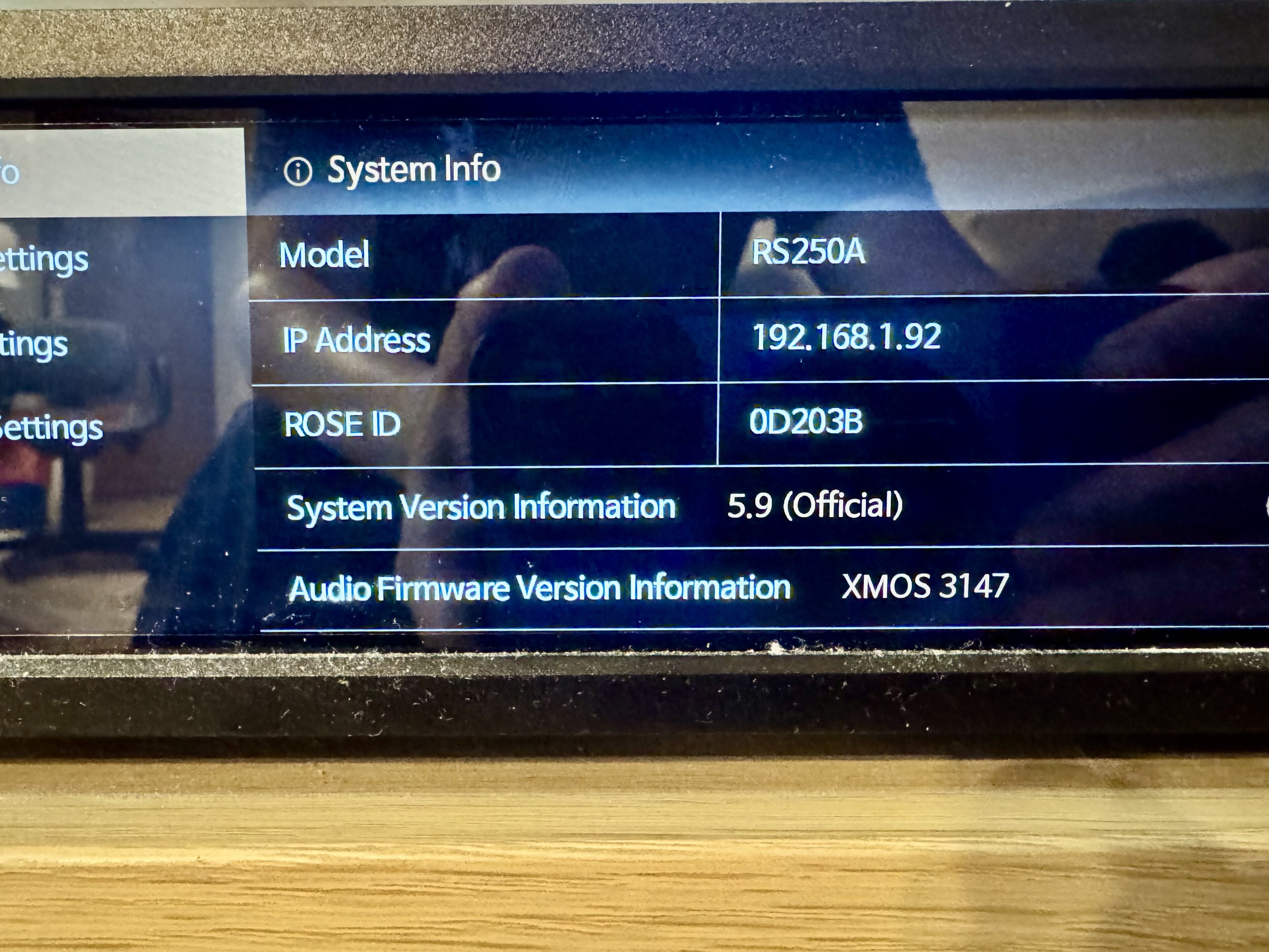
I got my ROSE 250A for a while, and the current s/w version is - 5.9 (Official).

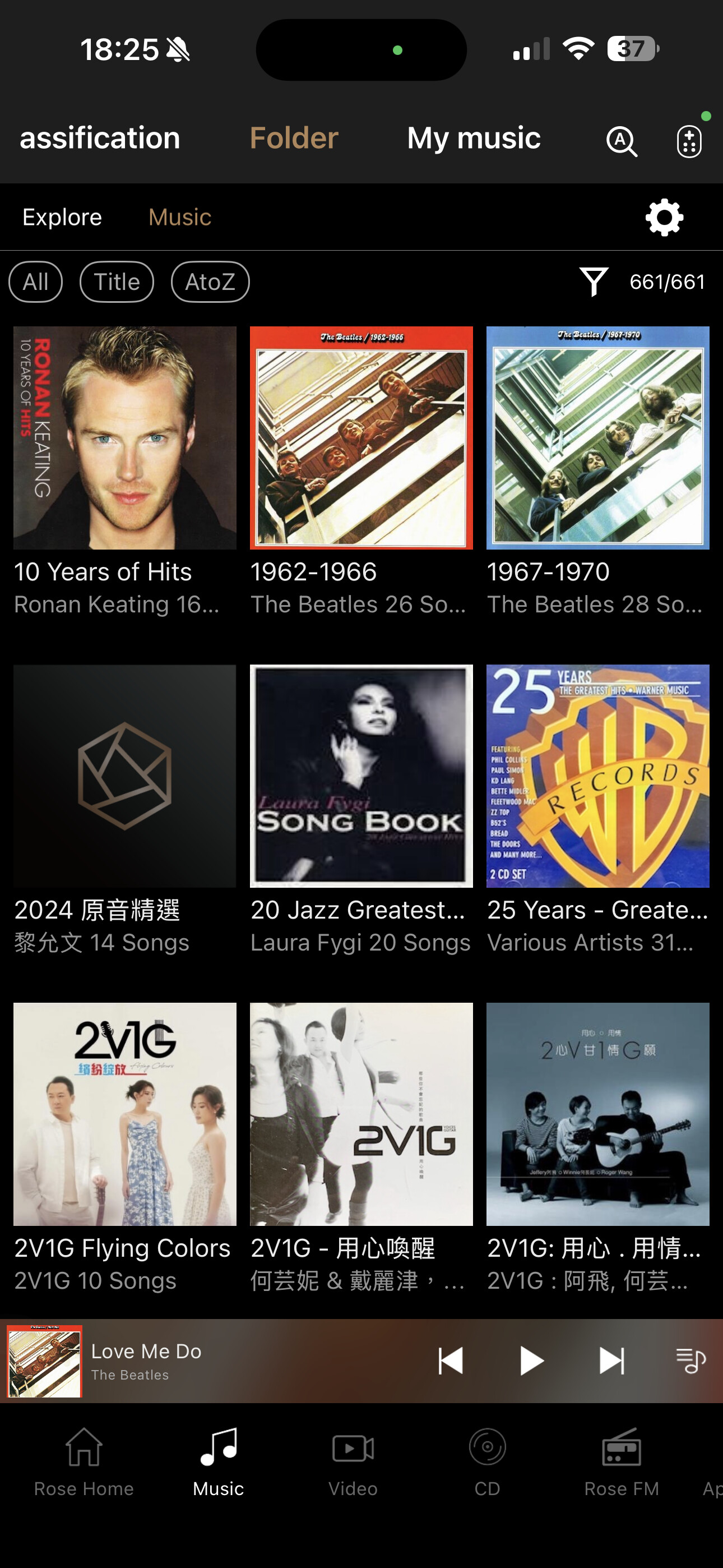
Previously, I burned 10K+ songs to the internal SSD and works perfectly. However, all suddenly, it cannot play any songs, but only can see the Album art, song list, but all the songs have 0 second length.
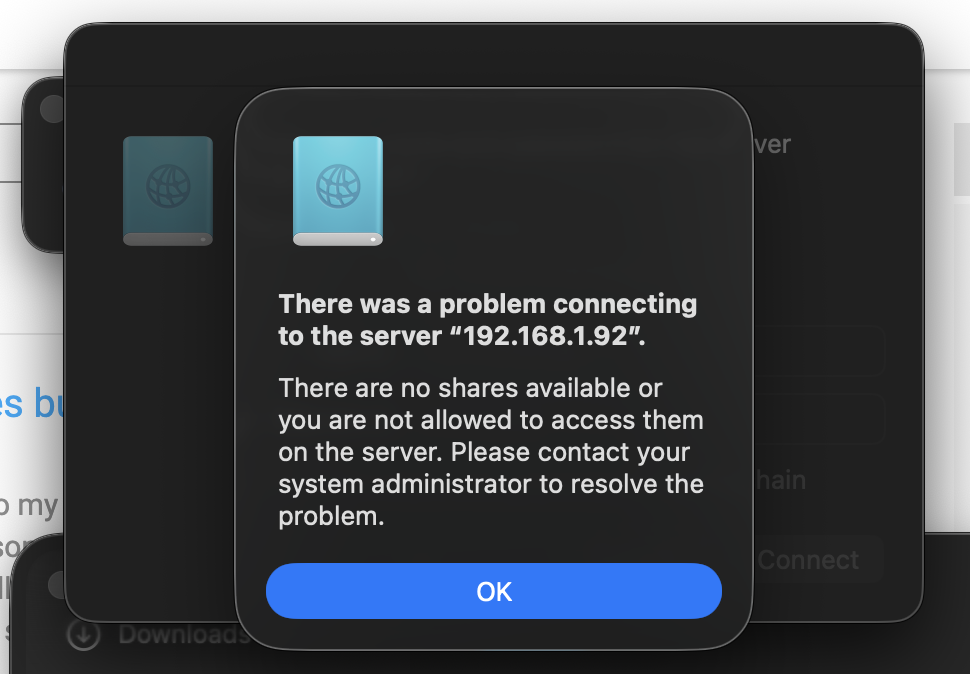
Then I tried to connect SMB from my MacBook (OS Tahoe 26.1), and I cannot connect to the ROSE even though the IP address is correct (I tried Ethernet and WiFi) and reset my SMB ID/Password many times. Could you advise what went wrong and how I can fix it - play songs and SMB connection ?

Million thanks in advance (love the ROSE!!!).

Cheers, Michael
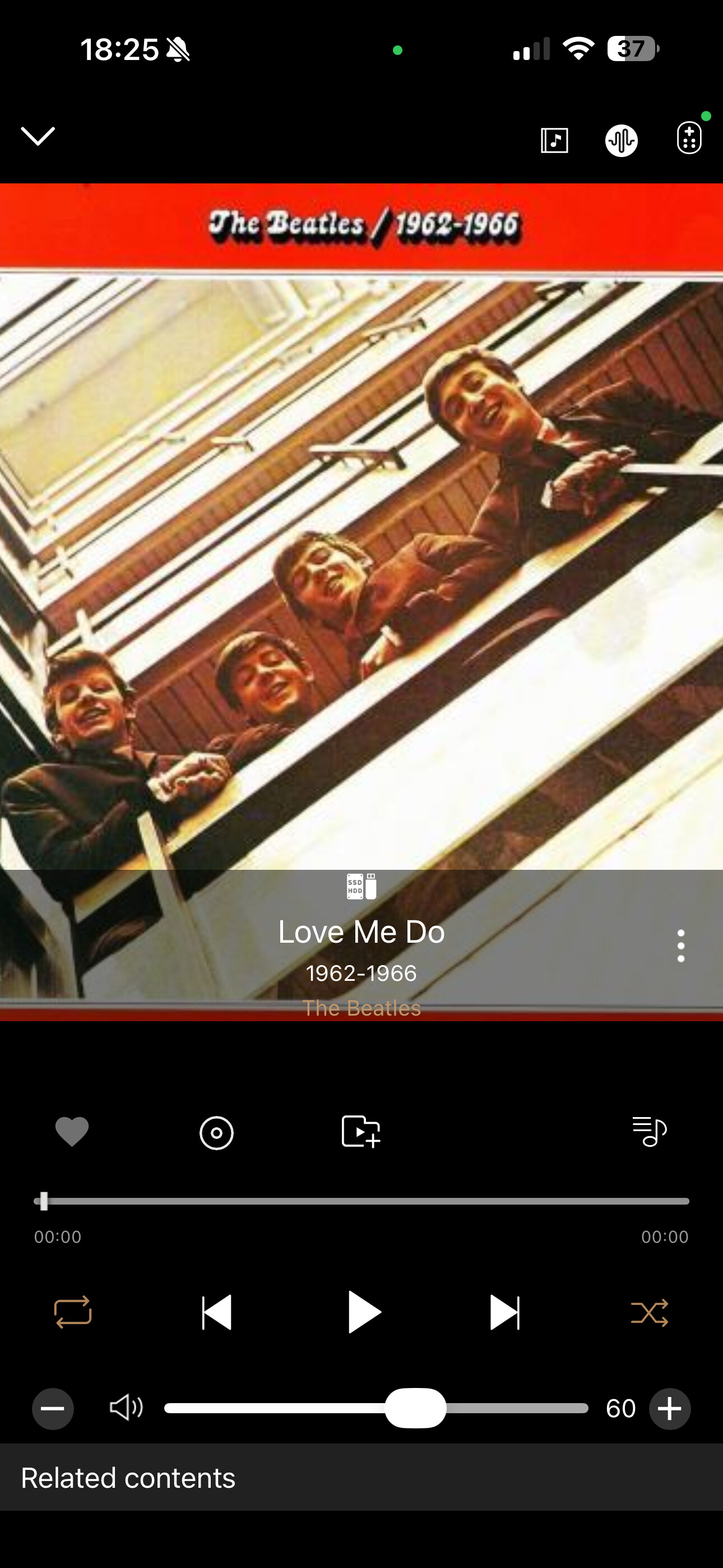
The song play screen.

The ROSE version screen …

The SMB login error screen …
Login error

@myung

Please watch the videos at the links below:

For Windows: www.youtube.com/watch?v=wVx63z86jE4
For Mac: www.youtube.com/watch?v=L98EFsW1Eoo

After watching, please tell me exactly which parts still do not work for you.

Hi RoseHan,

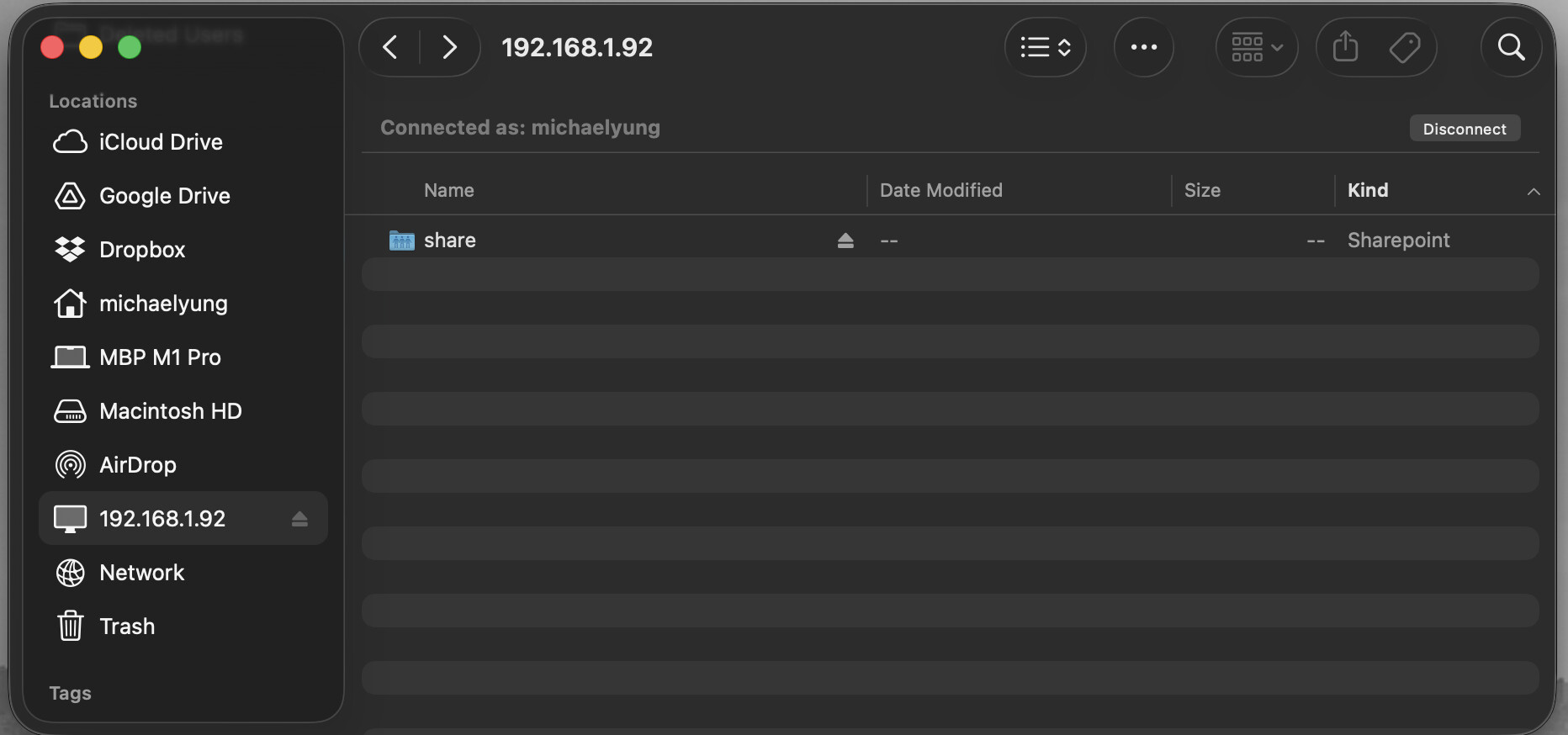
Thanks for the info and I can connect to the device thru SMB. Here is the screen … there is a share folder but nothing inside when I clicked it. On the other hand, I still can see the album cover arts, song lists from the Rose App and also from the device screen. If I select the song in the app, the song length is 0:00, and cannot play. I have 10000+ songs in the harddisk. Any clue?

Cold restart and/or reset the router?
A broken Wifi dongle?

Thanks for the suggestion! No, unfortunately, I tried but it’s the same. I cannot play the songs in the built-in SSD, but can see the album cover art and song list only.

One interesting thing though … I tried to burn a CD to the SSD, and it also couldn’t find a folder to burn the CD … so maybe the SSD is gone already (!!). And I can see the album cover art is simply the indexed images and song list?!

@myung

Please help us confirm the following:

  1. When you connect your Mac to the Rose device via SMB, can you see all the music files stored on the SSD from your Mac?

  2. If all the music files are visible on the SSD, is playback the only issue, or are there any other problems?

  3. When the SSD is connected to your Rose device, is the SSD recognized by the Rose device?

  4. Is your SSD formatted as NTFS, exFAT, or FAT32?

  5. If you remove the internal SSD from your Rose device and reconnect it, does the same issue still occur?

Thanks Han … here are the answers (except #5):

  1. I used can see it, now no … only an empty folder “share”, as in the screen shot in previous reply.

  2. I cannot see the files in SMB. However, I can see the files (album cover art, song list) in Rose 250 and in iPhone app. Both cannot play the songs … all songs have 0 length.

  3. It used. I have 10000+ songs there 🥲

  4. I forgot, but it works perfectly before.

  5. Maybe I shall try this ?

You can find screenshots in previous messages about the album cover art and and song list …

@myung

Please help us with a few additional checks:

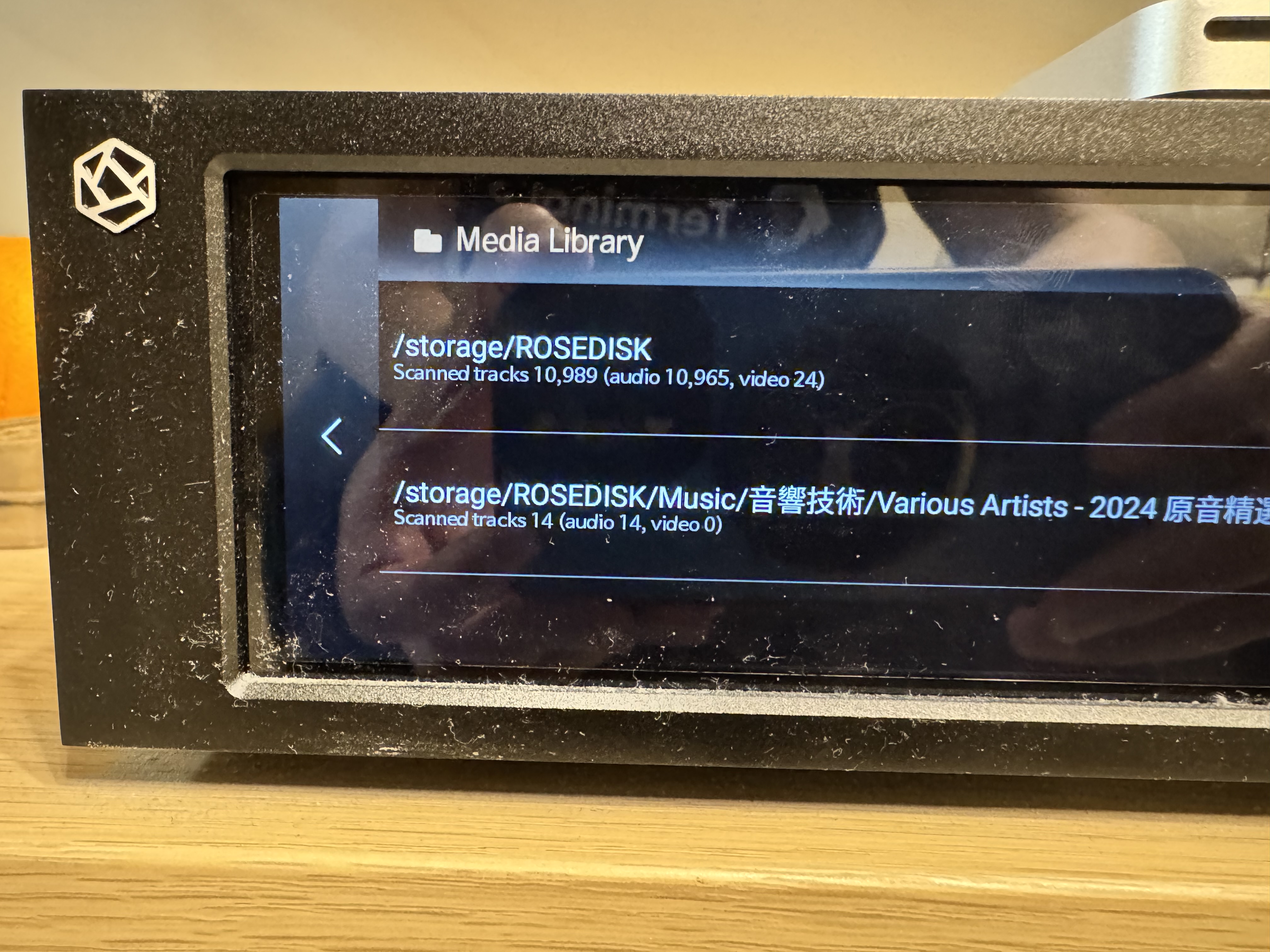
  1. On your Rose device, please let us know the number of tracks displayed when entering the Media Library.
    Path: Rose device → Settings → Media Library → Track count shown at the bottom under Storage

  2. Could you please disable SMB on your Rose device and then try connecting to your PC again?

  3. Could you please rescan the Media Library database on your Rose device?

Thanks for the follow up.

I tried turn on / off SMB many times.

I also tried rescan, the track numbers are the same. See the image below. (10k+ songs)

I also tried WiFi and Ethernet connection. No difference.

Still … I can see the album arts, song names, but cannot play them. Any idea ?

I turned off and then turned on the SMB from the device … and now my Mac cannot access it again. Now using WiFi connection, instead of Ethernet.
Screenshot 2025-12-17 at 22.52.14

@myung

Please disable SMB and then enable it again.
When you re-enable SMB, enter a new username and password, and then try connecting to your Mac once more.

Thanks Han!

I tried all your suggestions except one … take out the SSD and reinsert. So I took out the SSD, found it’s quite hot, I let it cooled down, reinsert and restart … and it works!!! All the songs are back.

Million thanks again!

@myung

We’re glad to hear that the issue has been resolved.
If you have any additional questions or need further assistance, please feel free to contact us.