
@mjkim i use a Samsung Galaxy Tab S11 and the option does not appear.
It works very well of course IPad 12 inches
Does it work with 12 inches but not with 11 ones?
Please check the version 1.0.56.16.
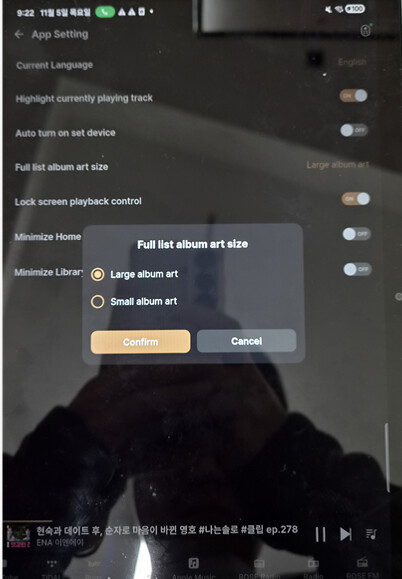
@Rose_love I know to choose between large and small album art sizes. The matter is that the 1.0.55 version allows to select the number of album arts appearing in each row and this is not possible in my Samsung Galaxy Tab S11. The 1.0.56.16 version seems to solve this issue but this update does not appear in my Google Play yet.
It is working properly on the Galaxy Tab devices we have. Does the same issue occur even after uninstalling and reinstalling the app?
Could you please share a screenshot of the screen where the issue occurs?
@mjkim With the 1.0.56 version my tablet only offers the possibility to choose between large and small album art sizes. I have uninstalled several times and it is always the same. The 1.0.56.16 version you told me about does not appear in my Google Play.
It works perfectly with the iPad (12 inches)
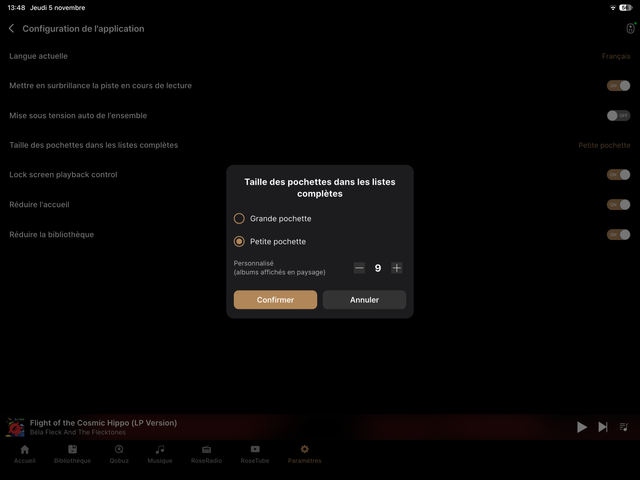
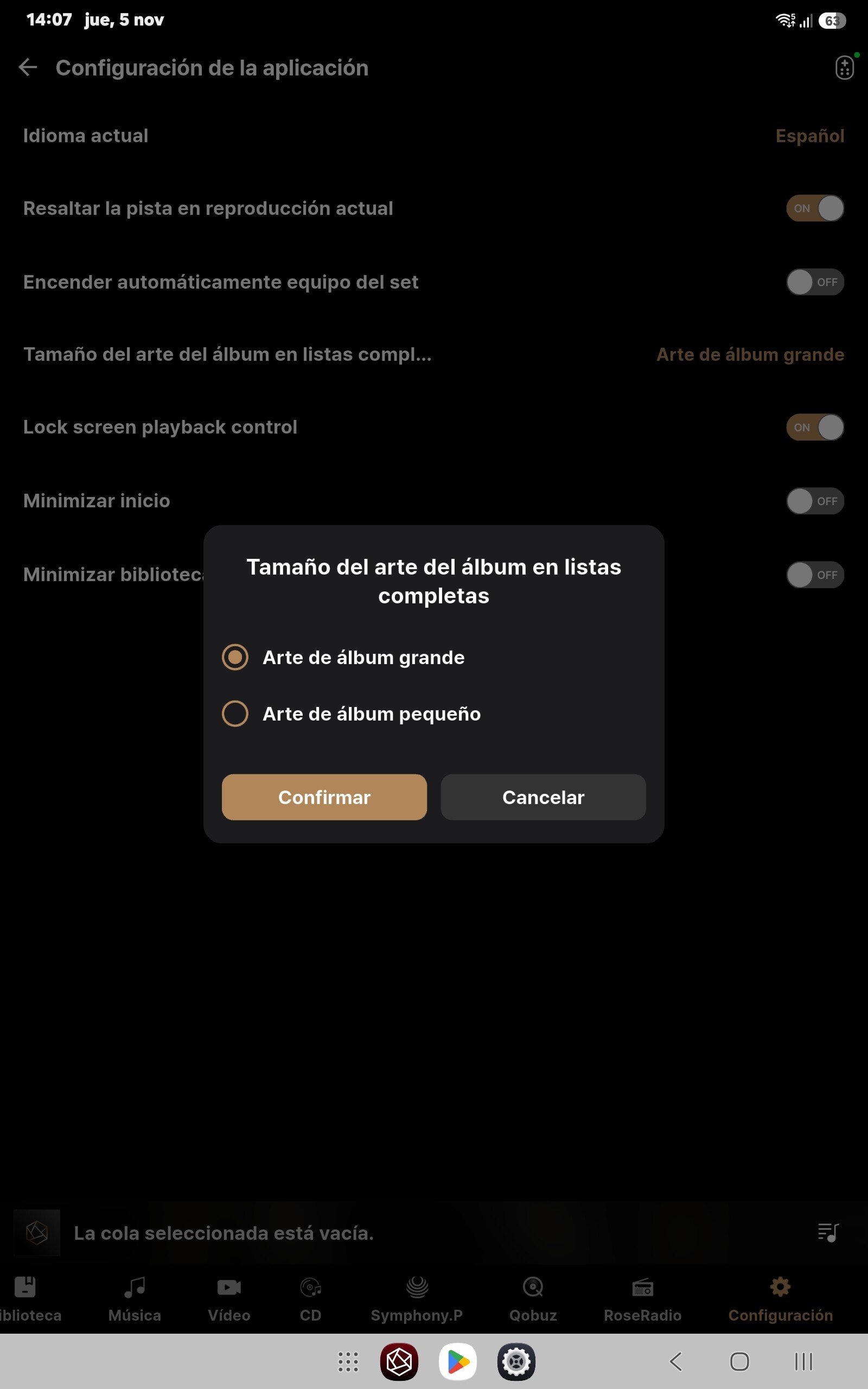
You are very lucky @Gillesbonatti As you may see I am not with my Samsung Galaxy Tab S11 of 11 inches.
The screenshot you provided shows the setting for displaying album art in a larger size. Could you please show me the screen when the album art is set to display in a smaller size?
Hello,
The menu for selecting the number of albums is displayed only when ‘Small Album Art’ is selected, as shown in the photo below. Please check again referring to the photo.
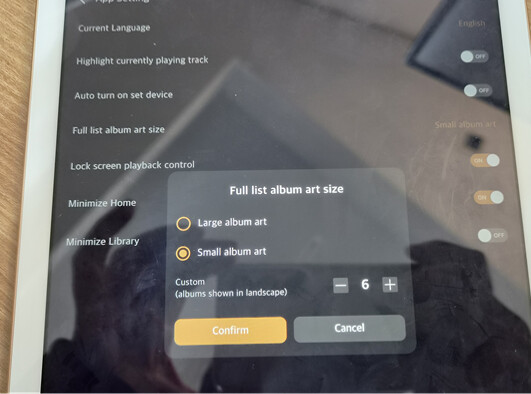
@mjkim You are quite right. When selecting small size, the possibility to choose appears. Thank you very much. In fact, I prefer the 4 in each row option, which is the largest possible, but I did not know that.