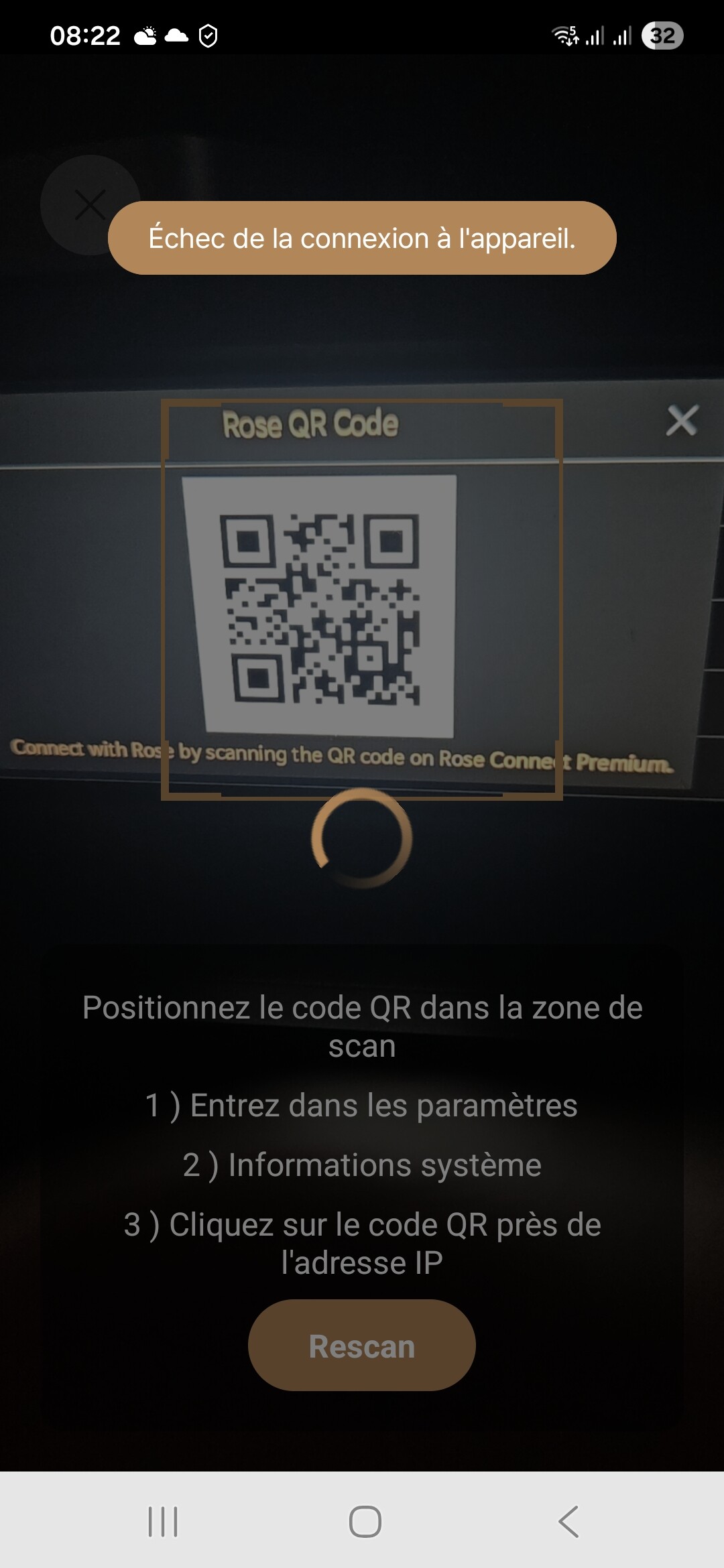
Unable to connect rose connect to rs250a

I have problem to connect with either rose connect premium or rose one. Even if my phone and the rs250a are on the same wifi, the app cannot find the rs250a and send the message “Échec de la connection à l’appareil”. I tried scanning the qr code or manually entering the ip address of the rose unit.

I have checked that the rs250a is indeed connected to the wifi as it is able to play from the unit itself rose videos without problem.

After several attempts, I have no clue what to do :-&

Please help.

@hamid.hampai

Please help us check the following:

  1. Are your phone and Rose device connected to the same IP network?

Go to:
Rose device → Settings → System Info → Check the IP Address shown.

The IP address of the Rose device and the Wi-Fi IP address connected to your phone must match in the first two sections (up to the first two numbers separated by dots).

Example) Correct
Rose device IP Address: 192.168.4.44
Phone IP Address: 192.168.4.33

Example) Incorrect
Rose device IP Address: 192.168.4.44
Phone IP Address: 192.168.6.33

  1. If you reset (reboot) your router, does the same issue still occur?
  2. If you delete and reinstall the ROSE ONE app, does the same issue still occur?

@ROSEHAN
Thank you for your mail. Please find below the answer to your questions:

  1. Yes the first 2 numbers are identical for both the rose unit and my phone.
  2. I did reset the router and the same issue is still present
  3. I did delete and reinstall rose one app and the same issue is still present.
    Thank you in advance for your help.

Hello,

Even if the IP addresses appear to be on the same network, connection issues can sometimes occur due to router settings or app compatibility. Please try the following two steps to help us diagnose the problem:

1. Mobile Hotspot Test Please use a different smartphone to create a mobile hotspot. Then, connect both your primary smartphone and the RS250A to that hotspot. If the Rose app connects successfully in this environment, the issue is likely related to your home router’s security or internal settings.
How to set up hotspot WIFI with iphone: How to set up a Personal Hotspot - Apple Support

2. Check System Version and App Compatibility Please go to RS250A > Settings > System Version Info and check your current version status:

  • If it says ‘Official’: You must use the Rose Connect Premium app.
  • If it says ‘Early Access’: You must use the Rose Connect (Early) app. Please ensure you are using the correct application that matches your system version.

Please let us know the results of these tests so we can assist you further.

Best regards,

Thank you ROSELOA it worked. Previously, my phone and the rs250a were connected to the same wifi but probably the router was not allowing both to communicate together.

I’m glad this has been resolved. I wish you all a wonderful day.

For information, I found that my phone and the rs250a could not communicate through the wifi (although both were connected to the same wifi) because both were on the GUEST WIFI.

My rooter does not allow devices to communicate together for devices on the guest wifi.
I then used the main wifi instead of the guest wifi and all works fine now.

@hamid.hampai

Thank you for explaining the reason why your RS250A and phone were unable to communicate even though they were connected to the same Wi-Fi network.

We appreciate your explanation, and we will keep this in mind and check for the same cause if other users experience similar symptoms.