Hello,
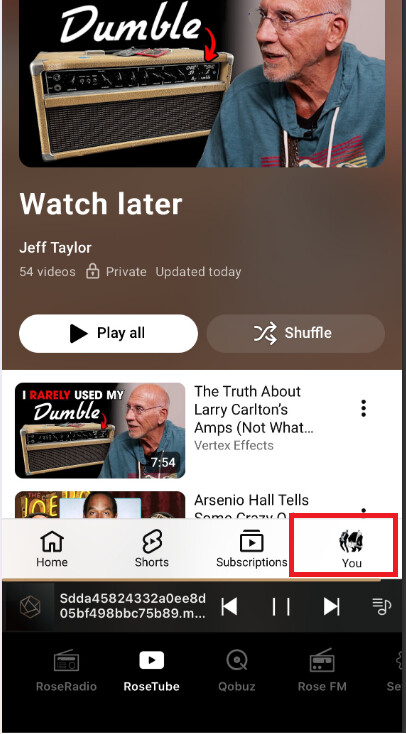
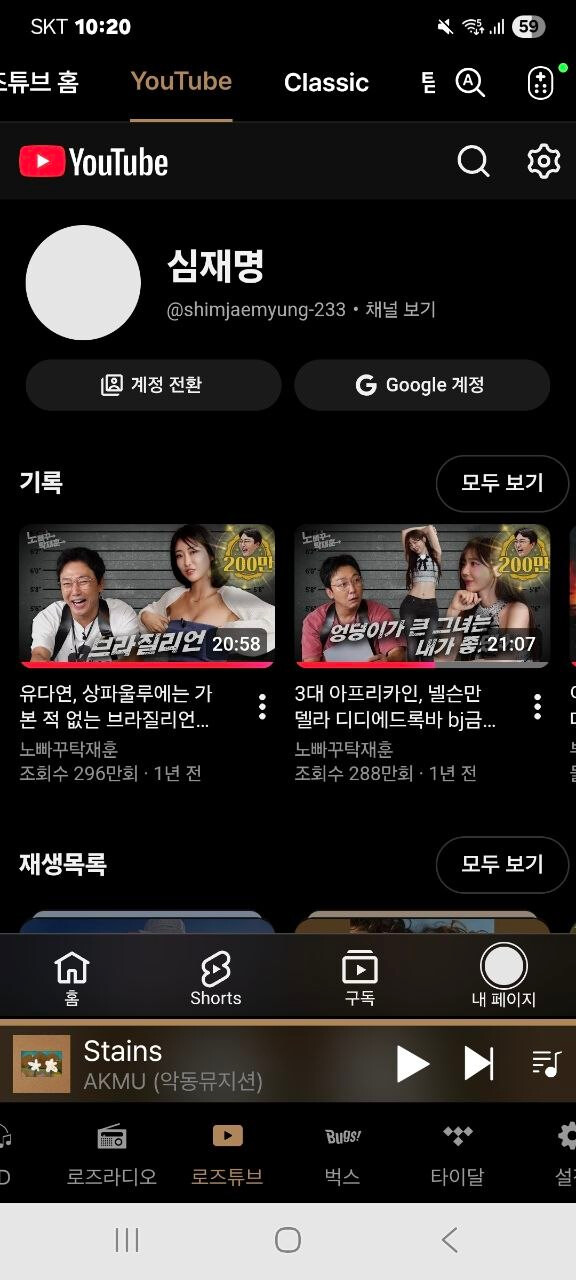
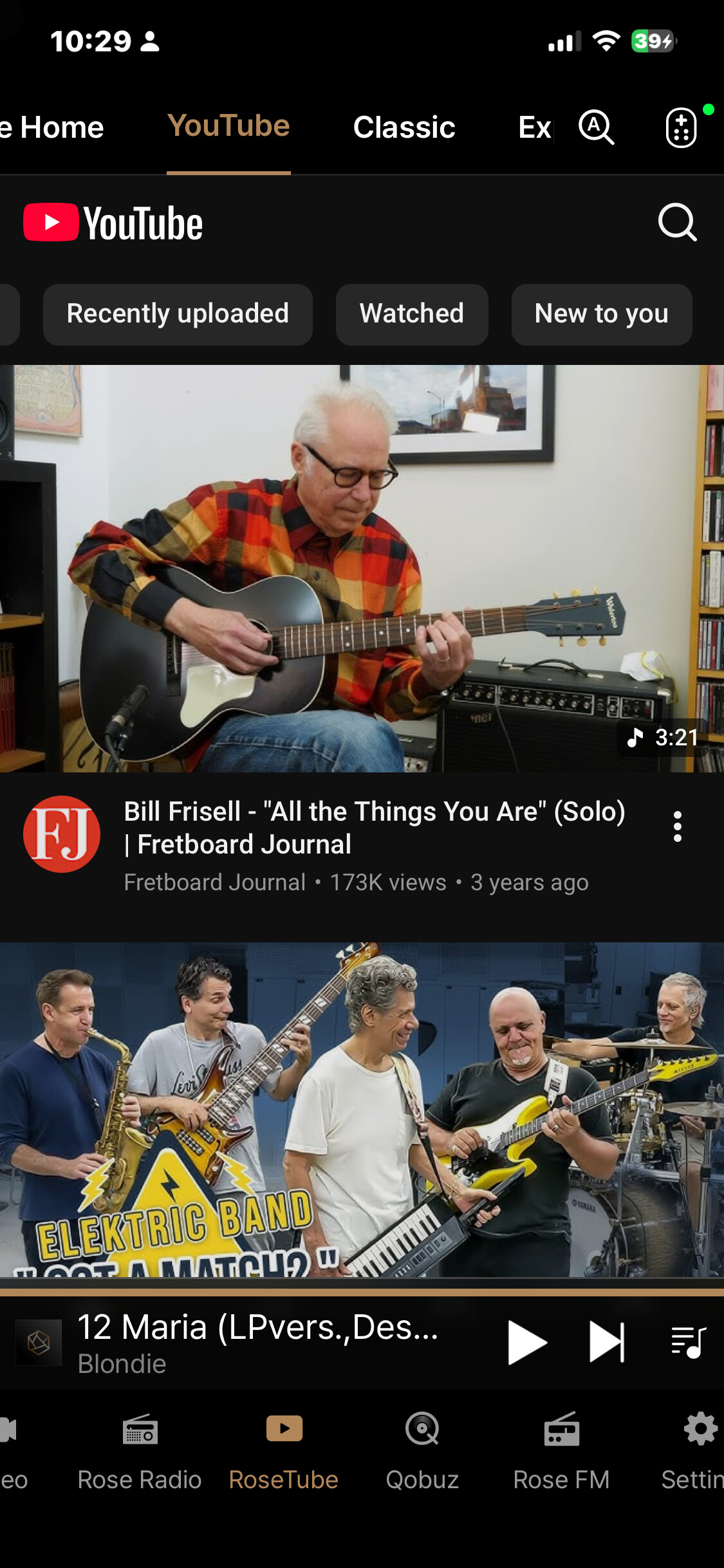
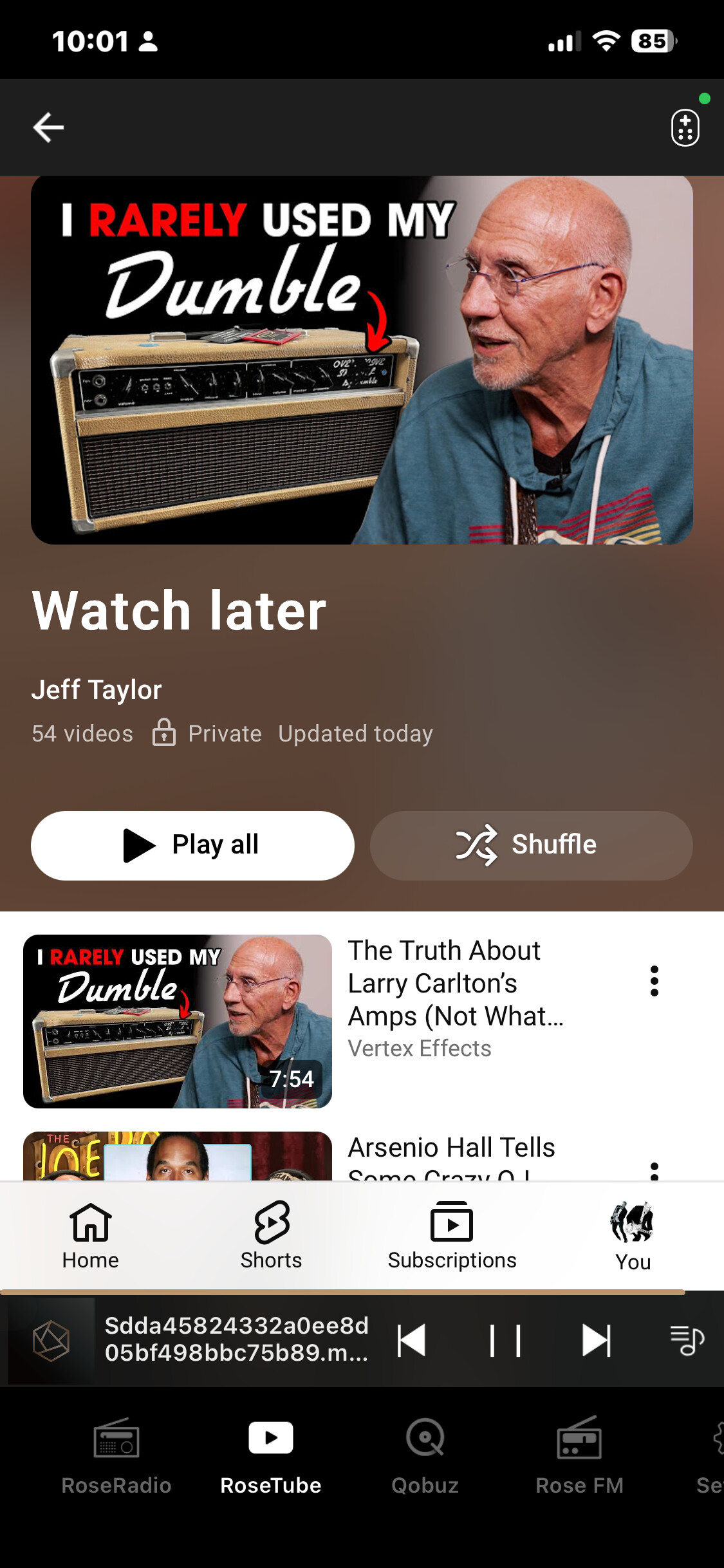
With Rose Premium Connect, in the RoseTube app, I can login into my YouTube channel (although the passkey function never worked; password was sufficient) and retrieve my various Playlists (I am most keen on the “Watch Later” playlist).
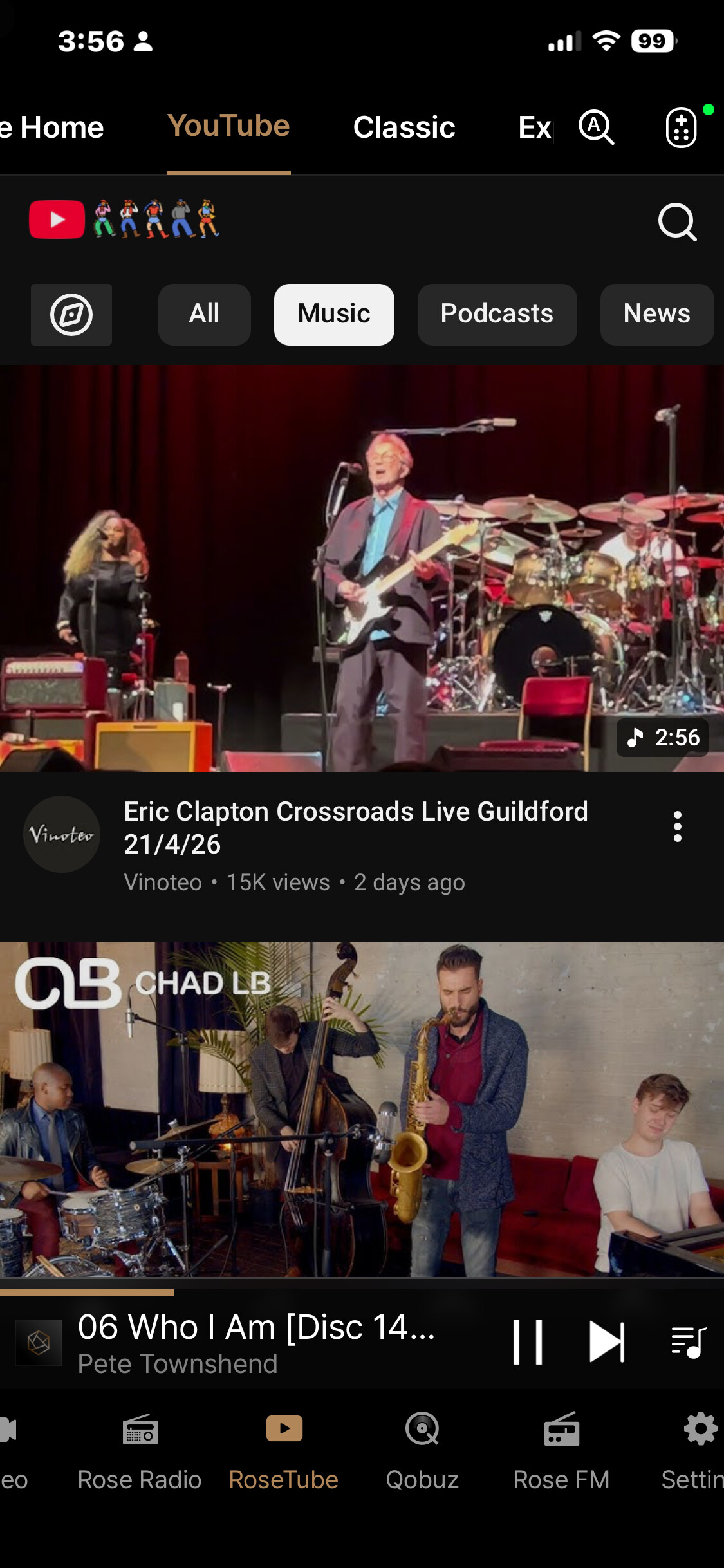
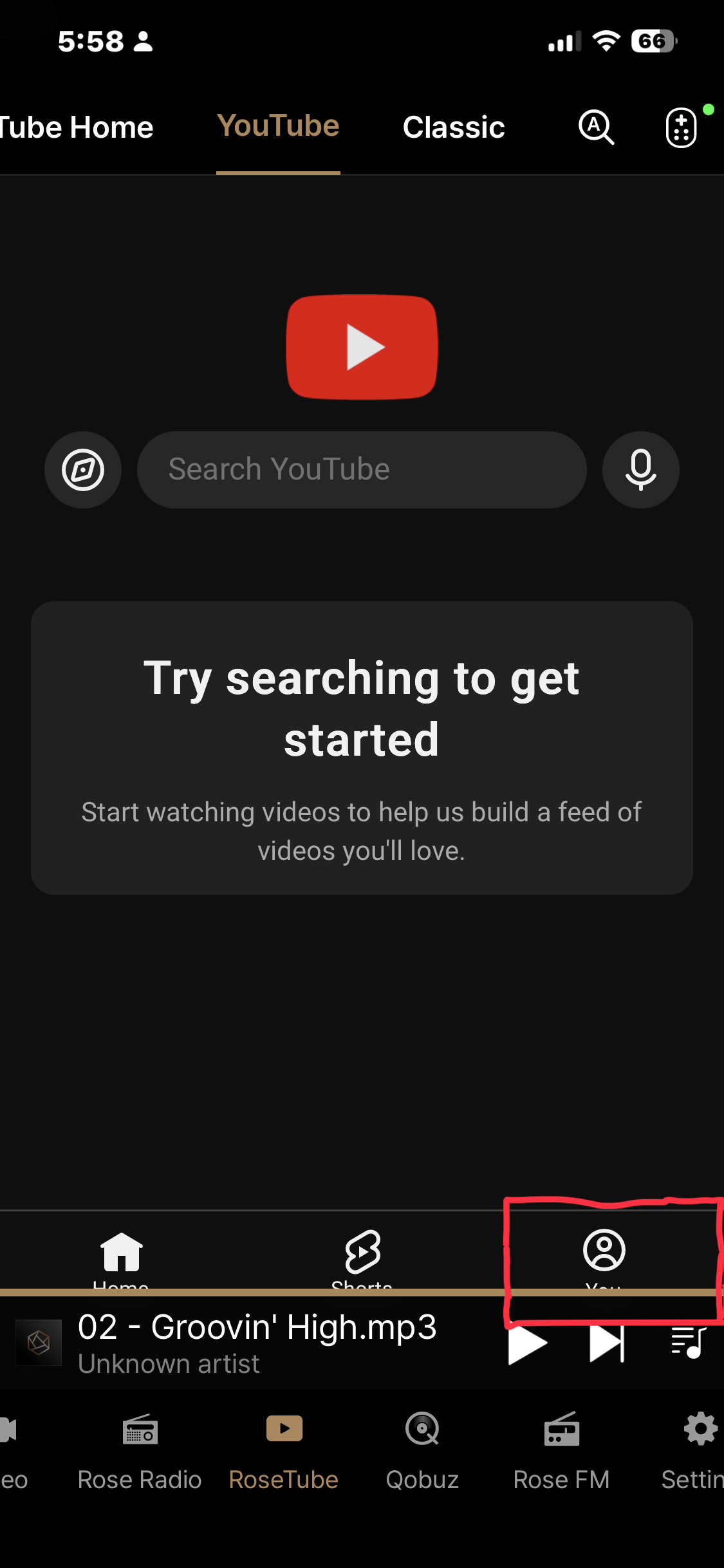
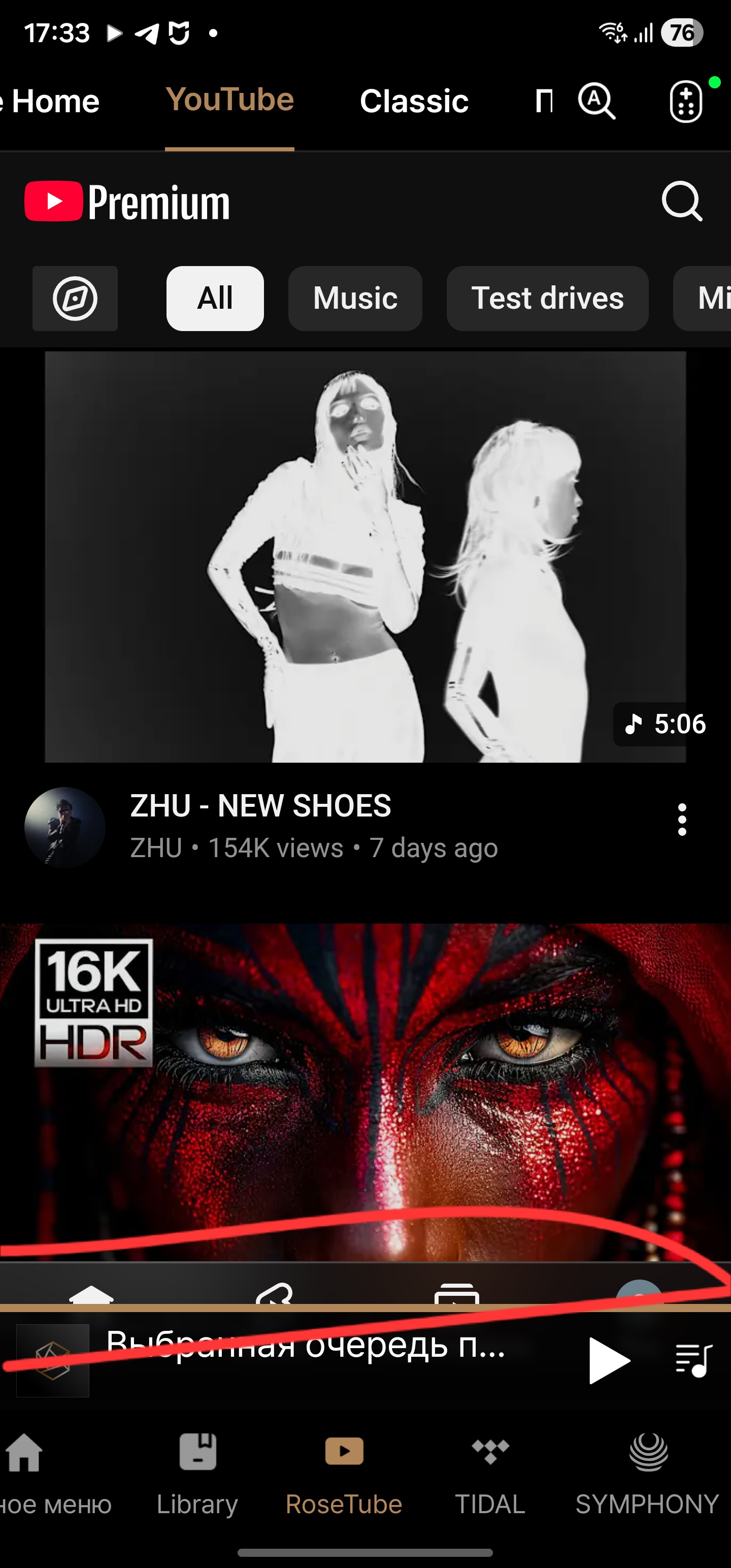
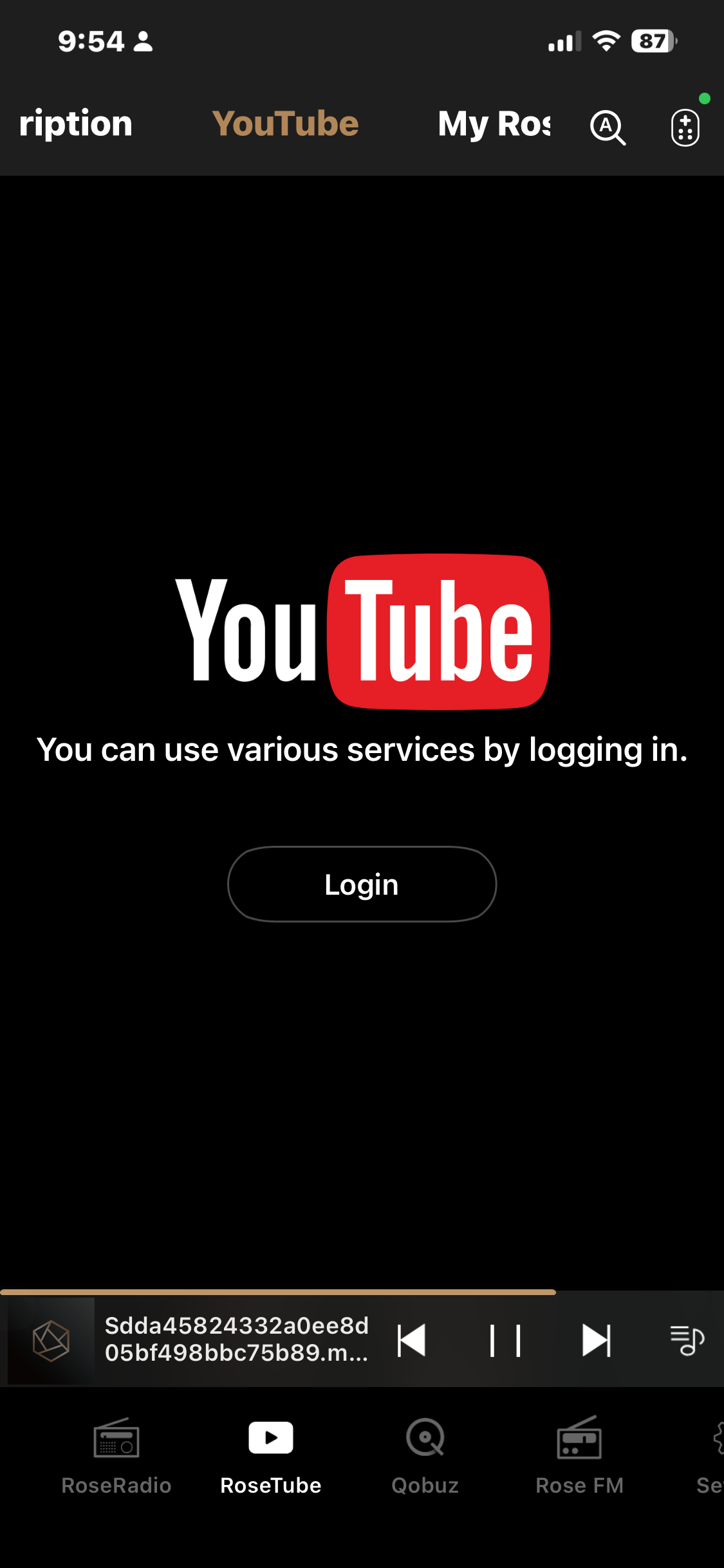
However in Rose ONE, that same link in the app is just the standard (non-logged in homepage) page. There is no way to login now to my channel.
see screen shots below:
ROSE PREMIUM CONNECT/RoseTube with YouTube “login”
My Channel Playlists
Rose ONE RoseTube app w/ YouTube now
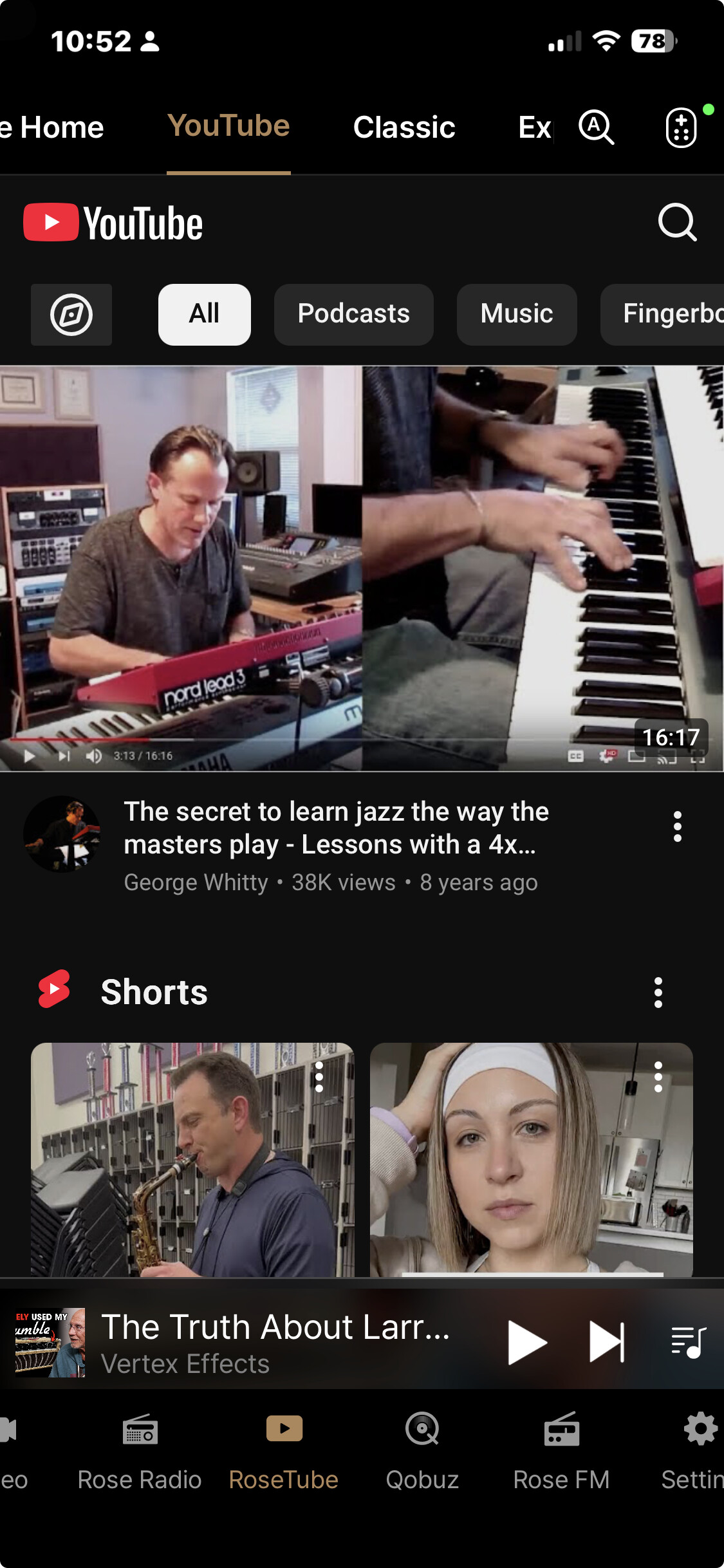
Can you tell me how to login to my YouTube Channel while using Rose ONE?
The login is also missing from the RoseTube app on the 150b hardware. It would be convenient to have it in both apps (ONE and Premium Connect) as well as the hardware. The reason is that since we can retrieve our Qobuz, Tidal and Apple music playlists created elsewhere, we should also be able to retrieve our YouTube content/channel.
While RoseTube does have its “own” favorites, playlists etc from YouTube that I can create, I cannot retrieve those at a computer and play there like I can YouTube, Qobuz, Tidal etc. Conversely, I can create playlists etc on all those mobile apps (on a computer i.e.) but cannot get that organized content on Rose once I am in that room in my house.
Thank you