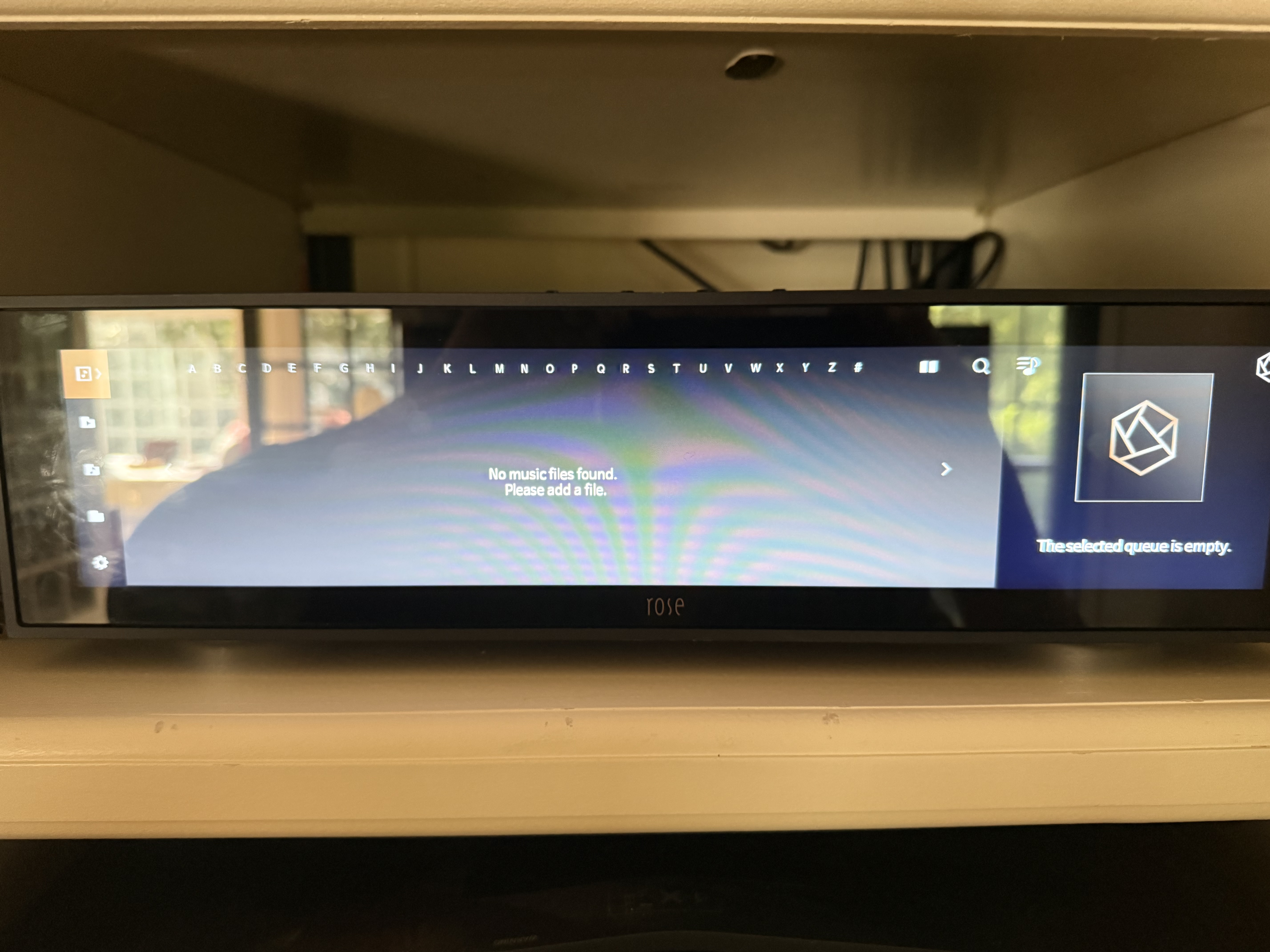
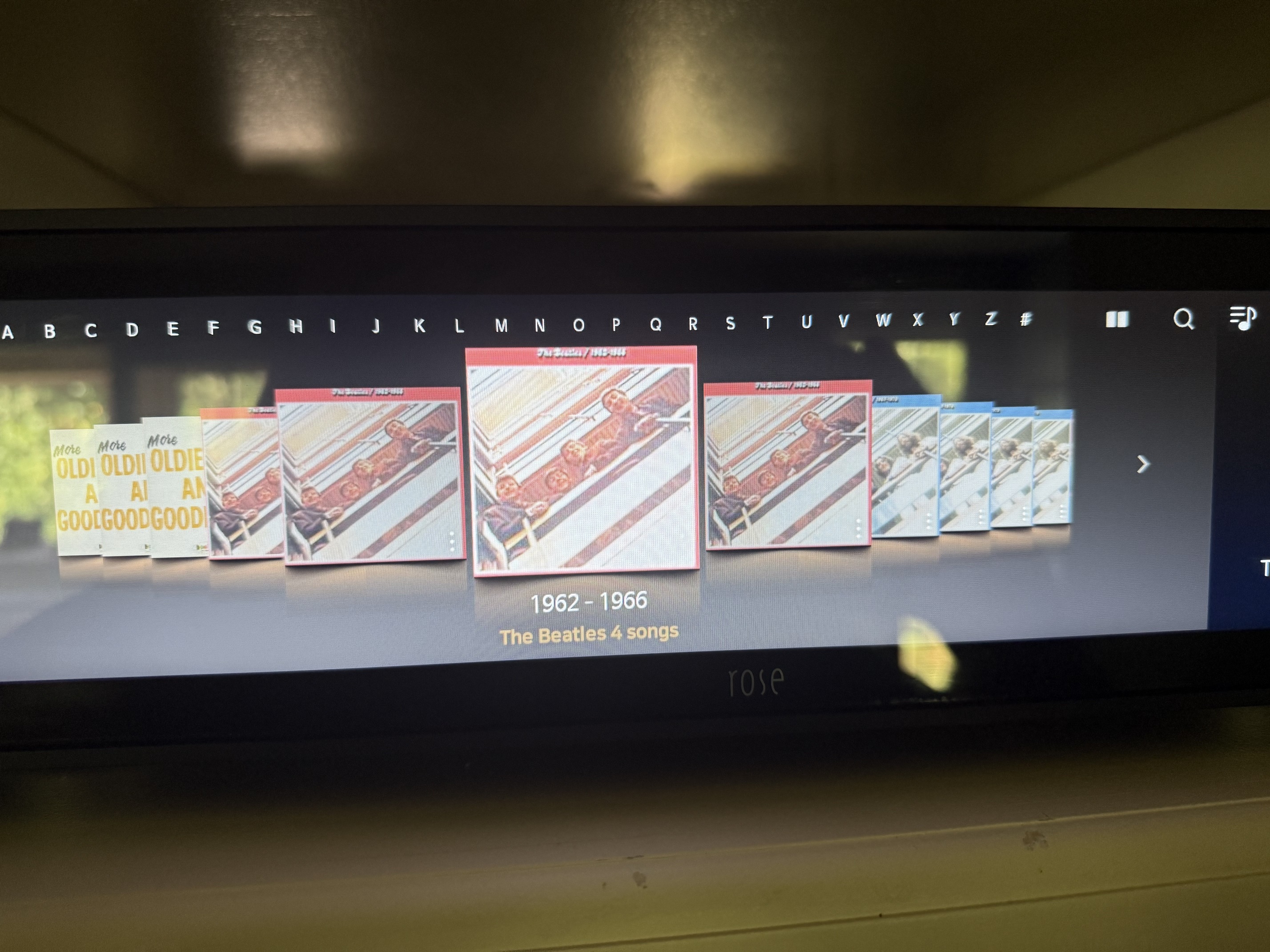
After media folders/files are modified, when to scan, rescan, initialize

@ROSEHAN @Rose_love

See related topic at Db initialize vs. rescan database

  • I still don’t understand the scan, rescan, initialize features
  • Typically on media players:
    • SCAN means “rebuild the entire media database from scratch”
    • RESCAN means “adjust the media database in accordance to the folder/file definition changes”
    • INITIALIZE ← AFAIK, this command has never been used on media players

See the following 2m50s initial setup video:


  • What does RS130’s scan actually do

    1. Does scan clear the entire user “disk-related” Library software data & then recreate all media software structures from scratch, in accordance to the current disk folders/files’ definitions
    2. Is “Initialization” needed before/after a scan?
  • What doesRS130’s rescan actually do
    3) Does a rescan notice changed file tags?
    4) Does a rescan notice a deleted album, song,…?
    5) Does a rescan notice an added album, song,…?
    6) Does a rescan notice an added file tag?
    7) Is “Initialization” needed before/after a rescan?

    1. What does RS130’s Database Initialization actually do
  • When an existing disk media library’s folders/files are modified,

    1. what type of modifications requires a scan to be run

    2. what type of modifications requires a rescan to be run

    3. what type of modifications requires a Database Initialization to be run before scan/rescan

    4. what type of modifications requires a Database Initialization to be run after scan/rescan

1 Like

joyofmvid,

You and me both. I thought I knew relational databases but I haven’t a clue. What I really don’t know is how to force a complete rescan with Rose. I am having a terrible time adding new media to the internal SSD. Consequently when I add new media to the internal SSD, I do not know how to force a complete rescan no matter which among the choices you listed that I pick. “Initialization” when selected, does not do a full database rescan. As a result, the database doesn’t see the new media at all.

StandardModel

1 Like

The same to me - it’s designed very badly

@joyofmvid
Thank you for reaching out. Please refer to the response below."

O SCAN

  • Adds media data from a new storage device. Scanning is performed per storage device. When a new disk or NAS is added, media data is appended to the existing database.

O RESCAN

  • Applies changes to the media data already registered in the database.

O INITIALIZE:

  • Completely resets the database. All media data added through scanning will be deleted.
  1. Does scan clear the entire user “disk-related” Library software data & then recreate all media software structures from scratch, in accordance to the current disk folders/files’ definitions
  2. Is “Initialization” needed before/after a scan?
  • SCAN only adds music data from newly added storage devices (USB, SSD, SMB) to the existing database.

What does RS130’s rescan actually do
3. Does a rescan notice changed file tags? -

  • Yes, RESCAN compares the last modified time saved on the audio file to detect whether it has been edited. If the file has changed, it rescans that file and updates the information.
  1. Does a rescan notice a deleted album, song,…?
    – Yes, RESCAN detects the deletion of audio files and removes the related data from the database.

  2. Does a rescan notice an added album, song,…? -

  • Yes, RESCAN traverses all files across the storage device to update changes. Newly added audio files are scanned and added to the database.
  1. Does a rescan notice an added file tag?
    – Same as 3).

  2. Is “Initialization” needed before/after a rescan?
    → It is not required.

  3. What does RS130’s Database Initialization actually do When an existing disk media library’s folders/files are modified,
    – INITIALIZE deletes all data in the media database.

  4. what type of modifications requires a scan to be run
    – Run this when adding a new storage device.

  5. what type of modifications requires a rescan to be run
    – Generally not required. Additions, deletions, and edits of local audio files are applied automatically. Since automatic change detection is difficult for storage devices connected via SMB, run a rescan when there are changes in an SMB folder.

  6. what type of modifications requires a Database Initialization to be run before scan/rescan
    – Generally not required. Use this when the database version has been updated and you want to correct improperly scanned data caused by errors in previous versions (e.g., text encoding errors, multi-disc album errors, etc.).

Rose_Love,

When I remove an SSD from the Rose RS 130, reformat it and add new music in the arrangement of Artist/Album/Track then reinstall it in Rose and rescan, the new music files are there in the SSD but Rose does not see the new Artists/Albums/Tracks. Instead, I see the old pre-update display results.
Your answer to question #3 states that it will see the new files and folders after a rescan.
Also, you say that the initialize command deletes all data in the media database. When I have used the initialize command, the data is not deleted. A rescan is required but the the data is still there in the SSD.

The way you describe rescan is the way most databases function. It’s my experience that the HiFi Rose database doesn’t work this way. I must be doing something incorrectly.
Do you have any suggestions?

StandardModel

I have found this not to be the case. I rip new CDs, and the re-organize them into alphabetized folders. When I do this, the files move, but the database does not update, and the Rose does not play them anymore.

For instance, I rip a Bangles CD, and I can play the ripped flac files from the Rose right away - no problem. I then re-organize the Bangles CD in the file directory in an artist folder I create, under the letter B, and the entries for the original rip directory path still show in the database (weeks later), and I have no understanding of how to update the database so that I can play them.

It sounds like I need to “rescan”, but this is the first I’m hearing this option even exists. (And I have asked this question before.)

@stodgers
It has been confirmed that there is an issue with the rescan operation in the roseOne APP, and a fix is currently in progress. Please check again in the next released version.

When using the previously used RoseConnect Premium app, tracks without files seem to be deleted during a rescan, so you should be able to verify the operation using the RoseConnect Premium app.

Rosehan,

I think I take issue with your response to item 4 above wherein you state that " -4. Does a rescan notice a deleted album, song,…?
– Yes, RESCAN detects the deletion of audio files and removes the related data from the database."

It appears that this response conflicts with INITIALIZE:

  • Completely resets the database. All media data added through scanning will be deleted.

If only media added through scanning is deleted this leaves all metadata added through other means remains untouched. That is my experience. 90% of my media was directly copied to the HiFi Rose internal SSD, not media added through scanning. That media (copied) metadata is not erased by a rescan or even a reinitialize. So far as I know, metadata related to media added by means other than directly scanning with the Rose connected CD is not touched (this makes no sense to me). This leads to a massive mess. Instead of 10K files real files on the SSD, I have ended up with 50K files still indexed in Rose’s database program , most of them empty pointers. I am at a loss as to how to truly delete all of Rose’s metadata and only have the files on the SSD reindexed.
To my knowledge no commercial database behaves this way.

Am I incorrect? If so, how do you delete metadata for nonexistent files?

StandardModel

Rose_Love,

I’m not getting a response from Rosehan on the above question. Can you tell me if there is an answer to my question? specifically, is there any way to clean and delete the current intenrnal SSD music file metadata index maintained by HiFi Rose?

Thank you.

StandardModel