Coming from wimm ultra where all my music from my hard drive was all there after a scan. I bought the hifirose. Have done a db scan many times. Can not find alot of my albums or tracks. Alot missing. I put the hard drive back to my computer. There all there. What am I doing wrong?
What the hell is wrong with machine.
Very frustrating to say the least.
Anyone else have these issues. I’m starting to regret my purchase.
Please check if the same symptom occurs even if you try the method below.
RoseConnect app–>Settings–>Media Library–>Click DB initialization in the upper right corner, and when initialization is complete, click the storage device to scan the DB.
Trying again see how we go
Same issue. Still missing alot of artists that are on my hard drive.
Please check the following:
-
When you connect your USB hard drive to your PC, how many tracks are displayed?
-
When you connect the same USB hard drive to the RS250A, how many tracks does the device display?
Please go to: Rose device → Music → bottom left Settings (gear icon) → Media Library, and let me know the total track count. -
If your USB hard drive contains a very large number of tracks, the scanning process may take a long time.
Can you confirm that you waited until the scanning was fully completed on your RS250A? -
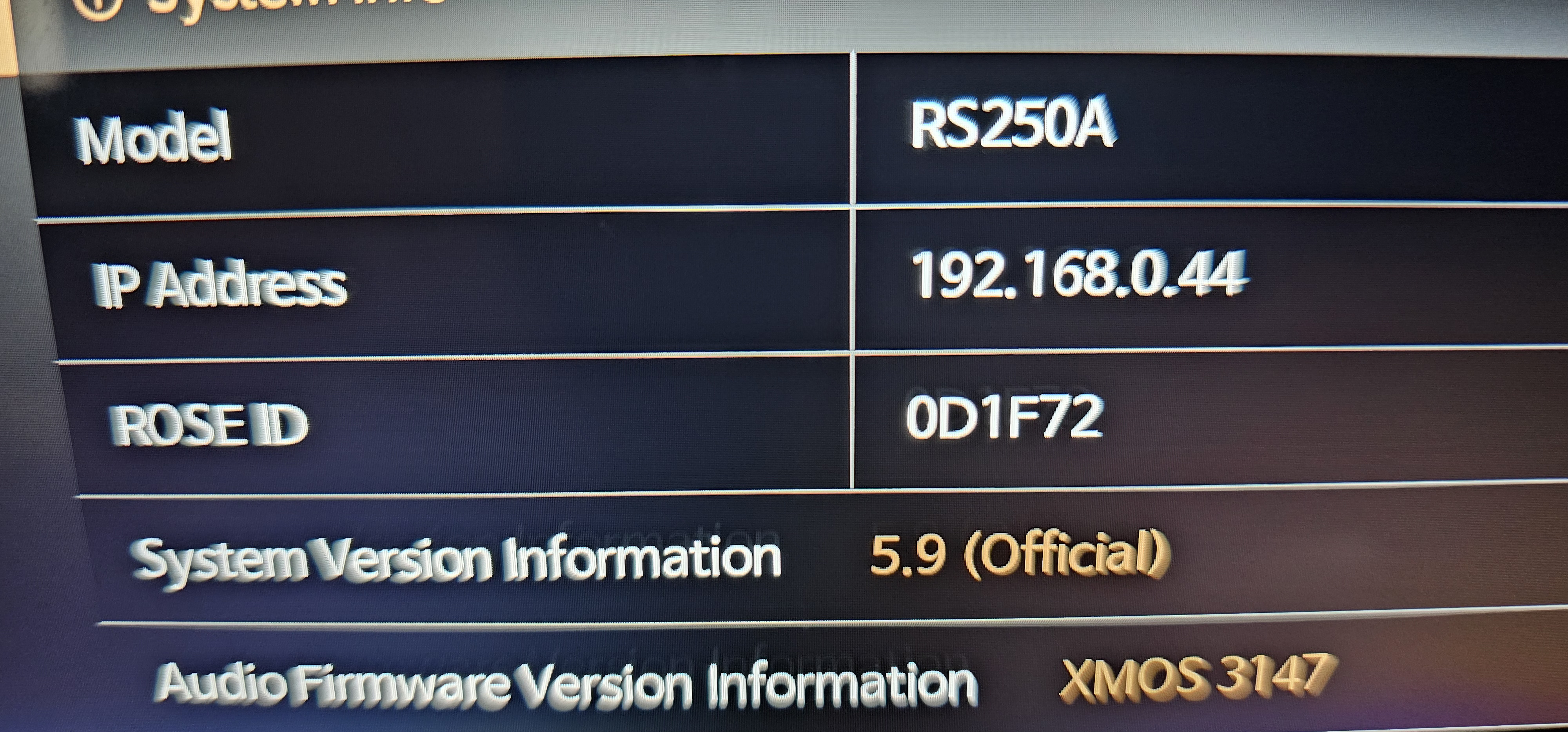
Please provide your Rose ID.
You can find it at: RS250A → Settings → System Info → ROSE ID
1 Like
I will try tonight. When home
My Rose id. 0D1F72 thank you
I have forwarded this issue to our software team.
In the meantime, could you please help by answering the questions below?
- When you connect your USB hard drive to your PC, how many tracks are displayed?
- When you connect the same USB hard drive to the RS250A, how many tracks does the device display?
Please go to: Rose device → Music → Settings (gear icon at the bottom left) → Media Library, and let me know the total track count shown there.
Thank you for your cooperation.
So on my computer the usb hard drive i use for music shows 25,759 tracks/files. On the hifirose after multiple scans and following the instructions. I still only get 20,626 tracks. Something is not right. I’m missing alot of files.
I have forwarded this issue to our software team.
In the meantime, we kindly ask for your help by answering the questions below:
-
Are there any folders on your USB external hard drive that contain special characters in their folder names?
-
If there are specific folders that are not being scanned or recognized, we would appreciate it if you could send the folder names or details to the email address below:
eunseong96@citech.kr
Thank you for your cooperation and assistance.
I tried to delete all special characters from every folder. Reading from forums.
Thank you for your quick response.
Please turn on your ROSE device and enable Remote Debug, then let me know once it has been activated.
ROSE device → Settings → System Settings → Remote Debug
Ok. It will after 5pm. Australia time
Please make sure to enable Remote Debug first and then let me know.
As soon as I receive your confirmation, I will forward your information to our software team for further investigation.
Ok I’ve applied remote debug.
Thank you
I have enabled remote debug
Thanks
We are unable to connect to your ROSE device at the moment.
Please provide your ROSE ID once again and make sure to enable Remote Debug on your device.
Also, please do not turn off the power of your ROSE device while we are checking.
Thank you.
1 Like
Rose ID 0D1F72
Thank you