
If you consider it useless, why are you even participating in this thread!? Don’t waste your time and ours! Especially when your comments consist only mindless criticism.
Hi Eleven,
It seems we disagree on this.
That’s fine; I can tell that communicating with you is completely pointless. Unfortunately, I can’t say you have any common sense. However, I probably wouldn’t be too far off the mark if I suggested you have damage to your prefrontal cortex.
Whatever the case, your posts are brimming with something I don’t want to repeat here, so I’ll stick with my diagnosis.
I wish you a long life and plenty more beer!
Maybe Rose will come up with a solution after all.
Hello,
Since my last post violated the forum rules and breached the guidelines on respectful language and constructive criticism, I would like to apologize to all other users and the moderators.
Unfortunately, these pointless and unproductive posts by user xxx are not appropriate for a public forum.
In that regard, I let myself be led astray, but I stand by my opinion.
Best regards
We are currently reviewing the photos you provided, but we believe it would be clearer to assess the issue with a video.
Please set the dimming to the maximum level and record a longer video in the highest possible quality, then send it to the email address below.
It appears that your video cannot be delivered to our company email.
Therefore, we would appreciate it if you could upload the video to a platform such as Google Drive and share a download link with us, or send it directly to my personal email.
Email: dushbag96@naver.com
1 Like
Dear Rosehan,
Thank you so much for suggesting this approach!
I’ll record a video today and use the email address you provided.
I’m still hopeful that a large, powerful tech company like Hifi-Rose can and will solve my problem.
Thanks again,
Best regards
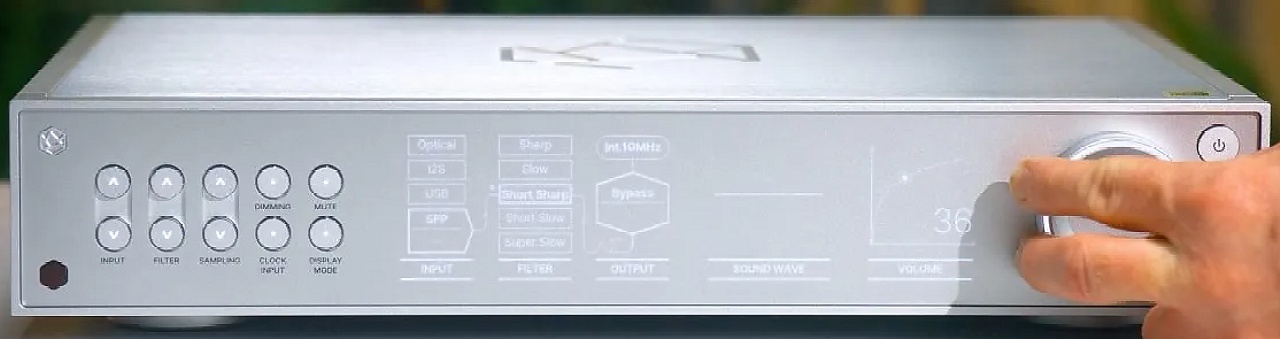
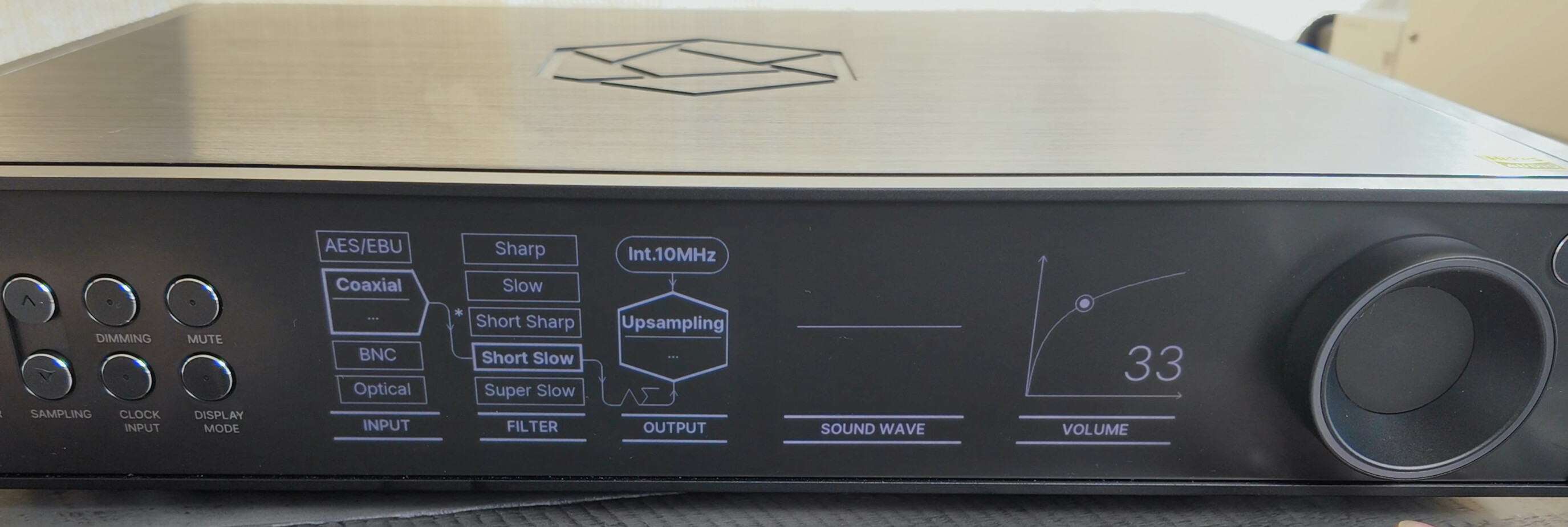
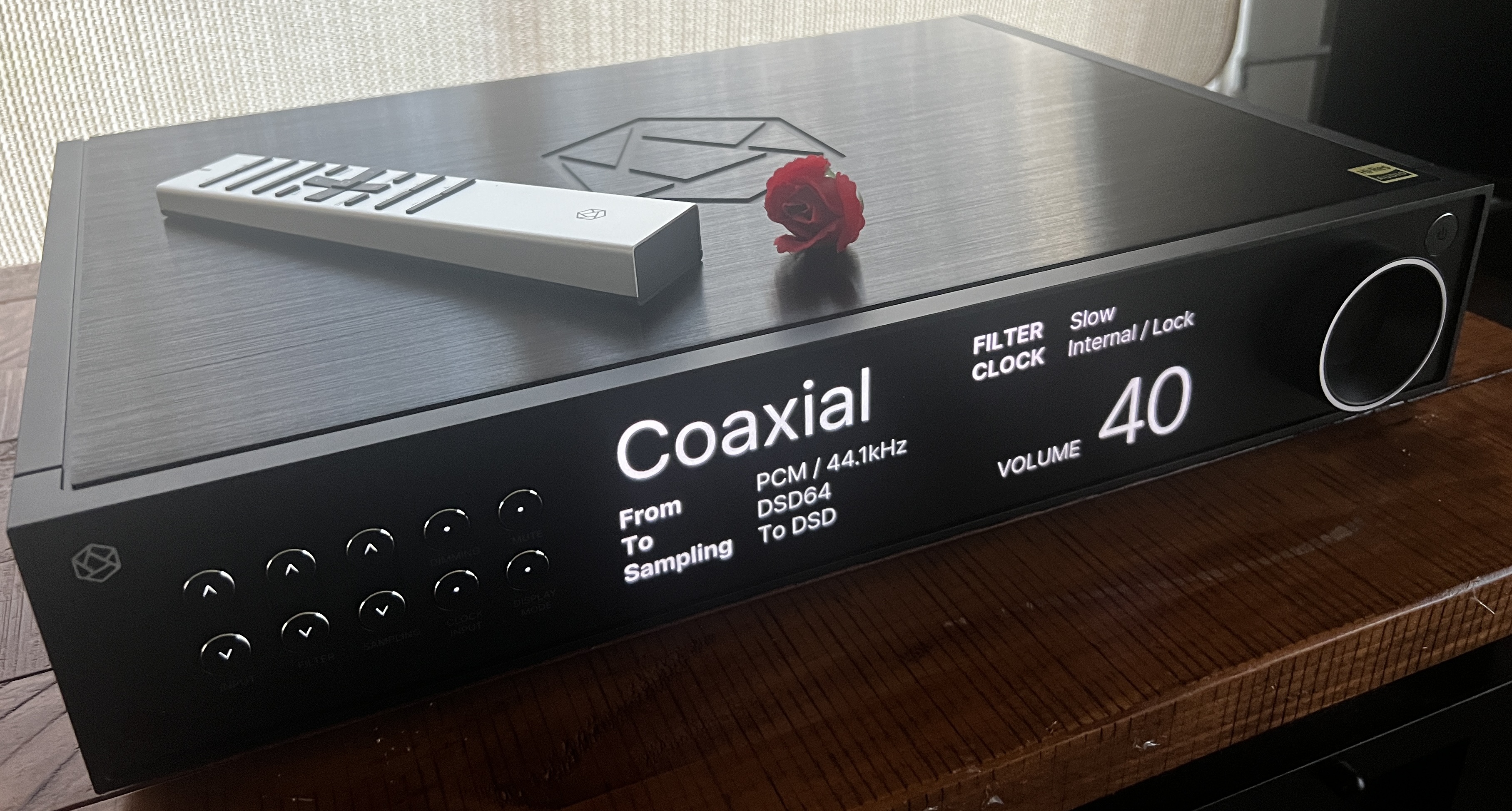
I found these images on the internet. It makes me wonder whether this problem is “display specific”.
Not Readable from 12 feet:
Readable from 12 feet:
Hello oyofmvid,
Thank you very much for the promotional photos.
I’d be perfectly happy with that situation!
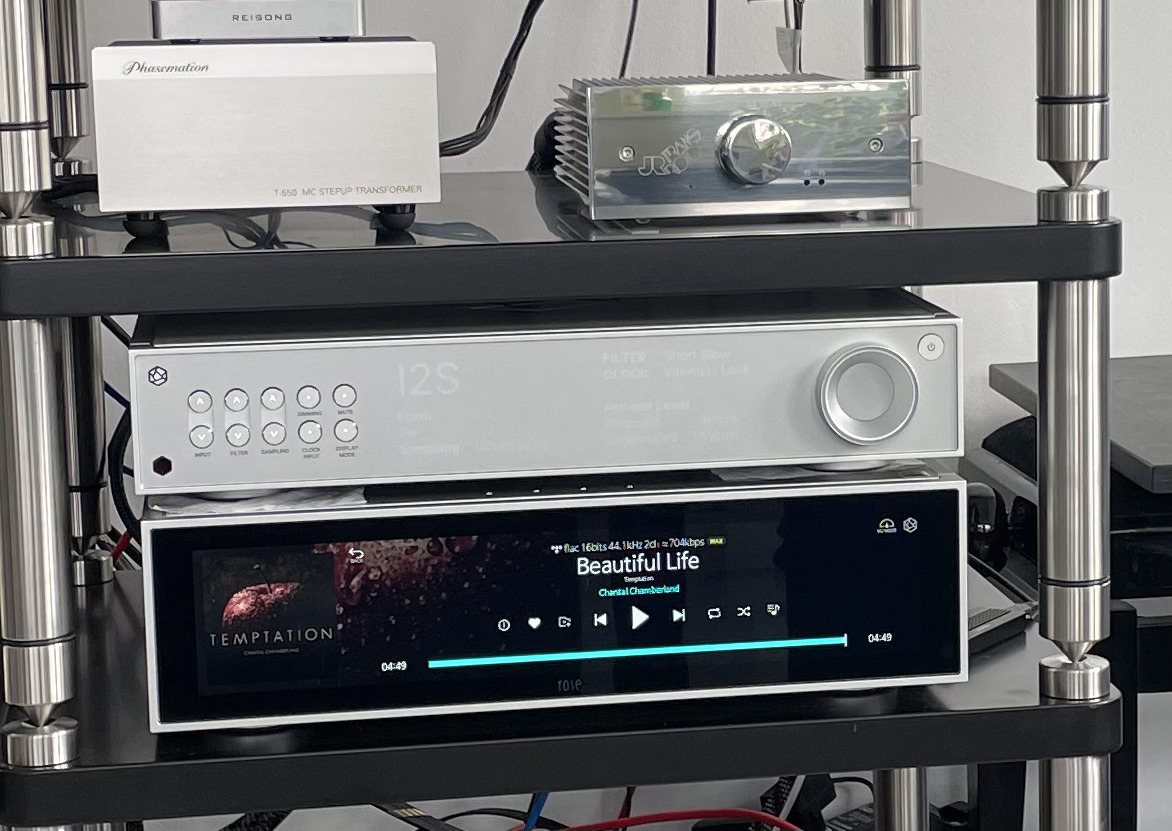
Unfortunately, things are a bit different for me. Here’s a recent photo taken at 1 p.m. under heavily overcast skies (no sun!). As I’ve mentioned many times before, everything is fine in the evening.
I am betting on Rose !
BTW
Waveform graphics aren´t visible at all…
Best regards
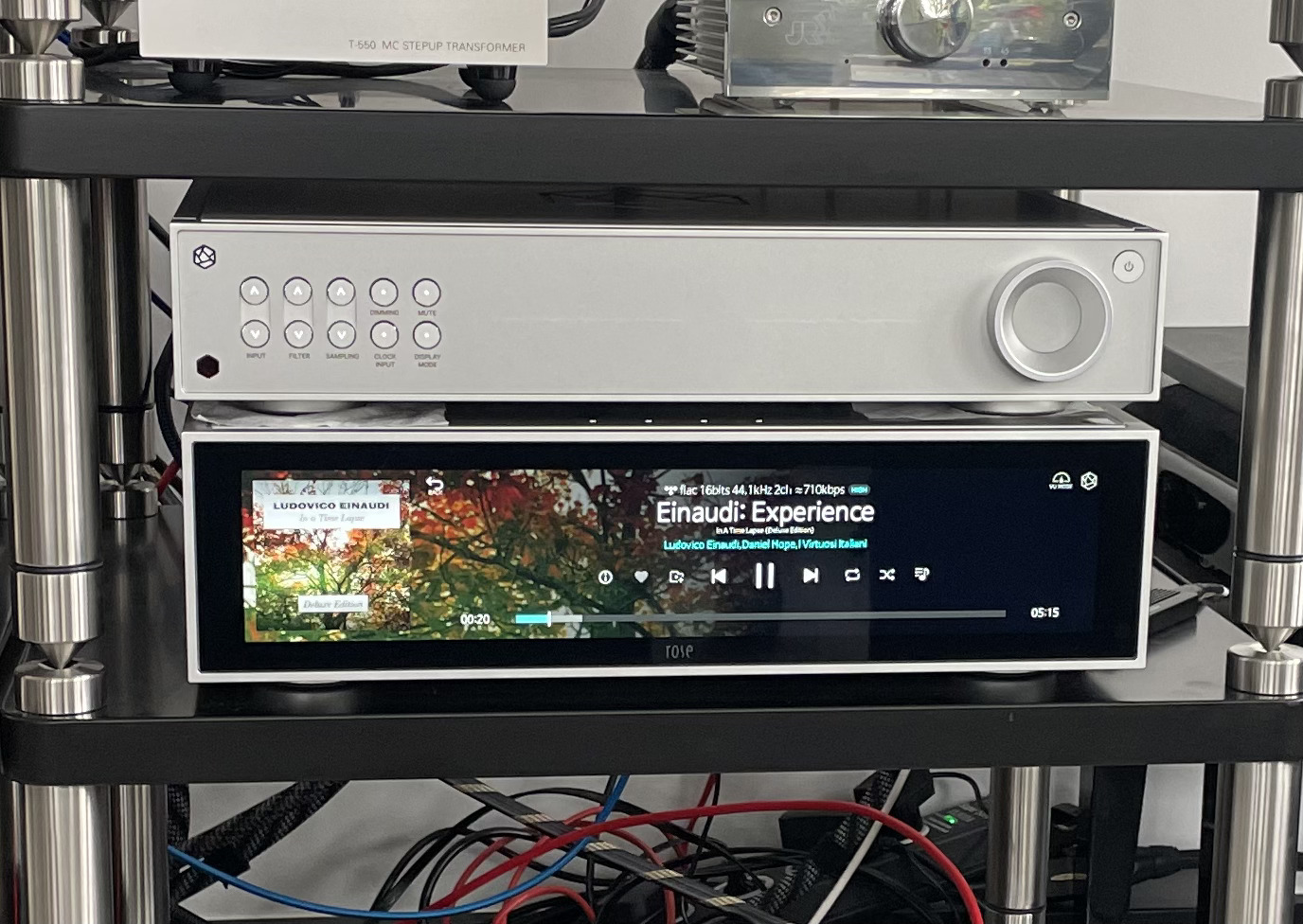
Hi Rosehan,
Last night I sent the videos—as we discussed—to the email address you provided, and I hope there won’t be any firewall issues this time.
Best regards, and thank you very much for now
Best regards
Greetings, I received my RD160 (black) this week and enjoy what I’m hearing. However, I’m concerned that the display brightness cannot be adjusted. With my RS130 sitting on top, the RD160 display is way too dim (RS130 display brightness set to midpoint). Is it correct that the DIMM button does NOT impact display brightness? I’ve tried all steps (1-6) and as noted above, only the volume knob and buttons change brightness; no change in display brightness occurs at any setting.
Hi Fhindi,
indeed, unfortunately the dimming didn´t work with the displays in zen middle.
For me it is a mess…
Unfortunately…
Greetings
Hi Rosehan,
Did you get my emails?
Best regards
Andreas
Hello Rosehan,
I sent the videos you requested regarding my display issue to the email address you provided (dushbag96@naver.com) 14 (!) days ago.
Unfortunately, I haven’t received any further information on this matter yet.
I’m wondering if customer service is even interested in keeping its existing customers satisfied.
I’m following up again to ask whether these—admittedly extremely complex firmware adjustments—will now be resolved in any way.
When I think of Eversolo (the brand I used before the Rose devices), every interaction with Eversolo demonstrated a significantly (!) more efficient approach to finding a solution. I really wonder if I’ve actually invested in the wrong provider.
Thank you very much and best regards,
A dissatisfied customer
1 Like
Could you tell what display brightness setting (in percent) is shown in this photo on the RS130?
Hello,
As mentioned, the display brightness cannot be adjusted using the dimmer function—which, in my opinion, is a flaw.
I’m therefore hoping for a solution from HiFi Rose (Piega).
By the way, the photo shows an RS 151.
Best regards
What difference does it make — the display brightness is the same on the RS130, RS150B, and RS151. I’ll ask again: what brightness level is set on your RS151 in this picture? Is it at minimum, medium, or maximum?
Hello,
The screen brightness on the 151 is set slightly above the middle setting (position 8).
But I’m actually asking about the screen brightness on the 160…
Dear HiFi Rose users
We will not be increasing or decreasing the brightness of the RD160 any further.
If set to a higher brightness, it may affect the durability of the LCD or OLED display, so we have not configured it to the hardware maximum.
At this time, the current level is the maximum we officially support, and we kindly ask for your understanding.
I’ll take that beer now, my prefrontal cortex is parched.
Kind regards,
Eleven
I believe every word you say!
So, more beer for that old geezer.
1 Like
Hell Rosehan,
bad news…
Hi Rosehan,
It’s a shame that HiFi Rose now has to admit to this design flaw.
This just reinforces my point that this will be my last HiFi Rose device. I’m going to replace this subpar device in my setup with a system that’s designed sensibly and thoughtfully.
They really botched this one.
GREETINGS