[Early Access] Ver 5.12.05 - SW Update Notice

We are pleased to announce the software update details for Rose OS Ver. 5.12.05 (Early Access).

Notice

This update is available only for users enrolled in the Early Access program.

Official Release users are not affected by this update.
The Official Release version is scheduled to be released within the next 1–2 weeks.

Official (General Release) users are not affected by this update.
The Official version will be released at a later date.

  • Update Date: 2026/June/18 (Wed) 15:00 AM (GMT +9)
  • Applicable Models: RS150(B), RS520, RS130, RS151,RS451, RS201, RS250(A)
  • Software Version: SW Ver. V5.12.05 (Early Access)
  • Update Method:
    For Early Access users
    Settings → System Information → Update → System Update
    To switch from Official to Early Access
    Settings → System Information → Use Early Access Version → Try It

Major Feature Additions and Improvements

  1. Security/Authentication: Removed the PIN Code feature
  2. CD Ripping: Added CD Multi Search during CD Ripping to improve CD information accuracy
  3. Date Format: Added Month/Day/Year (MM/DD/YYYY) format
  4. Weather Settings Improvement: Added wind speed unit setting
  5. Power Management: Added manual time setting for Auto Standby mode
  6. AOD (Always On Display): Added Month/Day/Year display format
  7. Audio Settings: Extended the maximum PCM Delay value to 10,000
  8. File Manager: Added file deletion function (automatically reflected in scanning)
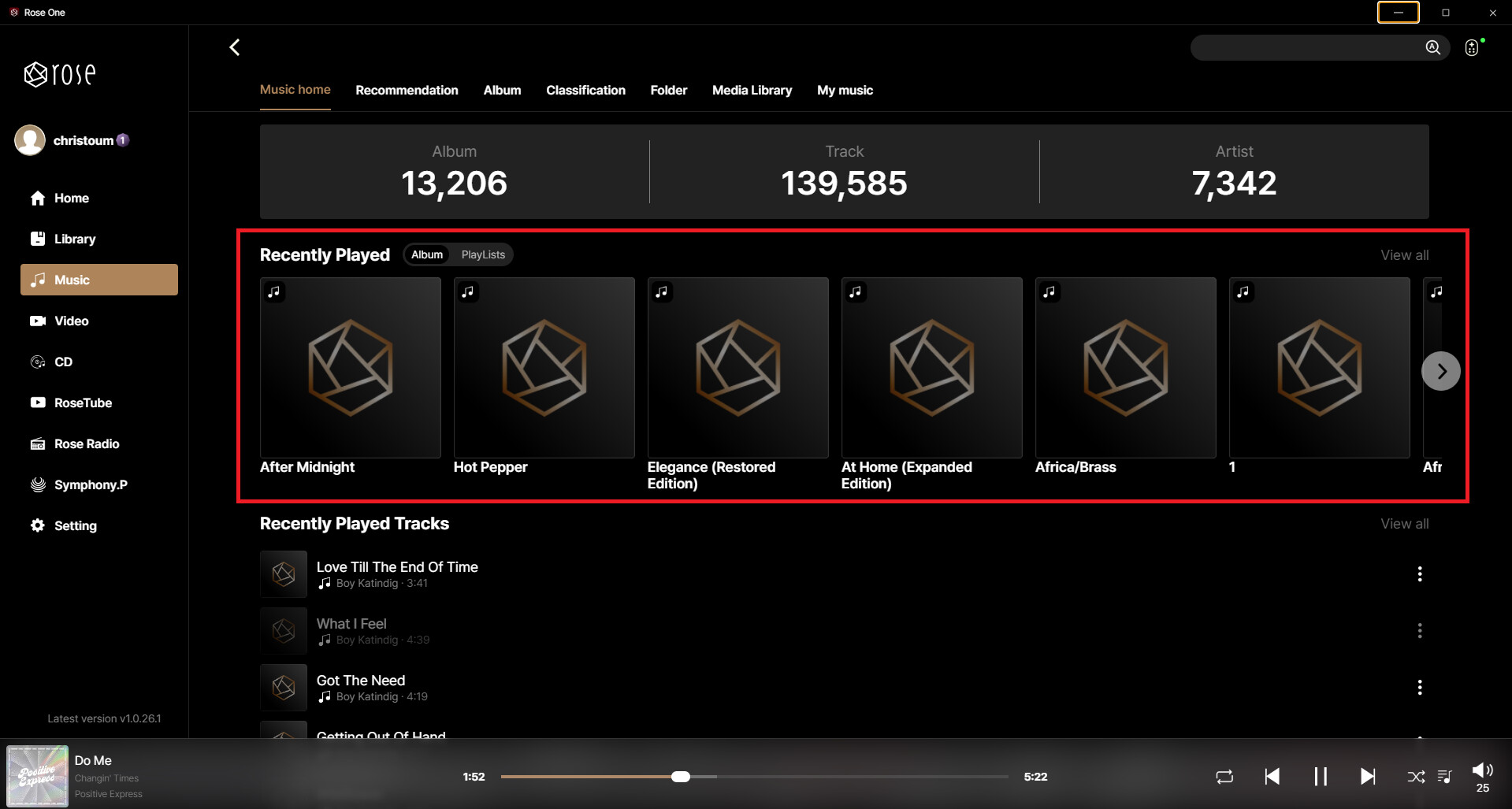
  9. Music App: Added artist information and track duration to “Recently Played Tracks”
  10. Display: Applied a subtle vibration effect to the VU Meter when displaying identical values for a more natural appearance
  11. Network/Storage: Added P2P Service ON/OFF option in Storage Settings
  12. Volume Control: Added Maximum Volume setting and Startup Volume setting
  13. Qobuz Service: Added download function for subscribed content
  14. RoonReady: Updated Rose RoonReady RAAT (v1.1.47)
  15. QobuzConnect: Updated SDK (v1.1.0)
  16. MCU Update: Improved responsiveness of IR remote control volume key operation
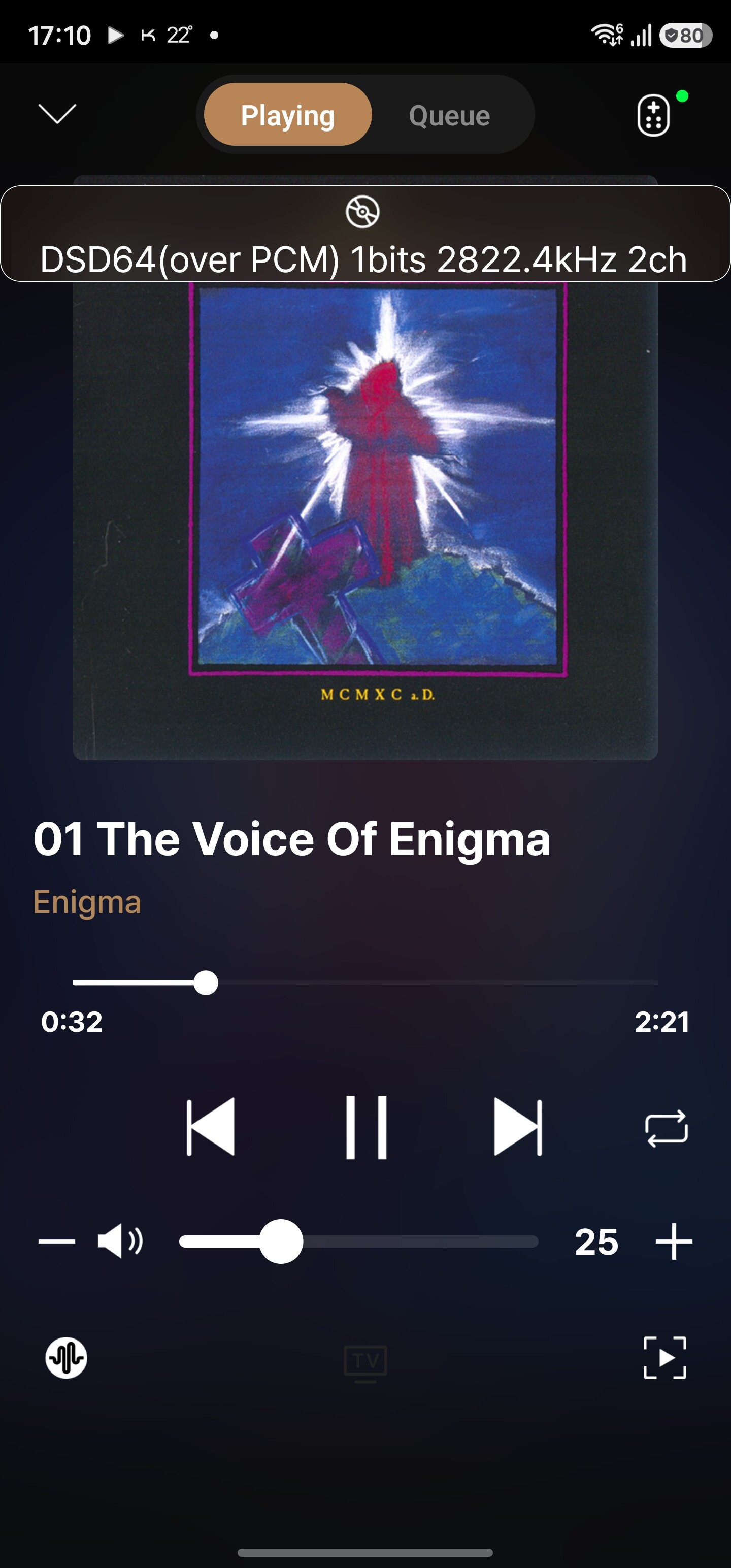
  17. Playback: Added DSD Gapless Playback support
  18. Remote Control Settings: Added “LCD OFF” option to Remote Favorites settings
  19. Added ‘Symphony Premium’ APP
  20. Fiex the issue where the ROSE ID is not displayed upon rebooting while connected to Wi-Fi (E/A 5.12.04 users)
  21. Playback failure when accessing: Laptop Sharing (SMB) → Music on Device → Network Folder

System Stability and Issue Fixes

  1. Storage: Hidden system folders such as “system” and “Android” when an SSD is installed
  2. Audio Settings: Changed the UnBalanced mV value in Emulate Analog Input PreOut Value Setting
  3. RoseTube: Fixed an issue where a temporary error popup appeared when playing age-restricted content after searching
  4. RoseFM: Improved playback stability
  5. RoseFM/Radio: Fixed an issue where RoseFM continued playing when switching from RoseFM to RoseRadio
  6. RoseFM Power Control: Fixed an issue where RoseFM did not resume playback after turning the device OFF and ON while RoseFM was playing
  7. Radio: Improved RoseRadio playback stability

We sincerely thank all users for using HiFi ROSE products and for providing valuable feedback.

We will continue to do our best to provide a more stable and convenient service.


June 12, 2026, 18:39: The update deployment for RS201E and RS250 will resume after further review.
June 18 2026, 15:24. Kugou HiFi service has been added for China (available for download from the Rose Store).

3 Likes

@moderators
The update totally crashed my system and had to leave unplugged on my RS130 for 30 minutes after the MCU update. Could you please confirm the XMOS version and the MCU version as I assume my system is now corrupted.

For your information here is what is currently installed after the attempted update:
System Information: 5.12 (early access)
Xmos: 3152
MCU: 1.0.16
Kernal: 4.4.83
SDK: eng.rose.20260610.145311
Device Version: 5.12
RoseOS: 5.12.04
RoseWare: 5.12.01.1
RoseService 5.12.01.1

After updating the RS150b, I ran a quick test and everything is working perfectly.

Thank you for sharing your update results. Please let us know in the comments if you experience any issues while using it

Hi All,
Does this mean I can download tracks onto an attached hard drive in my RS151?
Thanks :slight_smile:

Only for interest (I avoid updating until a stable version will deployed): What means here crashed? It’s now working after waiting 30 minutes and rebooting or is the device bricked?

Hello everyone,
After the update, which went smoothly (RS130), the Symphony Premium icon appeared. The icon reappears every few minutes, even if I deselect it in the display menu…
Otherwise, the update seems stable. No change in sound. In fact, no visible changes at all.

@PatriceP
In the case of Symphony Live, it seems the menu cannot be changed at the moment because the service is still being prepared. Once the app is properly installed in the official release version, there should be no issues. Thank you for sharing this problem with us

Can anyone confirm if DSD gapless actually works?

@Rose_love and @burki ,

Just to close the loop on this issue, my RS130 is now functioning normally after updating to the latest Early Access Rose OS.

The problem appeared immediately following the MCU update. Once the update completed and the unit restarted, the display never came back on. The screen remained completely black, making it impossible to tell whether the RS130 had successfully booted or was hung during startup.

I tried pressing the power button and could hear the internal relay engage, so the unit was clearly responding at some level, but there was still no display output. I also attempted a forced shutdown/restart by holding the power button for an extended period, but the result was the same: relay clicks with no image on the screen.

What ultimately resolved the issue was removing power entirely from the unit. I unplugged the RS130 from the wall, left it disconnected for roughly 30 minutes, and then powered it back up. After that, the display initialized correctly and the system booted as expected.

Since then, everything has been operating normally.

@Rose_love Have you seen this behavior before? It almost seems like something during the MCU update left the unit in an incomplete startup state that wasn’t cleared until a full power drain occurred.

@duffer5
Thank you for the detailed explanation.
We will conduct repeated tests on multiple devices and thoroughly review if there are any areas that can be improved

Update is working good on my Rs151.

Can anyone confirm? :wave:

On rs130 with the new firmware, dsd runs without pauses between audio tracks.

3 Likes

@Rose_love @ROSEHAN @ROSELOA
Finally some improvement. DSD gapless playback works perfectly.
About library and the deleted files the next applies only for stored files in the device?
If i delete files from the NAS how that works?

The next video shows a buggy behavior.
Screenrecorder-2026-06-14-00-57-45-206.mp4

Another small bug is from recently played list there are no artwork on albums and if you want to play again from recently played the information on the screen is with no album name, like the old days.

Now you are in the right path.

1 Like

@Salexber @christoum1974
Thank you for sharing the test results.
If you experience any inconveniences while using it, please feel free to leave another comment.

Hello,

Since upgrading to Early Access 5.12, I can no longer select a track from my playlist. With Early Access, nothing happens, and with Rose One, the track starts playing on my iPhone app, but the RS130 doesn’t respond.

@Christoast
Hello,
We are currently reviewing the issue you reported. We will follow up with another comment as soon as the review is complete.
In the meantime, if you would like to use the service without any issues, we recommend switching to the Official version for now.

I’ve reverted to the official version 5.11. My RoseStore list is empty!

5.11 ?:hatching_chick:

1 Like