Ok, so this is interesting.
No idea.

Ok, so this is interesting.
No idea.
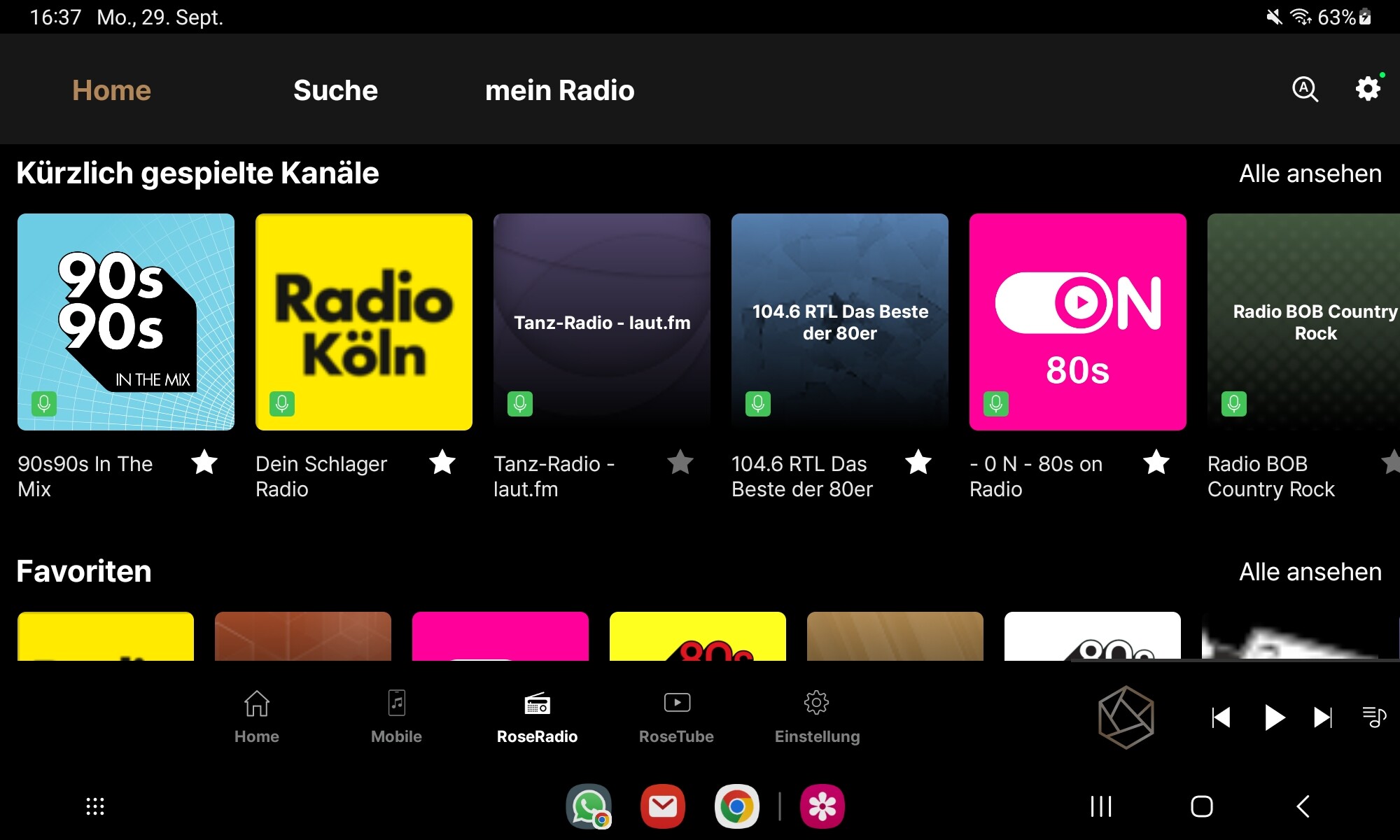
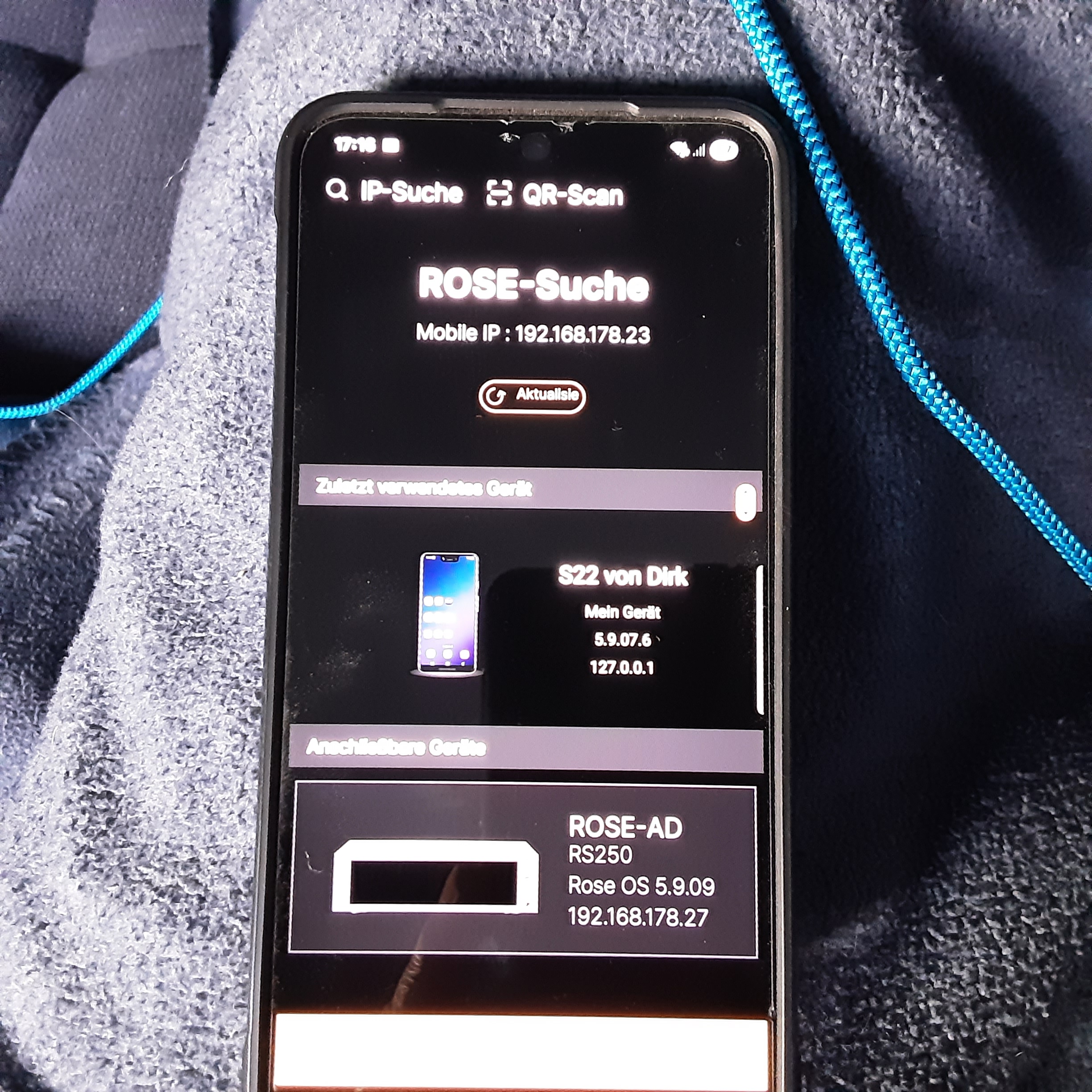
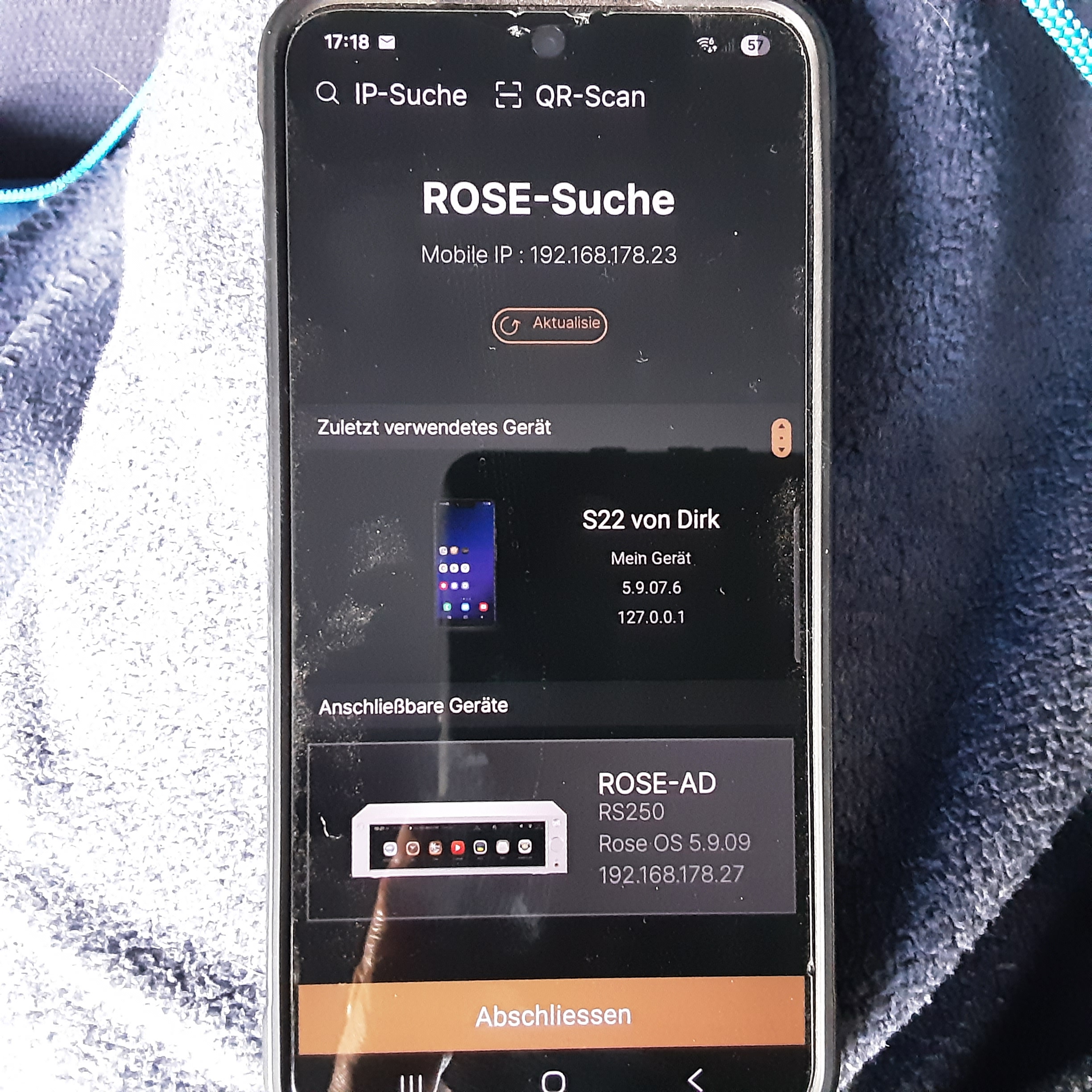
Hallo ich klinke mich mal ein. Meine Euphorie das es bei mir seit 2 Tagen funktionierte ist wieder vorbei.Ich habe in meinem Netzwerk noch eine 2. FRITZBOX als Repeater und hab sie dann ausgeschaltet und ich hatte das Gefühl meine Android Geräten lassen sich besser verbinden. Jetzt ist sie wieder angeschlossen und keine Veränderung. Was bei mir funktioniert ist Spotify übers Handy zu bedienen. Mein Samsung S22 hat länger eine Verbindung zum RS250 als mein tab S6 lite.wenn die Verbindung weg ist muss ich das Handy runterfahren und beim neu starten erkennt die App meinen RS250 und ich kann mich wieder verbinden. Ich bin froh das ich noch eine manuelle Fernbedienung habe.
Dear HiFi Rose users
We’ll be releasing a better update tomorrow.
Please update to the latest version tomorrow and let me know if you experience the same issue.
That sounds good. Unfortunately, I won’t be able to check whether everything is working until next weekend. The system is located in our second home.
Hello, I’m also affected.
I can’t understand it anymore.
I’m incredibly annoyed by these constant network connection issues on Android.
I upgraded from the early version to the official version. Exactly the same thing. I’m really pissed off.
The error for not connecting on Android is due to the Android version!
Connection works on Android 14 UI version 6.1.
Connection doesn’t work on Android 15 UI 7.0.
All new devices are likely affected!!!
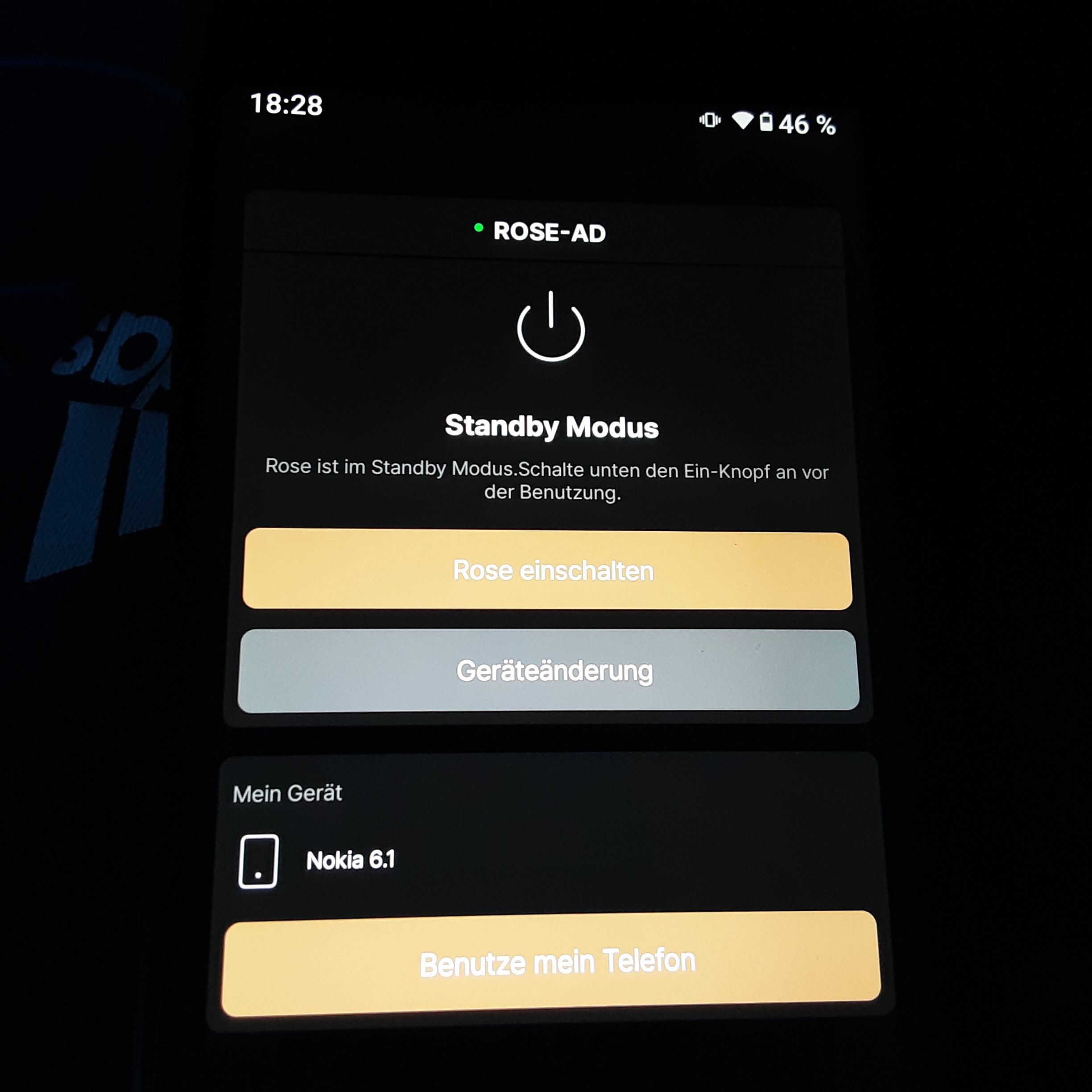
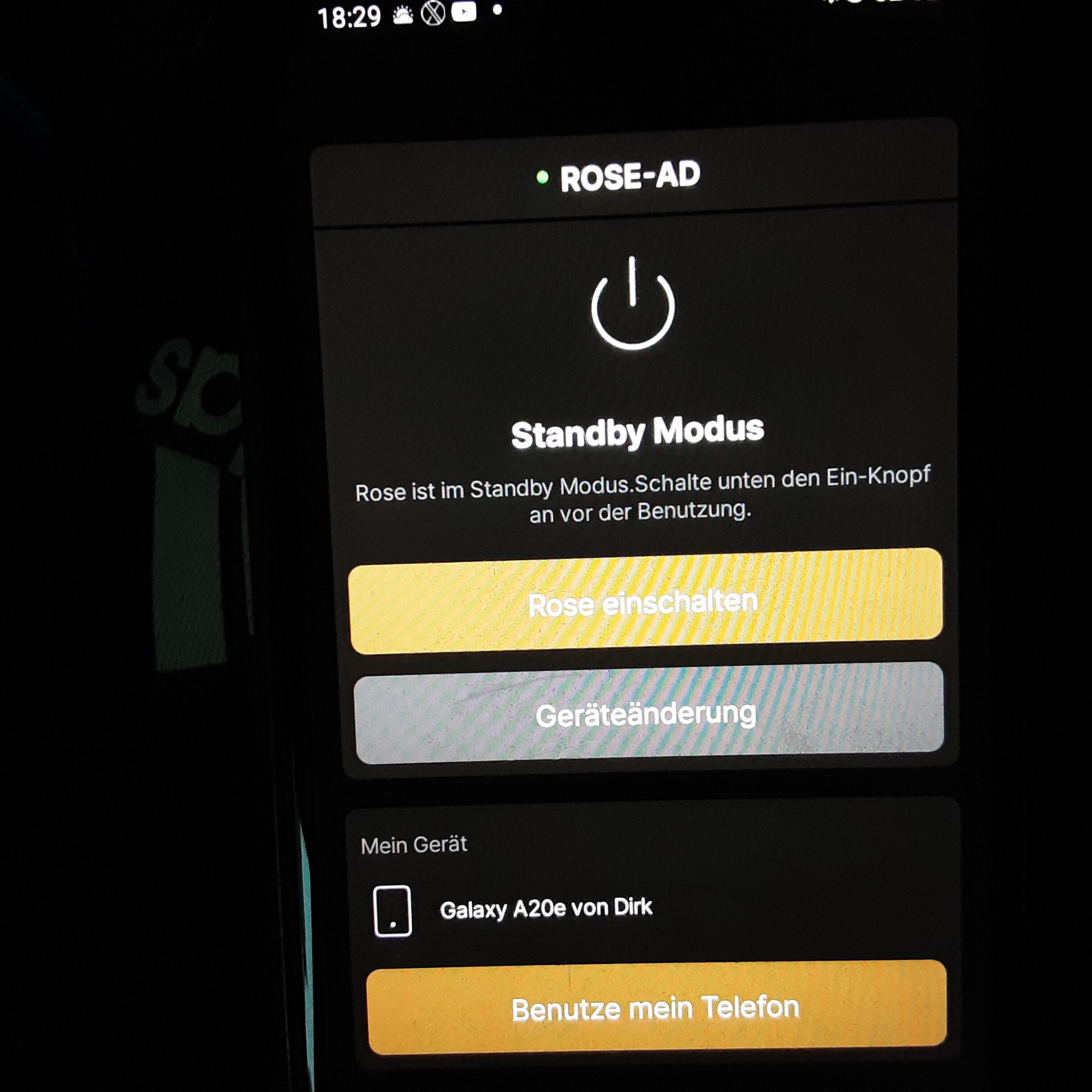
Guten Morgen, ich habe die gleiche Erfahrung gemacht.Bei meinem alten Nokia 6.1 Android Version 10 und meinem A20e Android Version 11 funktioniert es immer. Wlan ist immer an.Bei dem S22 und dem tab S6 Lite muss ich immer vorher Wlan ausschalten und einschaltet und dann funktioniert es auch.
Vielleicht liegt es an den neueren Android Versionen.
Good morning, I have had the same experience.With my old Nokia 6.1 Android version 10 and my A20e Android version 11 it always works. Wi-Fi is always on.With the S22 and the tab S6 Lite I always have to turn off Wi-Fi beforehand and turn on and then it works.
Maybe it’s because of the newer Android versions.
(Per Firefox’s in browser translation)
So it could be an incompatibility issues between versions of Android?
It could be a power saving technique because having to scan for wi-fi access points takes power.
(Not sure about that…)
I did notice that on the RS520, I would sometimes have to rescan for new wifi enabled devices a couple of times before it recognized my device.
Ich habe für mich eine Möglichkeit gefunden, sodass es bei mir funktioniert. Mein RS 250 ist mit LAN verbunden. Meine Mobile Phone Android Nokia 6.1 und Samsung A20e sind uneingeschränkt nutzbar.
Für meine Mobile Phone Samsung S22 und Tab S6 lite habe ich folgendes gemacht.First of all, I’m glad to hear that your issue has been resolved.
Also, thank you for explaining it in a way that makes it easier for other users to follow.
Additionally, if you encounter any other issues in the future, please let me know.