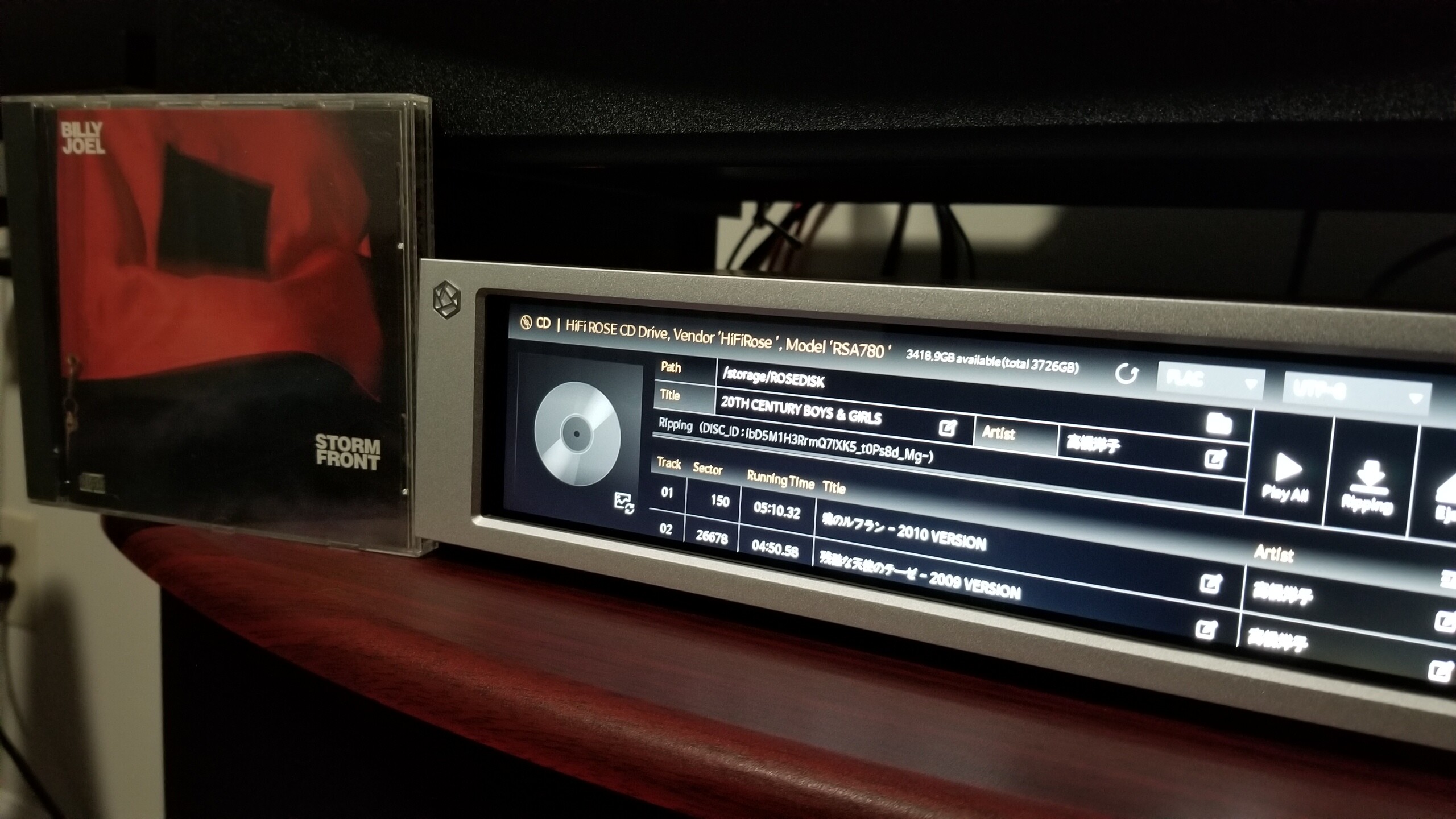
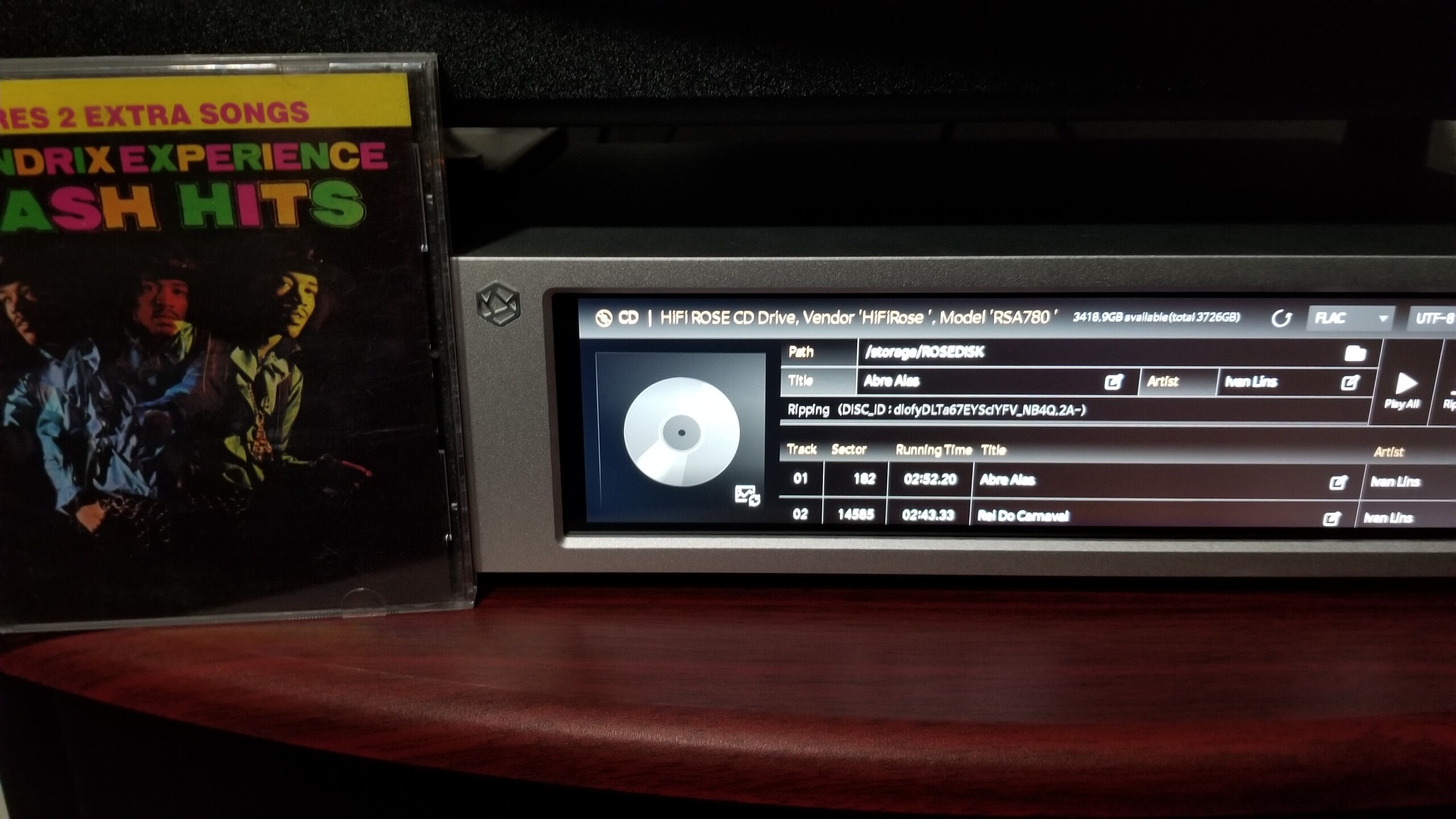
Hi, CDs that show ‘unknown’ are also likely to be hybrid CDs - this has been discussed on this thread:
Multiple CDs are not recognised by the Rose and #1, #2 (or other numbering options) must be edited/inserted manually before the ripping process, otherwise the Rose will jumble all tracks together, irrespective of the order on the individual CDs.
@ROSELOA these issues apply to all multiple as well as hybrid CDs together with all the problems related to metadata or - even more problematic - when accents/hyphens/apostrophes/dashes are present in album titles, artist names, song titles. Even more disheartening when - because of this - albums are saved split in two parts…
All of these have been signalled to the Rose team for nearly one year now. If you look at the CD Ripping section there are many posts on this…
Allowing users to edit as well as delete the data that the Rose has mistakenly saved to SSD would make it easier for all of us that continue - relentlessly - to experience these issues and have music libraries full of errors and mistakes.
Please do something about this.