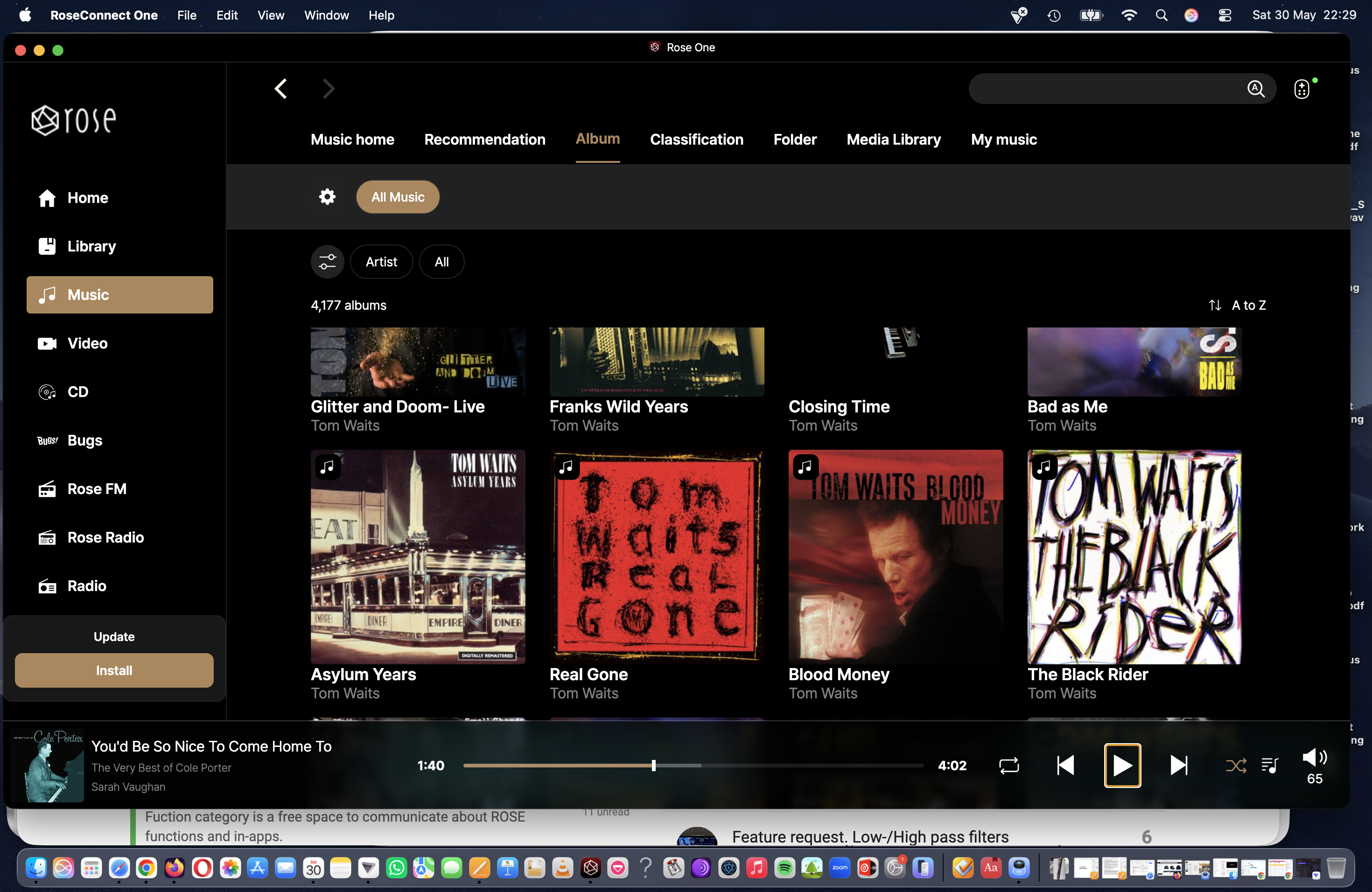
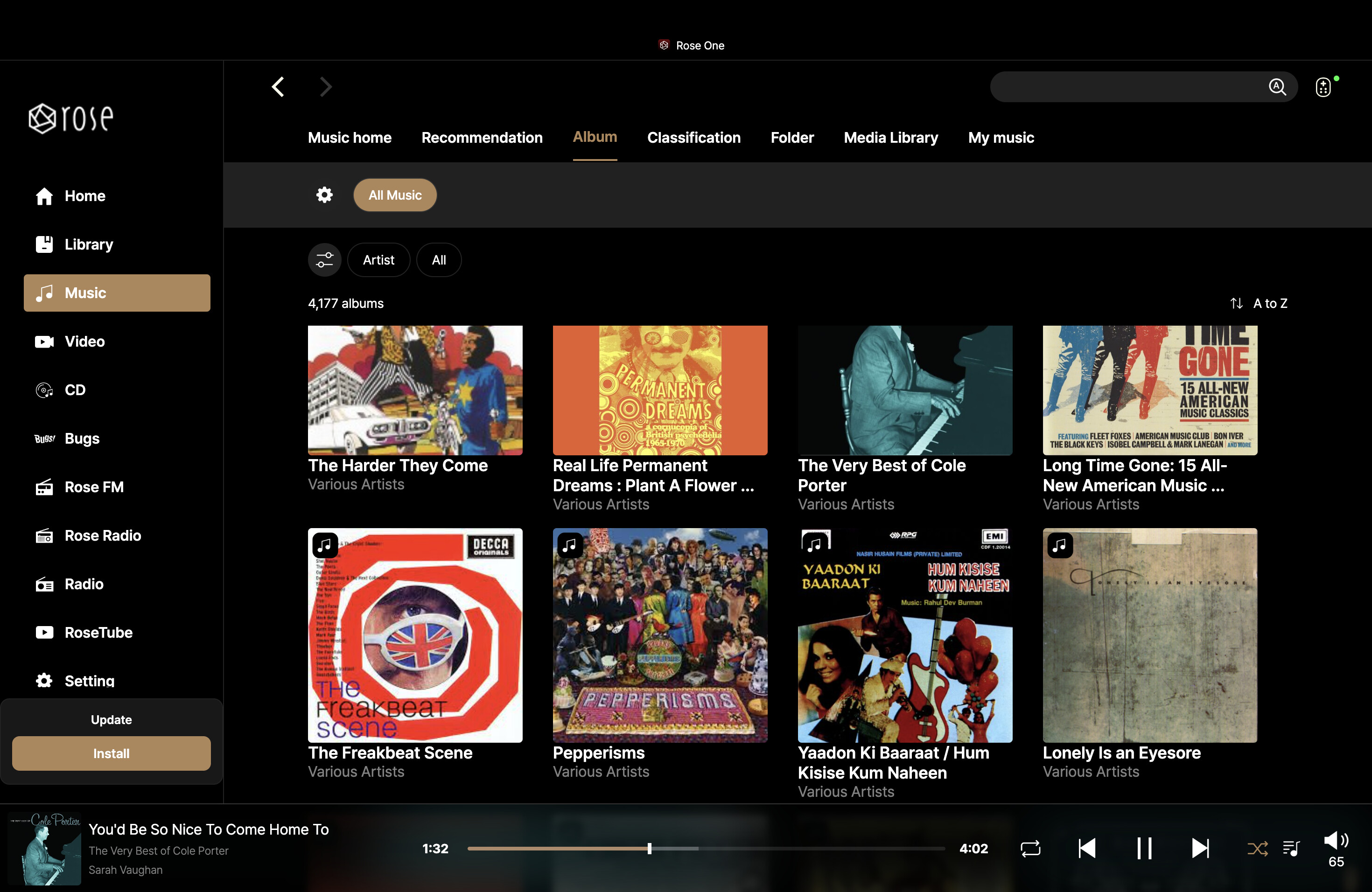
New app: Rose One

Generally, we have Rose Tube, and we can search for content there. Or, when we enter Rose Tube, the YouTube option appears. It used to be that you had to log in to your YouTube account, but now you have YouTube immediately. I don’t know why they did this, but for some reason, probably due to some issues, they’ve managed it the way it is now.

The problem is that if someone isn’t logged in to their Rose account, they can’t watch anything on Rose Tube, because it’s closely tied to that service. I don’t know why, but that’s the reality. However, without an account, you can still listen to things like Tidal or Qoubuz, but there’s still a problem with adding and uninstalling albums in your Favorites folder, so you need an account, which only Rose has and requires, similarly to Pin Code.

RoseTube appears to be a Rose branded service offered by YT so you will need a Rose account to access it.

Linking your YT and Rose accounts is a way to get more content and to also tie your existing subscriptions to play on the Rose. (Or you just search for it.)

2 Likes

Dear HiFi Rose users

1. "Why is a ROSE account required?"

A ROSE account is not used solely for login purposes. It is required to provide various services such as RoseTube, favorites synchronization, playlist storage, favorites management, playlist management, and synchronization of settings across devices.

In particular, RoseTube is built on YouTube content while providing the unique user experience and library management features developed by HiFi ROSE. For this reason, it operates as an account-based service.

We understand that some users may feel that account-related features are unnecessary or may affect usability. However, at this time, we plan to maintain the current account-based system in order to continue providing these integrated services.

2. "Why does HiFi ROSE use its own metadata system instead of established databases?"

HiFi ROSE operates its own library management system in order to integrate various music sources and local libraries into a unified user experience.

As you pointed out, some professional metadata providers offer excellent data quality. We continue to evaluate ways to improve metadata quality and expand integration with external services.

Currently, we already utilize multiple data sources and continue working to improve metadata accuracy, coverage, and overall user experience.

3. "Is HiFi ROSE developing its own technology simply to avoid paying licensing fees?"

The goal of HiFi ROSE is not to reduce licensing costs but to build a platform that allows us to directly control and improve the user experience.

Some features are developed in-house because doing so allows faster improvements and greater flexibility. Other features are provided through partnerships with external companies.

Our decisions are based on a combination of technical, business, and user-experience considerations.

4. "Will HiFi ROSE eventually charge subscription fees?"

HiFi ROSE has no plans to charge subscription fees for RoseTube or radio-related services.

However, third-party streaming services such as Apple Music, Qobuz, TIDAL, and any additional streaming services that may be added in the future require their own subscriptions. These subscription fees are determined and managed by the respective service providers, not by HiFi ROSE.

5. "Software development does not seem to be progressing."

We sincerely apologize for any inconvenience you have experienced over the years.

HiFi ROSE continues to provide firmware and application updates while actively working on feature improvements and bug fixes based on customer feedback.

However, some features are affected by policies and technical limitations imposed by external service providers such as TIDAL and Qobuz. As a result, development, testing, and deployment may sometimes take longer than expected.

6. "TIDAL Connect support is taking too long."

When HiFi ROSE products were first launched, we never announced support for TIDAL Connect or Spotify Connect.

Later, in response to requests from many users, we added support for Spotify Connect. During our efforts to implement TIDAL Connect, we encountered technical challenges that ultimately prevented us from supporting it on existing platforms.

As a result, we developed the RW800 module, which is designed to support TIDAL Connect as well as additional future functions.

We understand your concerns and opinions on this matter. Unfortunately, it may be difficult for us to implement your suggested approach on existing products. However, we are making every effort to keep the pricing of the RW800 as reasonable as possible.

7. "Why do problems occur when YouTube changes something?"

RoseTube relies on integration with external content services. Therefore, changes to YouTube policies, APIs, or service structures can directly affect RoseTube functionality.

When such changes occur, we work to identify the cause as quickly as possible and release appropriate updates whenever necessary.

8. "The hardware is excellent, but the software is lacking."

Thank you for your positive comments regarding our hardware.

At the same time, we fully understand that user expectations for software quality are very high.

HiFi ROSE aims to be more than just an audio hardware manufacturer. Our goal is to provide a complete and continuously improving platform.

Customer feedback remains one of the most valuable resources for our development team, and we will continue improving stability, usability, streaming service integration, and library management features moving forward.

Account based software may be ok if the response time for service is short. During the problems on Hifi Rose servers last weekend the service personel was absent for a couple of days.

If you say A you have to say B too :wink:

1 Like

Hello Rosehan,

as you emphasized your customer care I want get back to an issue I liked to recoemment - like I did more than 7 says ago without any reaction from your side…

Besides my screen being way too dark, here’s what’s bothering me:

When I start a playlist, it plays track by track. I can skip tracks using the “forward” or “backward” buttons and stay within the playlist.

But as soon as I play a track directly from the active playlist, the next song is no longer from the playlist—the algorithm plays something else…

I’d really like to stay in the playlist, though.

Is this something that can be fixed in HiFi Rose’s programming ?

Reaction appreciated

regards

Hi @ROSEHAN

Would it be possible for artists’ albums to be showed in alphabetical order?

What is the current order these are displayed by the RoseOne app?

Currently, In Music/Album/Artist - when I land on an artist’s discography, these appear in a kind of random order:

This complete lack of indexing becomes more problematic when browsing through an extensive collection of Various Artists albums…it’s virtually impossible to navigate through it… could this be fixed in some kind of order? Alphabetical perhaps?

Also, when putting together a playlist:

  • when using RoseOne on a smartphone (in my case iPhone 13) tracks are - correctly - added to the end of the playlist

  • when using RoseOne on Mac (1.0.16 - MacBook M5) tracks are added at the beginning of the playlist

This is confusing. Is it possible to have one consistent command for both App versions? Ideally, the current operation for the smartphone should be the correct one for all other device versions (eg: new added tracks get added to the end of the playlist).

thank you.

@ROSEHAN @Rose_love @ROSELOA
Great job again destroying the searching function. Official version 5.9.09.
Are you going to end with this cycle of problems on and off???

Screen Recording 2026-05-31 215639.mp4

2 Likes

I already asked this in 2024!

Album alphabetical or album by release year? I didn’t even ask for albums by release year (newest first, or first album first).

3 Likes

While I’ll admit Rose still has some work to do, the new Rose One app is much better than the connect app.
For me, Tidal connect would be nice but with the Rose One app being much better I no longer have the need for it, especially if I have to purchase another device to get it.
On a separate note, is there any update on adding Amazon music?

1 Like

Thanks for confirming the issue. We’ll make sure to apply the fix in the next release.

Dear Hifirose!!!

I don’t understand what the problem is, the old app works, the new one doesn’t want to do anything, as you can see in the attached video. I’m waiting for your answer because it’s pretty sad that such a valuable product is released with such poor quality software!!!
https://share.icloud.com/photos/002zOJYqHoJFjSVaCXgsFrrhw

1 Like

I use the old application. Why bother with the catastrophic news!!!

For those who are complaining…

There are a couple of tricks…

  1. On the Mac (at least…) When you do the install / upgrade… you get the option to keep the old version around. So you can easily roll back.

  2. You don’t necessarily upgrade immediately when the new version is released.

#2 is an old trick IT customers used to do unless it was a security update. They usually wait at least 3 to 6 months before upgrading in UAT and if successful and no one else is reporting massive issues… then they roll it out into production. The trick here is letting other people find and report the bugs.

Note: Ok, some will make a copy of prod in an isolated UAT environment and then do the stress testing on the latest release, but still waiting 3 to 6 months before a planned upgrade.

I wonder if Rose’s test plans include a suite of regression testing to ensure that they didn’t break anything…

Thank you for sharing the video. We have tried to replicate the issue based on your clip, but we were unable to reproduce it on our end.

Looking at the video you provided, it appears that you are using an older version of the software. Could you please check and provide the following details?

  1. Please check if the issue still persists currently.
  2. Rose OS version.

Dear HifiRose!

I just got home after a long trip, unfortunately the problem is still there. Even though I deleted and reinstalled the RoseConnect One 1.0.16_MAC_silicon application.

My laptop: Apple Macbook M1 MAX chip,

OS version: macOS Tahoe 26.5.1

Rose OS: 5.9 (official)

I sadly found that you can’t download a much earlier version on your official website. Please send me all your old software versions so I can find a version that will make this device work. (Unfortunately, I didn’t save the downloaded RoseConnect and RoseConnect_One applications)

Unfortunately, it’s very inconvenient to use the device right now. I didn’t pay for this quality of service!!!

Thank you

@peregizsolt

We apologize for the inconvenience. Please delete the currently installed RoseOne app, install the latest version from the Google Drive link below, and check if it works.

@Rose_love

Hi, can you kindly fix the search function on RoseOne as highlighted over a week ago by @christoum1974 ? Any search attempt of music stored on the internal SSD delivers blank results which is so disappointing - have to use old Rose Connect Premium where the search function still works. V1.0.24.6 on Mac M5 and 1.0.24 on iPhone.

Hi

I downloaded the RoseConnect One application that was sent, but unfortunately it doesn’t work with that either. There can’t be anything left from the previous versions that prohibits normal use.
I also requested the older RoseConnect Premium version, which was left behind, with which I could at least use the device somehow.

I am very sad about the problem, so I don’t dare recommend the brand to anyone for now.

Did you download the old Rose Connect Premium and could you send it to me? THX

I managed to solve the problem. The window was empty in the settings, display, Edit/manage menu section. I clicked here and it loaded somehow and has been working fine ever since. I hope it stays that way, but after that I should look into why the window didn’t load!!!