[Official Release] ROSE ONE Global Launch

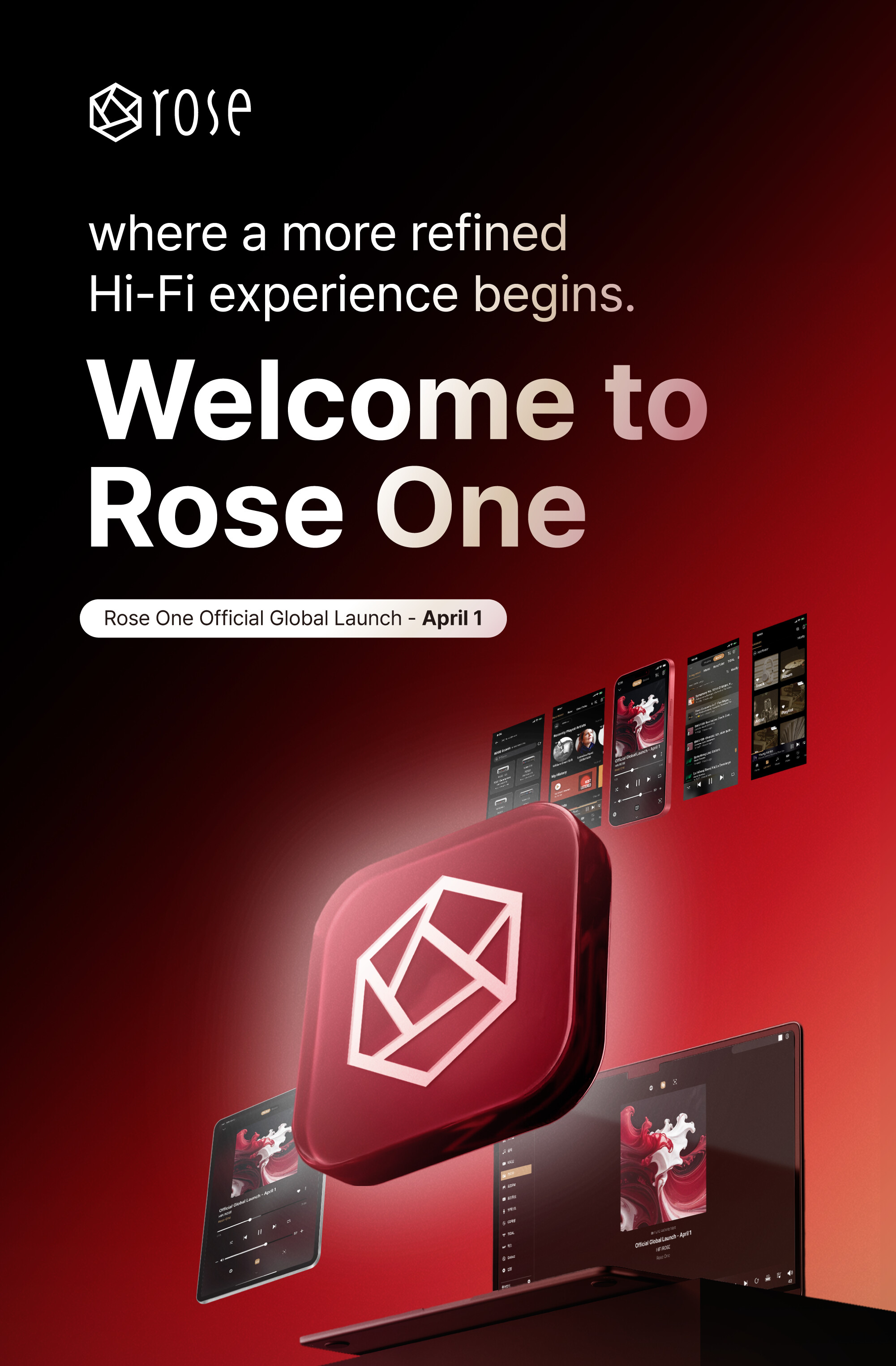
ROSE ONE officially launched globally on April 1, 2026.

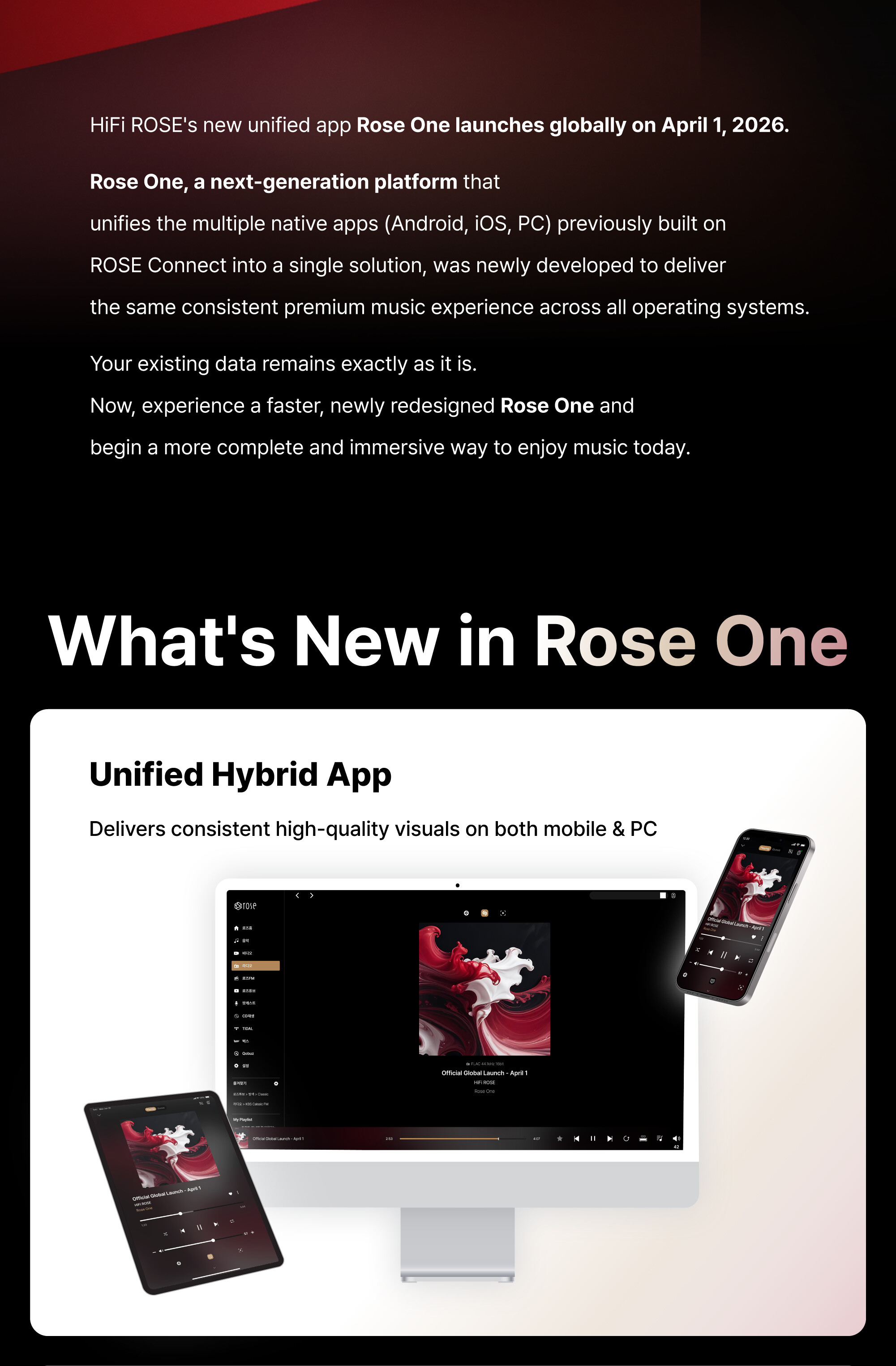
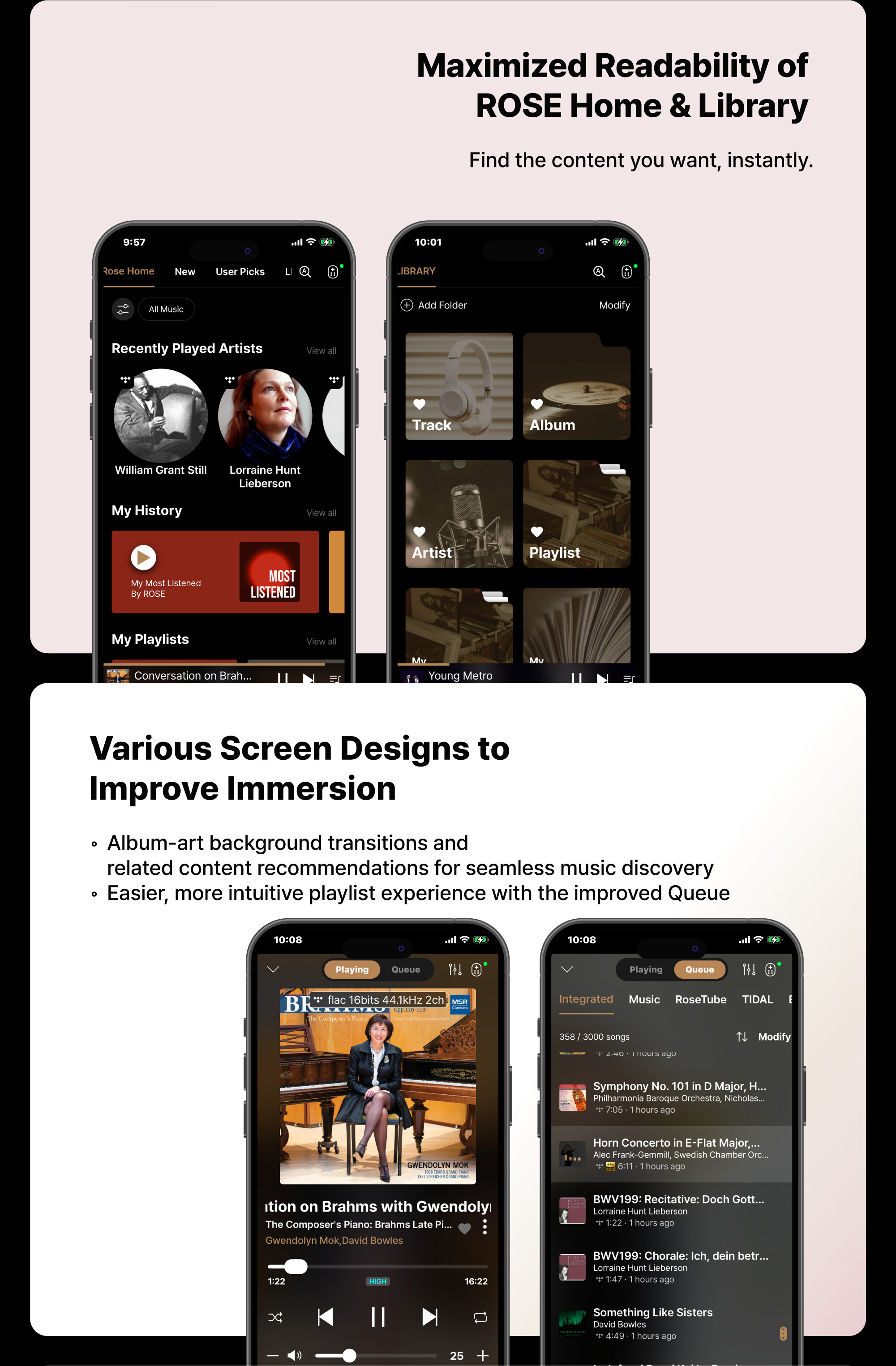
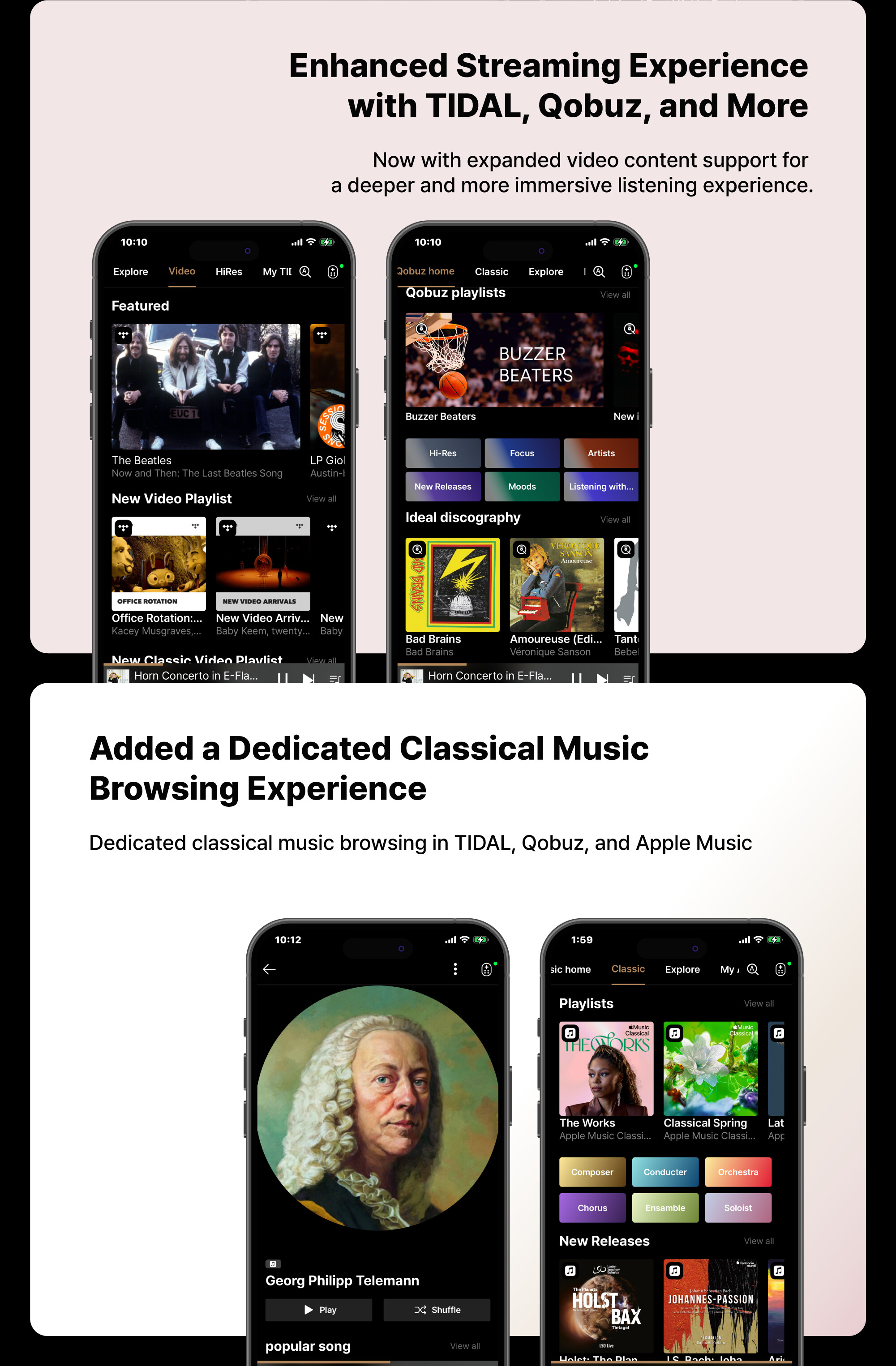
ROSE ONE is a unified hybrid app designed to deliver a seamless HiFi experience across Android, iOS, and PC platforms, expanding the ROSE ecosystem into a more integrated and intuitive environment.

Experience the premium sensibility of ROSE ONE, designed to help you focus on nothing but the music.

[ Download ]

3 Likes

Functions only available with a ROSE login but should not.

Plase change the functions and make them available locally without a ROSE Logon. I do not want ROSE collection my user data.

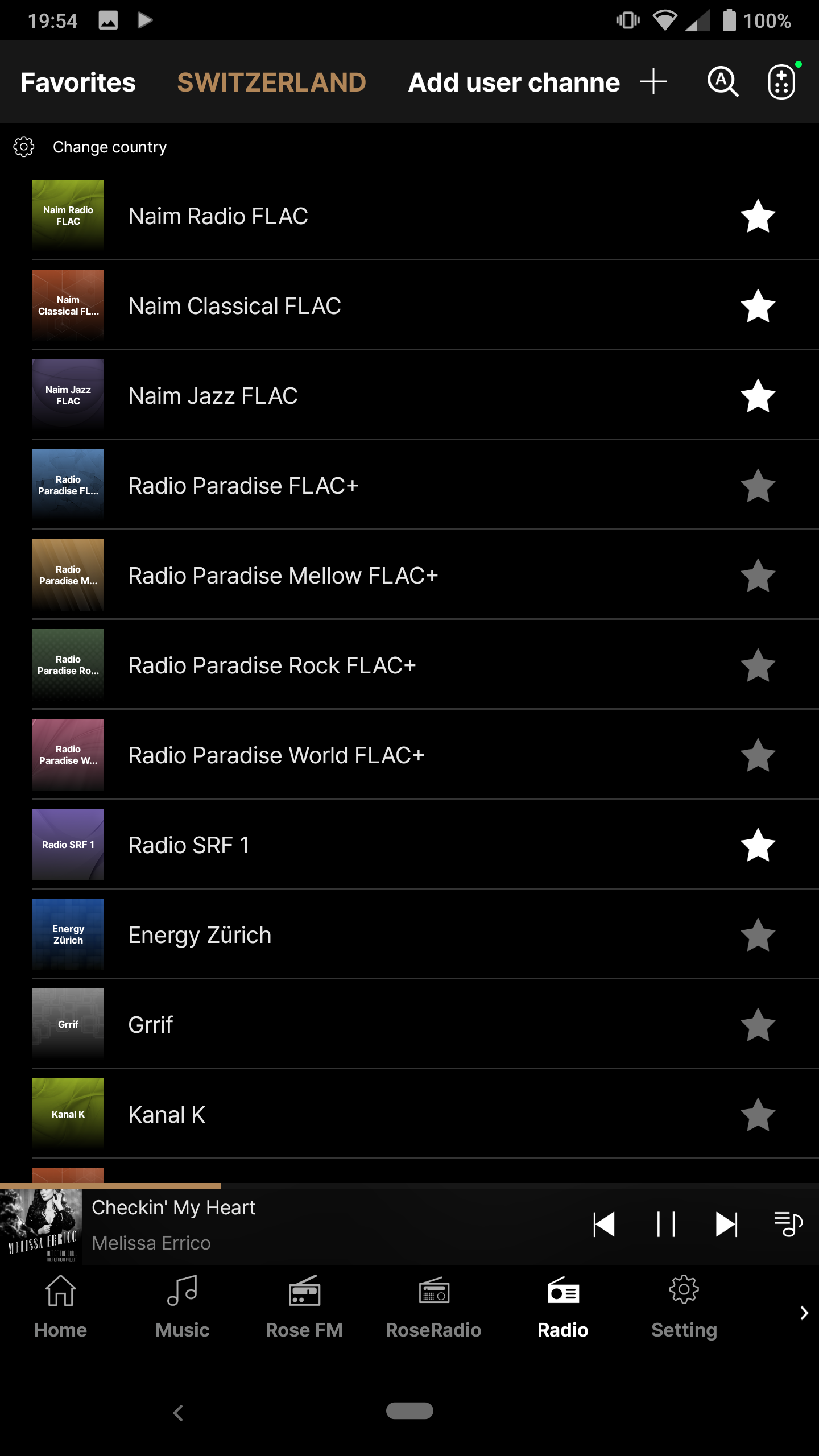
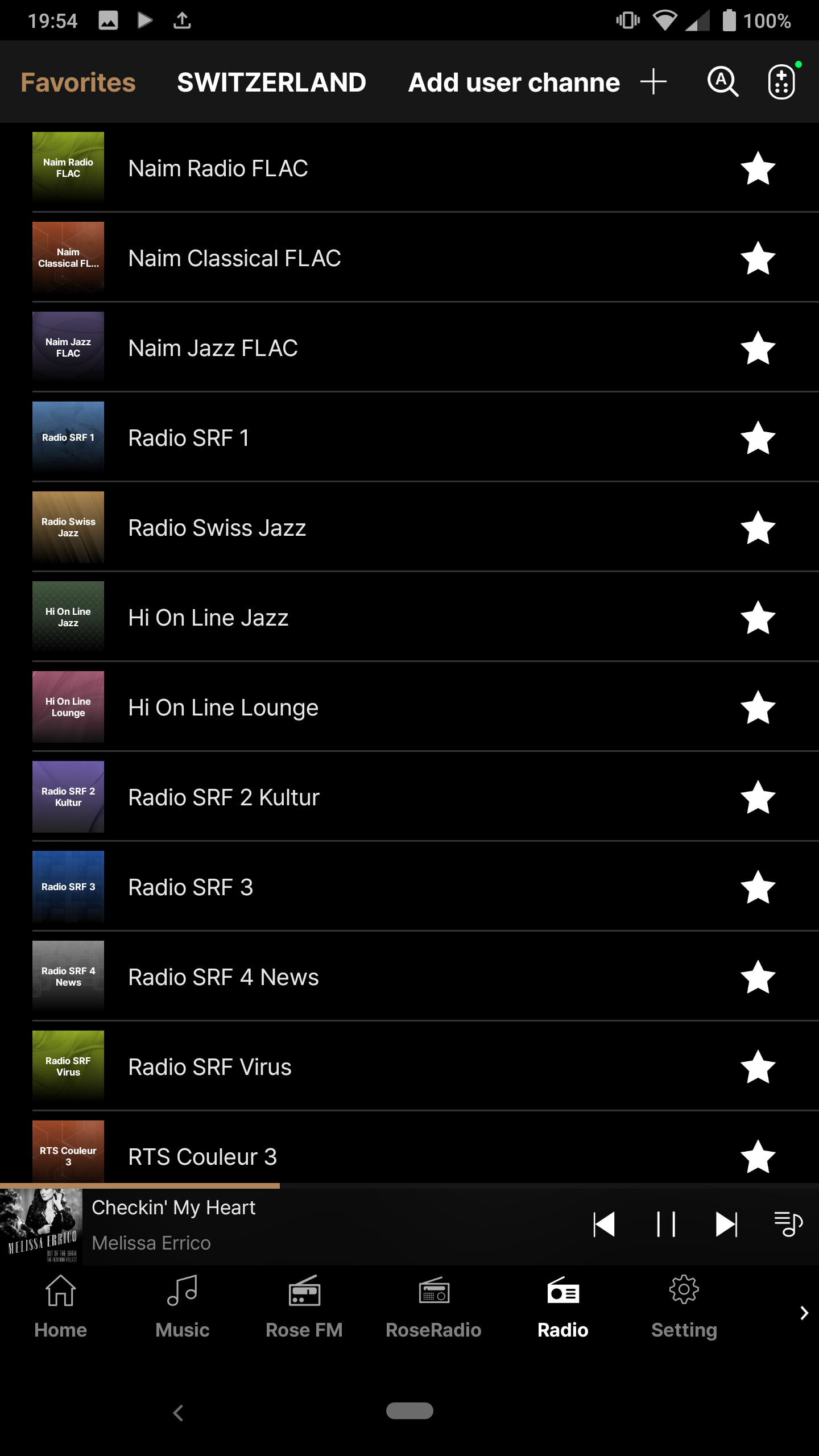
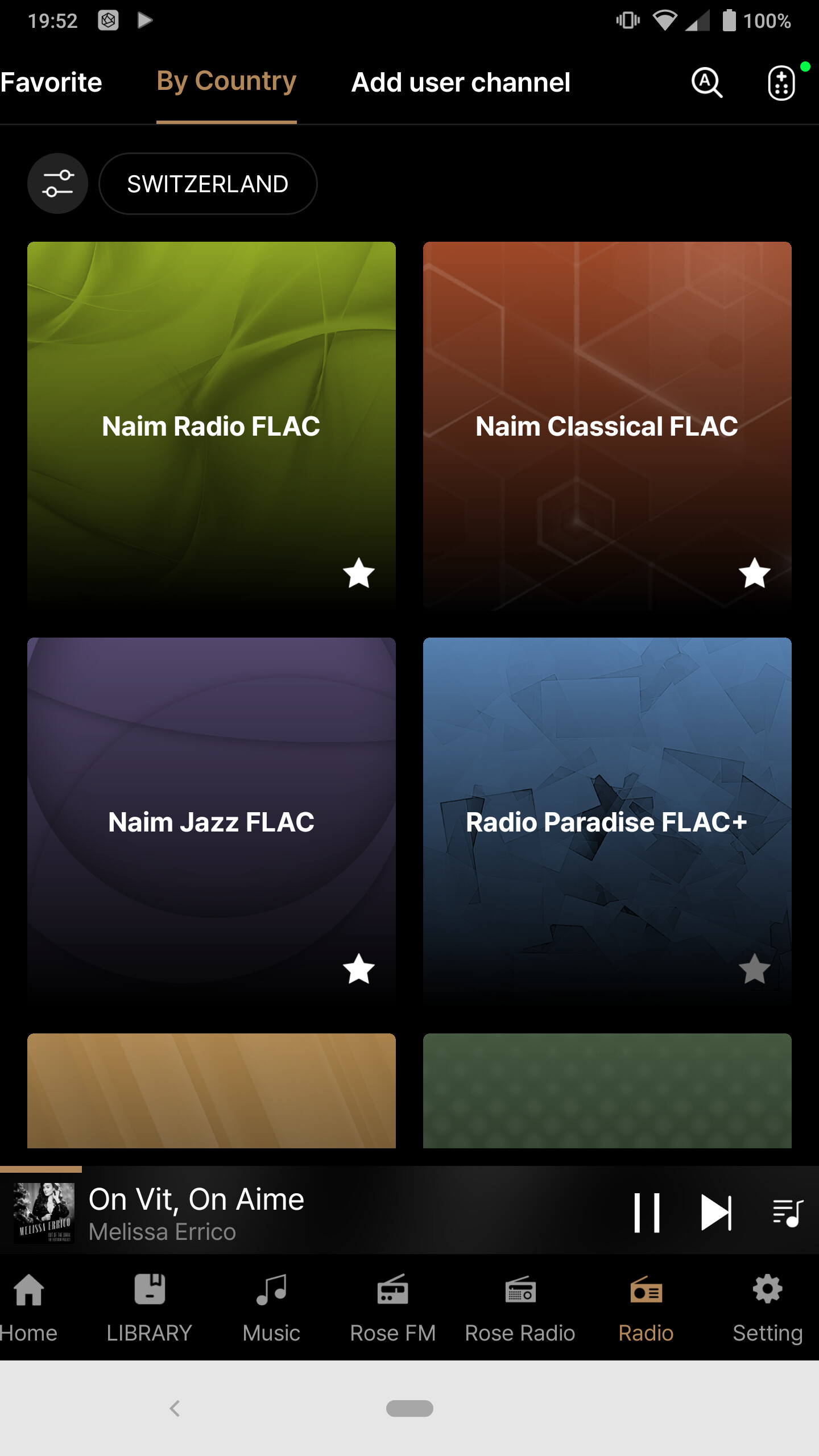
Like for example in the radio application i can save favorites without a logon;


My favorite stations accessible inside FAVORITES of the application

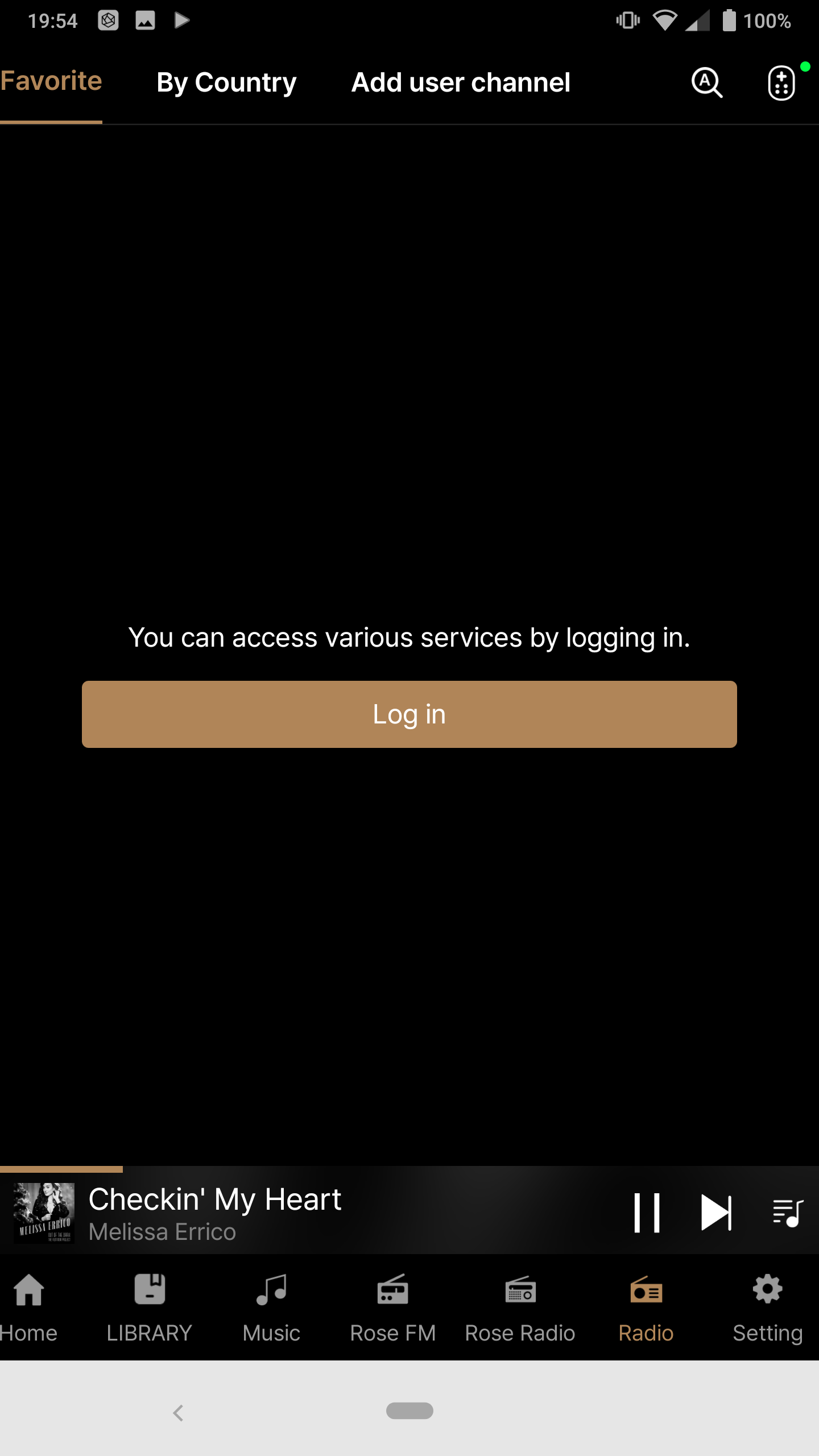
In the NEW application my favorites are saved * but not accessible anymore without a ROSE Logon !!!??


Ma favorite radio stations are not accessoble any more

Thank you for your kind consideration and implementation of my request !!

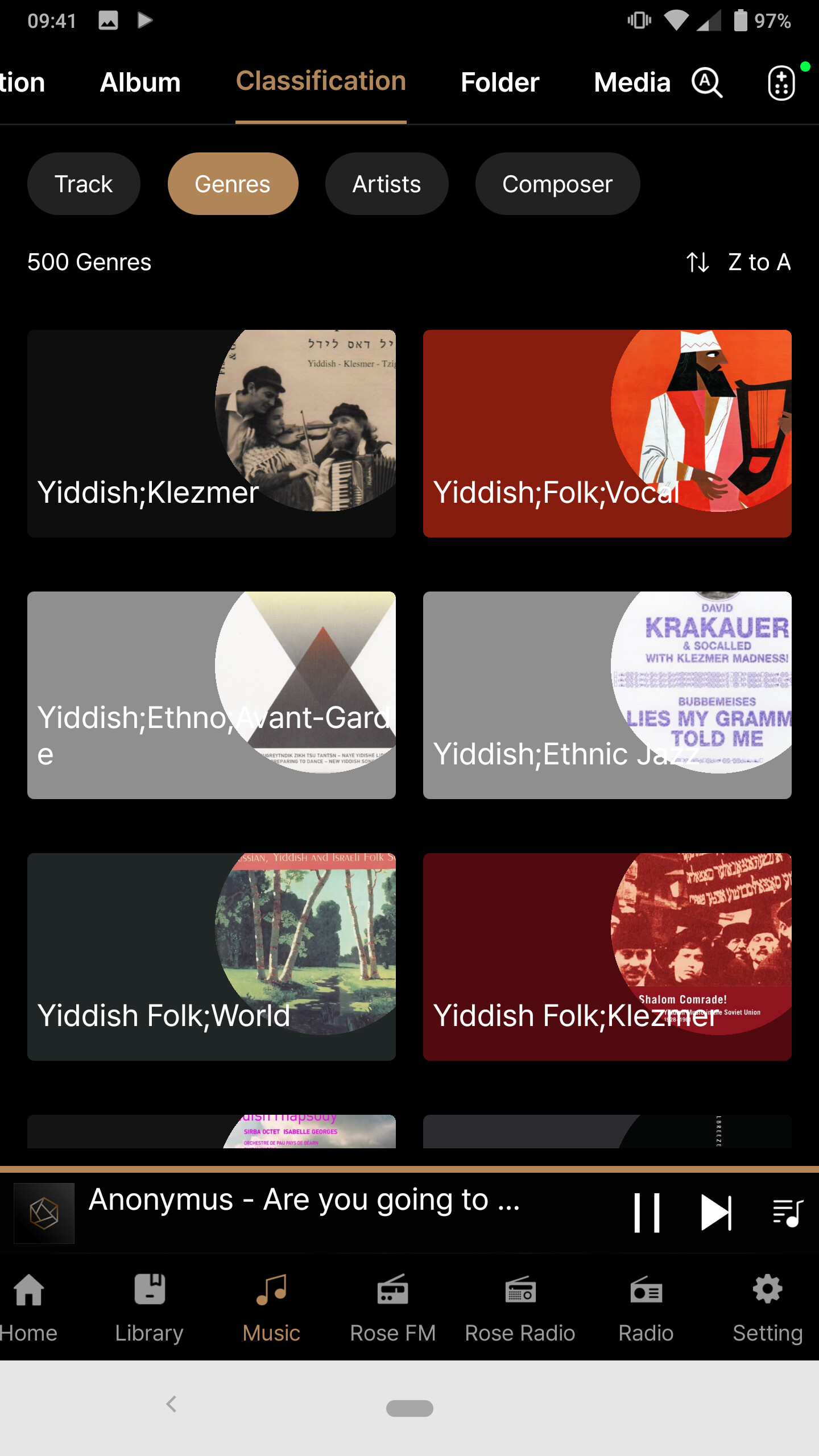
I still after all this time dearly miss a Genre separator flag so that genre selection and grouping can follow official rules for tagged music files.

ROSE does not yet separate multiple genres so that the listener can select one genre and let it play in different sorting orders. The separator should/must be user definable like for example the ; sign i use (after suggestion of a windows audio player) and the ROSE DB should simply use this seoarator to separate multiple tagged entries in music files and make them available in the ROSE

Genre, Artists, Composer, Director and so on, all could make good use of a separator sign. It is no conspiracy but all official FLAC tagging rules.

When will this simple request be implemented?

Yiddish;Klezmer for ROSE is 1 Genre but it should read Yiddish & Klezmer as 2 Genres in one music file and use that in the ROSE DB and Rose Connect app.

Thank you for your kind consideration.

@Ben

This issue has been resolved and will be included in the next update.

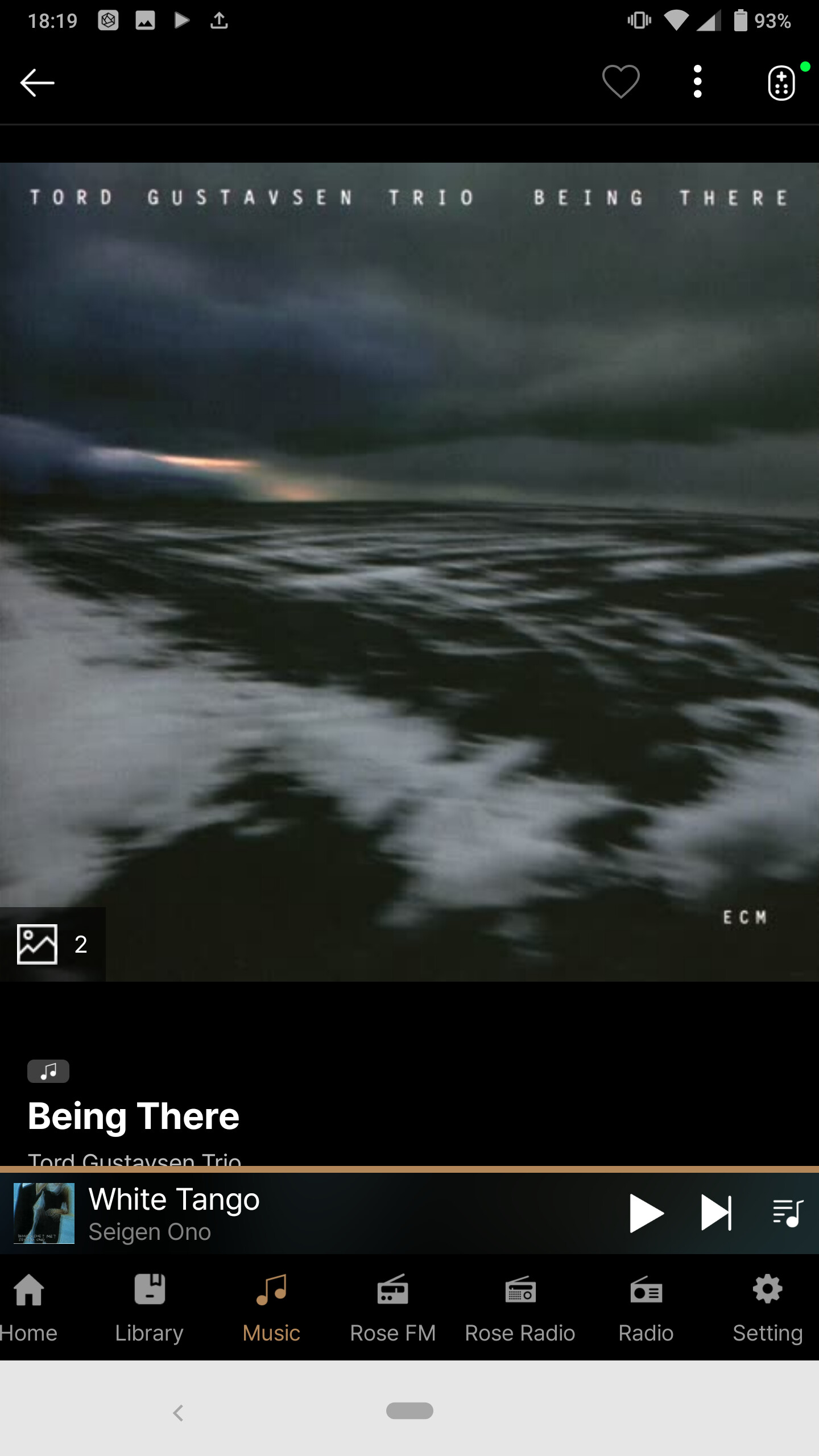
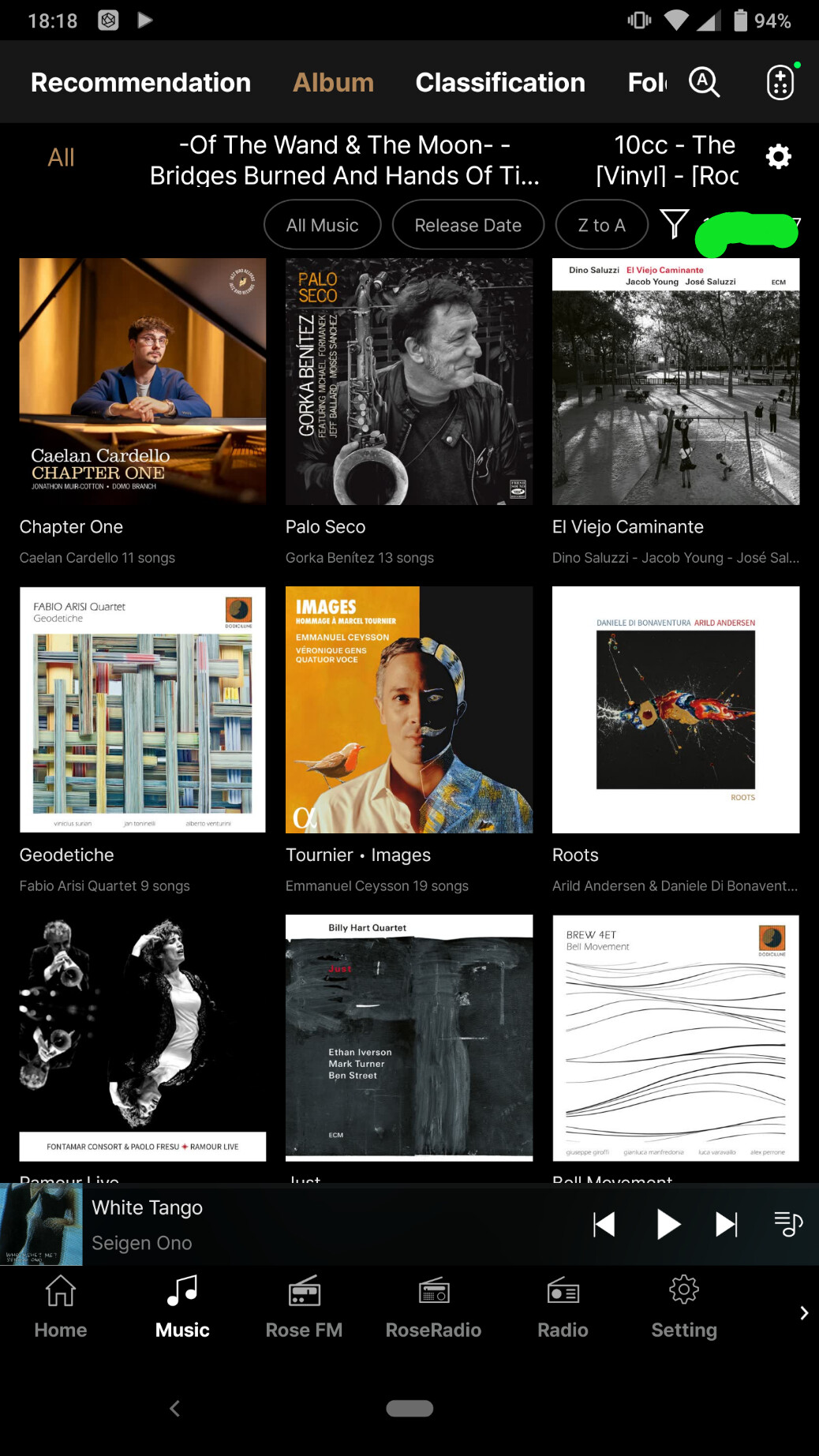
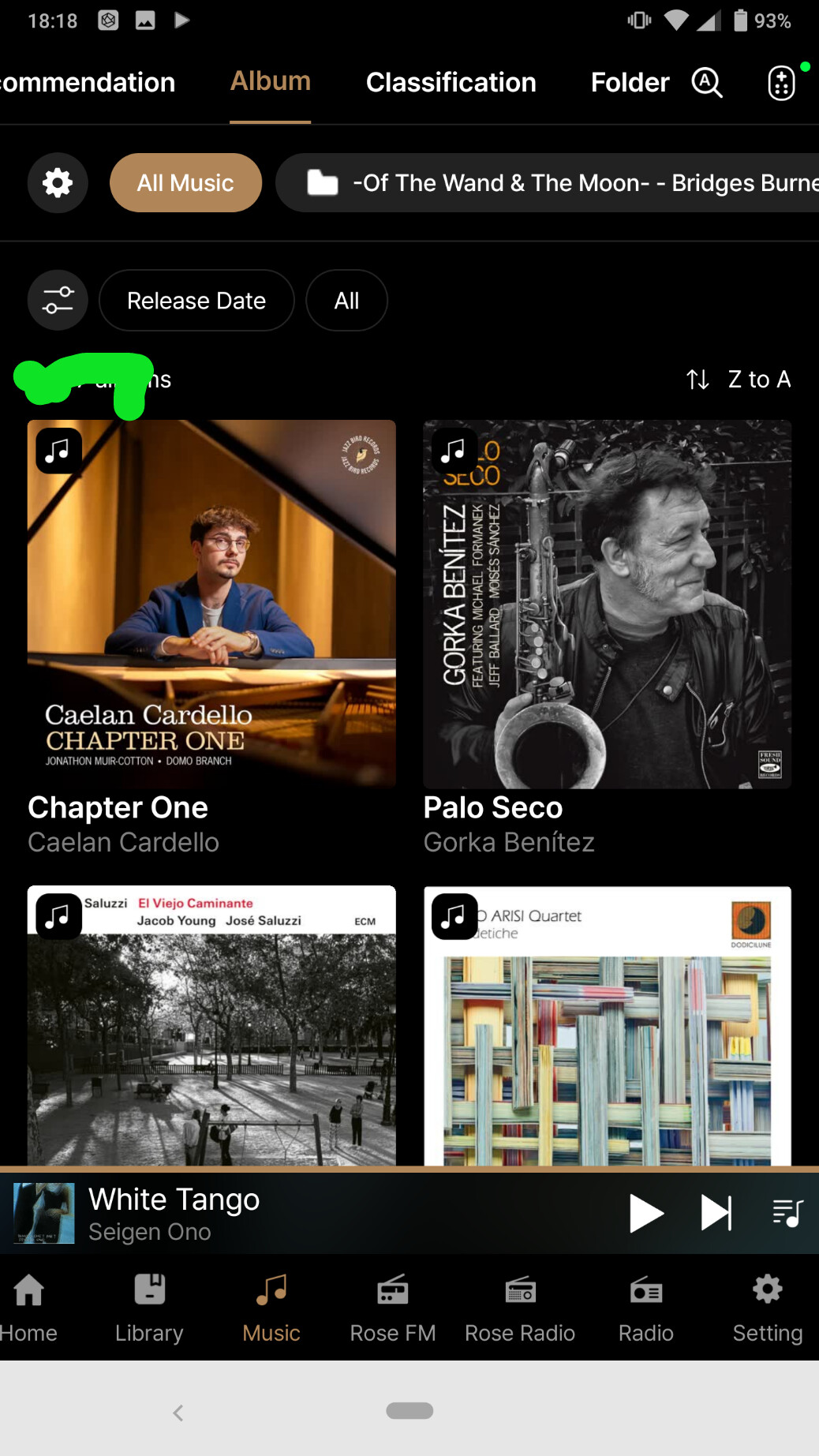
Despite the update, the album icons remain far too big!! Why not reduce these vignettes?

@ROSEHAN

which Issue, please. I wrote about 2 different ones.

Yeah, why not make the matrix user definable?

Let the user select the size of the icons.

Hello ROSEHAN !

In the old Android application Rose Connect in tab ‘Album’, Sort it is possible to see the number of selected albums of total albums.
In the new Android application Rose One in tab ‘Album’ it is not possible to see the number of selected albums out of total albums.

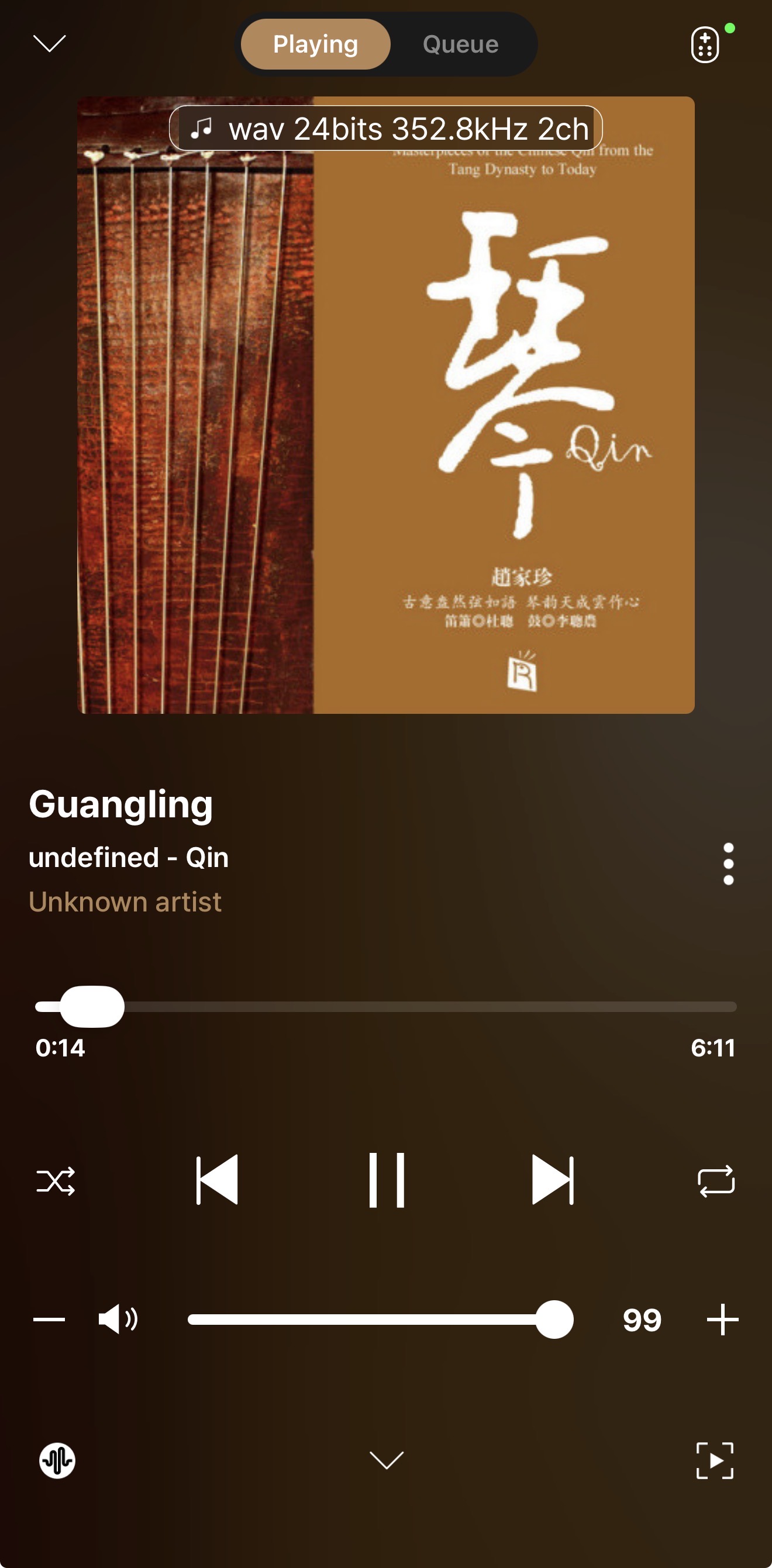
“Unknown Artist” problem (iOS) On DLNA (UPnP)

Hello ROSEHAN !

In the tab ‘Album’ while scrolling down the cursor on the right side it can disappear bellow the lower part of the phone screen in the Rose One layout.

It is then necessary to scroll up touching the album thumbnails to get the cursor back again.

(I was not able to make a screenshot and the disappearance of the cursor)

It is old Nokia Sirocco phone with Android 10 :slight_smile:

1 Like

@Ben

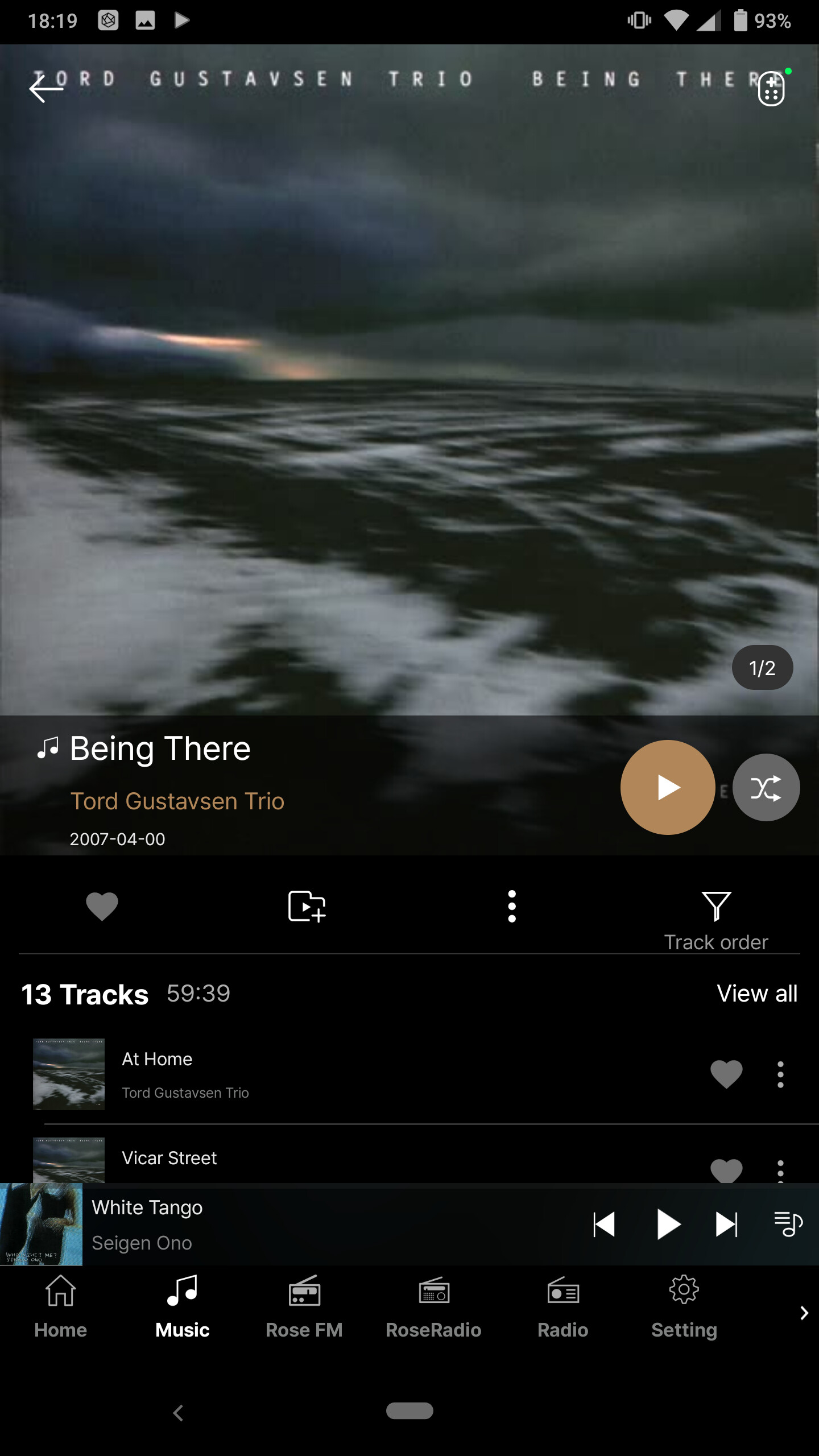
When the icon UI is large, there is a feature that allows you to change how icons are displayed after pressing “View all,” but this is not currently supported in the Music section.

We will contact our development team to check whether this can be improved.

Dear HiFi Rose users

We have reviewed the remaining issues and plan to fix them in the next update.