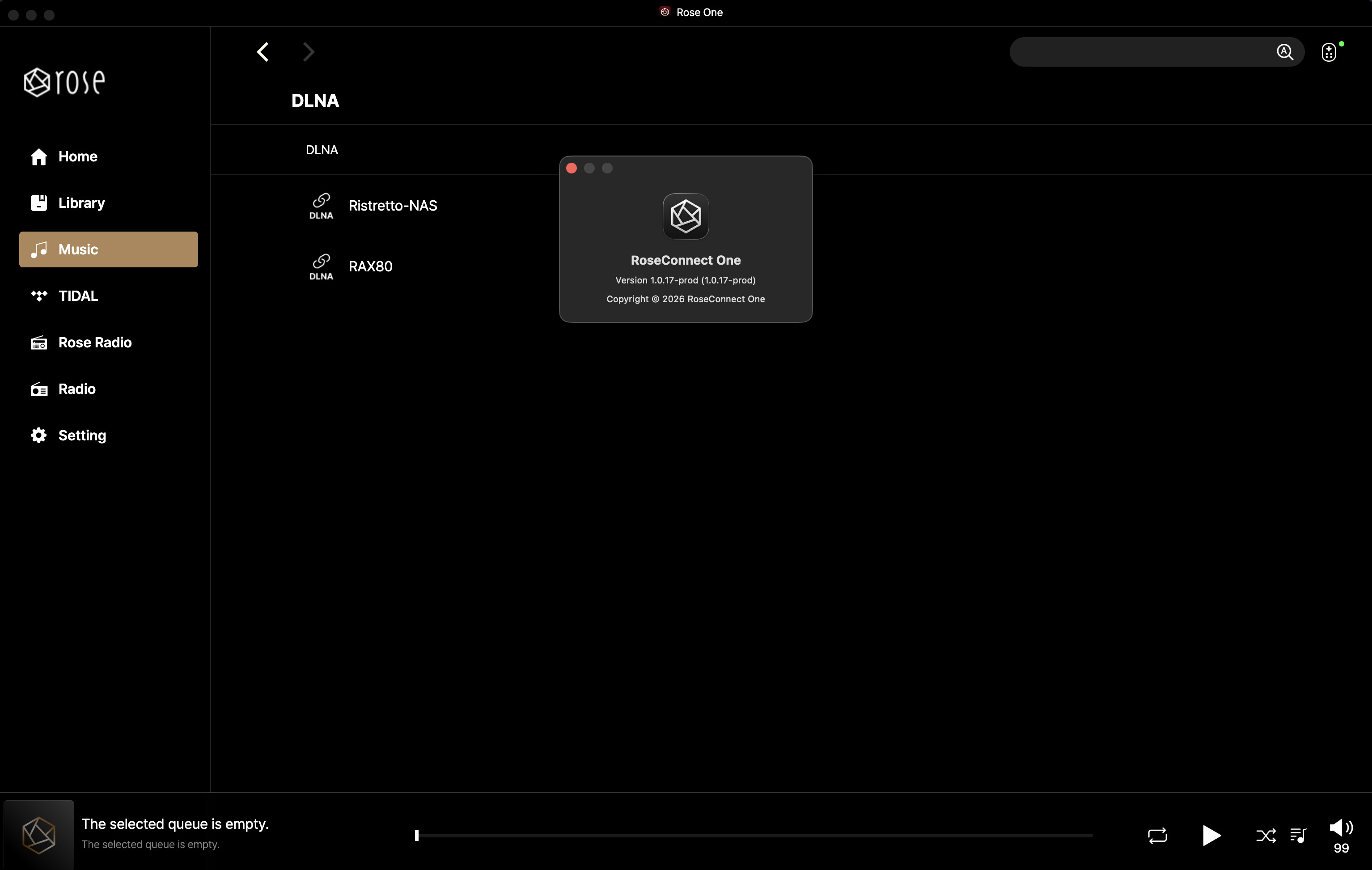
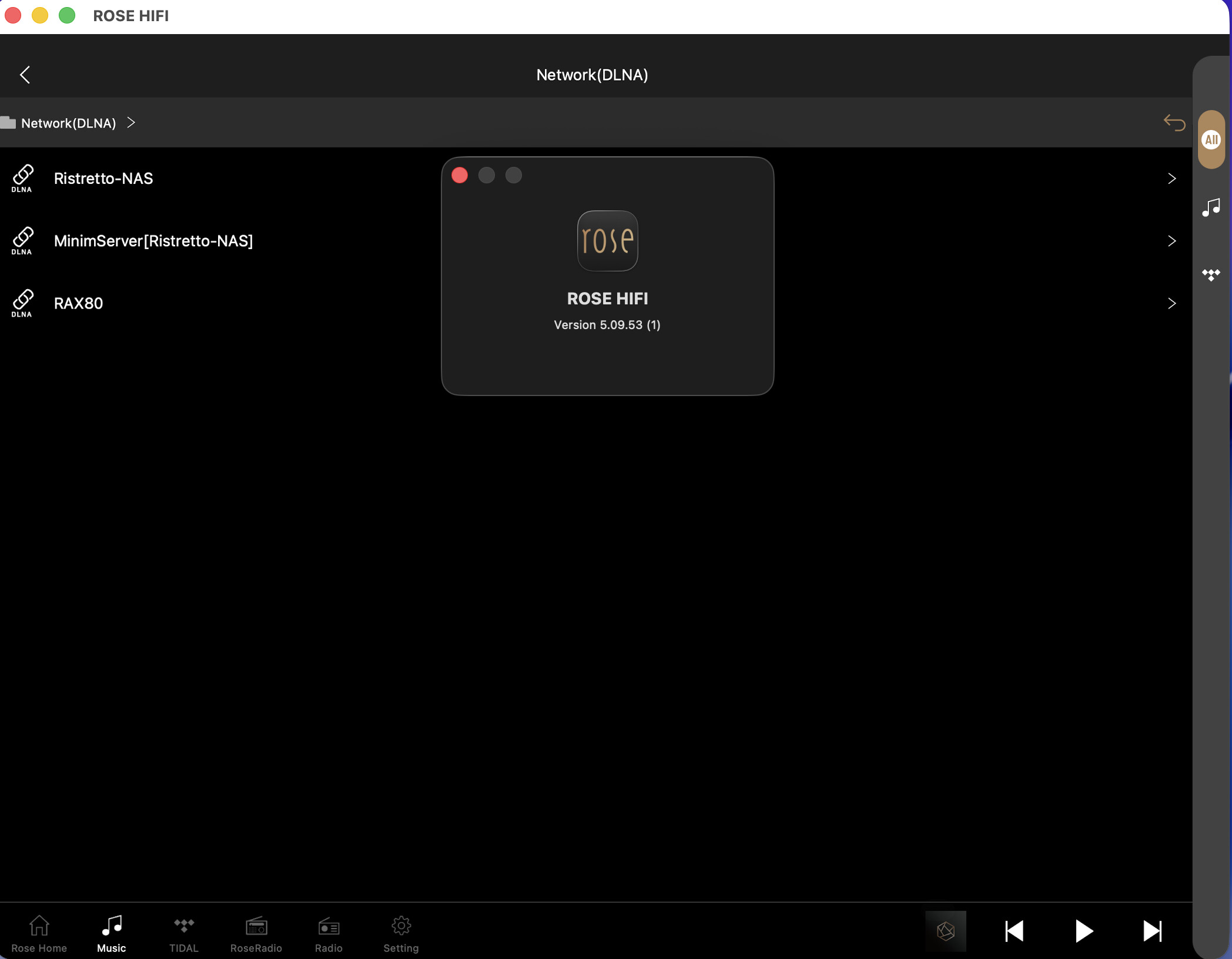
For the moment I stick to the original application
The news is too sketchy, the size of the icons still too big despite a recent collection

For the moment I stick to the original application
The news is too sketchy, the size of the icons still too big despite a recent collection
After installing RoseConnect-One-1.0.16_Windows.exe on my Alienware laptop running Windows 11 Pro, I get this message:
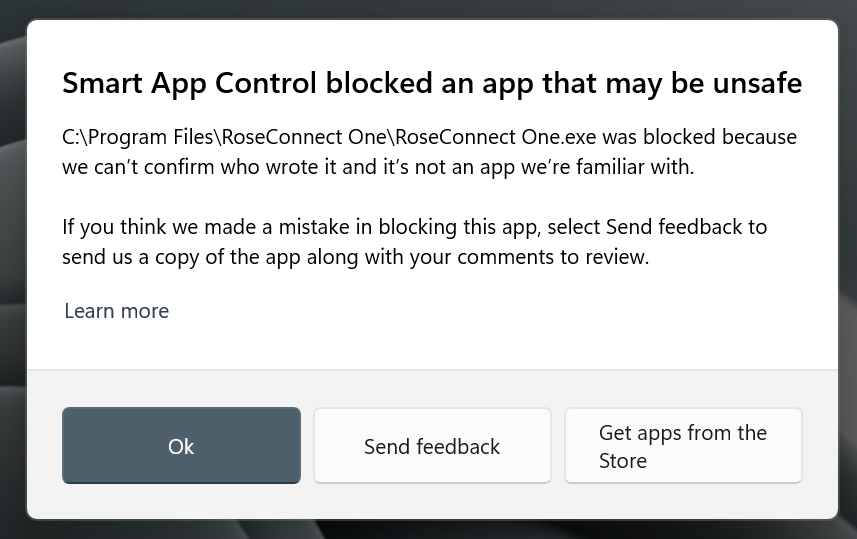
What to do?
Some time ago, I wrote about how the VU meters on the RS 151 have a life of their own and have nothing to do with the actual performance of a given track on the album being played. The VU meters jump to 50% almost immediately after the track begins, and if there’s a track where the music and dynamics are at a higher level and stay there for a while, they stay at 70-80% and stay there.
You promised to address this, and so far, the level remains embarrassing and shameful for the producer.
Secondly, in the Tidal app, there’s only one way to save an album to your favorites: you have to save it from the album level. If the album isn’t playing yet, for example, if you’re on the third or fourth track, pressing the heart doesn’t save the album to your favorites, even though this information is displayed. Sometimes, the first track has the album saved, but the second, third, fourth, etc., doesn’t. We also don’t immediately see if a given album has been added to our favorites. Only after exiting Tidal and entering the next track do we see that the album is added to our favorites.
Everything is fine in Qoubuz, but there’s a bug in Tidal, and in the previous app, everything was fine in Tidal as well.
Please address these issues as soon as possible, as both issues have been present for several months.
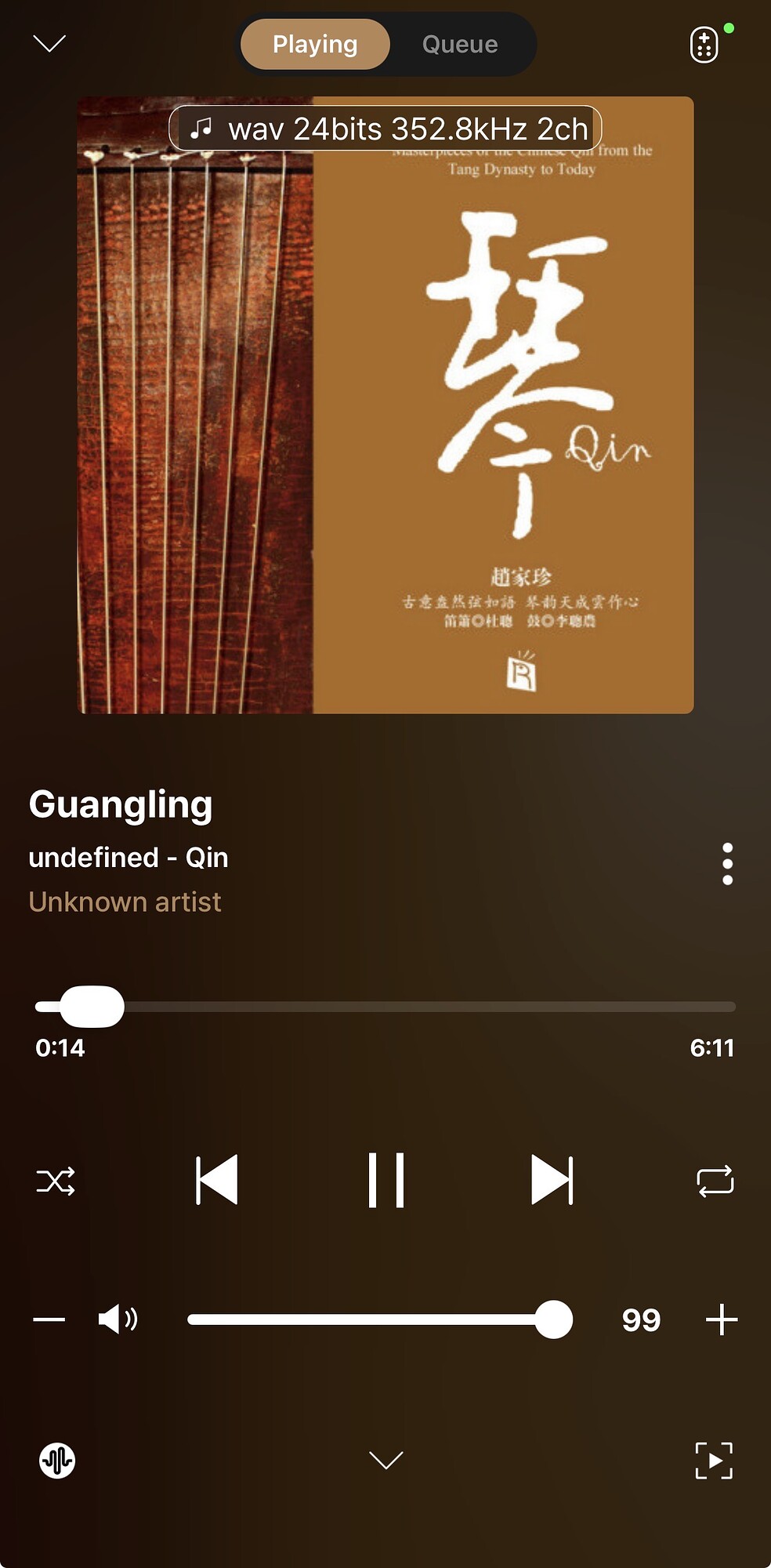
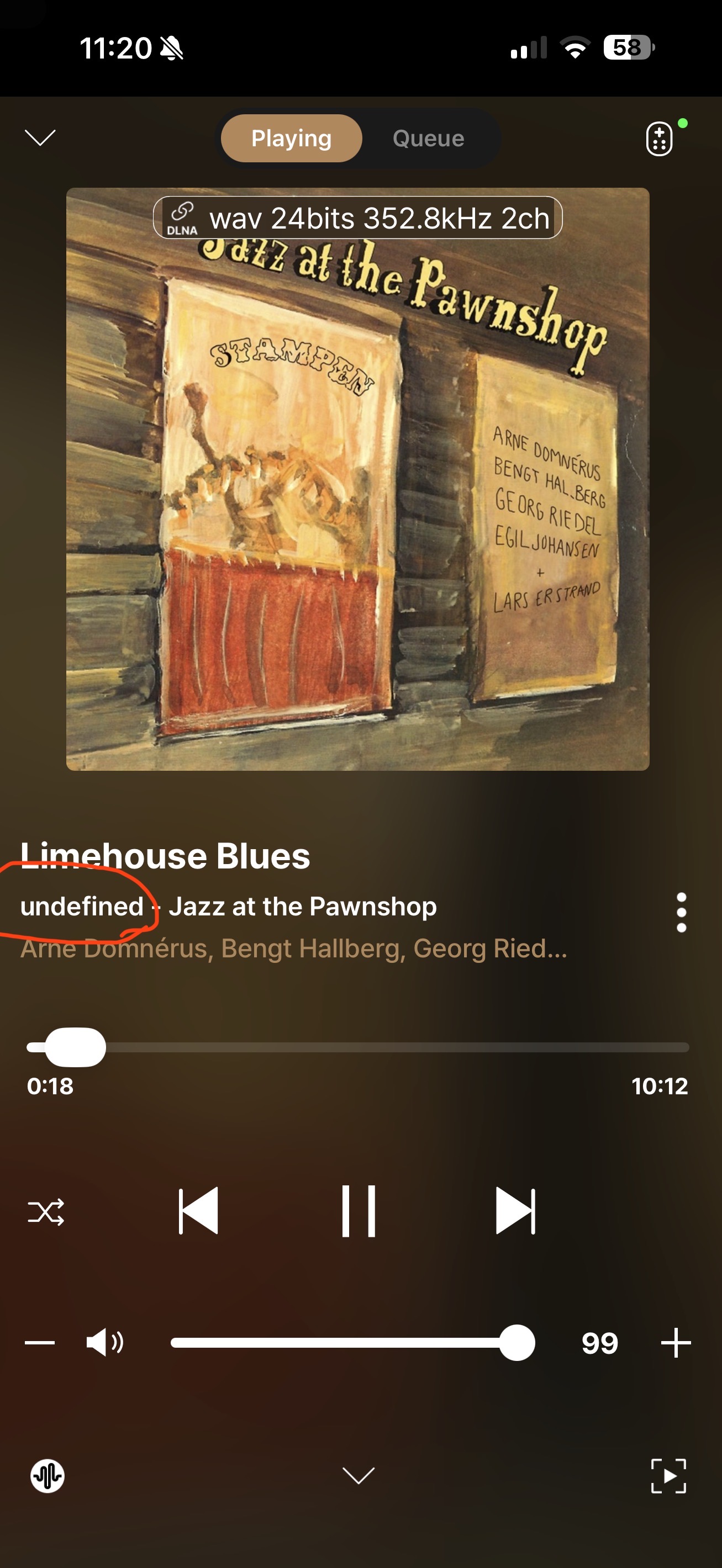
In the image (below), what are the three icons on the bottom line:
Also, change & move the album metadata to “music-note • WAV • 24-Bit 358kHz • 2ch” the album cover art (above the Album title)
This issue has been resolved.
The pop-up message was caused by a Windows authentication issue.
An update is scheduled to be released this Friday, so please check again after the update.
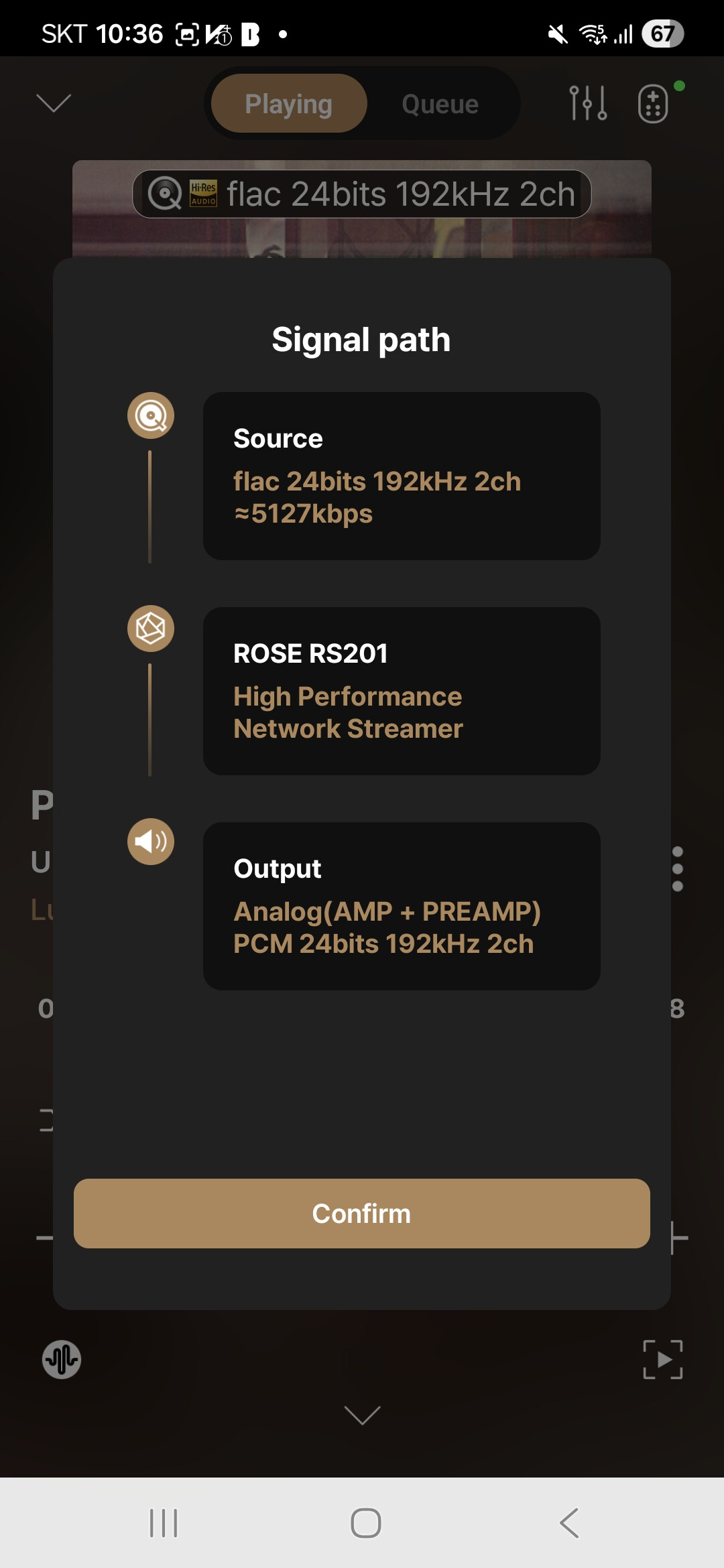
You can check the bitrate of the track you are playing, the Rose device in use, and the output settings.
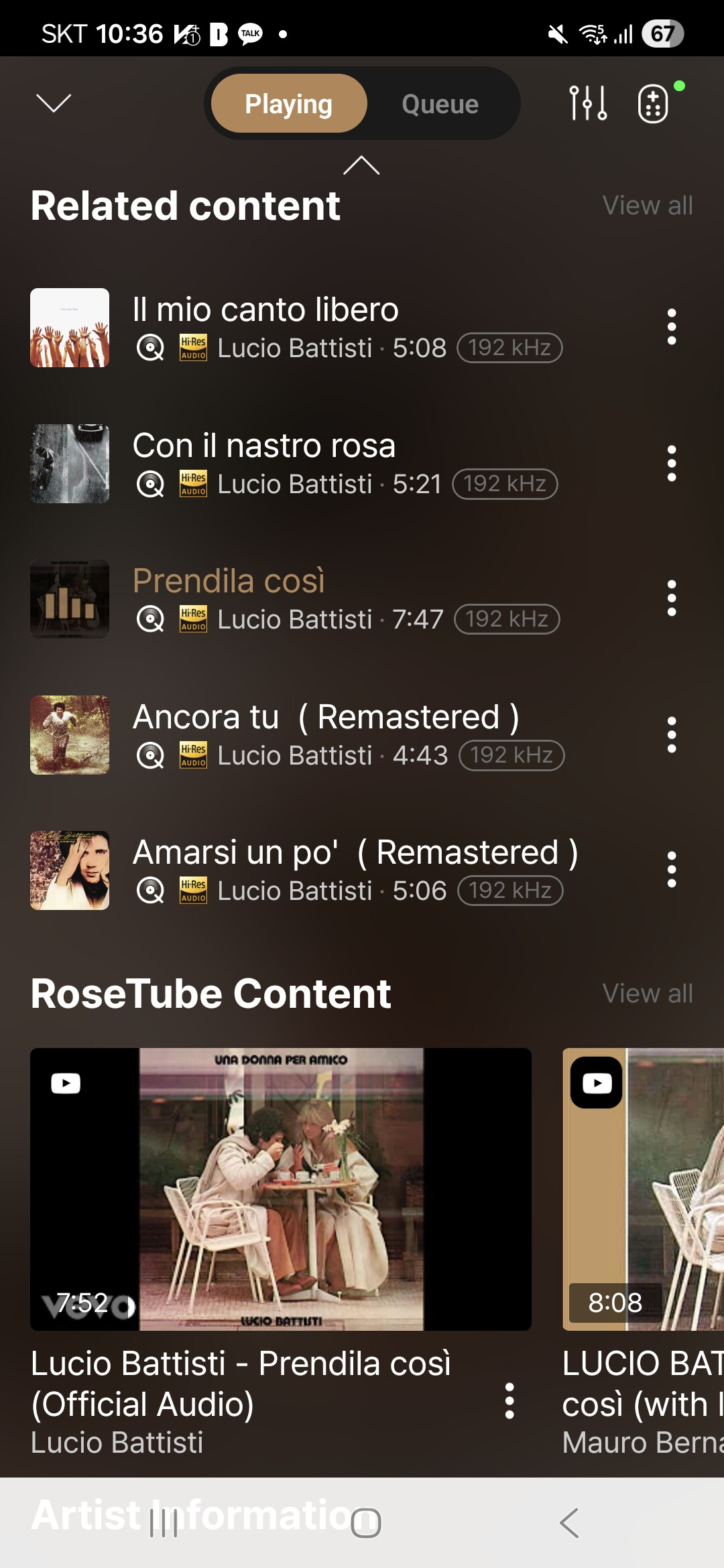
When you press the middle icon at the bottom, it will show content related to the currently playing track, including RoseTube content, artist information, and other albums by the artist.
When you press the right icon at the bottom, your Rose device screen will switch to the currently playing track screen, regardless of what screen you are on.
Regarding your request about displaying album metadata, I will forward it to our software team.
The issue has been identified and fixed. Please check back when the new version is released on Friday.
Thanks for your quick response.
In the top image of your response, there’s a 3-line icon on the left of the remote icon. What is this icon?
I’ve also seen a similar 2-line horizontal. Icon on other images. What is this icon?
In the top image included in the response, the three-line icon to the left of the remote icon is the equalizer icon.
This feature is only supported on the RS201, RS250, and RS520 models.
Is there any compatibility infomation?
I cant install on My Samsung Galaxy Tab A8 android V 14 - so I guess I will need to buy a new (used) Tablet so this will be a big help.
Regards
Derek
Are there plans to provide device selection in RoseConnect One like it exists in the older RoseConnect Premium?
Today, the older Premium app allows you to select playback on your phone or your Rose device (i.e. RS 150B). This feature is useful to watch RoseTube when away from home.
Are you planning to add Polish language in Rose One?
@Manny
we are focusing on optimizing RoseOne and implementing high-priority features. As a result, the feature you mentioned is scheduled to be supported in the second half of this year.
One complaint and one request for RoseOne:
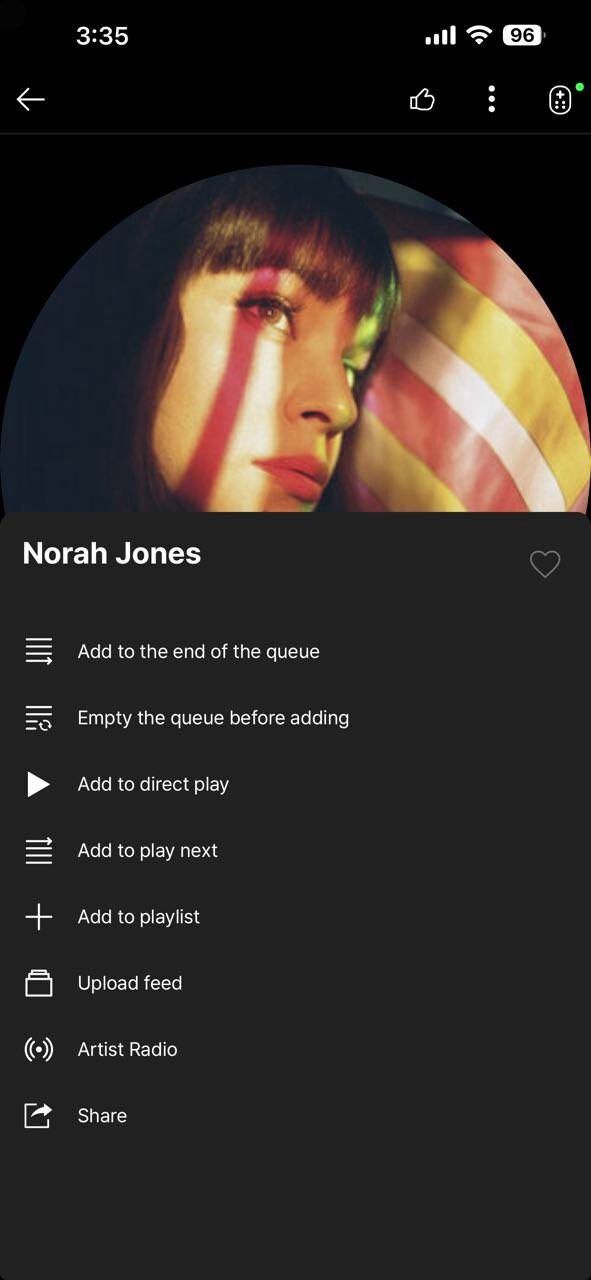
The complaint is that the Artist Radio button is absent from the Tidal app. I use this feature all of the time, so I won’t be using RoseOne unless and until that feature is included.
The request involves the Search Music button. I use this often when listening to Rose Radio, and I would like to know if it is possible to have this integrated into Rose Radio as a setting, so that it always searches for and displays the cover art rather than requiring the user to initiate the search in every instance.
In TIDAL, you can access Artist Radio by tapping the three-dot icon at the top of the screen.
The reason we are unable to add an option that automatically selects Shazam whenever a song is played on the radio is because album art is only displayed when Shazam is manually activated during radio playback. If this were automated, it could result in excessive and indiscriminate calls to the Shazam API, which may lead to the service being blocked. For this reason, we have not implemented an automatic thumbnail (album art) feature.
I considered Rose connect to be a bad UI compared to the competition. Rose one is 20% better, but still sub par. I had so many  moments when testing Rose one.
Why is it so difficult to construct logical branching of functions, starting with a good organized Menu?
I am a ROON user and that’s the reason I just have to use Rose connect or One for set up, for music listening use it would just drive me crazy.
An example: I tested just for playing music and clicked somewhere, probably a public playlist, and soon there were three window panes open, I had no clue where I was so I wanted to just go back, but there was no  Icon to be seen to go back, so I had to kill the app and restart again.
It is basic app design, that in any window on the top left of the page there should be the “go back” Icon/function. if you don’t get the basics, how do you intend to master advanced UI?
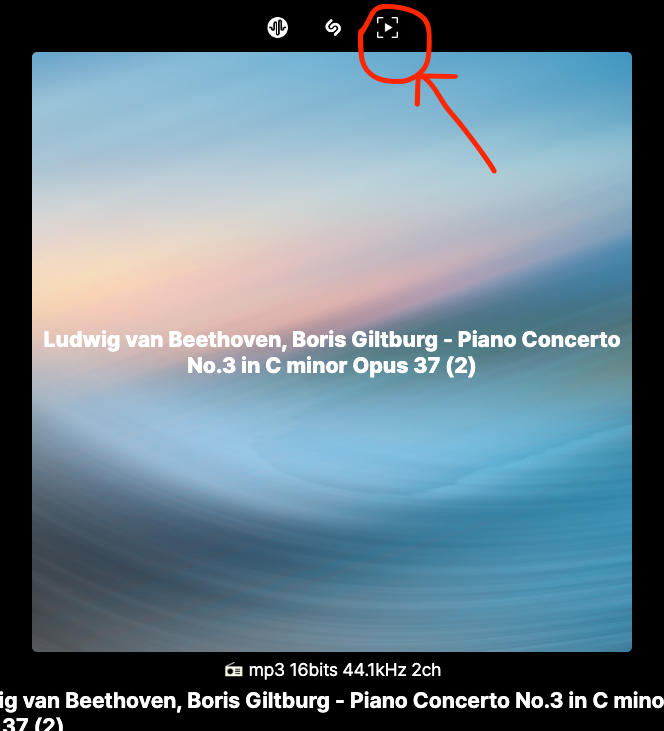
What does this highlighted icon do? Thanks
oilheadoug,
I have begged for this feature for years to no avail. It seems a poor choice to automatically land on the Mixer icon rather than the Shazam select button. Landing on the Mixer only occurs on the first selection of a radio station. Thereafter, once selected the cursor stays on Shazam.
Programming consistency is the hallmark of good programming. For consistency, the cursor should always land on Shazam rather than from the second station on.
Giving the user a choice in the setup area where other remote control option choices are made would be the best of all worlds.
ShatandardModel