
@zekor
When the icon is selected, the device switches to the playback screen even if it is currently in the settings or another menu
@Delron22
Models with Android OS 9 or lower and RAM 3G or less were excluded for performance reasons. Is it possible to check the RAM capacity?
My phone is a Samsung S26 Ultra which runs Android 16 and has 12GB of RAM. I also have a Zfold 7 which has 16GB of RAM.
With the older RoseConnect app, when I launch it it asks if I want to use my Rose150B or my phone. With the new app, it only allows the Rose150B to be used.
RoseHAN has clarified that this feature to use the local phone is slated for later in the year.
Thank you for your reply. Maybe it is me but I can only see that icon when in the playback screen. So still not certain what it is for.
When you tap the icon you inquired about, your Rose device will move to the playback screen of the currently playing track, regardless of what screen you are currently on.
Thanks. I got it now. It is the display on my Rose device, not the app. My bad. And many thanks.
Thanks for your quick response to my inquiry.
I found the Artist Radio function, and I now understand the issues with Shazam API.
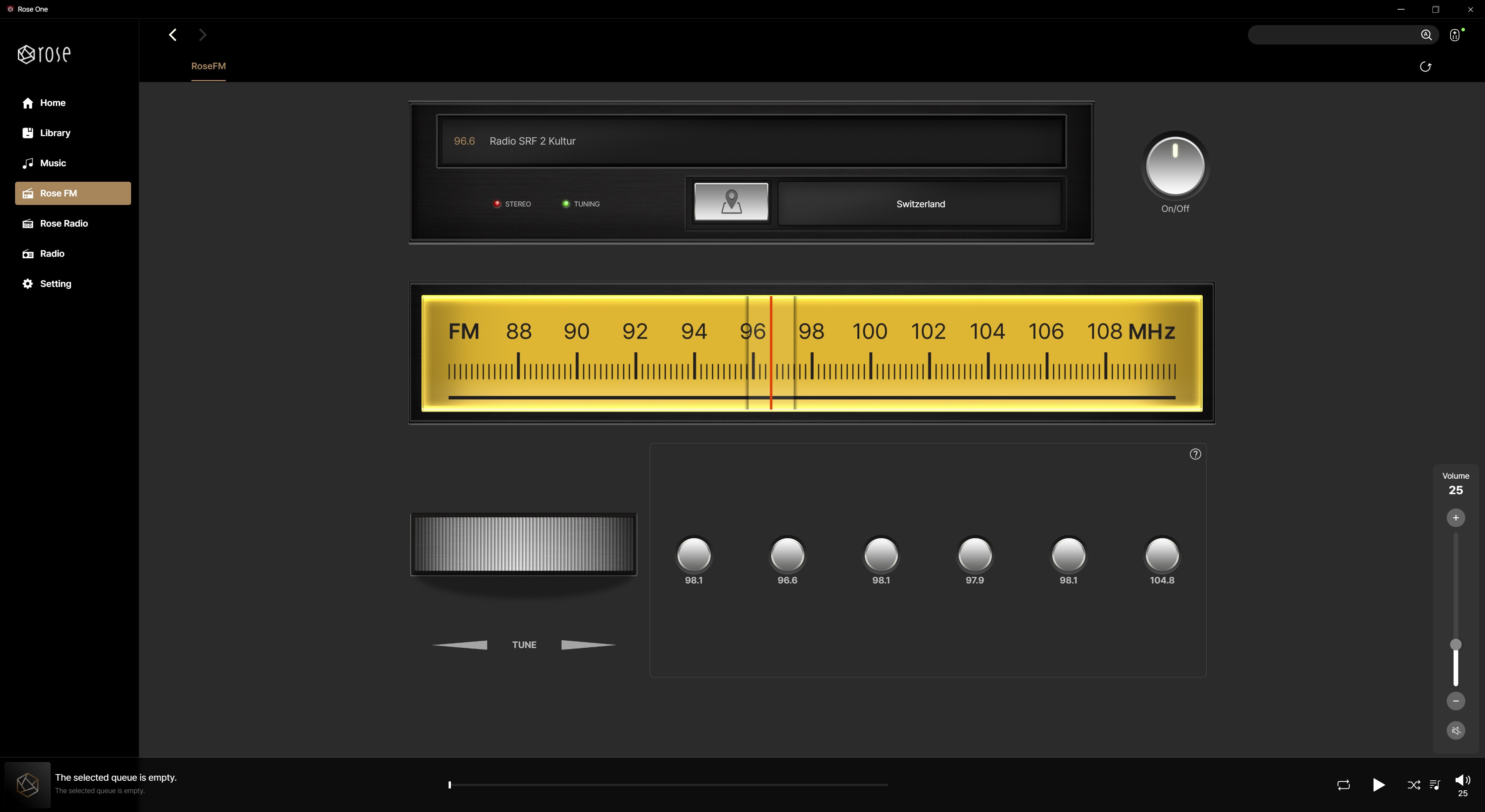
The Radio App
i like it and use it every day but i miss some features and some eye candy.
- wish for more ‘memory buttons’ , and registers in order to save more radio stations and group them.
- a text information about the saved radio station on the ‘memory button’
- the design looks like an analog tuner bit i wish for more real looking eye candy
- the option to import user defined tuner images to change the design and perhaps add certain functions
thank you for your consideration 
1 Like
Bump Up
Will the large orange play button come back? It was easy to just play an album!
1 Like
BUMP UP
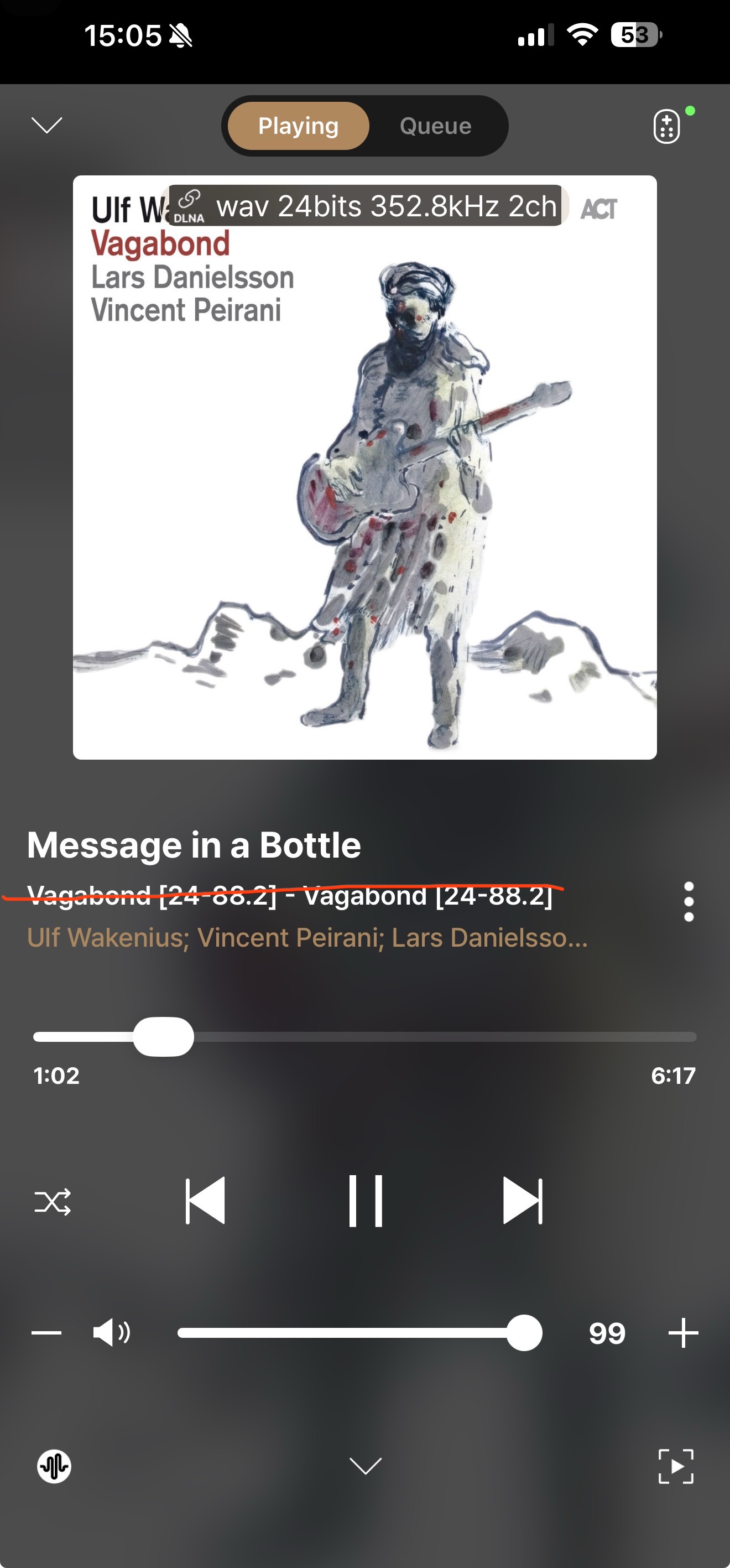
When will the issue with the mixed up multiple tags and the missing separator sign be solved?
We’re sorry, but ROSEFM is an app whose development has been discontinued.
It has been decided that it will remain in its current state without any further updates.
We have added an icon labeled “Play All” instead of the orange play button.
i need remove that line, no need that info (from what folder i play)
Oh wey this is sad news … i like the FM radio !!!
Unfortunately the play button is bellow the screen (resolution 1440x2560 pixel) in my phone and i have to scroll up to get it.
1 Like
We currently have no plans to integrate the ROSE RADIO app and the ROSE FM app.
The ROSE RADIO app is still under active development, while ROSE FM will remain in its current state without further updates.
ROSE FM is also based on internet radio, and its design is intended to replicate the look and feel of a classic radio. As a result, it will be maintained as it is, with no additional development planned going forward.
I have forwarded your request to our software team.
After review, if they determine that the feature is unnecessary, it will be removed in a future update.
1 Like
Continuing the discussion from [Official Release] ROSE ONE Global Launch:
When using the Rose One app on PC, we’re having trouble sorting our playlists as we’d like when pulling them from Tidal. We’re especially having trouble placing the most recently added playlists at the beginning.
It would be great if the global volume indicator in the app disappeared once you’ve set a fixed value in the Pre Out settings.
1 Like
In the original app, you could arrange the bottom ‘system tray’ - ‘Home’, ‘Library’, ‘Tidal’ etc., so that the most used ones were to the left of the screen.
I have no use for ‘Library’ and would like to push it to the right hand side of the screen.
Many thanks