▣ Update Information
Date/Time: 2026/09/17 (Thu) 16:00 (GMT +9)
Models: RS201(A), RS250(A), RS150(B), RS520, RS130, RS151, RS451
Version: SW Ver. V5.11.07 (Official)
How to Update:
Official: Settings → System Info → Click “Update” → System Update
Early Access: Settings → System Info → Use Official Version → Click “Update” → System Update
Check Version:
Settings → System Info → System Version → Detail
▣ Rose Streamer Features & Stability Improvements
- Added Remote Diagnostics under Settings → System Settings.
- Added duration information when adding items to Favorites, Recently Played, and Playlists.
- Fixed an issue where the Wi-Fi setup screen did not appear in the Setup Wizard.
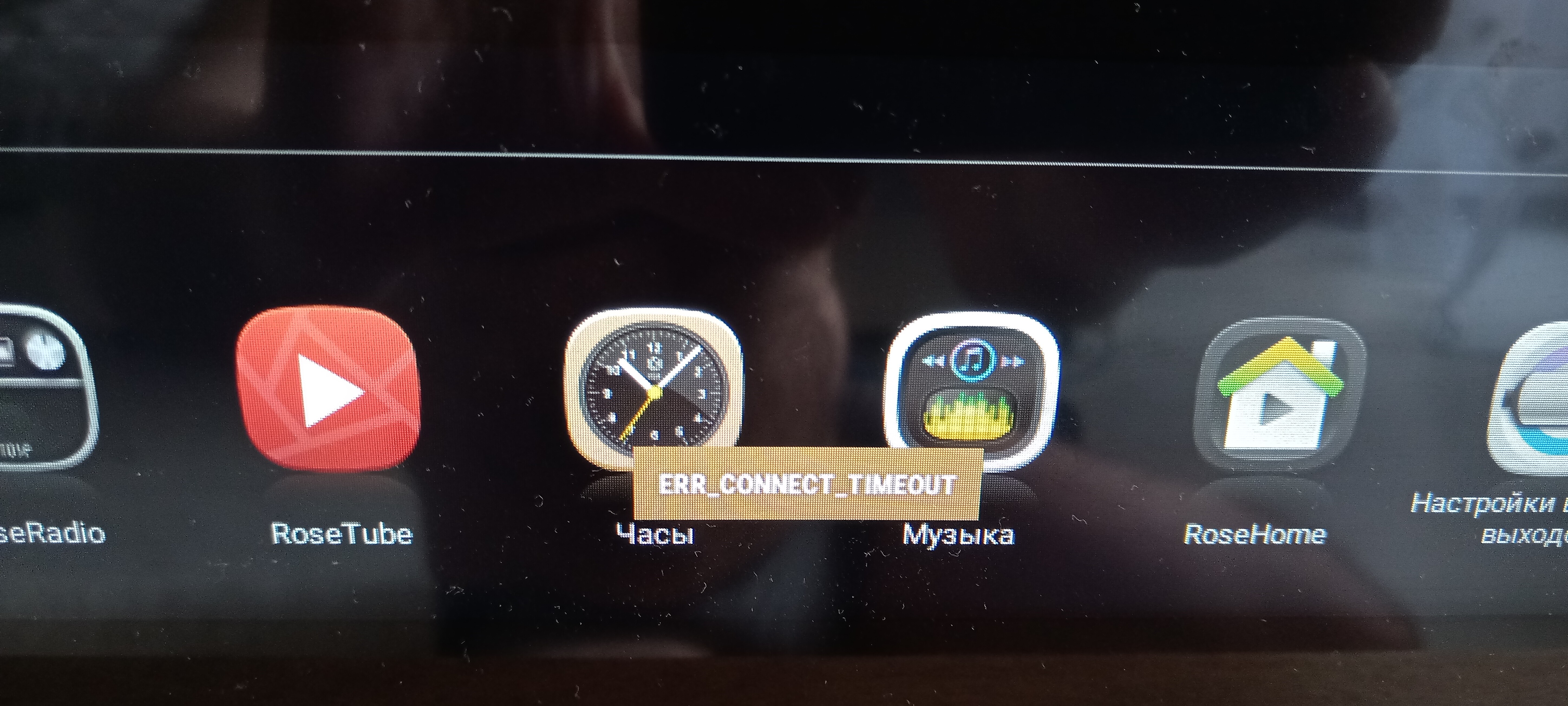
- Fixed an issue where children’s videos such as Pinkfong and Pororo could not be played on RoseTube.
- Improved stability during CD ripping.
- Fixed an issue where the “Refreshing Weather” toast message appeared every minute on the Clock screen.
- Fixed an issue where NAS tracks could not be played from the Queue after rebooting the device.
- Removed the version check pop-up when entering Rose Store.
- Improved radio image quality and bitmap processing.
- Updated the loading progress bar UI on the Queue playback screen.
- Improved the loading UI related to buffering during playback.
- Revised the translation for “Add to Playlist” and added an icon.
- Added a Max Volume setting for Roon.
- Roon Connect Service is now turned off when using USB IN.
- Fixed an issue where DLNA and Symphony Premium apps could stop during system startup.
- Improved stability when switching HDMI from On to Off.
- Added left and right spacing to the Qobuz Connect and TIDAL Connect icons.
- Adjusted the check intervals for NSD, RemoteServer, and SimpleRemoteServer to improve Rose Connect connection reliability.
- Added a Cache On/Off option for RS130.
- Improved RS130 caching so that 30-second previews and sample tracks are streamed directly instead of being cached.
- Fixed an issue where Rose Store app updates could remain stuck on “Downloading.”
- Fixed an issue where USB/SSD power remained enabled during Standby Mode even when the corresponding option was turned off in System Settings.
- Fixed an issue where the Previous button did not work after more than 10 seconds of VLC playback.
- Fixed an issue where Wi-Fi did not turn on with a single touch after being turned off.
- Fixed an issue where ISO file playback was incorrectly recognized as an inserted CD, preventing the CD eject function from working properly afterward.
- Fixed an issue where a different track appeared to be selected when TIDAL track information in a Playlist had changed and the original track could no longer be played.
- Fixed an issue where the Queue could incorrectly indicate that a different track was playing when an “Asset is not ready for playback” track occurred during playback.
- Added CD playback status checking when using ISO → Rose One → CD Playback → Music → Folder → Play All.
- Improved system stability to prevent crashes during RS451 startup.
- Added an authentication error message when an incorrect Wi-Fi password is entered.
▣ RW800 Integration Improvements
- Fixed an issue where Chromecast playback from Standby Mode did not use the last sampling rate.
- Fixed an issue where the previous IP address could still appear in NSD searches from Rose Connect after turning Network Sharing On/Off.
- Added exception handling when RW800 playback starts during CD playback.
- Added AudioService Close processing when playback is stopped.
- Added an option to disable RW800 device detection under Settings → System Settings → Disable RW800 Device Detection.
- Improved delay during SEEK operations.
- Added Stop processing when changing DAC output during playback.
- Fixed an issue where thumbnails did not appear during playback after rebooting while connected via Wi-Fi.
- Fixed an issue where playback information did not update when moving to the next track during TIDAL Connect playback.
- Fixed an issue where playback information was not displayed when resuming playback 30 seconds after pausing.
- Improved the Play/Pause icon when moving to the next track during TIDAL Connect playback.
- Fixed Play/Pause icon inconsistencies and maintained the UI state after 30 seconds of Pause.
- Fixed an issue where the progress bar briefly moved to 00:00 before updating to the correct position when using SEEK during TIDAL Connect playback.
- Fixed an intermittent issue where no sound was output when starting RW800 playback.
- Fixed audio loss that could occur when the sample rate changed between tracks.
- Improved RW800 control command processing logic to reduce CPU usage.
- Fixed a sample rate setting error when waking from Sleep Mode while using Apple Music via Google Cast.
▣ Symphony Premium Improvements
- Added subtitle language code saving under Subtitle Settings.
- Fixed an issue where the Resume Playback pop-up did not appear when using another player, and an issue where playback restarted from 0:00 after disconnecting and reconnecting the HDMI cable.
- Updated the common Network Error pop-up UI.
- Download progress is now displayed to one decimal place.
- Increased buffer time from 7 to 15.
- Fixed an issue where the next chunk continued downloading after a network error occurred during a download.
- Fixed an issue that could cause choppy-looking playback or apparent frame drops when playing Hi-Res 4K content while an external HDD database scan was in progress.
Thank you to all our users for your valuable feedback.
We will continue to do our best to provide a more stable and convenient service.