[ Release ] Roseconnect One PC ( BETA : Ver 1.0.14.1 ) (Win/MAC) Download

Hello,

A new beginning for Hi-Fi ROSE — the ‘Roseconnect One PC’ app BETA service has been released.

[Roseconnect One PC (Win/MAC)]

  • Version Info: Rose One PC (Ver 1.0.14.1)
  • Supported models: RS201(A), RS250, RS150(B), RS520, RS130, RS151, RS451
  • Compatible device versions: Works with all Rose software versions, regardless of Official or Early Access (E/A)

(*) After the BETA service ends, the existing Roseconnect Premium PC app will be discontinued and integrated into the Roseconnect One app.

[ Download ]
HiFi ROSE
1 Like

First observation:
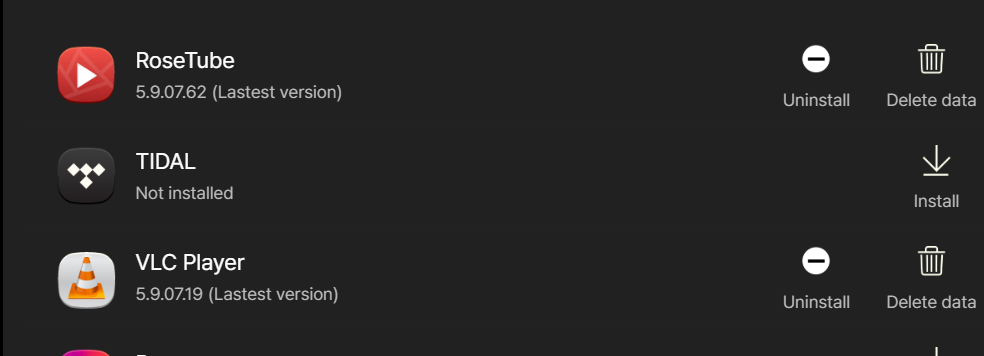
In Rose Store in the app:
image
VLC is obviously installed.

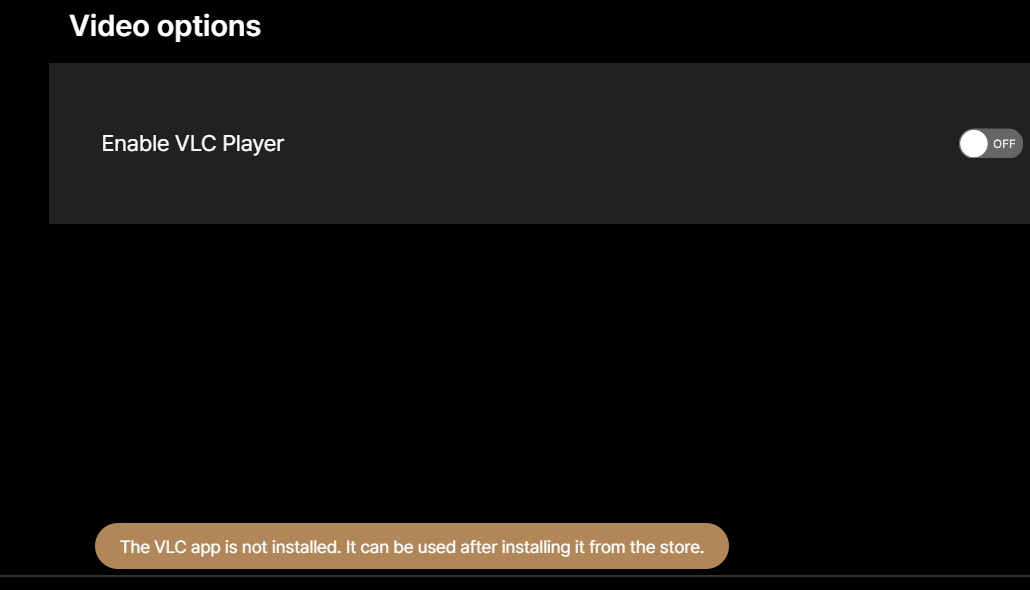
In Video options:
image
it won’t turn VLC on thinking that it is not installed.

Roseconnectone is GORGEOUS!
Congratulations to the software team.
It goes to the head of the class in streamer software.

Thanks again.

StandardModel

5 Likes

What are the improvements?
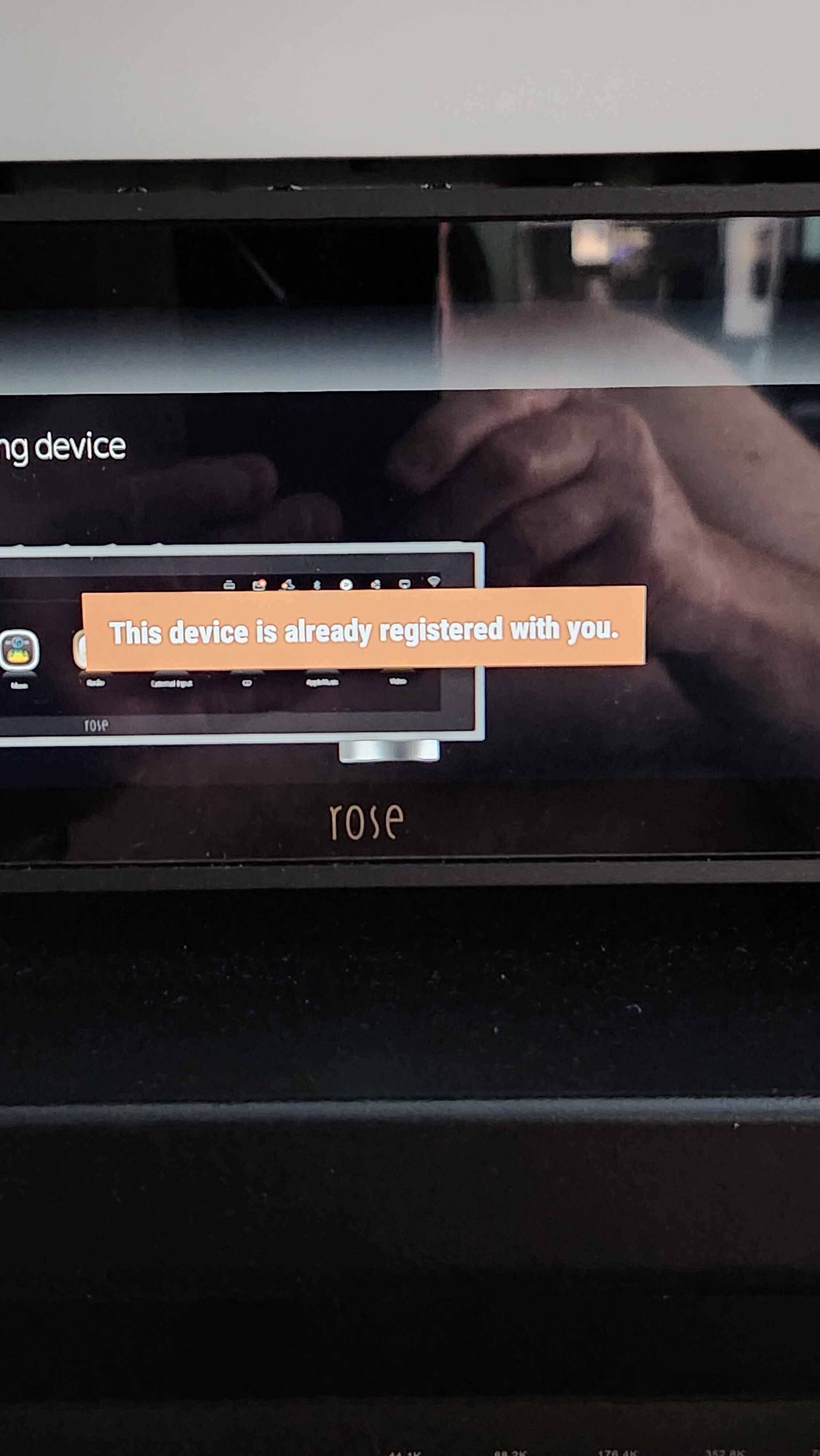
It looks and acts like the last version My RS130 shows unregister, but when I try to register it the screen show “This device is already registered to you”

I wish that all functions are available off line as well.
Offline means without having to log to some ROSE account.
I mean for example favorites, radio stations, ratings
They should be saved in the devices DB and in the FLAC music files in order to be available on all clients.

Genres, Ratings saved in/to FLAC files are still not available as a functional variable. Why is that?

In the classic section i dearly miss composer and other variables as a selectable/sortable field

Besides , the client software functions, it is kind of what i expect as a minimum with an audio player

I have no intention of updating my RS151, much less with an early access version; complaints and more complaints, unfortunately nothing changes and everything stays the same. Good luck to everyone, and I’ll wait for the official or “final” version to be released before I decide what to do.

1 Like

That’s exactly what I was thinking too! Until the official version comes out, I think it’s better not to follow the device’s instructions to make any upgrades

@Michaels1963

  • The overall UI and menu structure have been updated.
  • If you could share a screenshot of the issue, we will investigate and get back to you with feedback.

@Rose_love
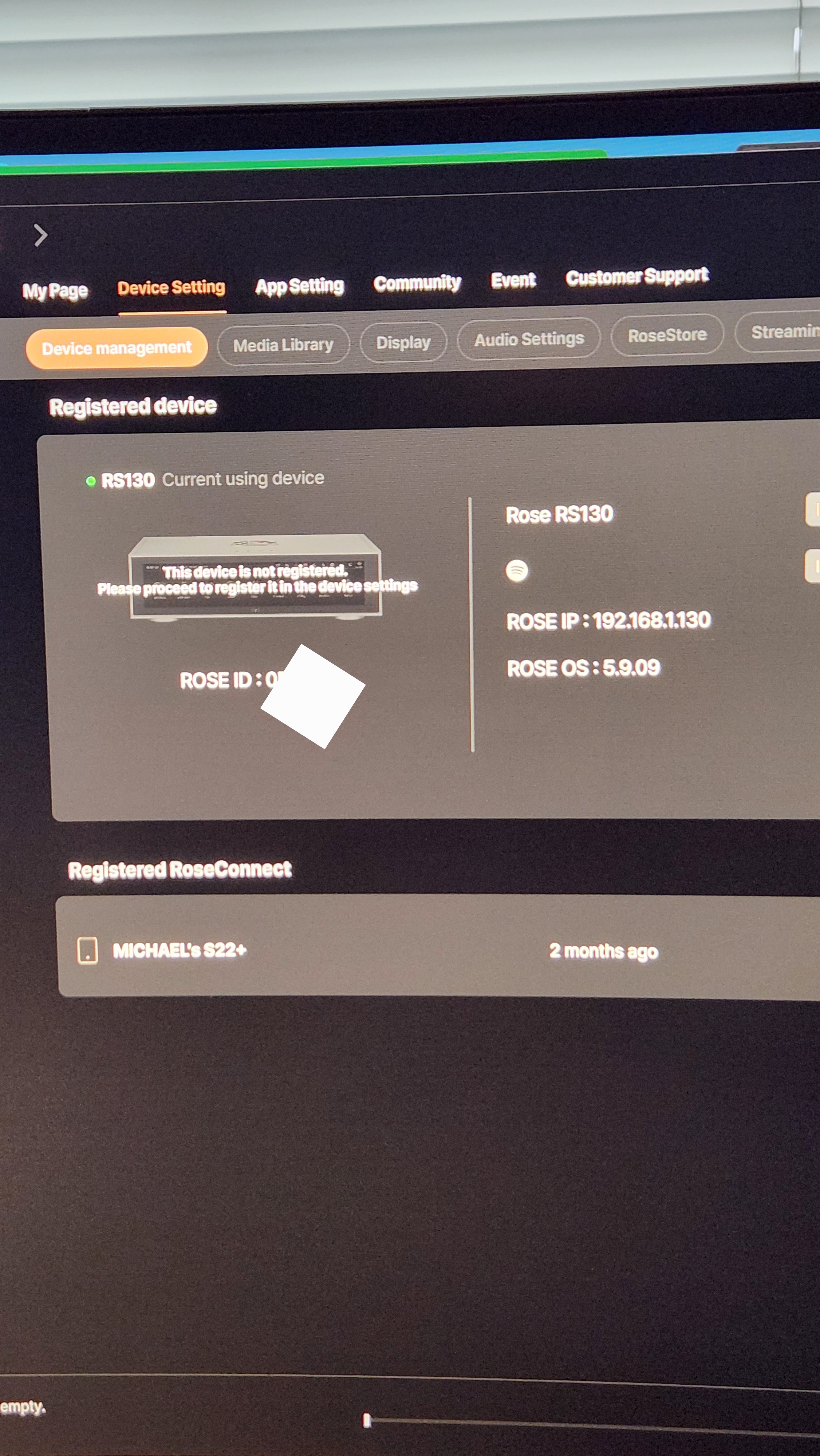
Evan the New Rose connect One PC version Shows “This device not registered Please proceed to register it in the device settings” Directly on the RS130 when I touch the register icon it shows “This device is already registered to you” So is my device registered or not?

@ROSEHAN , @Rose_love everything works perfectly. One big request — please change the font in the ROSE ONE app!! Please use the same font as in the original application. (Mac Silicone Version)

@Michaels1963
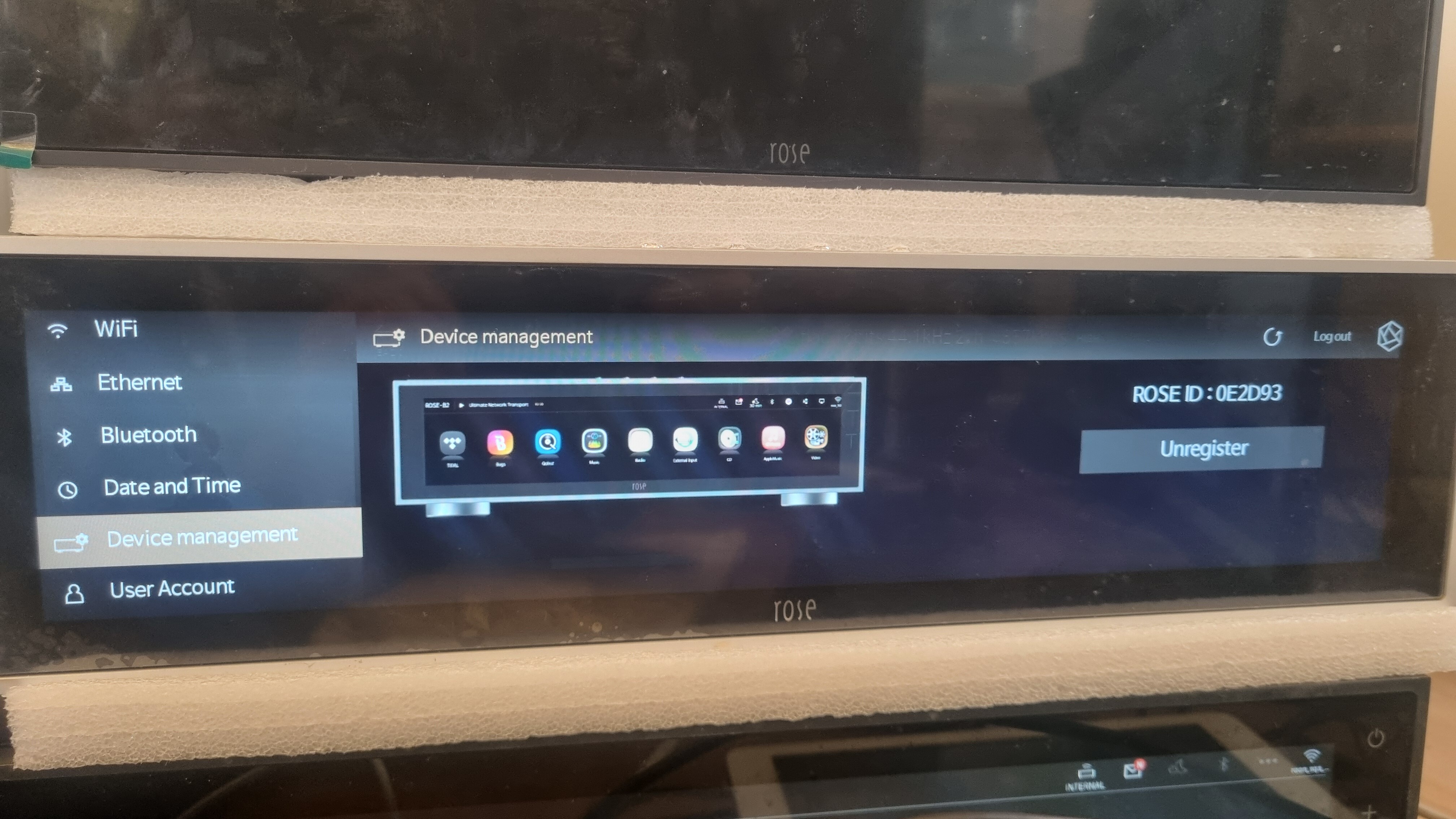
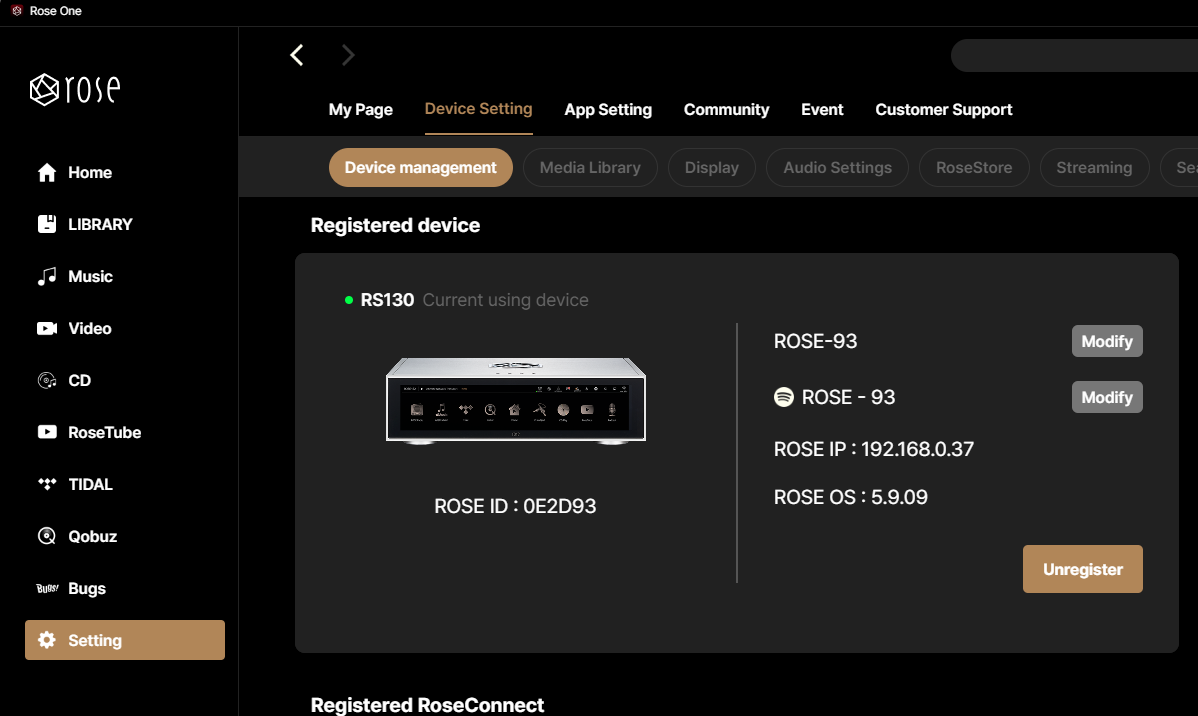
Please check if it is registered correctly as shown in the photo below. If there are any issues, please upload a photo of the problem.


등록화면

@Rose_love
As you can see the RS130 shows registered the PC rose connect Not resistered

Thank you for sharing the issue with us. It has been resolved and will be included in the next version for release

1 Like

I installed the Beta. Not sure what is better than before but I still have tracks showing up with no album art despite the fact that the album art IS present.

image

Is there some task I should run on my RS150B to refresh all the album art ?

@Michaels1963
I apologize for the inconvenience. To investigate the issue, we require your Rose ID. Could you please provide it to us?
Email: shim1691@citech.kr"

1 Like

Dear @Rose_love Thank you for the quick resolution of the issue. No one has ever solved problems this fast here before :slight_smile:

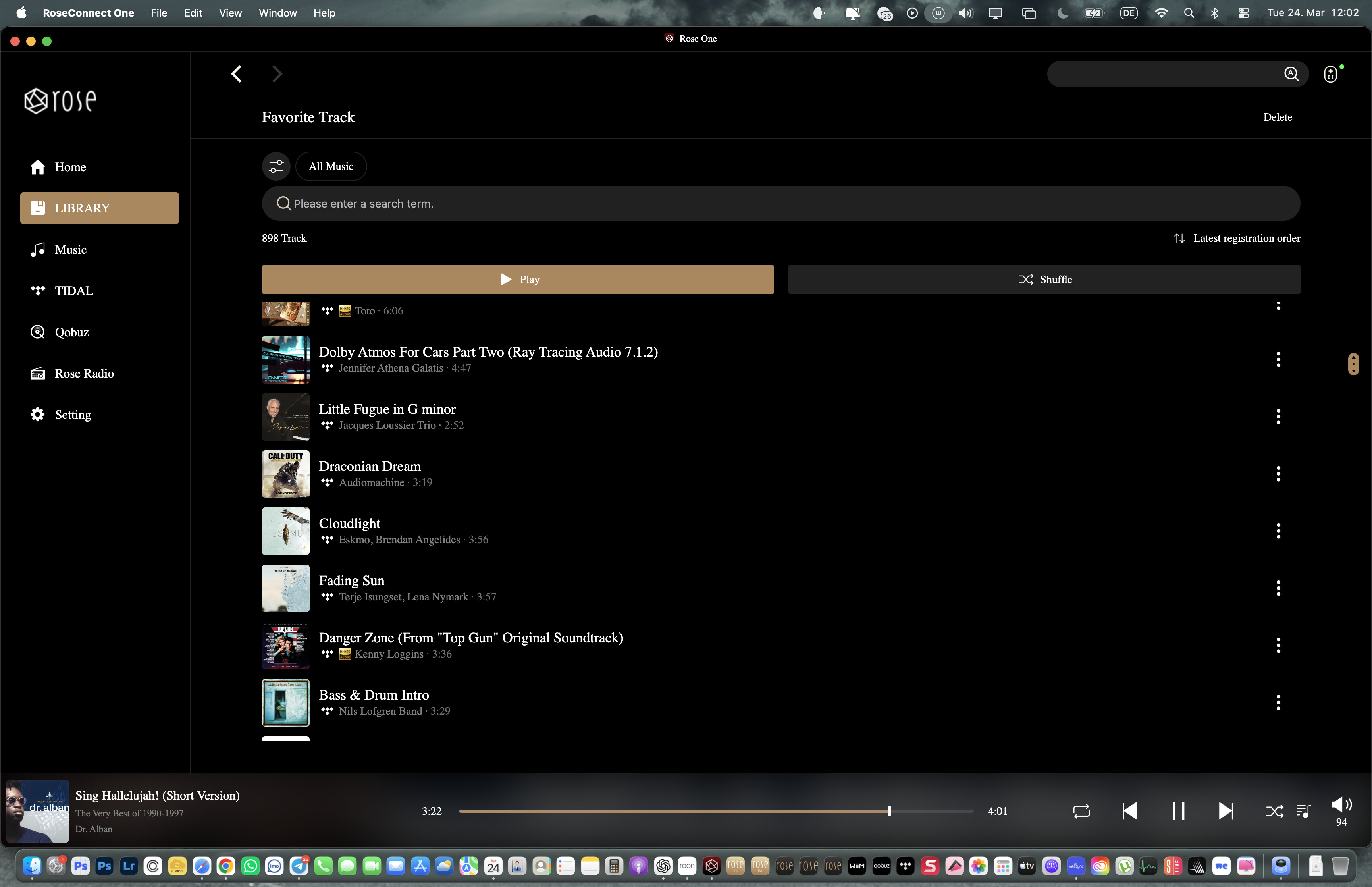
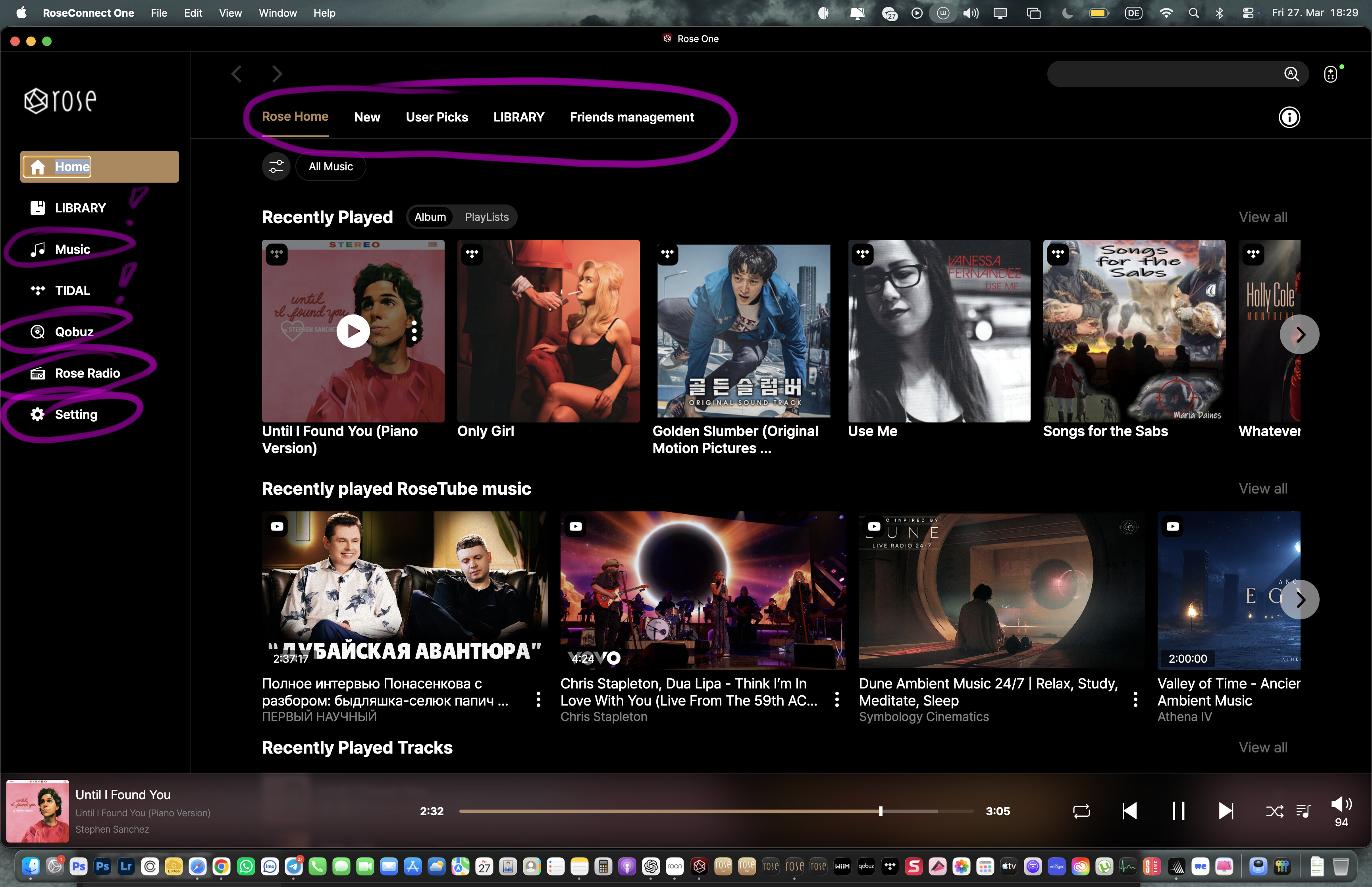
One more thing, though it’s secondary: on the left side, the apps LIBRARY and TIDAL are written in uppercase, and it looks very clean and nice. Unfortunately, the other labels like Qobuz, Rose Radio, and Settings are written in lowercase. It would be great if all labels in that column were set to uppercase.

The same applies to the top tab: currently only LIBRARY is written in uppercase. It would be excellent if the other tabs were styled the same way.

Just to clarify, I’m referring to the macOS Silicon version of the app.

Thank you very much for your attention. You’re the best!!

@Rose_love Please pay attention to my remark. Thank You

@Rose_love @ROSEHAN

Recording 2026-03-25 151751.mp4

This occurred also in android app

@Rose_love @ROSEHAN

20260329-1128-08.4479346.mp4

@Rose_love @ROSEHAN
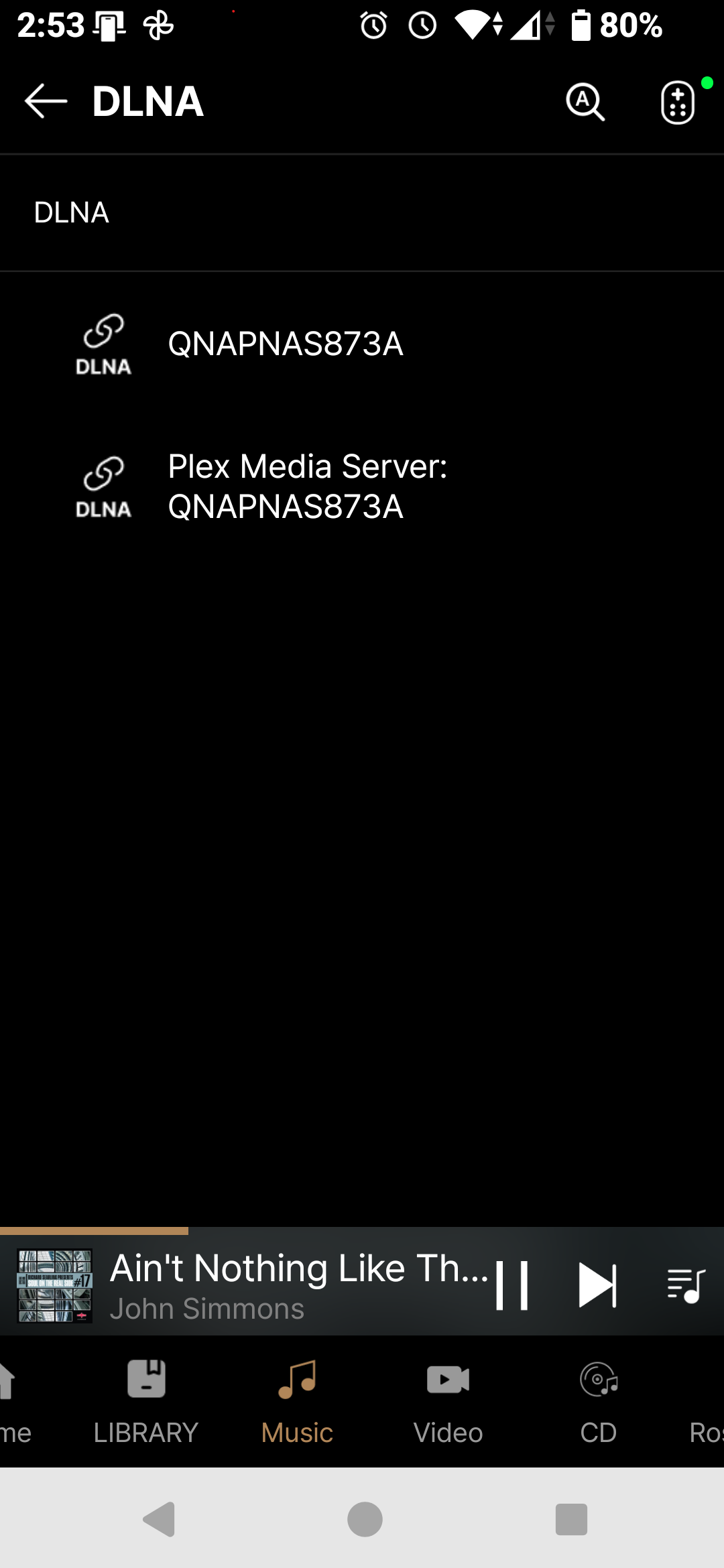
In the DLNA screen if i swipe down for refresh the app crashes

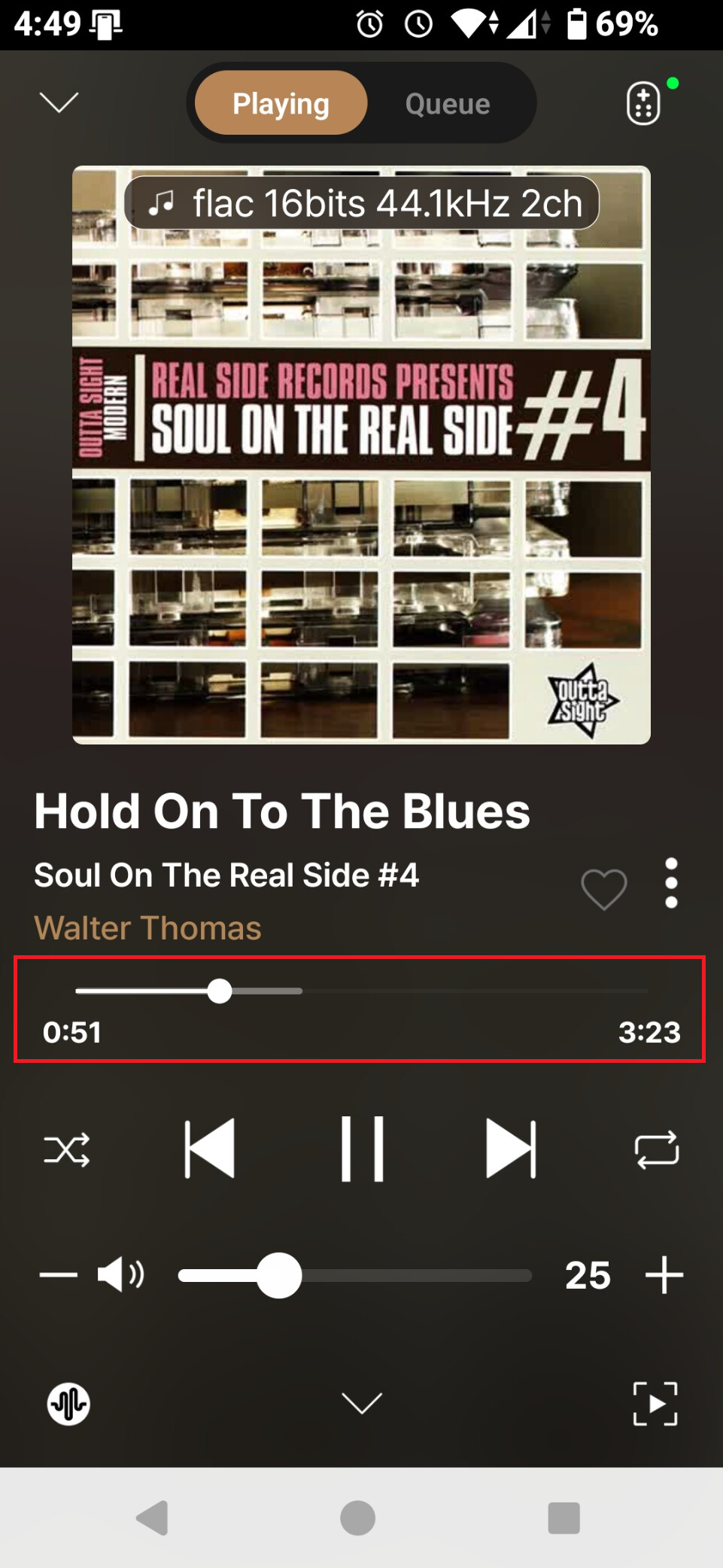
When you try to seek in track jumps to the next ones. Are you testing the basics???

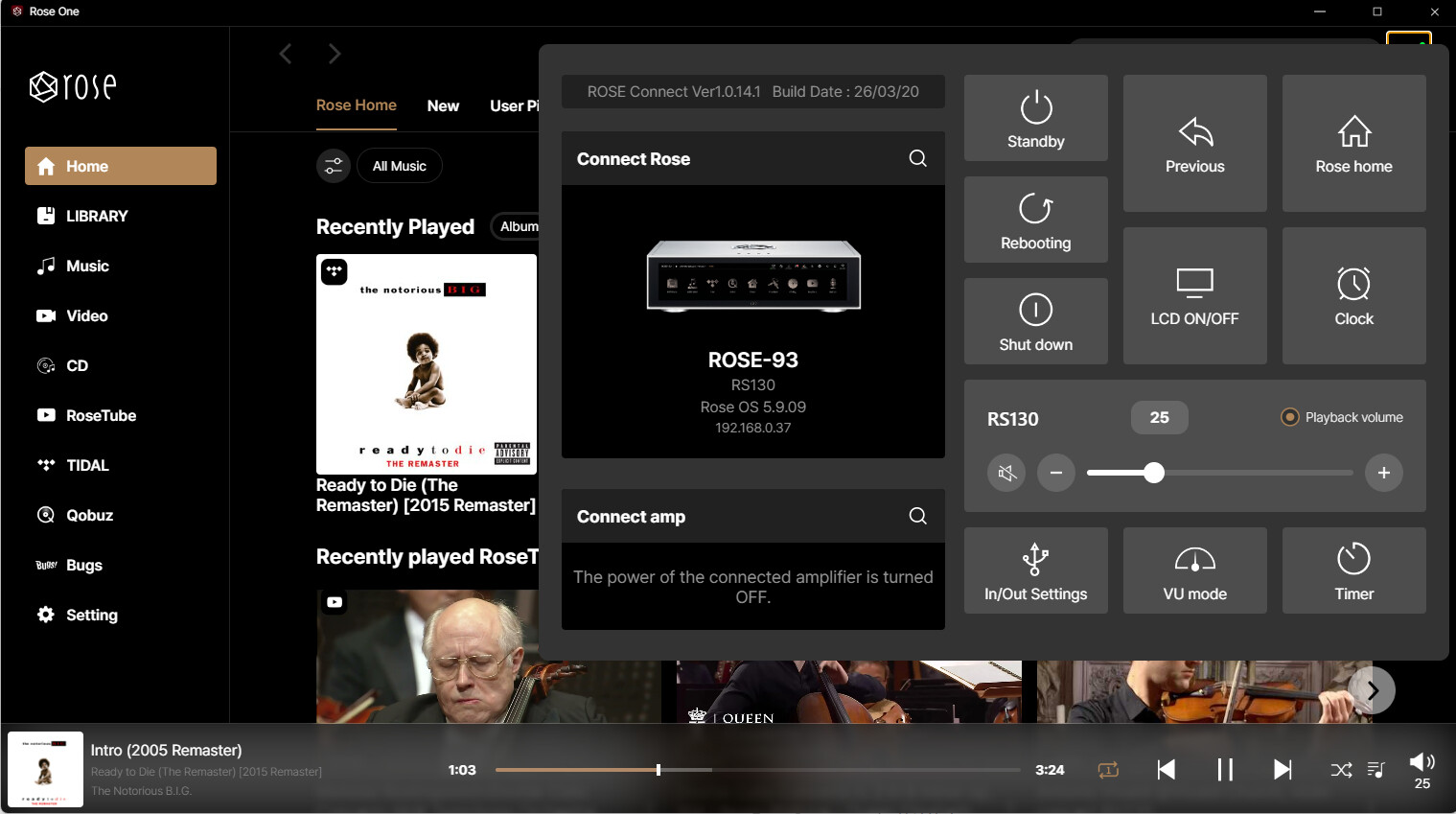
You can show the volume bar to 100 when there is not available in devices like RS130. What 25 means?