
Thank you for sharing the issue. We will ensure it is fixed in the next release
Thank you for sharing the issue. We will ensure it is fixed in the next release
Thank you for sharing your feedback. After reviewing several similar apps, we’ve found that they use Title Case (first letter capitalized) unless the entire app icon is in all caps. Therefore, we will update ‘LIBRARY’ to 'Library
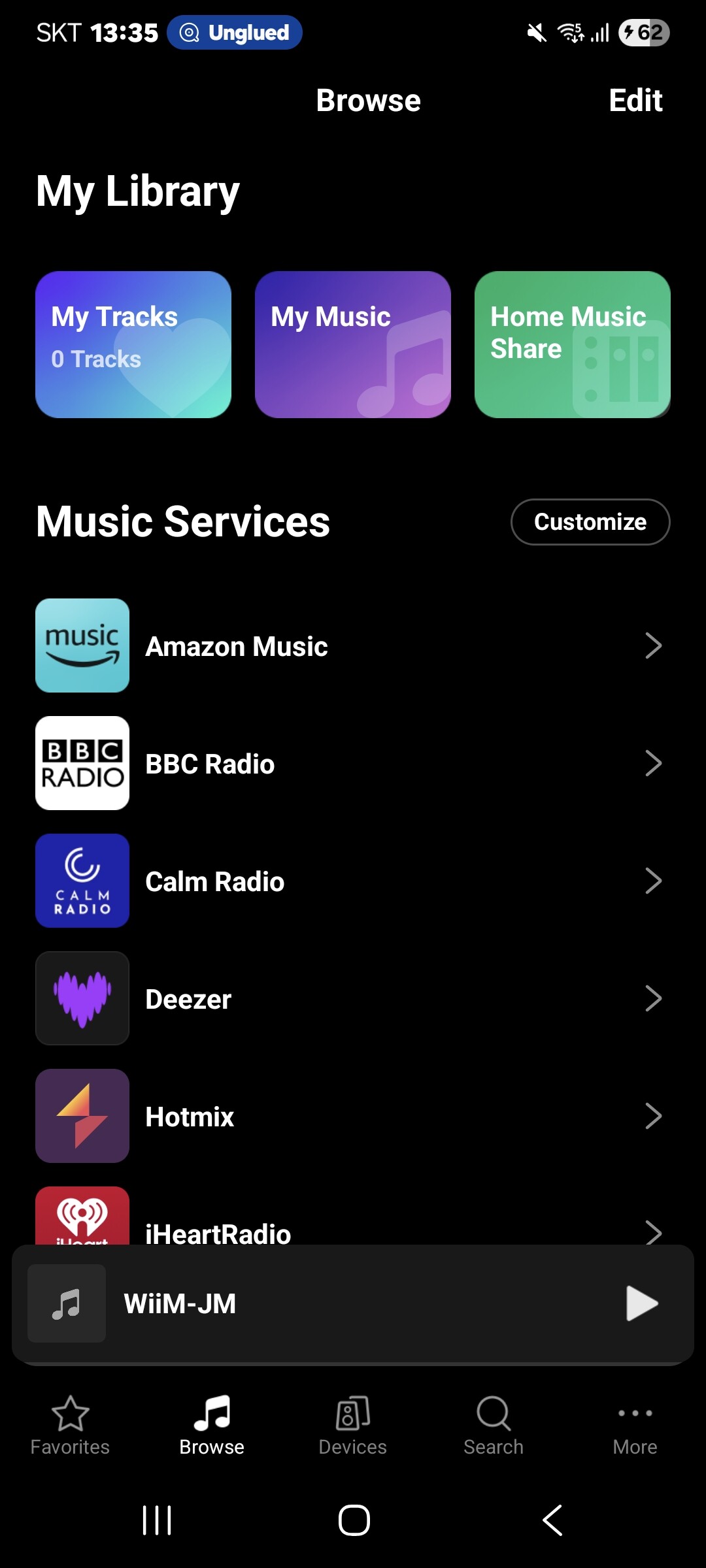
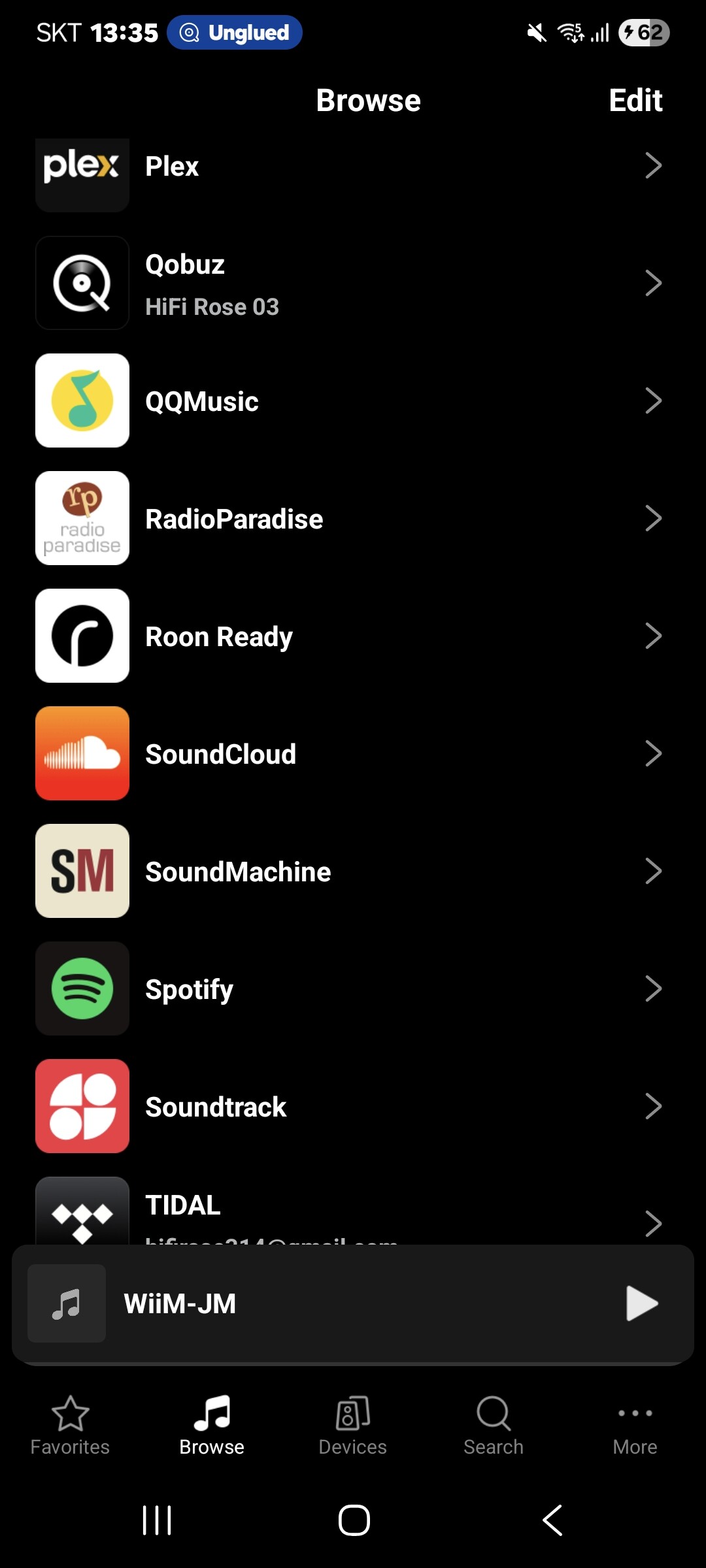
2 Likes
Thanks! This software is vastly improved over old Roseconnect!
Roseconnect One 1.0.15.1
Rose Classic no longer works with Qobuz. Many pages freeze, and it’s much less fluid than the previous version. Aside from that, the sound is still excellent. (Rose 250 -Qobuz)
Thank you for sharing the issue. There was a problem with the Classical-related server, but it has been restored. Please check it again.
Hello
Thank you, the problem is solved and it works.
Some comments still surprise me: Many users are obsessed with managing their playlists and the software’s graphical details. It’s fine to improve the search engine, but do they actually listen to music? Because that’s the goal, and with a good system, it’s fantastic!
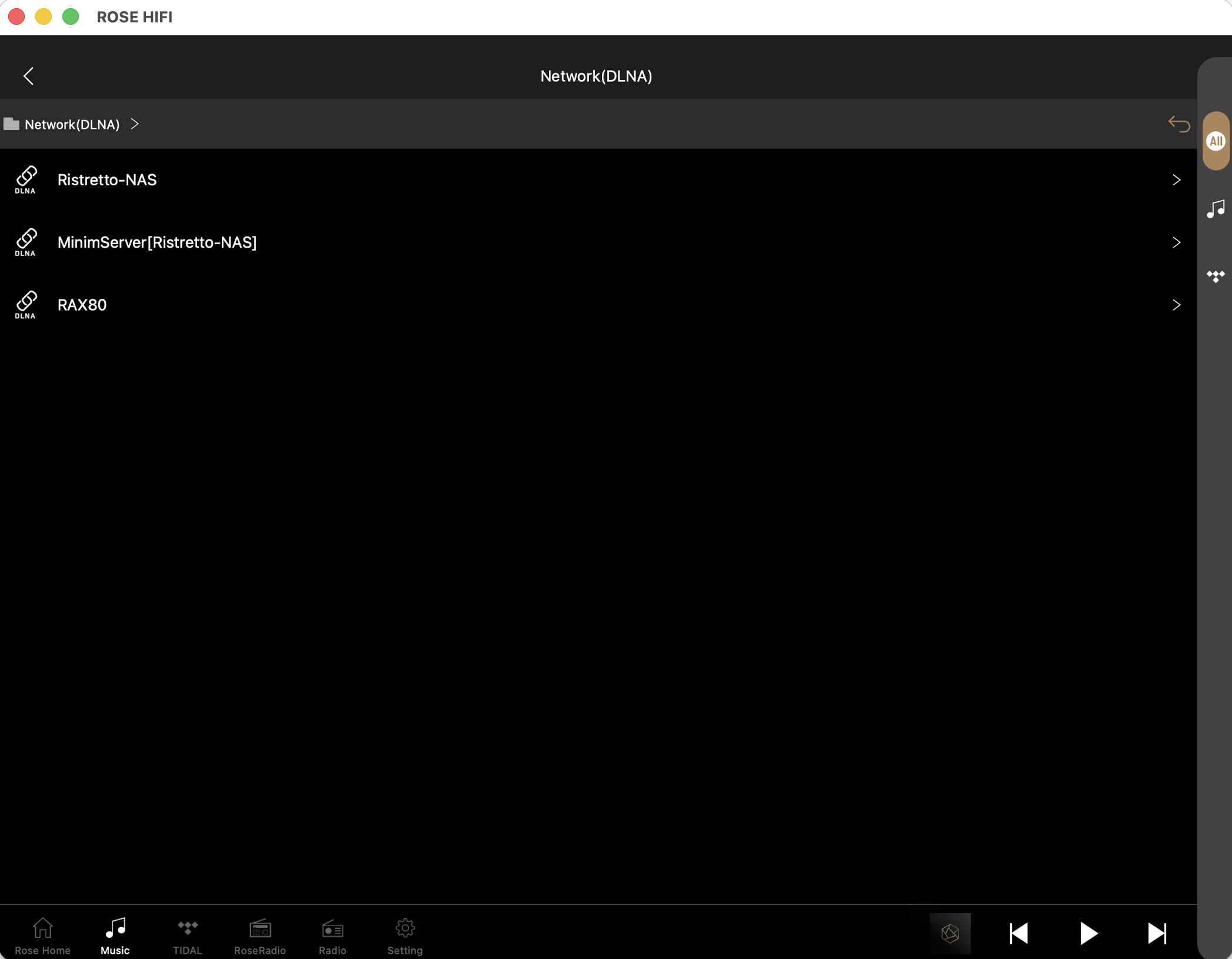
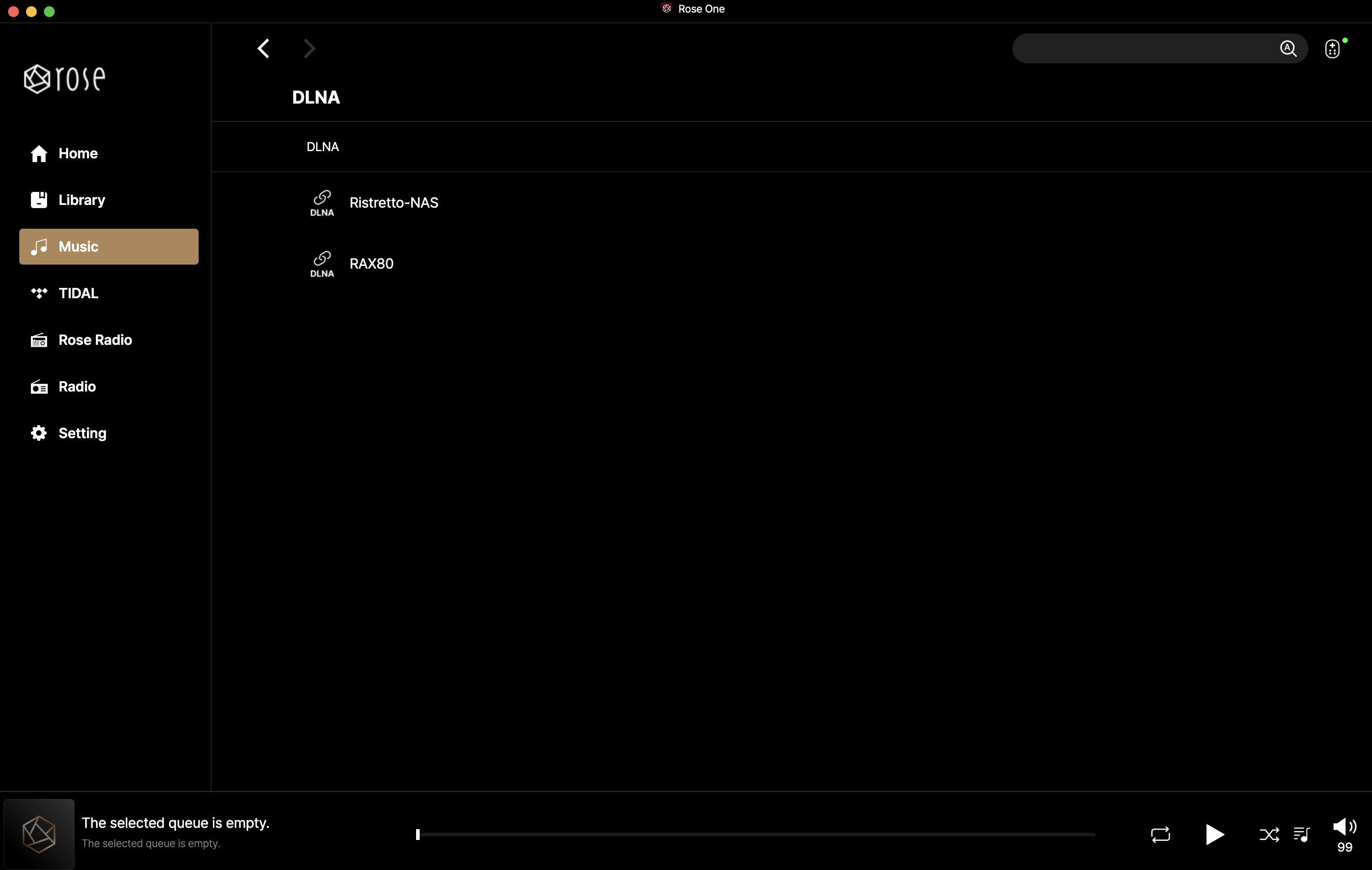
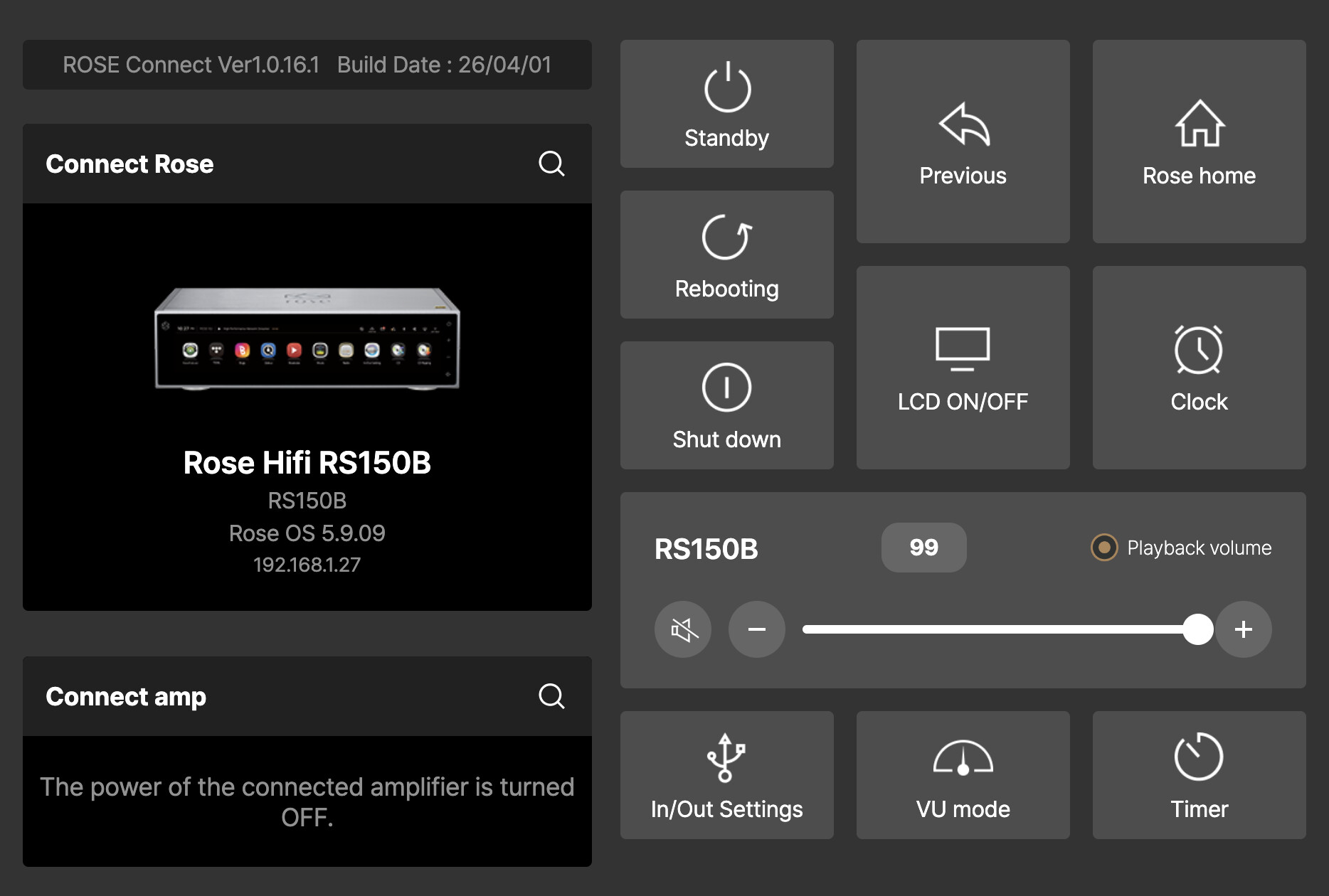
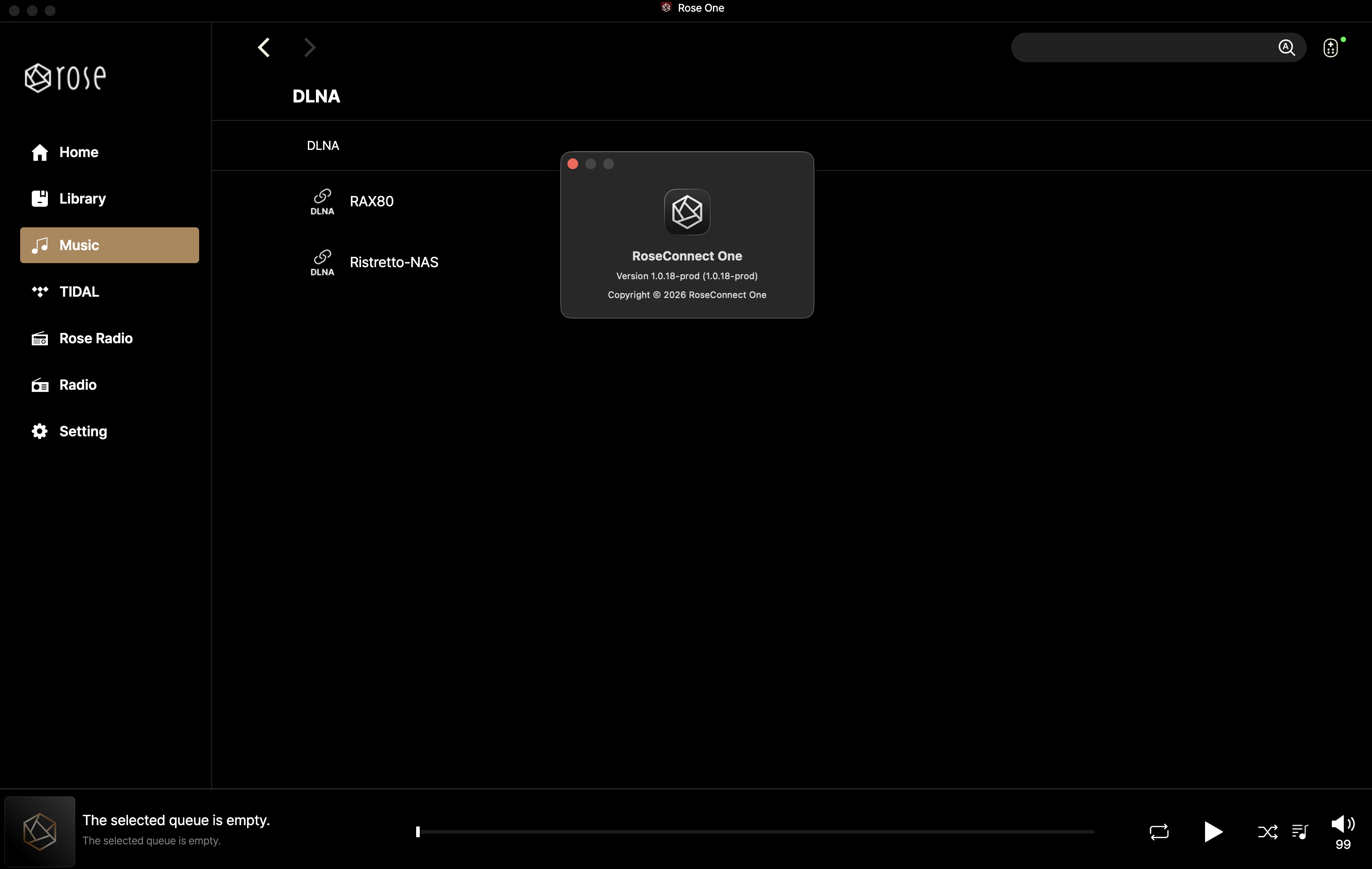
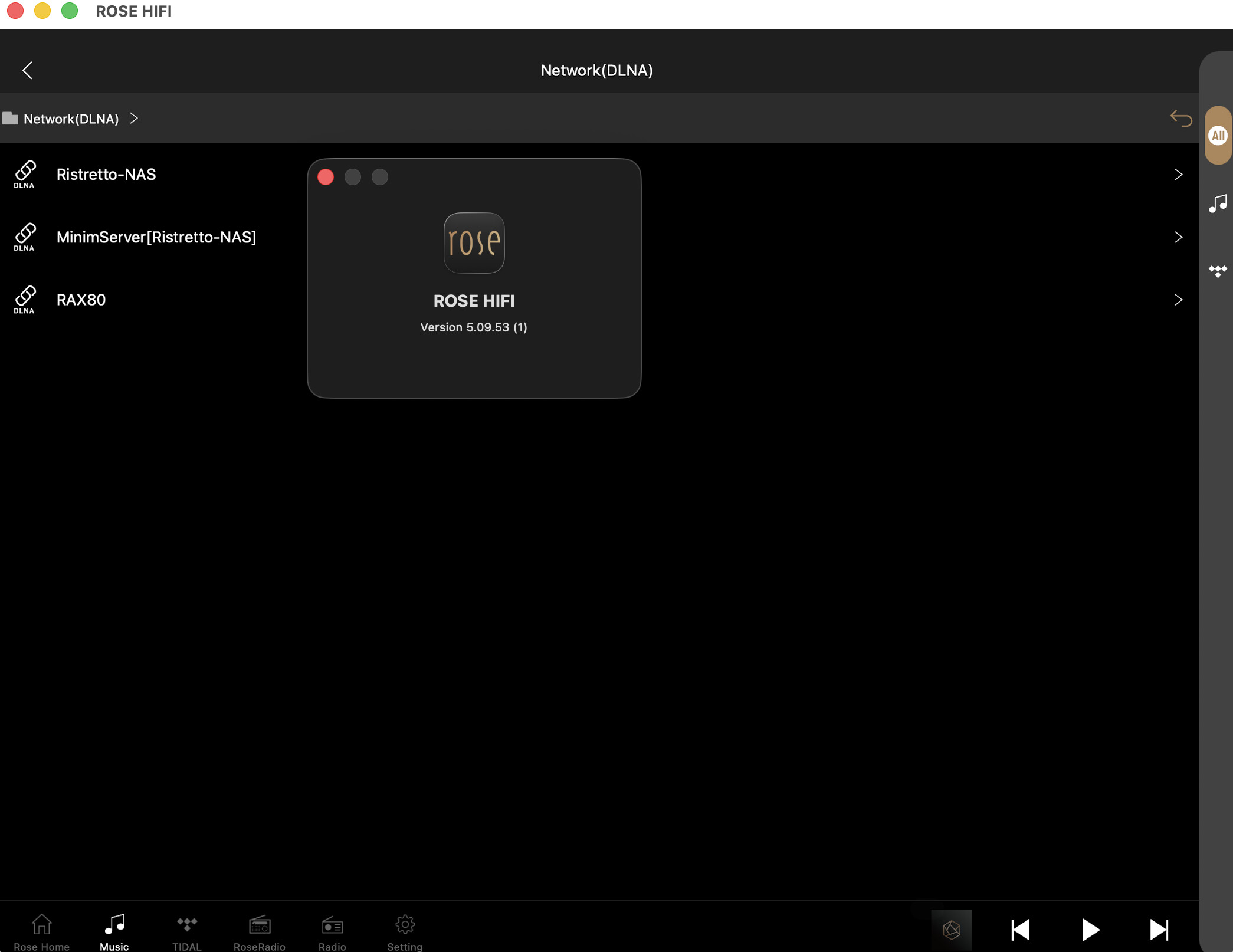
We checked on our Mac, and all DLNA servers that were previously visible in the app are displayed correctly.
Please help us confirm the following:
- Does the same issue occur even after uninstalling and reinstalling the ROSE ONE PC app?
- Does the same issue occur on your mobile device after installing the ROSE ONE app? Is MinimServer still not visible?
Hello,
iOS “Rose One” version show it perfect, PC version not.
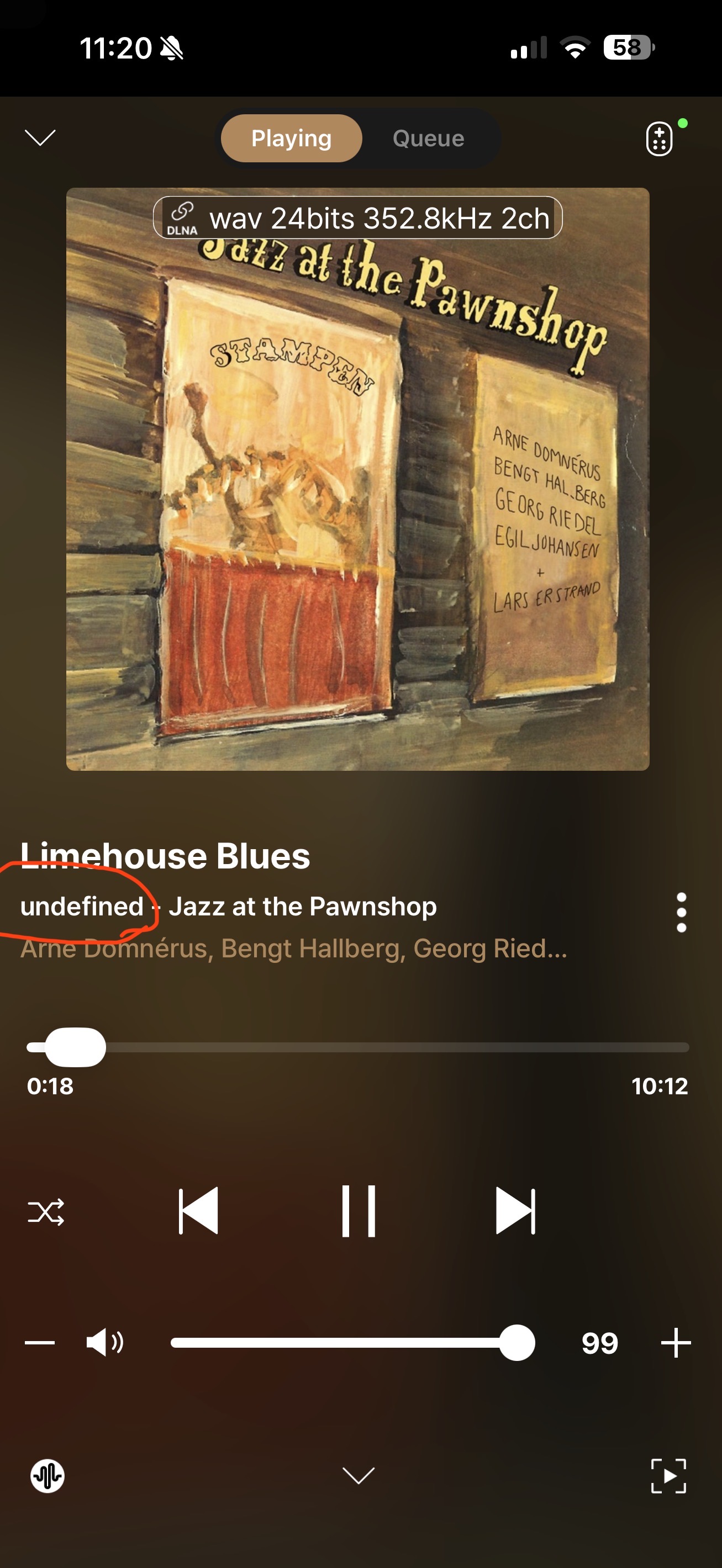
IOS “Rose One” do not show artist
like old “Rose Hifi” does.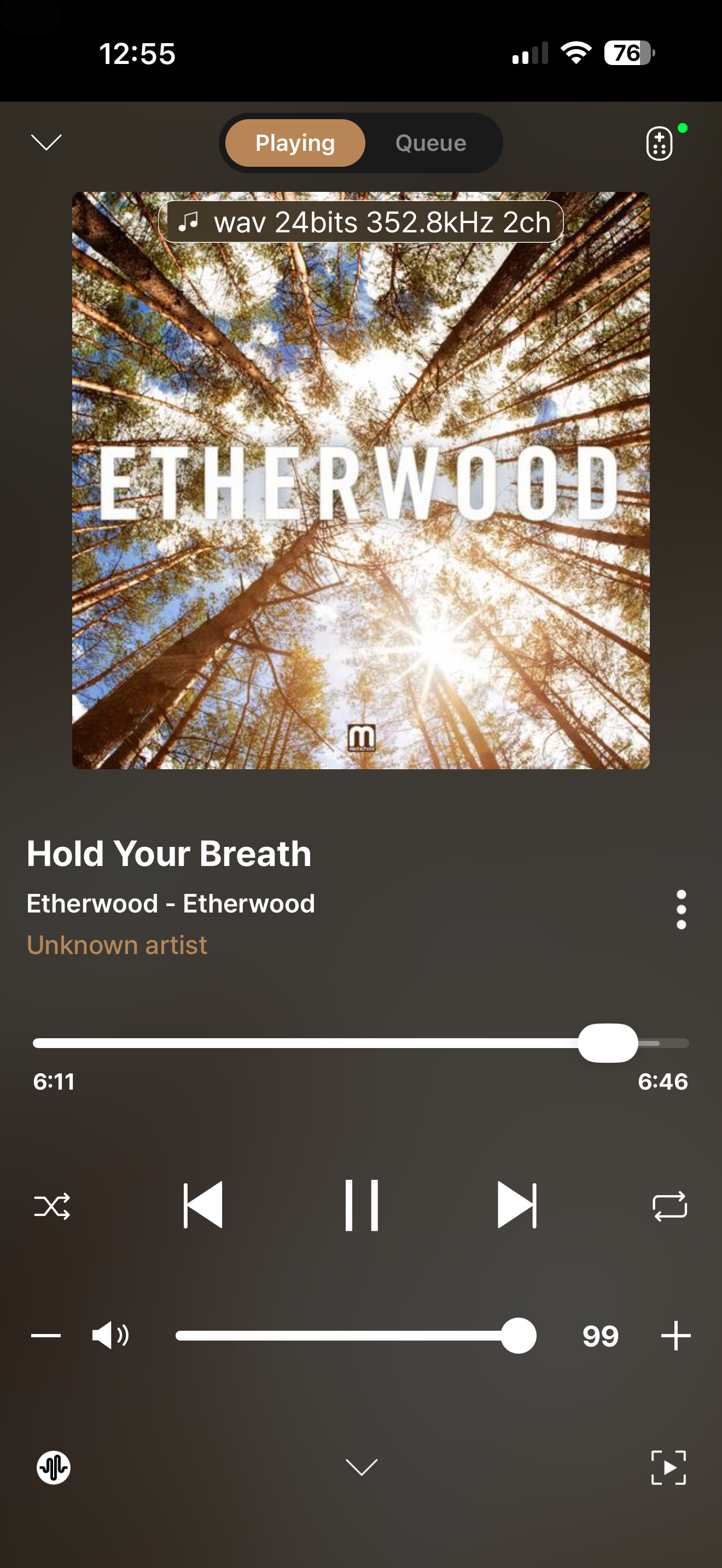
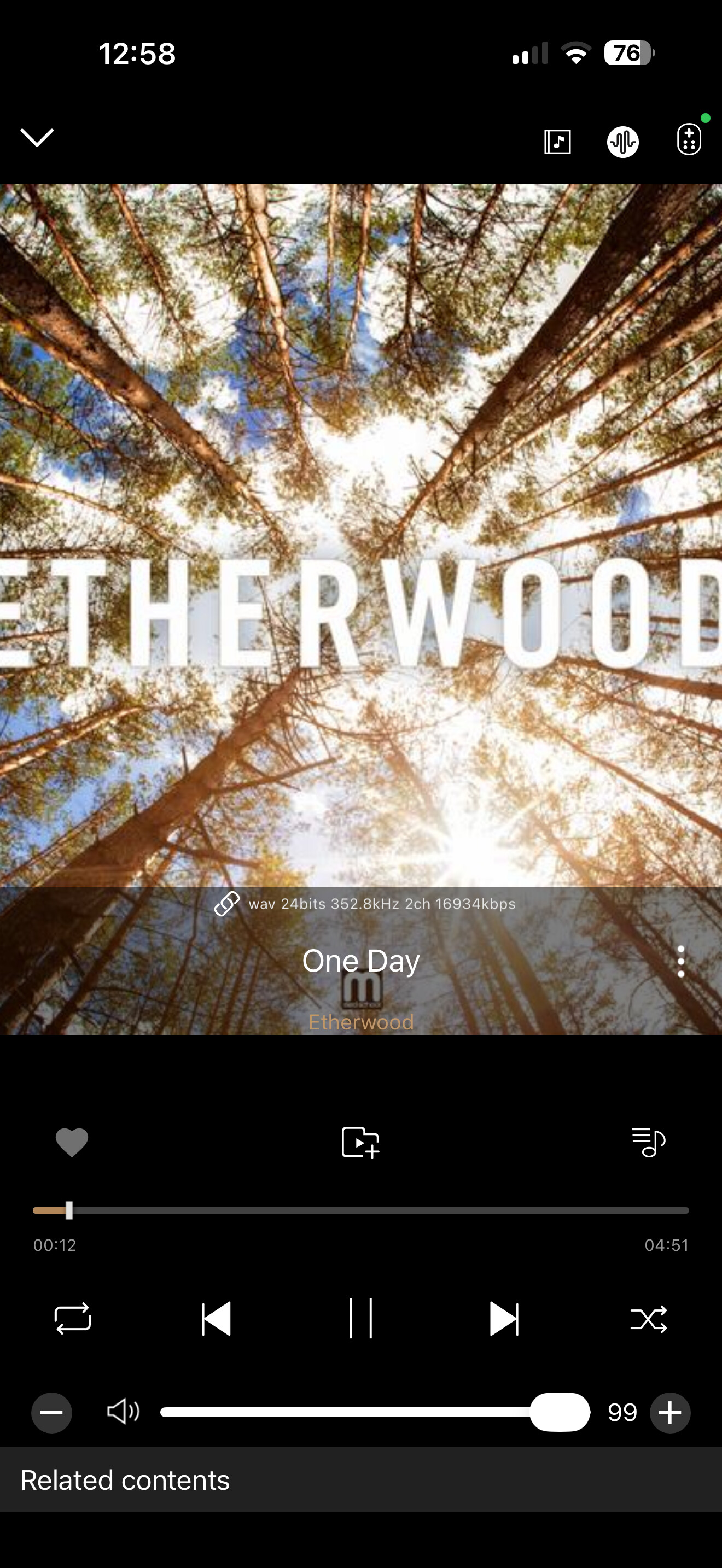
@fotoklasika
Looking at the photos you sent, the RoseConnect One screenshot shows an icon (a musical note) indicating that the music is being played directly from a USB or external HDD.
In contrast, the RoseConnect Premium screenshot shows an icon (a paperclip) which suggests the music is being played via a network share. Please try playing the exact same track using the same file path on both and let us know the results."
1 Like
@Michaels1963
We have identified and resolved a server-side issue regarding device registration. Please try again, and if you encounter any further problems, please let us know in the comments. Thank you for your patience
it’s same source:) UPnp (Minimserver)  Old App work good. Make the same on new one:crossed_fingers:
Are you still experiencing the same issue on the new app?
If everything is working normally now, please let us know.
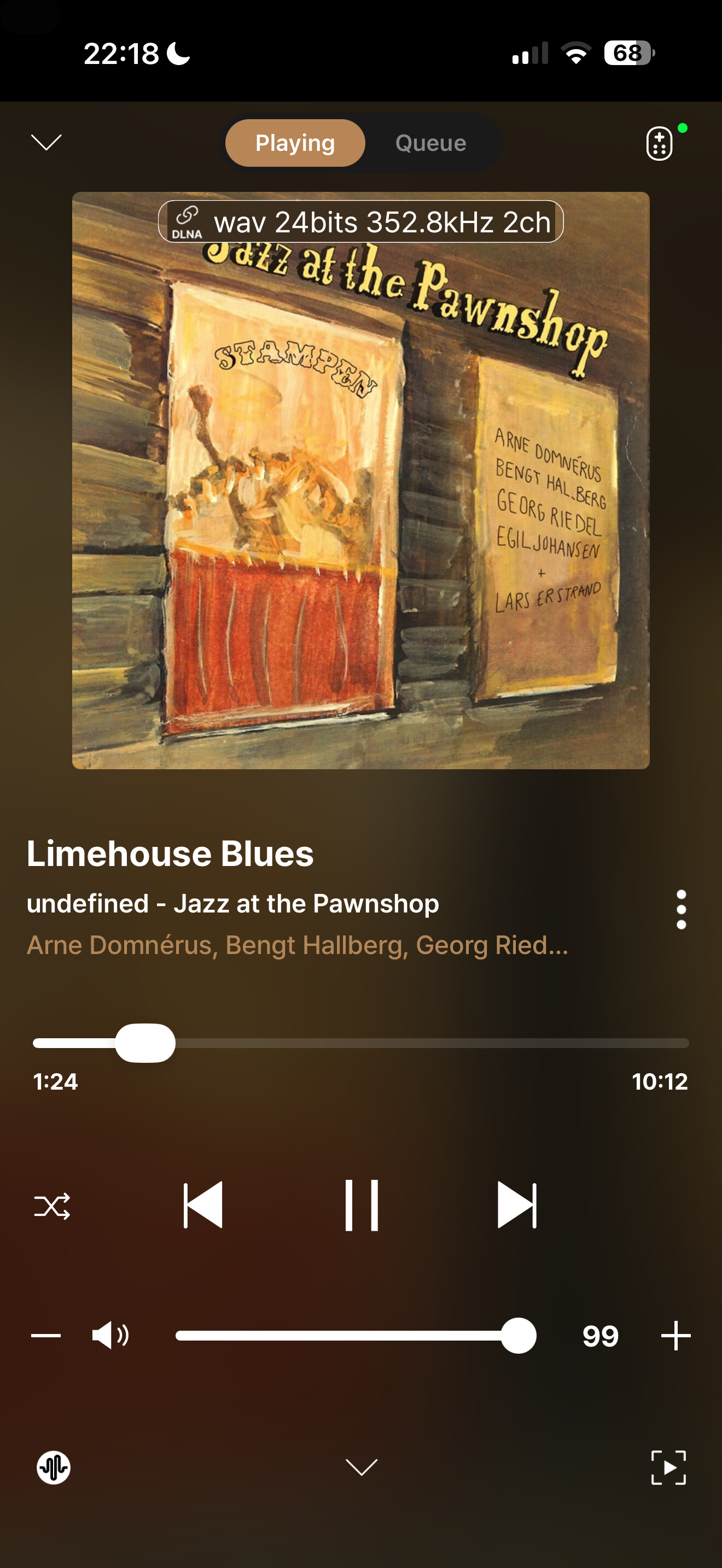
We’re glad the issue has been resolved.
If you have any other problems or questions, please feel free to let us know.
Screenrecorder-2026-04-11-21-19-00-377.mp4
DLNA search function not working most of the times on android