New app: Rose One

Hello,

You previously mentioned that the Rose One app fails to maintain a connection with the RS151.

  1. Does this issue still persist?
  2. Could you provide a photo or description of the Rose device’s status when the connection fails?
  3. When the connection drops, could you please share the results of the “Rose Connect Ping Test” and “Device History”? (Found in Rose One > Settings > APP Settings)

Thank you for your assistance.
Hello @Smegel ,

Could you please let us know which MAC model you are currently using?

Hello,

The feature you mentioned regarding Qobuz is also something we would like to implement. Unfortunately, Qobuz does not currently provide this specific feature to third-party developers. We will make sure to update it as soon as Qobuz begins to support it.

Thank you.

Its an M1 Max.

I hope this isn’t going to be an issue w the new software release.

Please check it in version 1.0.10.3.

Please check it in version 1.0.10.3.

Added the ability to search again using the device’s MAC address.
Please check it in version 1.0.10.3.

@mjkim The 10-tracks issue has been fixed with version 1.0.10.3 Thanks.

The volume level on the outputs after the application update is currently the same as on the device, so let’s hope it stays that way.

@Alberto @Cougar2025

I’m glad to hear that the issue has been resolved.

If you have any additional problems or questions, please feel free to let me know. I will be happy to assist you.

Please download the installation file from the link and review it at your convenience. As this is not the official release version yet, I would greatly appreciate your feedback.

https://drive.google.com/drive/folders/1ENTWSK-V2DT6cdMnwd_kD1N3Rnghtq79

@ROSELOA @mjkim

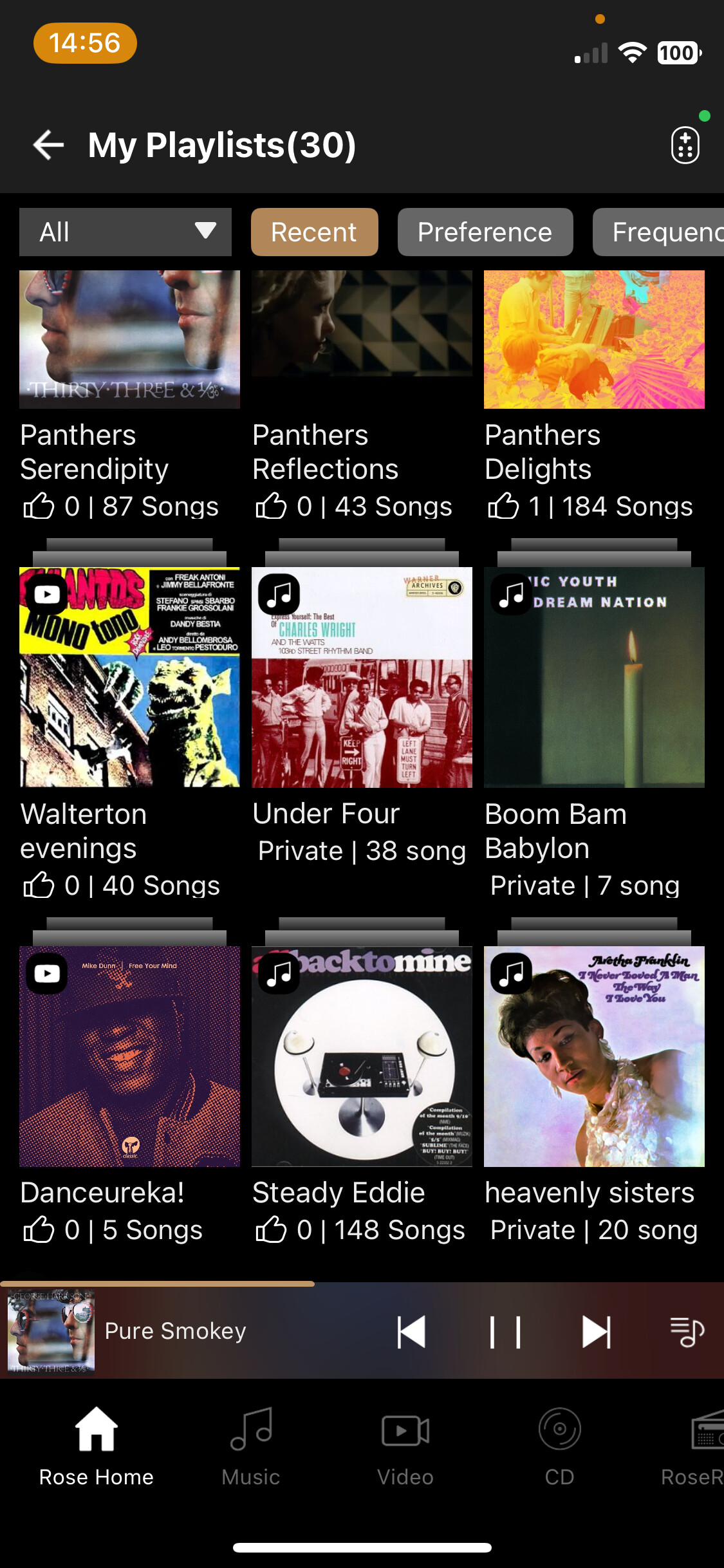
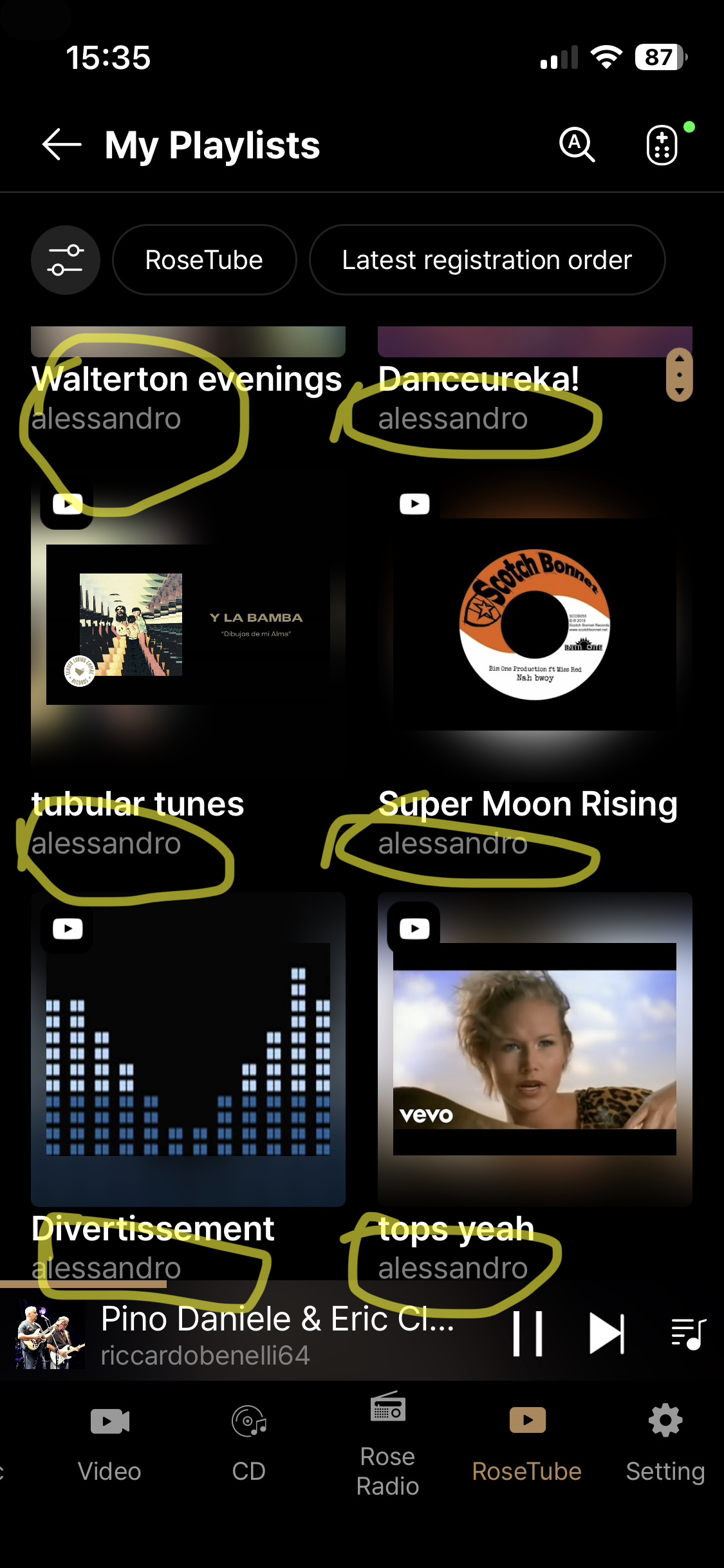
Hi, in ROSETUBE Playlists when looking in My Playlists, every playlist has my name (I guess this works the same for everybody).

What is the rationale for that and wouldn’t you say this is unnecessary, since I (=the user) am the one accessing all my playlists (not someone’s else…) and - currently on Rose One - every single playlist has my name underneath which I don’t know what is this for…?

Could you consider adjusting this?

As you consider fixing this, would you perhaps re-instate underneath the name of each playlist, the total number of songs contained in each playlist, which - unlike having the username underneath - it’s perhaps a more useful piece of information to have?

We had number of songs showing in the Rose Connect App but it has disappeared in Rose One…

Thank you.

Lately the new RoseOne app has been working well for me. I used to have problems with the scrub bar not moving and when tracks changed in a playlist the app would not show the current track unless I went out of the app and reopened it. So I want to give Rose credit for getting better.
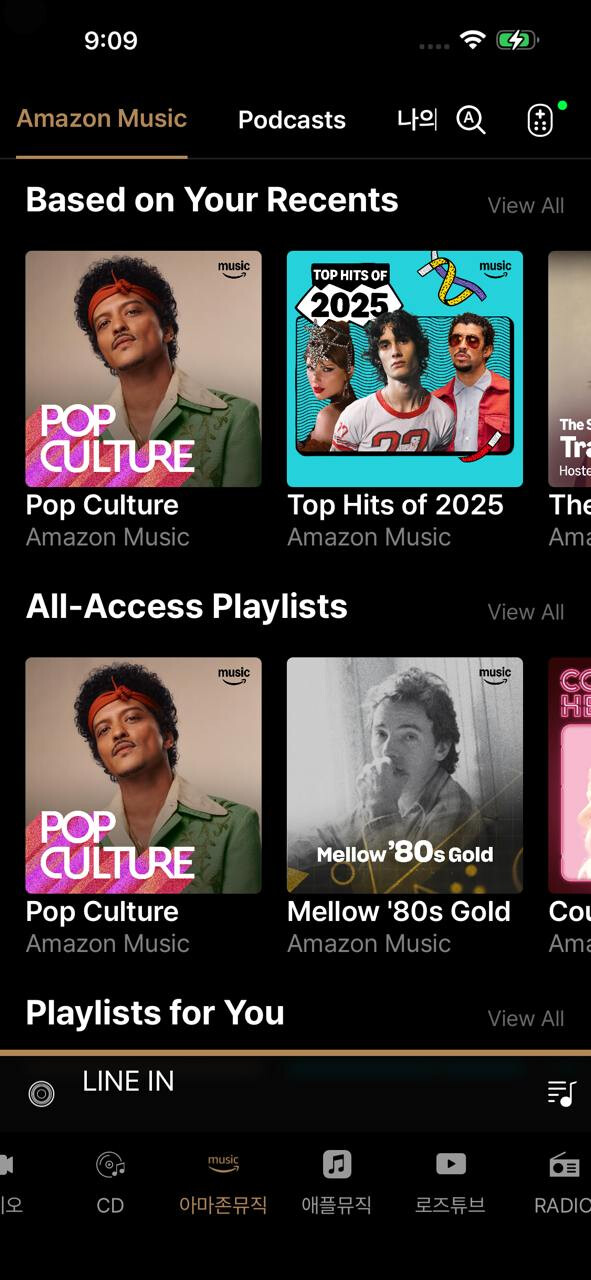
Now if I could just get Amazon music.:thinking:

Please download the installation file from the link and review it at your convenience. As this is not the official release version yet, I would greatly appreciate your feedback.

https://drive.google.com/drive/folders/1ENTWSK-V2DT6cdMnwd_kD1N3Rnghtq79

There have been some changes due to a revision of the design concept. We will review the points you mentioned with the design team.

We are currently preparing for Amazon Music. However, we cannot update it immediately because we need to go through Amazon Music’s verification process. We also hope to provide the Amazon Music service to you as soon as possible.

Have a great weekend.

Thank you @mjkim and @ROSELOA

I have experienced a couple more little gremlins/bugs using Rose One

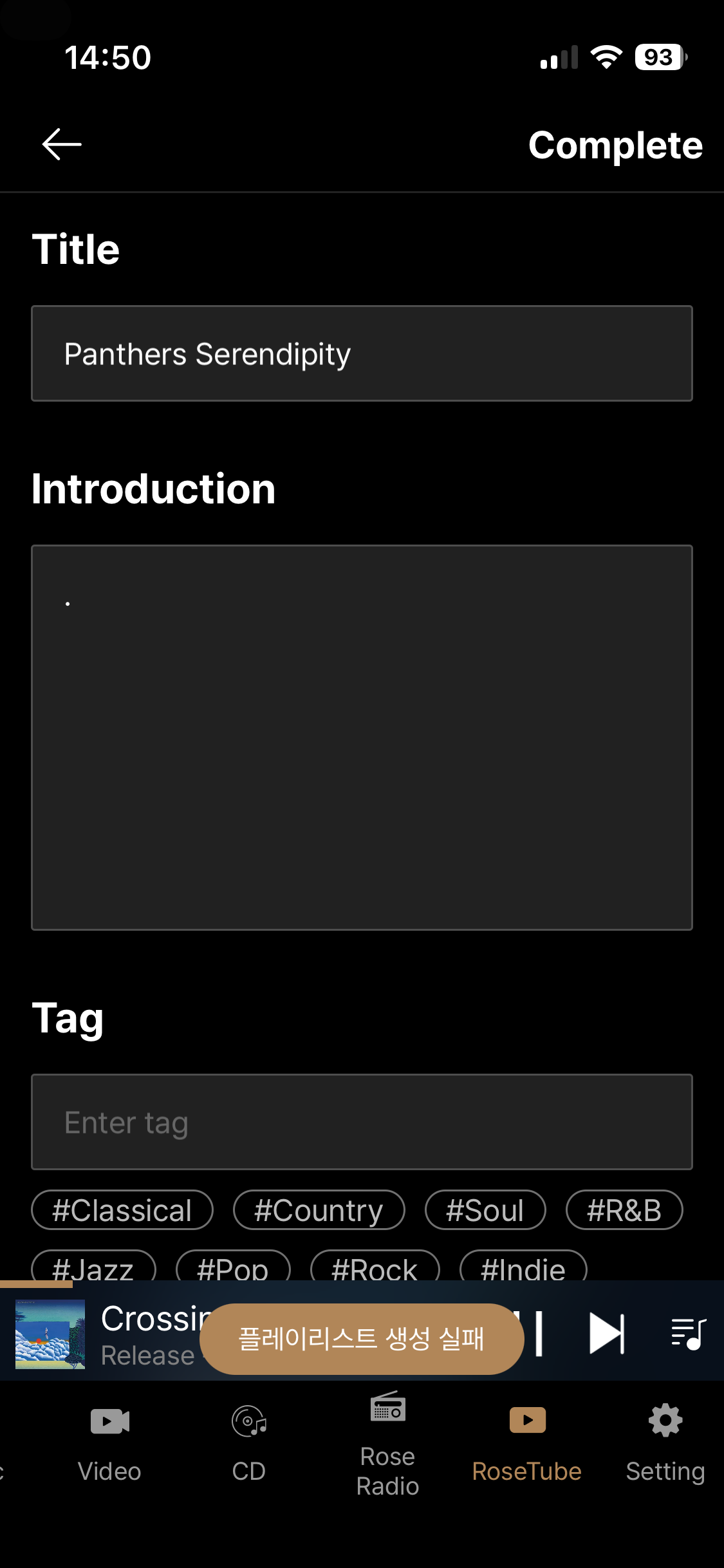
  1. when using ROSETUBE, I couldn’t succeed in adding a video/song track to a Playlist with Rose One, I would get this empty screen with some wording in the bottom (I suppose this is Korean) and I couldn’t add it to the playlist - to add successfully the track to the playlist, I had to use Rose Connect where this option functions.

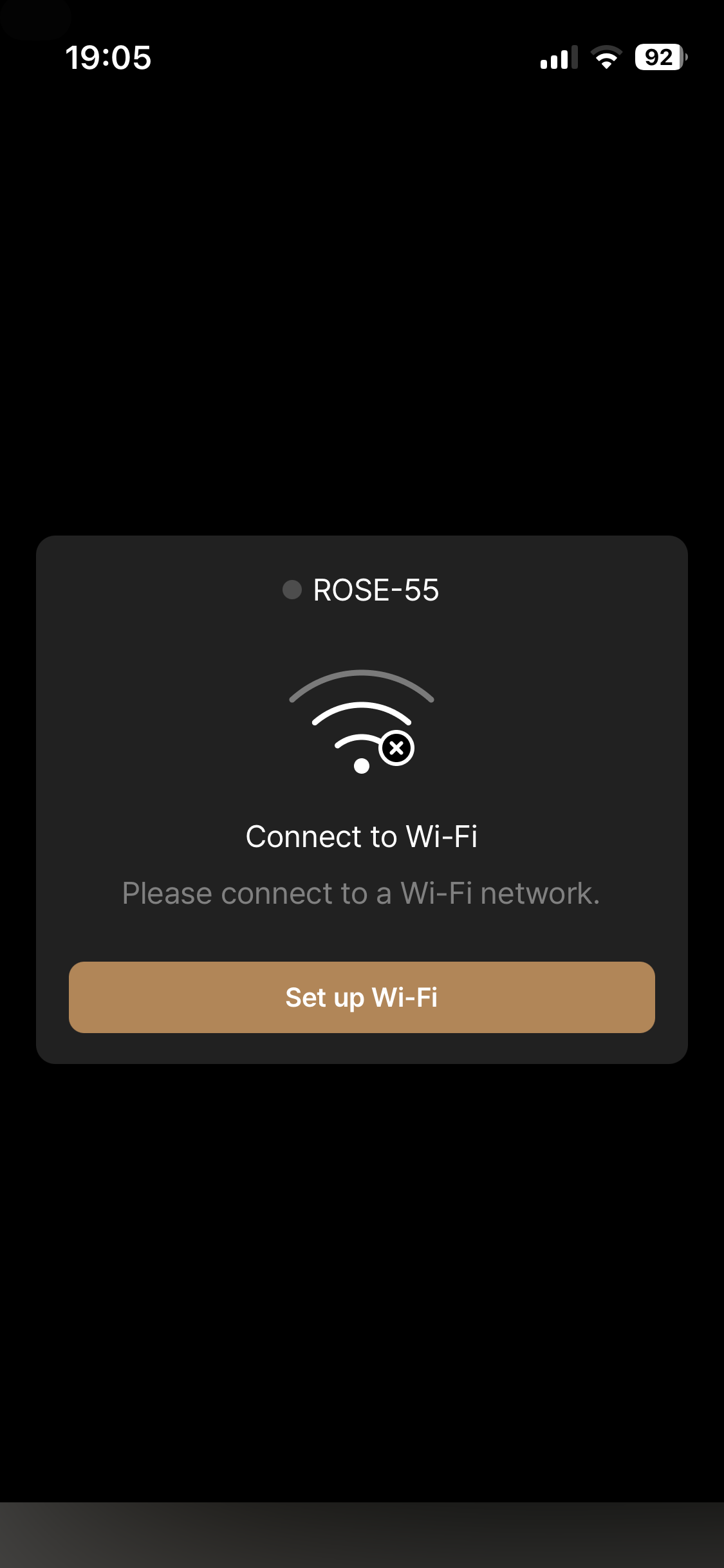
  1. When using PLAYBACK and enjoying music on both MUSIC and ROSETUBE, the app would occasionally switch to this screen, looking for a WiFi signal only for this to disappear after a 30/40 seconds or so and then reappear again, so I have no idea what’s going on here - Needless to say, I am on the same network (iPhone and Rose) and in the same room of the router (or the Rose) at all.

I wonder if you could look into these?

iPhone 13 Mini iOS 26.3
Rose One 1.0.10
Rose 150 latest 5.9 system version

When i go to my Qobuz favorite list and i select one album to listen for i.e. one or two songs, then i go back to favorite list:
It’s starting always from top, again.
So i have to scroll down again and again.
Better : When going back to favorite list, i await same/last position as i selected album.

Would be very helpful, thanks !

2 Likes

@mjkim

I have been using Rose One app for about a month now. I like it and appreciate the “ continuous improvement” taking place based on user feedback.

One issue I have is that there is no Synchronization between the Equalizer settings on Rose One and my RS520.

The Equalizer settings on the Rose One app remain on basic. I am unable to activate any other genre such as Classic or Rock.
I am able to customise the Equalizer settings via the Rose 520 display without problem. However, any change I make on the 520 display is not reflected in the Rose One app - it remains on Basic.

RS520 OS 5.9.09
Rose One 1.0.10.3

1 Like

I can confirm that there is an issue.
If you make changes to the EQ via the RS520… you wont see the change until you restart the app.
If you make the change within the Rose One App, you won’t see the change until you exit out from the EQ menu page and then go back in. (Note that you can change the EQ settings from the app.)

(Not sure if that’s a major issue because I suspect that you’re not going to be updating the EQ from both locations. ) But for consistency sake, it would be nice that if you use the app, its reflected in the EQ settings on the RS520 if both the menu and the app are being used.