Smegel,
Also a good suggestion. However, I checked and that isn’t it.
StandardModel

Smegel,
Also a good suggestion. However, I checked and that isn’t it.
StandardModel
Does the rotation issue also occur in version 1.0.11.1?
If there is a screen that freezes on the iPad (9th generation), could you please share it with us?
The issue with the EQ information update has been fixed. Please verify it in version 1.0.11.1.
Sorry,
That was meant more as a joke.
Its the typical IT support response to someone …
I can confirm that the equaliser issue has been fixed with version 1.0.11.1
Thanks for your prompt attention to this.
Another, separate, issue arose this morning. After updating the Rose One app none of two iPhones or iPads in the household could connect with the RS520.
I was asked for camera access to scan a QR code which I duly did. Nothing happened. It was only after a reboot of the 520 that we could pair the apps with the unit. Never happened before !
Not sure what happened on your end… but that the rebooting of the RS520 isn’t related to the App.
I tested it and confirmed… you don’t have to exit the app to see, however if you change the setting, in either the app or the RS520 screen, in order to see the change you have to exit out and reenter. It would be nice if you could see the change in ‘real time’.
Without knowing the app, it would have to do w event processing in order to fix. Right now it seems that either app or RS520 gets the setting when the menu option is opened but doesn’t do any event processing /updating if the values change while the window is open. So you are forced to close and reopen the window.
Yes, it was weird. It was asking me to access QR codes ( didn’t work, it just froze) and then my IP address ( same story, just froze). I rebooted as a penultimate resort - a factory reset being the final throw of the dice. Anyway, it’s running OK now but still very “ laggy” on iPad 9.
Agree that it would be perfect to see Equalizer changes in real time.
My hope is it will come eventually - the policy seems to be small steps rather than a giant leap !
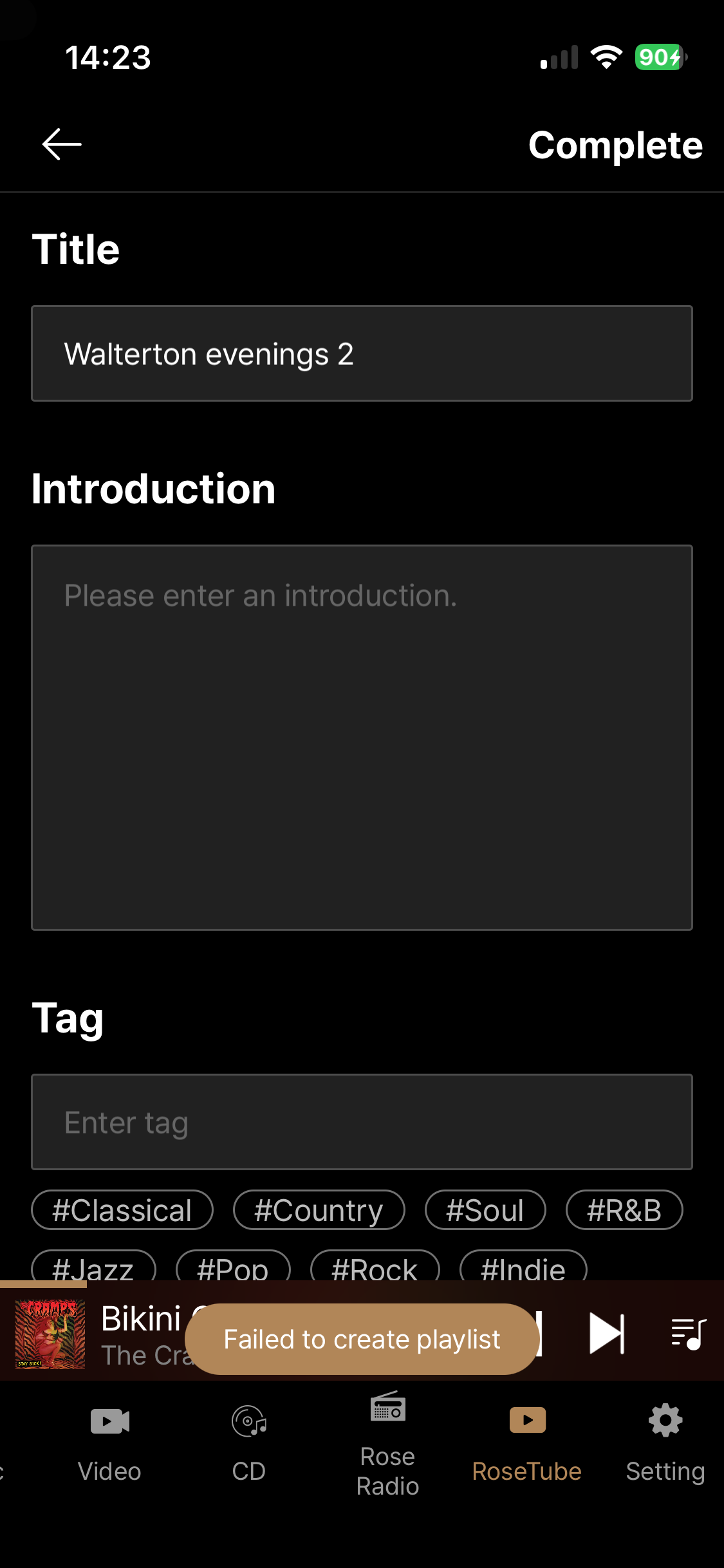
I am afraid that when on ROSETUBE, using Rose One, I cannot add any tracks to a playlist - I have to switch back to Rose Connect to do that successfully.
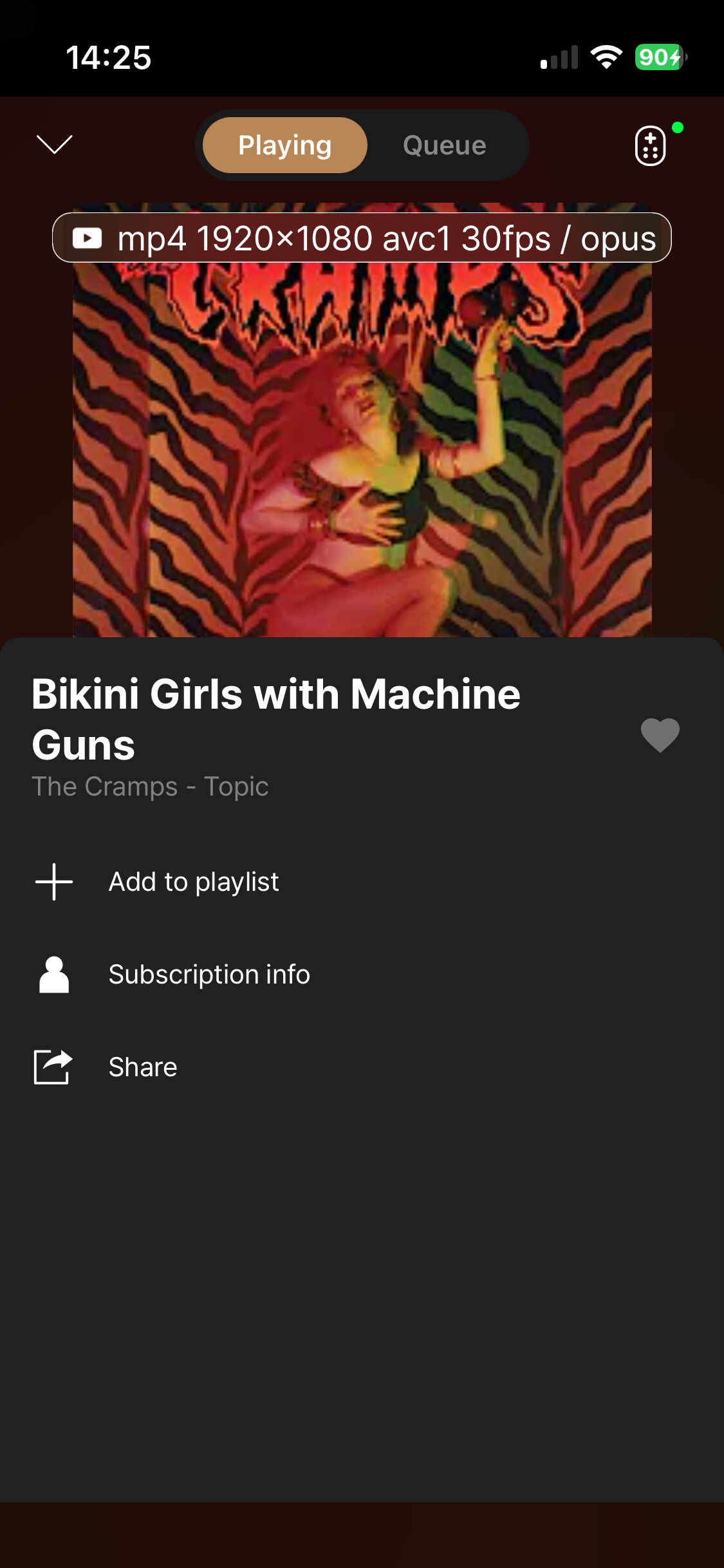
In Rose One, I select the three dots next to the song title, click on “Add to a playlist” and then “Complete”.
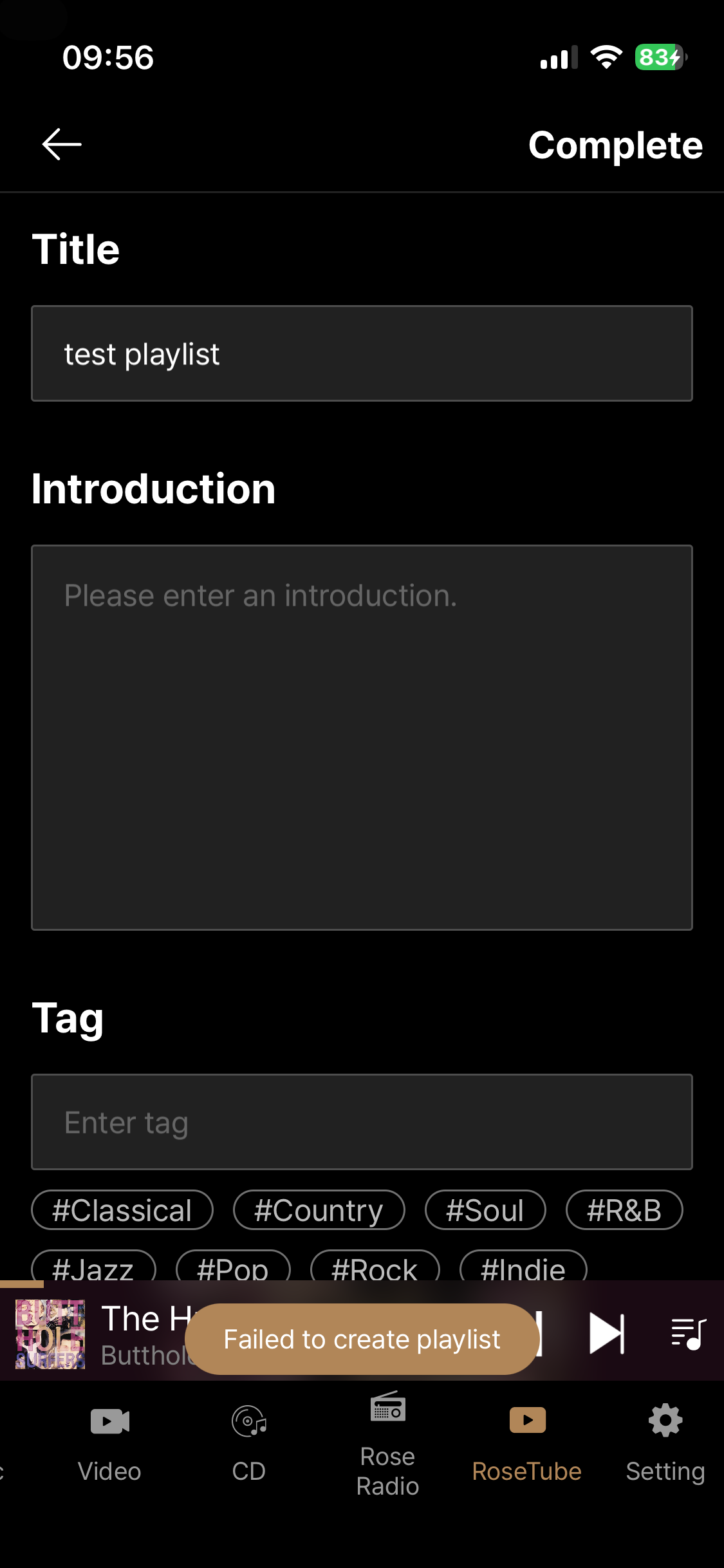
When I do that, I get this screen - as you said - the error message is now in English (“Failed to create playlist”) and not in Korean - but the bottom line is that the track cannot be added to the playlist as intended.
On the Wifi issue, once I have time to test for a longer period of time, I shall let you know about the other weird ‘Connect to Wifi’ screen I get during playback as reported before.
We are not experiencing this issue on our side. Before the problem occurred, on which screen did you add the song and start playing it?
Hi, I really don’t understand your question.
Once again, in RoseTube:
When I use Rose Connect and follow the same process, the video is successfully added to the playlist.
It just doesn’t work when using Rose One.
iPhone 13 Mini iOS 26.3
Rose One 1.0.11
Rose 150 latest 5.9 system version
Original post deleted by author
After updating to Rose One v 1.0.11.1 I am experiencing a problem with playback on both Tidal and Qobuz which does not occur when using Rose Connect Premium.
When I switch on my RS520 from standby using the Rose One app on either my iPhone or iPad and play a track from an album or playlist, the next track is invariably taken from the queue list from a previous listening session !
For example, right now I am listening to Dvorak Symphony 6, 1st movement. The next track in the queue is Silver Springs by Fleetwood Mac which is was what I was listening to in a previous session three hours earlier !
It does not happen all the time. It is random but it does happen most times when I switch on to start a new listening session.
I have tried the following steps to cure the problem but was unsuccessful so far -
As I mentioned, the issue I described does not exist when using Rose Connect Premium.
There are also no playback issues when streaming to the RS520 via -
Separate from the RS520 / Rose One, there are also no problems when streaming to Apple HomePod mini or via Google Chromecast.
I hope the solution is simple. Rose One is a promising app but, based on my user experience, remains “ work in progress” and certainly lacks the stability of the earlier Rose Connect Premium.
Rose RS520. V. 5.9.09
Rose ID OD20OEA
iPhone / iPad ios 26.3.1
Currently, we are unable to reproduce the issue on our side.
Therefore, we would like to ask you for some additional information. Please send the forum link along with your response to the following email address:
Thank you for your cooperation.
Were you able to connect Rose One for Windows to your RS130?
Thank you @ROSEHAN - I’ve just emailed you all the details you have asked.
About 10 days ago, when I first reported this issue on this thread, you were able to replicate it as you actually changed the error message from Korean to English, perhaps suggesting that you encountered the error too?
@domrol
The roseone PC version that I sent you separately via email has not yet been opened to the community.It will be released soon.
We could not find the issue, but we reviewed the translation in the code and corrected it.
I experience the same issue, both with Rose Connect and Rose One. I have a 150b.
Hi, I just casually checked this today and it seems to have been fixed now - I had no reply to my mail to you with all the account info you were asking - was there something wrong with my Rose account that prevented me to add tracks to Playlists in RoseTube?
Or was it something else?