@Rose_love @ROSEHAN @ROSELOA
Hello ROSE Support,
Thank you for your previous response and for forwarding my feedback to the development team.
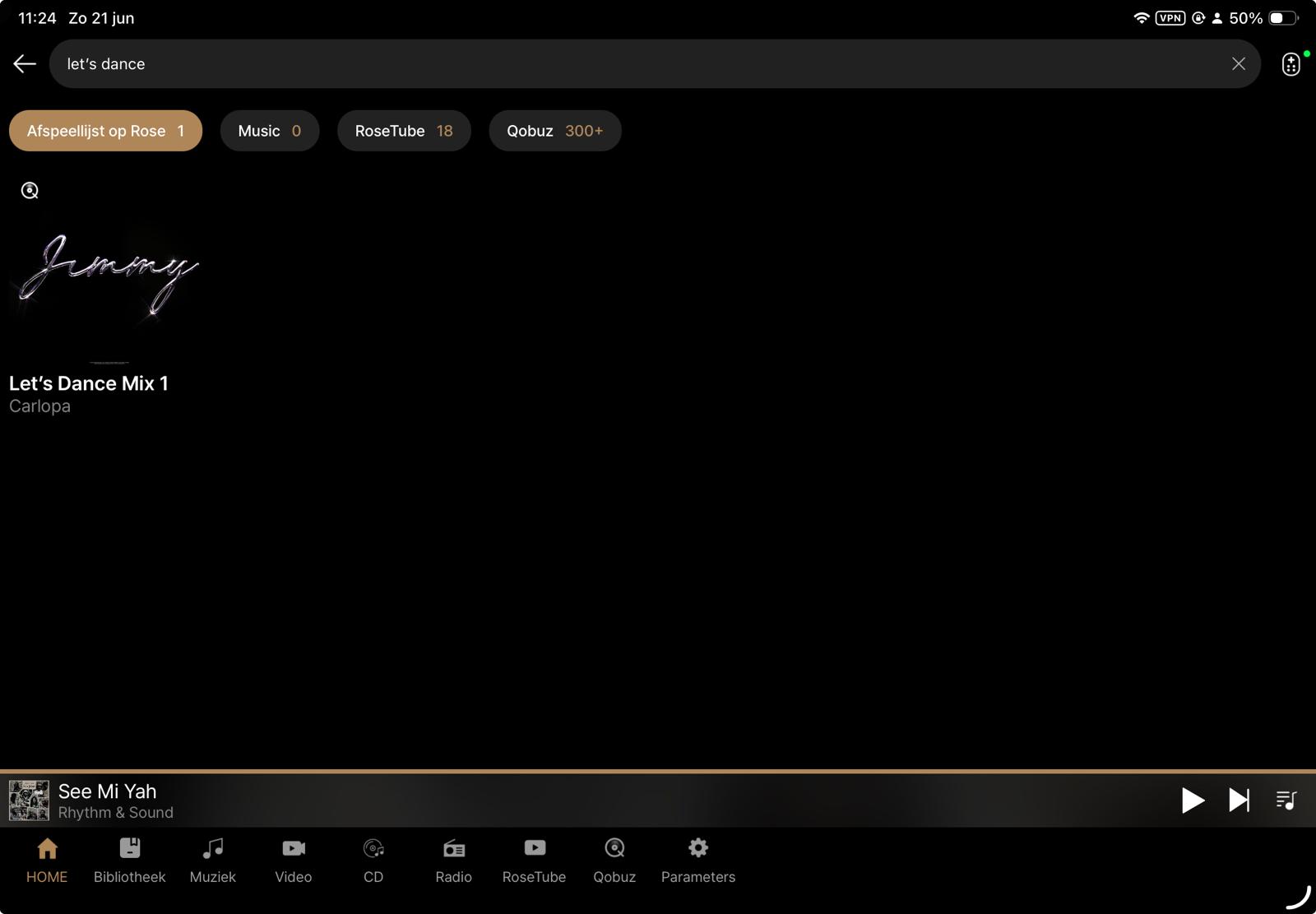
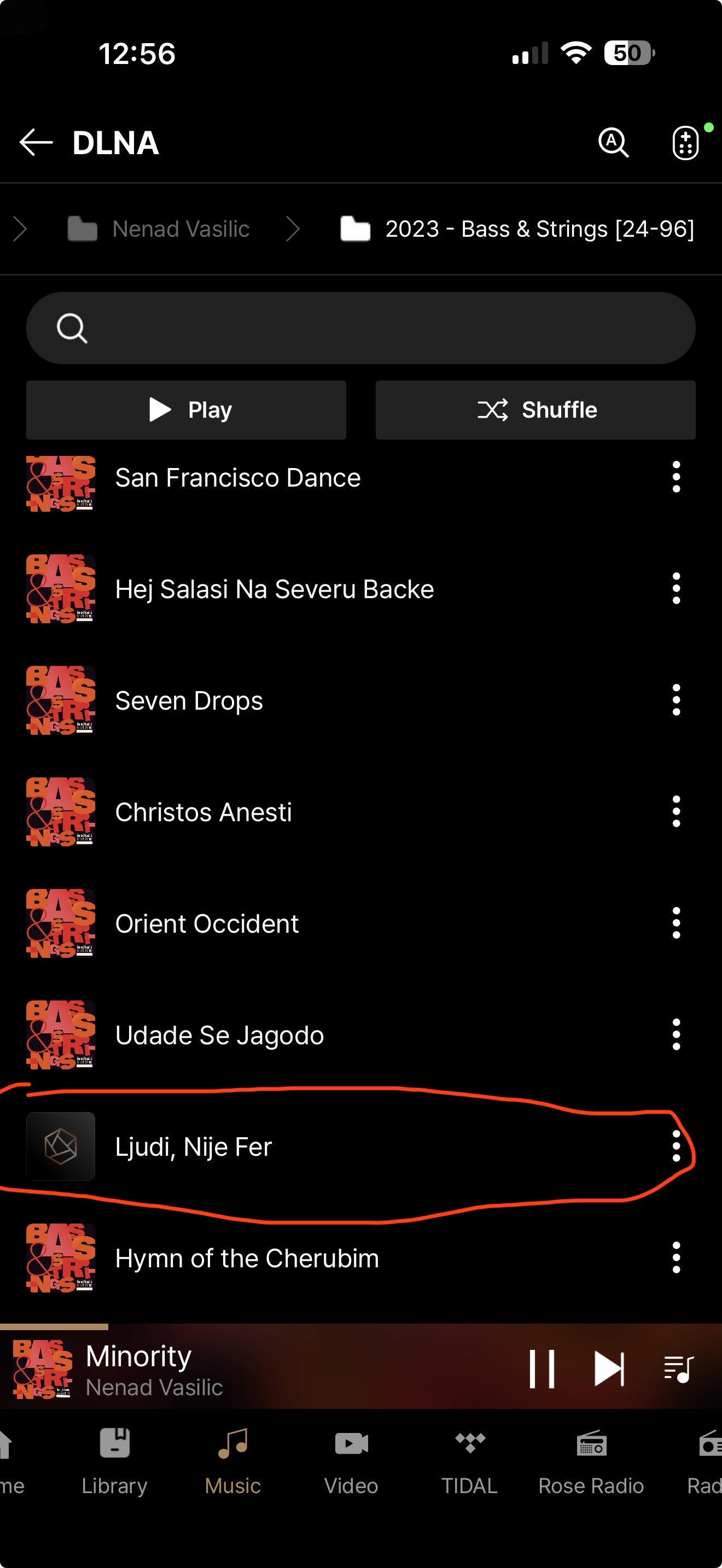
Unfortunately, after installing the latest firmware update, I have to report that the overall search functionality still has not improved significantly.
Technical Analysis of the ROSE Search Function
Purpose
This report summarizes a series of reproducible tests performed on the search functionality of the ROSE platform.
The purpose is not to report isolated bugs, but to demonstrate consistent search behaviour that appears to indicate more fundamental issues within the search engine.
Test Environment
- Local music library
- ROSE application (latest firmware)
- Qobuz integration enabled
1. Missing Tracks in Local Library Search
The following tracks are correctly present in the local music library but cannot be found using the ROSE search function.
| Track |
Artist |
Result |
| Eagle |
ABBA |
Not Found |
| Time |
Pink Floyd |
Not Found |
| Eternal Flame |
The Bangles |
Not Found |
| Feel Me |
Baccara |
Not Found |
| Wild Horses |
The Rolling Stones |
Not Found |
The following tracks are found correctly:
| Track |
Artist |
Result |
| Abacab |
Genesis |
Found |
| Cara Mia |
Baccara |
Found |
| Desert Walk |
Deep Forest |
Found |
| Blind |
Todd Rundgren |
Found (7th result) |
2. Exact Match Ranking
Searching for:
Blind
returns the correct track only as the 7th search result .
An exact title match would normally be expected to appear at the top of the results.
This suggests that the ranking algorithm may not prioritise exact title matches correctly.
3. Search Term Normalisation
Searching for
Dark & Long
returns 9 track results .
Searching for
Dark And Long
returns only 1 track result .
These two searches represent the same title but produce significantly different results.
A modern search engine would normally normalise characters such as “&” and “and” or otherwise produce nearly identical results.
4. Incomplete Artist Track Listing
Searching for:
Underworld
correctly identifies the artist.
However, the Track results consistently stop around titles beginning with the letter D .
Examples shown:
- Dogman Go Woof
- Doris
- Doscentitos
- Do Breakers Trip
- Dune
- D’Arbly St
- D+B Thing
Many well-known Underworld tracks that should also appear are missing, including for example:
- Jumbo
- King Of Snake
- Moaner
- Pearl’s Girl
- Push Upstairs
- Rez
- Two Months Off
This behaviour is fully reproducible and always produces the same result.
The search results appear to be incomplete or truncated.
5. Qobuz Search
The Qobuz search integrated within ROSE behaves differently from the official Qobuz application.
Examples:
| Track |
ROSE Qobuz |
Official Qobuz |
| Eagle – ABBA |
Not Found |
Found |
| Wild Horses – The Rolling Stones |
Not Found |
Found |
| Abacab – Genesis |
Not Found |
Found |
The same searches performed directly within the official Qobuz application immediately return the expected tracks.
This suggests that the issue is not caused by Qobuz itself but by the way ROSE queries or processes Qobuz search results.
6. Artist Metadata Interpretation
During further testing, another inconsistency became apparent that appears to be related to the way artist metadata is interpreted.
Test
Searching for Steely Dan correctly returns:
- the artist Steely Dan ;
- tracks performed by Steely Dan.
However, when selecting the artist page, the displayed content is unexpected.
Instead of primarily presenting the Steely Dan discography, the first tracks shown belong mainly to compilation albums where:
- Track Artist = Steely Dan
- Album Artist = Various Artists
The actual Steely Dan albums are present, but they are mixed with or appear after tracks from compilation albums.
Expected Behaviour
When opening an artist page, users would normally expect the application to prioritise albums where:
Album Artist = Steely Dan
Compilation albums where:
Album Artist = Various Artists
should ideally appear in a separate section such as:
- Appears On
- Compilations
- Guest Appearances
rather than being mixed into the artist’s primary catalogue.
Observation
This behaviour suggests that the artist page is constructed primarily from the Track Artist field, while insufficient distinction is made between Track Artist and Album Artist .
This makes navigation through an artist’s catalogue confusing, particularly for users with large music collections containing many compilation albums.
Overall Observations
The issues observed are consistent across multiple independent tests.
The search engine appears to suffer from several separate but related problems:
- Missing tracks although metadata is correct.
- Exact title matches not prioritised.
- Inconsistent handling of equivalent search terms.
- Incomplete artist track listings.
- Different behaviour between ROSE Qobuz Search and the official Qobuz application.
Taken together, these observations suggest that the current search implementation may not be indexing, querying, ranking or returning search results consistently.
Recommendation
The artist view should distinguish between:
- Album Artist
- Track Artist
- Various Artists compilations
- Guest appearances
Using the Album Artist field as the primary source for constructing artist pages would provide behaviour that is consistent with most professional music library applications and would greatly improve navigation and usability.
Recommendations
The development team may wish to investigate:
- Track indexing completeness.
- Search result ranking.
- Search term normalisation (special characters, “&”, punctuation, etc.).
- Result truncation or pagination.
- Local library search versus Qobuz search implementation.
- Consistency between local and streaming search behaviour.
Conclusion
The purpose of this report is not simply to identify isolated examples, but to demonstrate reproducible patterns.
The search functionality is one of the core features of a music server.
Users with large music collections rely on being able to locate any track quickly and accurately.
At present, the search behaviour is not sufficiently consistent to inspire confidence that every valid track can be found.
Almost every issue described in this report appears to involve the interpretation of music metadata. Whether it concerns search results, artist pages, compilation albums, or missing tracks, the common denominator seems to be the way metadata fields are indexed and used throughout the ROSE platform. Resolving these metadata handling issues could potentially address multiple search and navigation problems simultaneously.
I hope these findings help the development team reproduce the issues and improve what is otherwise an excellent hardware platform.
Best Regards