
Really pleased to see that the screen brightness slider is fixed in this version too.
@luxury_scruff @relaxv20 @Rafa
We’re glad to hear that the issue with the screen brightness slider has been resolved and that you are satisfied.
We have also summarized the inconveniences and feature requests mentioned above and will forward them to our software team for review. If any improvements are deemed necessary after internal evaluation, we will work on implementing them.
I cannot find how to Favorite an artist. I want to make them show in my Library, under My Artists, but when I go to Music > Classification > Artist and click on any artist, there is no heart at the top of the screen, and the triple-dot menu gives me no option to Favorite the artist.
Please advise.
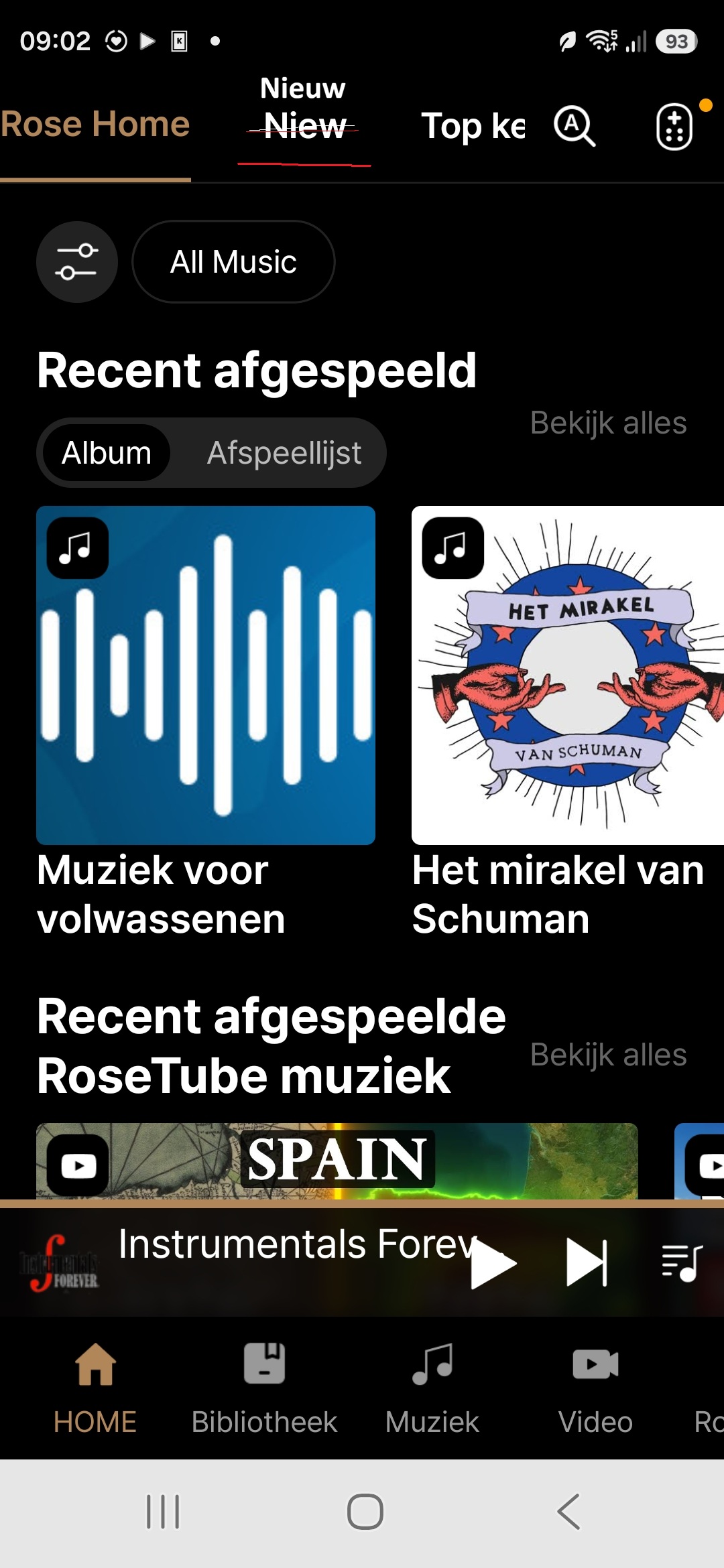
In the Rose One program version 1.18 for both PC and smartphone:
New (English) translated as Niew (Dutch).
This is an incorrect translation. The correct translation word for New from English to Dutch is Nieuw.
Please adjust this in both versions. Check that you also have the necessary ones
need to make adjustments for Mac and iOS versions.
Kind regards.
Andre.
@stodgers
It has been confirmed that the feature you mentioned is currently unavailable.
I will leave a comment once it is confirmed whether it can be added.
If you use music files like FLAC, MP3 this feature should be built into the files as tags.
The ROSE should read out this information from the files and make it available to the user in the Rose Connect , Rose One.
This tags move with the file from one device to the other
But, as of yet, the ROSE can not handle tags properly, thus makes many tagging functions of the files unusable
1 Like
For me the main problem in using local files (internal disc or from a NAS) is, that multi disc albums are not correctly handled.
Searching i.g. for Pettersson results in one album for this composer.
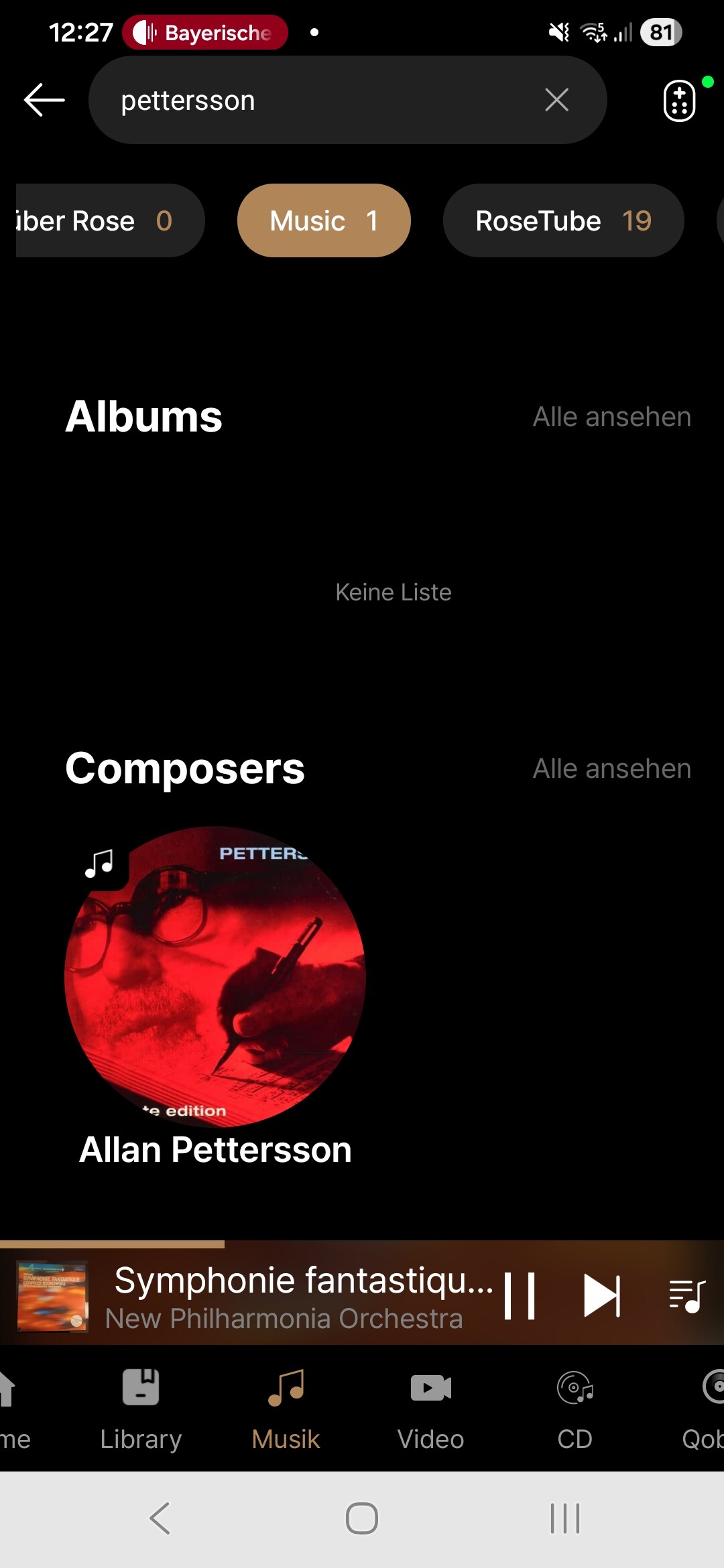
This is only one CD from many:
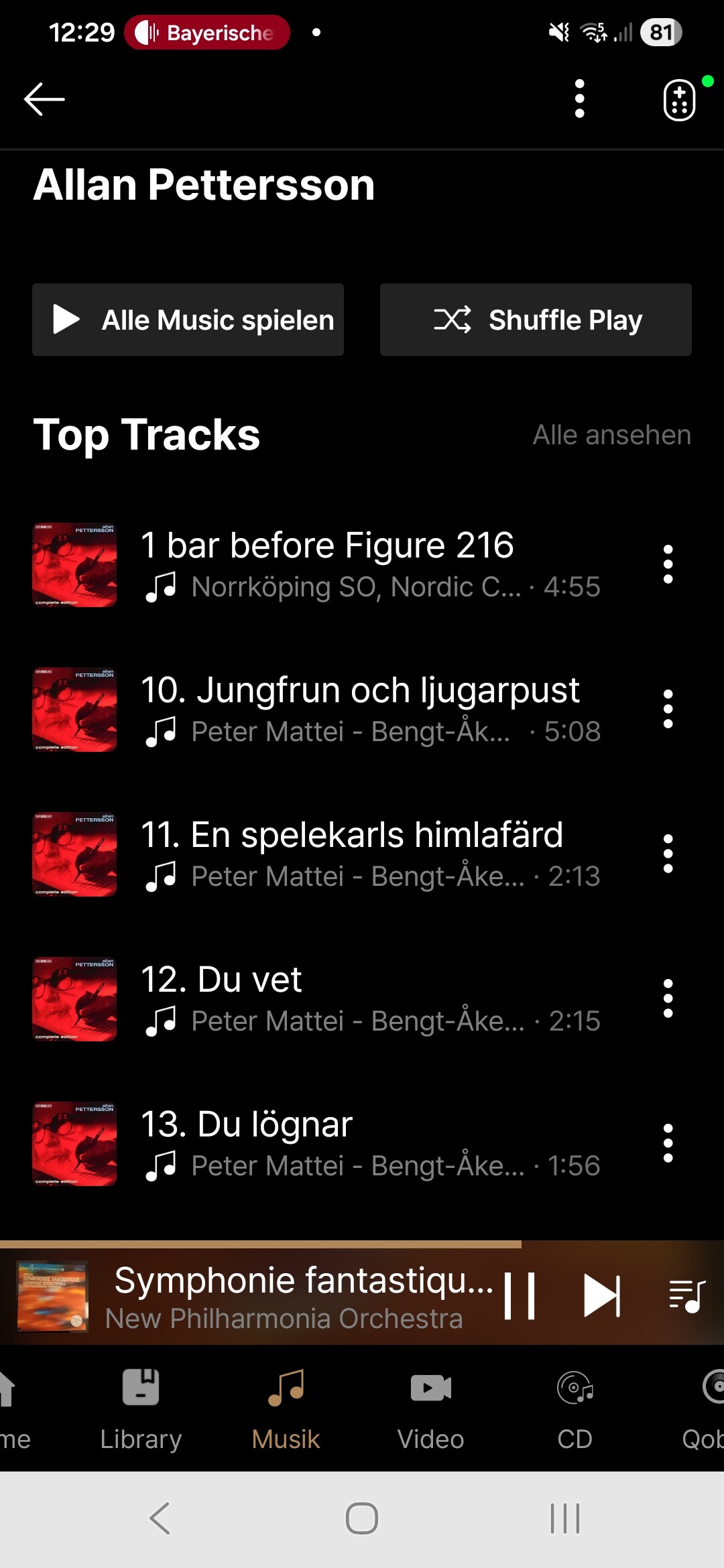
If you go to genre, you’ll see multiple ablums with the same name:
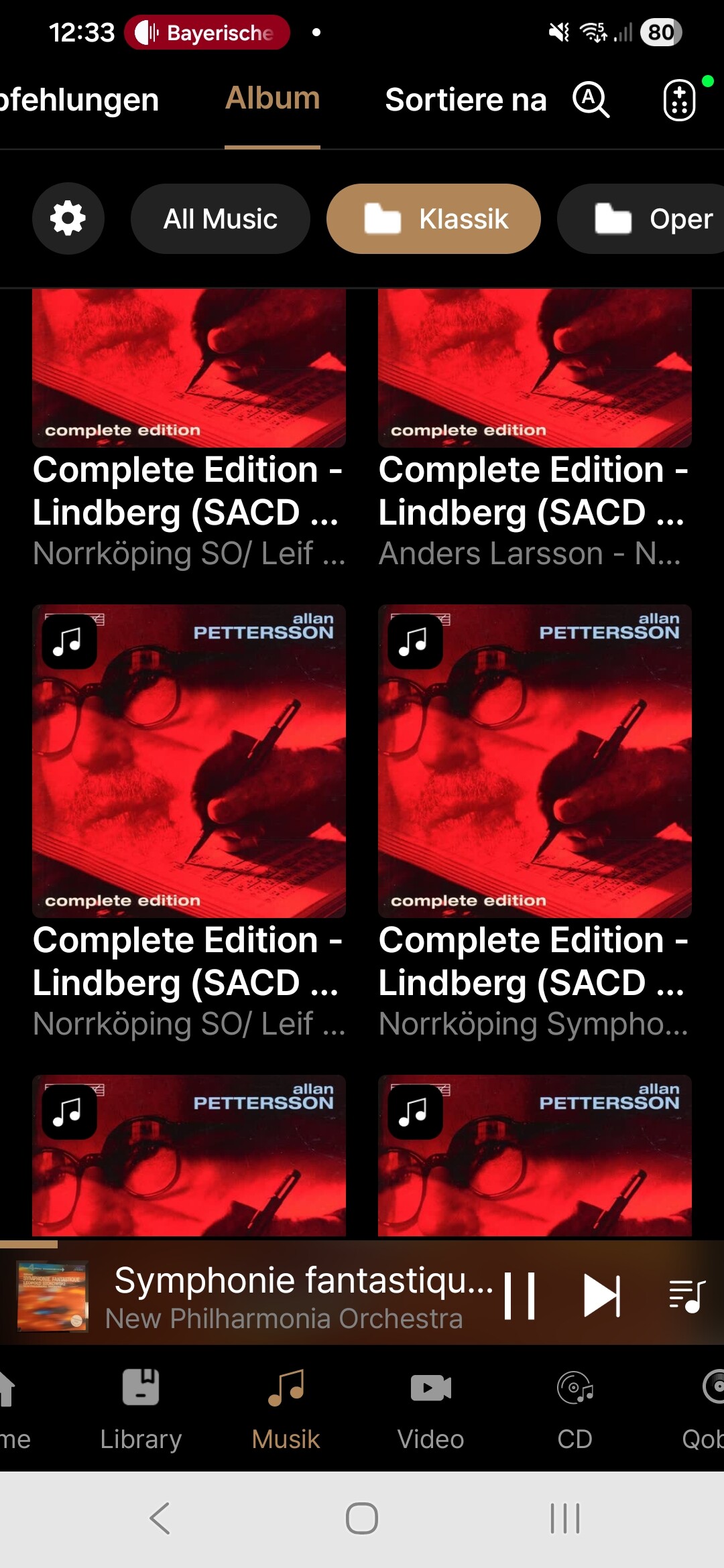
Both isn’t correct (and inconsistent) and because I’ve a lot of multi disc albums a bit bigger library isn’t tradetable for me (only a small part of my library is local on the Rose device, because I’m primarily using it as Roon endpoint) with the internal player.
Rose can not handle genres properly. I mention this here several times.
Also multiple tag entries separated by a separator sign are read as one new word instead of separating each entry and make them available via search and playing
Rose added a new Library component to utlize a feature that doesn’t even exist? 
This kind of thing is very frustrating to a user, to spend time trying to make a new feature work only to learn it can’t.
Rose One läuft auf dem iPad Air (5. Generation) iPadOS 26.3.1 (23D8133) praktischen nur in Zeitlupe und ist da unbrauchbar.
I have the same issue with a galaxy A8 tab. Just so I don’t get an incorrect replacement tablet could you confirm that the RAM requirements are just what the tablet has or does it require 3GB of free RAM over what the Android system requires to function.
So if I get a tablet with 4GB RAM will that be compatible even though Android will use 1.5 to 2GB itself.
Thanks
:“Programming consistency is a hallmark of good programming.”- 
–Unfortunately, Rose lacks it. I’ll wait a few months for the bugs to be fixed. That’s sad.
Hi there!
I belive here we have something to check and or fix. The title bar „flying” is not visible - only half of it. Or this is only on my iPhone and IPad ?
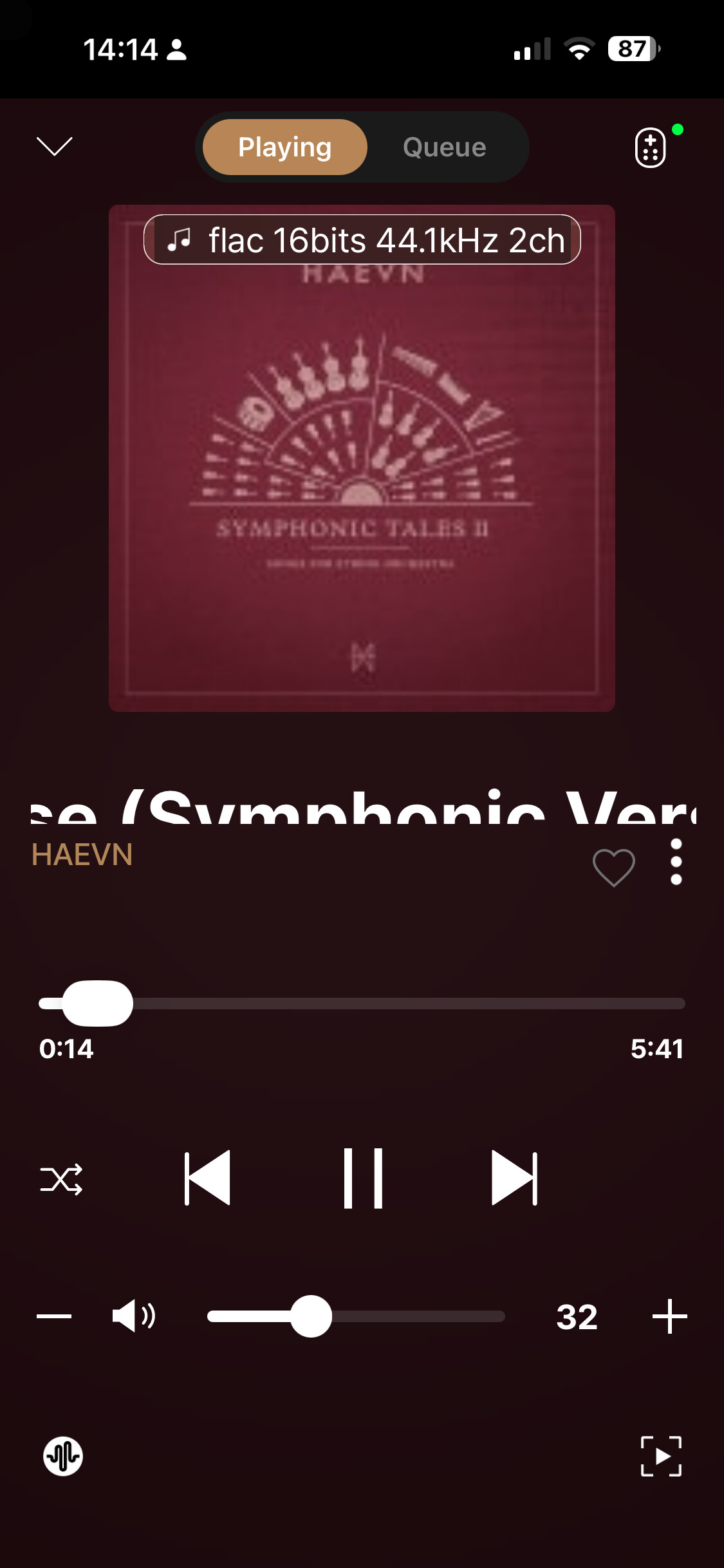
Before we pass this issue on to the software team, we would like to ask you to confirm a few things:
- Does this issue still occur after you delete and reinstall the ROSE ONE app?
- Is your ROSE ONE app currently updated to the latest version?
Thank you for feedback . I’m on the business trip till the mid next week. I will check this when return. The app is last version I belive as downloaded last weekend. I’m 99% using ROON just was courious of new Rose app and figurę out this one issue.
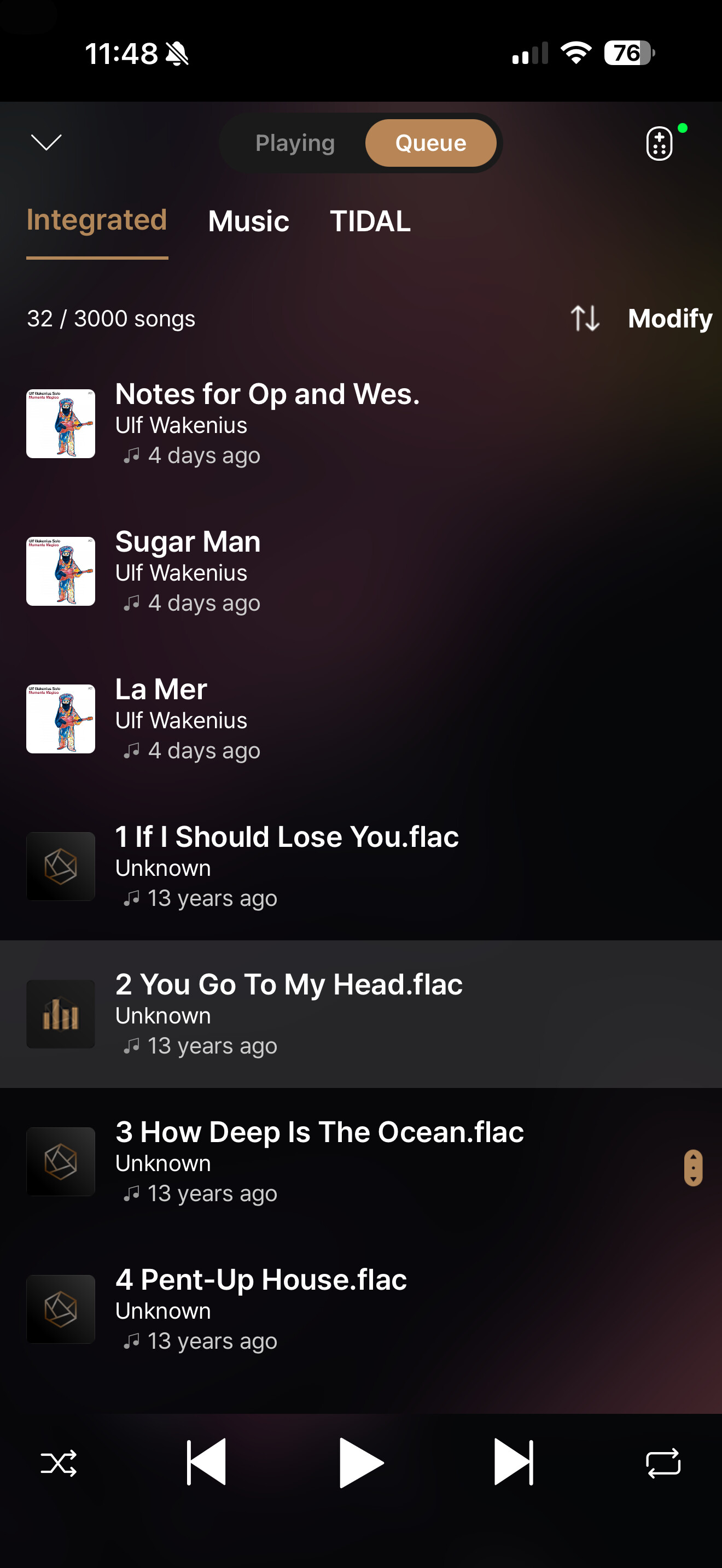
From external usb (hdd/ssd/flash) on history can’t show album cover, author like from nas, tidal etc
I have found and installed the connect one app on my Samsung S22 it works fine. I tried to do the same on my Motorola it runs Android 13 but it will not install. Even if I find the link from Google store to app. The app does not even show up in play store. It should work from Android 7. What do I need to do to install the connect one app?
I have the same issue w my iBasso DX180 where its an android device.
The older Rose Connect works, but the One doesn’t show up in the play store or its being allowed to be downloaded.