
I hold you to your word, I hope that not only words but also actions will confirm this entry.
1 Like
Please update the radio stations, half of them have stopped working. Especially ON-radio?
1 Like
What is this message?
It’s been appearing since I installed the latest software, which has been going on for two weeks.
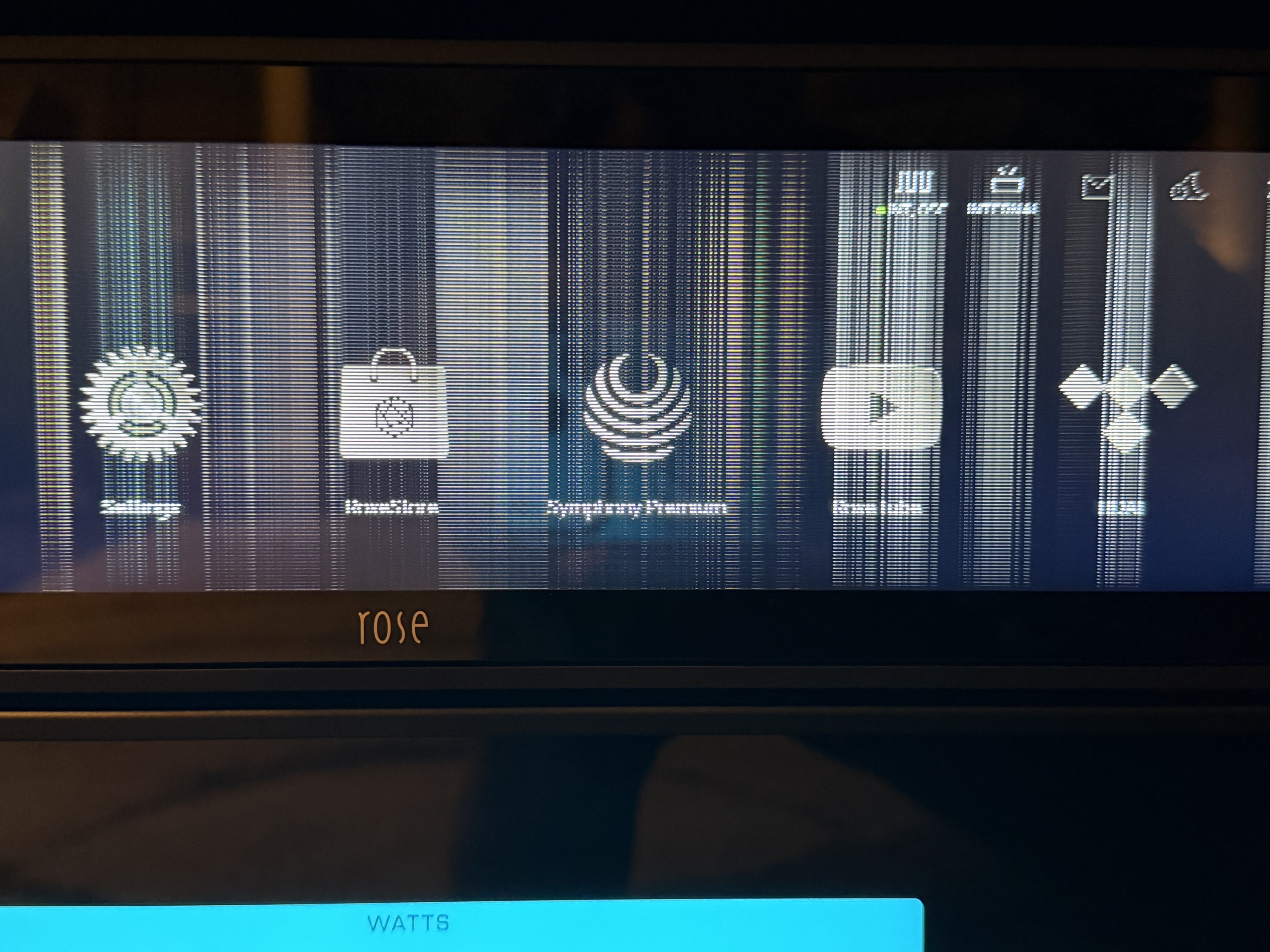
I have the latest system update, and when I turn on my Rose RS 151 and try to listen to music, I get this message on the display:
The system found firmware update file
Previous version: 1.0.22
Latest version: 1.0.24
Do I want to update to the latest version?
Of course, I can check and confirm so that this message doesn’t appear on the RS 151 the next time I turn on the device. Then, hopefully, it won’t show up and cause any more annoyances.
Nevertheless, could you tell me what this message is and why it’s appearing, even though I already have the latest 5.11 software installed on my RS 151?
At the same time, I would like to inform you that a hard reset, i.e. removing the power cable while the device is turned on, does not help, after turning the device on again the message appears on the display again.
@Cougar2025
What you mentioned seems to be the MCU FW, not the RS151 F/W.
Check in Settings > System Info > System Version Info > View Details.
Please refer to the update details below:
19. MCU Update: Improved response speed of the IR remote control volume keys
When you tapped ‘Confirm’, was it not updated to 1.0.24?
The pop-up will no longer appear after the update."
1 Like
I understand that this isn’t an error, but a legitimate update that needs to be installed—is that correct?
Mine does not do this after the update.
@Denis
To investigate the issue in detail, we need to confirm your country and the radio station you are using.
Please provide your country and a screenshot showing the list of radio stations that are not playing, and we will look into it
@Cougar2025
Yes, that’s correct.
Since you aren’t using a separate IR remote control, you don’t need to perform the MCU update as long as you aren’t experiencing any inconvenience with remote usage.
You know, I bought an EverSolo DMP-A10 10 months ago and I think their app beats Rose hands down. I currently have no problems with the EverSolo hardware. And my RS130B works non perfectly after the update.
It’s a disaster. 
I borrowed the Eversolo T10 a week ago to compare it to the RS130
The Eversolo application has many big gaps, especially for the connection, which is not its strong point
When the T10 it was full of defects: microphone sound cut with Ssd playback and loss of connection with Qobuz including one that forced me to do a factory reset!!!
When at the audio level the RS130 does not work best with version 5.11.01 or 5.11.02, we are 4 owners of RS130 to have exchanged and we use an earlier version that gives satisfaction
I returned the T10 without regrets
1 Like
Of course, the application has its flaws in Ever Solo, for example, very often during my test Qoubuz crashed, for some unknown reason, there were also jams and other anomalies, and I won’t even mention the sound, personally I wouldn’t buy Ever Solo even for 50% of this price.
I updated the MCU software, which was displaying the message. After the update, I turned the device off and on again, and to my surprise, a new message appeared, this time about the 5.11.3 system update.
I updated it and so far everything seems fine. I’m wondering where the 5.11.3 update message came from. It turns out I had the 5.11.2 software installed.
Now, in the system information, it shows that I have the 5.11.3 software, and I no longer receive any message about an update being available. 
The T10 gave me more faults in 3 days than my Rs150b and Rs130 in 3 years!!
The application is really not well built and especially not stable
1 Like
@Cougar2025
As per the announcement in the link below, version V5.11.03 has been released this week.
1 Like
How are you doing this? I didn’t think there was the ability to fall back to an earlier version once updated to a newer official version.
You have to send a request by email and then the instructions and files are sent
It allows you to return first to 5.9.09 and to a second update to 5.9.07
1 Like
The question is, why go back to the earlier versions, when on the new software, e.g. RS 151 plays fine and nothing happens, and none of these applications messed up the sound, which Rose has already confirmed several times on the forum.
1 Like
We are 4 to have RS130 on different configurations and have noticed a change in the sound: less wide bass and more aggressive medium.
The transition to previous versions was immediately beneficial
It is not because he says that everything works normally that it is verified, the proof there are 3 successive updates to correct certain problems and it is not yet perfect
After we don’t force anyone to do anything, we noticed this defect, we intervened with the teams that responded to our request
I would be interested to see frequency response curves when a change that made that is audible to you and your friends. In the same listening room, microphone at the same position using the same test track played the same avg SPL. I think it would be useful to the group to have a graphical representation.